Google Veo 3.1 AI Video Generator
Google Veo 3.1 AI Video Generator powered by Google DeepMind, supports generating dynamic clips from static images, extending scenes, adjusting lighting and shadows, and removing objects. The generation results are natural and smooth, widely used in creative production, film concept design, and content creation.
Introduction to Google Veo 3.1 AI Video Generator
Explore Veo 3.1 AI Video Generator — Google's innovative text-to-video tool that leverages advanced AI technology to create stunning, realistic videos with ease.
Examples of Veo 3.1 AI Video Generator
Explore our Google Veo 3.1 AI Video Generator examples to see how our tool converts text and images into stunning, realistic videos.
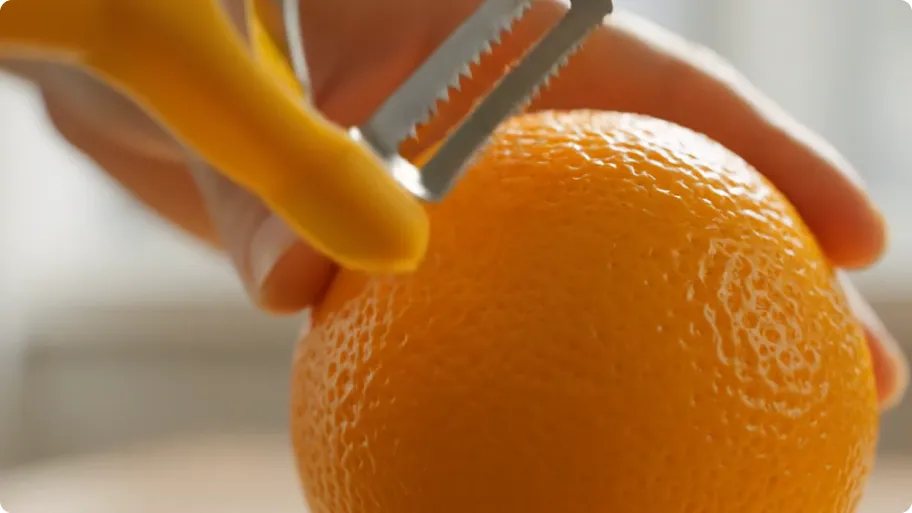
Key Features of Google Veo 3.1 AI Video Model
Google Veo 3.1 AI can generate longer, higher-quality videos—each with just one click, producing ready-to-use short video content with remarkable effects.
Professional Film-Grade Visual Experience
Powered by Google's cutting-edge AI imaging technology and deep learning models, Veo 3.1 generates high-resolution video footage with clear picture quality and rich details, achieving natural lighting and realistic color visual effects.
Enhanced Physics Simulation Capabilities
Light changes, shadow casting, water reflections, material textures, and other effects more closely match real-world performance.
Upgraded Consistency Control
Characters, scenes, and actions remain stable and consistent across multiple frames/shots, reducing visual jumps, style inconsistencies, and other flaws.
Applications of Google Veo 3.1 AI Video Generator
Discover the versatile applications of Google Veo 3.1 AI Video Generator—from film creation and social media short videos to brand marketing, education and training, and virtual reality content creation. This advanced tool helps you easily transform text descriptions into high-quality, ultra-realistic video works, improving creative efficiency, saving time costs, and bringing every creative vision to vivid life.
Film Creation & Cinematic Prototyping
Creators can use Veo 3.1 to quickly transform text descriptions into cinematic short films, such as dramatic segments, sci-fi scenes, or emotional narrative clips, with precise camera movements, character consistency, and style matching, significantly improving film content production efficiency.
Marketing Videos & Advertising Production
Brand marketers can generate high-quality short video ads, product showcases, or promotional clips through Veo 3.1. Not only is the cost far lower than traditional filming, but it also allows for rapid content iteration, effectively increasing brand exposure and reach.
Social Media Short Video Content
Suitable for YouTube Shorts, TikTok, Instagram Reels, and other platforms, Veo 3.1 can generate attention-grabbing short videos with sound effects and visual filters, helping social media creators enhance content appeal and engagement rates.
Education & Training Videos
Teachers and educators can use Veo 3.1 to create instructional videos, teaching demonstrations, and animated educational materials. With AI's audio-visual synchronization capabilities, it enhances teaching effectiveness and makes complex concepts more vivid and understandable.
How to Use Google Veo 3.1 AI Video Generator
Step 1: Enter Video Prompt or Upload Image
Enter your video prompt or upload an image for video generation. Providing a detailed description or reference image will help the AI produce better video results.
Step 2: Generate Video
Click "Create" and wait 5-7 minutes. AI will process your prompt and generate high-quality videos to bring your creativity to life.
Step 3: Download and Share
Preview generated videos, download in high resolution, and share your works on social media and other platforms.




