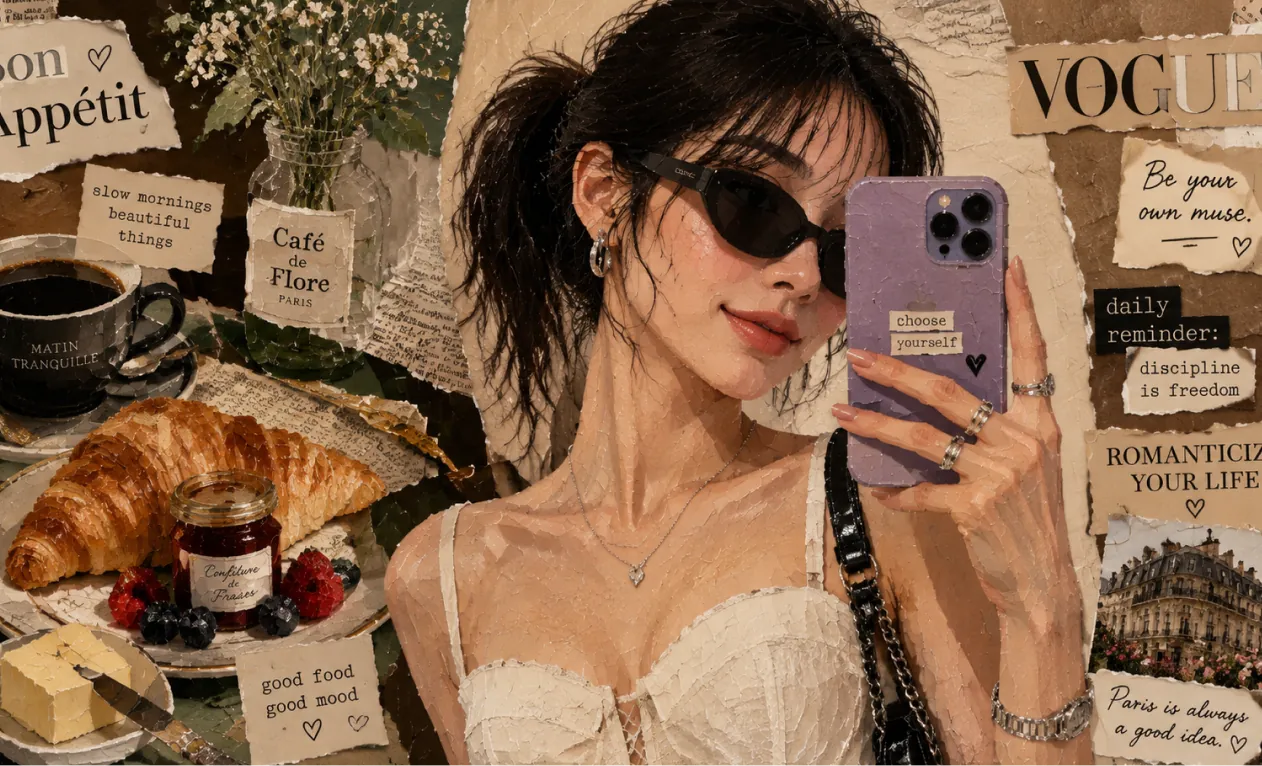
AI Image Generator: #1 High-Quality AI Image Tool
Transform text / images into stunning images with AI Image Generator. Creating images with advanced models including SeeDream 4.0 and HiDream I1.
Examples about Hey Dream AI Image Generator
Explore AI Image Generator examples across design mockups, product concept boards, documentary-style scenes, architectural visualization, concept art, and world-building.
Convert Text to Images
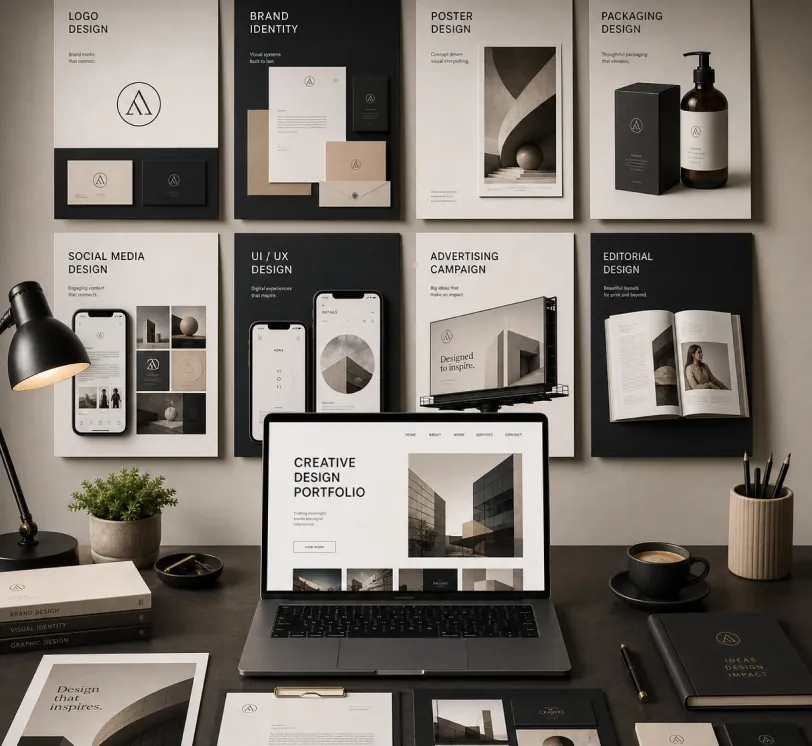
Create a premium graphic design portfolio mockup in a professional creative studio style. Show a clean, elegant workspace presentation featuring multiple graphic design project cards arranged in a refined grid layout, a modern laptop screen displaying a portfolio homepage, and several printed posters laid out neatly on the desk and mounted on the wall.Use a polished creative-director aesthetic with soft shadows, subtle depth, realistic materials, and a high-end studio atmosphere. Include sleek typography placeholders, branding samples, editorial-style poster designs, business cards, stationery, notebook, pen, coffee cup, desk lamp, and small plant for a realistic studio setup.The design should have a clean grid layout, balanced spacing, soft realistic shadows, premium lighting, and neutral luxury tones such as black, white, warm beige, gray, champagne, and cream. Make the laptop screen show a minimal portfolio interface with project thumbnails, navigation menu, and bold hero text.Add multiple portfolio project cards such as logo design, brand identity, poster design, packaging design, social media design, UI/UX design, and advertising campaign mockups. Arrange everything professionally with a modern minimalist style, sharp details, clean typography, elegant composition, and a premium creative agency presentation look.Style: high-end graphic design portfolio, modern creative studio, luxury branding mockup, clean desk setup, realistic shadows, editorial layout, minimalist premium design, professional presentation, 4K, ultra-detailed.
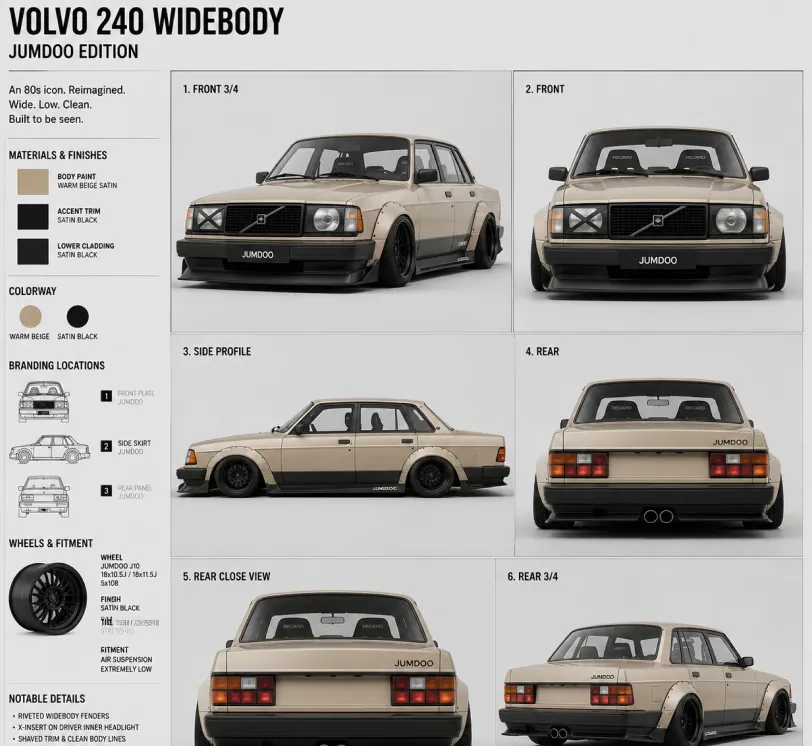
Create a clean 1:1 automotive design specification board on a light gray studio background. Feature a highly detailed 1980s Volvo 240 widebody show car, JUMDOO EDITION, in warm beige satin paint with satin black accents. The car should have a boxy Volvo 240 silhouette, very low air-suspension stance, extra-wide track width, riveted wide fender flares, deep black front splitter with near-ground clearance, black side skirts, black lower cladding, black deep-dish multi-spoke wheels, stretched low-profile tires, black grille with Volvo diagonal slash, one inner front headlight covered by an X-pattern insert for an asymmetric look, shaved clean body trim, dual center exhaust, and visible racing bucket seats. Add small JUMDOO branding on the front plate area, side skirt, and rear panel. Arrange six studio render views in a 3x2 grid: front 3/4, front, side profile, rear, rear close view, and rear 3/4. Use crisp realistic 3D product-render lighting, soft shadows, black sans-serif typography, thin gray divider lines, and minimal Swiss-style layout. Include a top-left title: VOLVO 240 WIDEBODY, subheadline: JUMDOO EDITION. Add small side panels for material swatches, colorway, branding locations, wheels and fitment, and notable details.
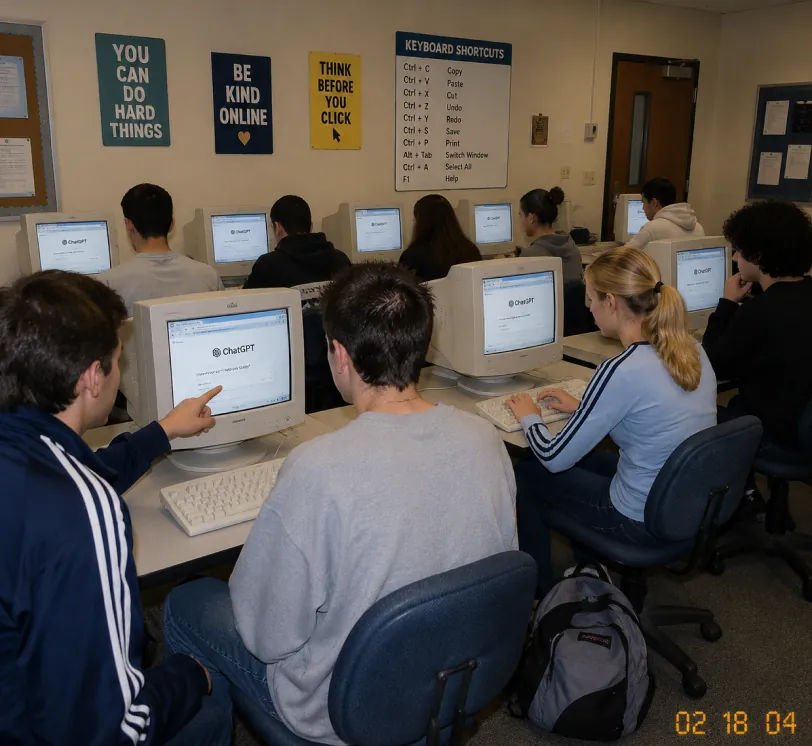
A candid documentary-style photo of a high school computer lab classroom with exactly 10 students. Viewed from the back-left corner at a slight wide angle. Early-2000s snapshot look: consumer digital camera, direct flash, soft grain, warm fluorescent lighting, timestamp "02 18 04" in bottom-right corner.Foreground details: Left: student in navy track jacket with white stripes pointing at CRT monitor Center: student with short spiky hair in oversized gray sweatshirt, back to camera Right: blonde girl with ponytail in light blue long-sleeve top with dark stripes, typing on keyboard Far right: student with curly dark hair at workstation Other students sit in middle and back rows, all facing their screens. Bulky off-white CRT computers show ChatGPT interface with "ChatGPT" heading and simple prompt text visible. Room details: beige walls, drop ceiling, rolling office chairs, white keyboards and mice, backpack on floor. Back wall has 4 readable posters: "YOU CAN DO HARD THINGS", "BE KIND ONLINE", "THINK BEFORE YOU CLICK", and a large "KEYBOARD SHORTCUTS" poster. Also bulletin boards and a classroom door at the back. Faces softly anonymized or partially obscured. Realistic classroom photo style, focus on students using ChatGPT in an old computer lab.
Sketch to Realistic Rendering
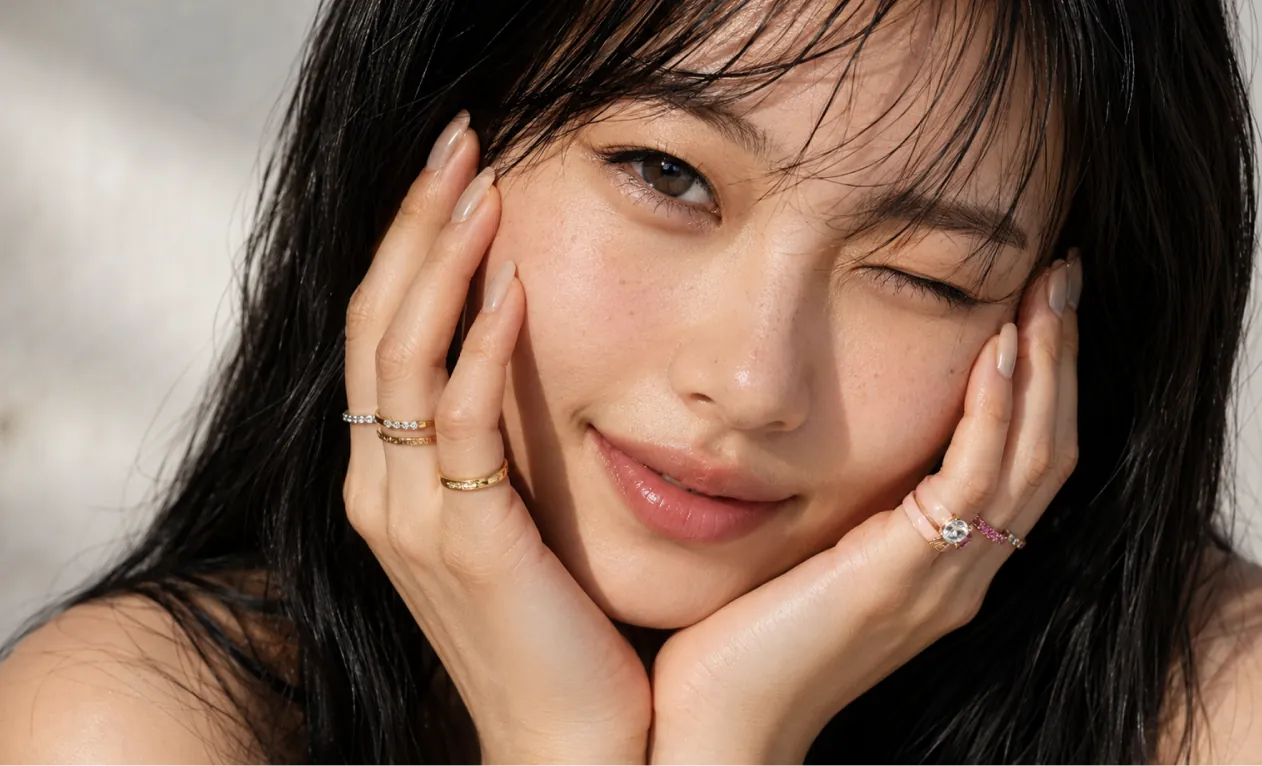
A professional hand-drawn architectural sketch of a modern Japanese-style house, isometric view, 3D floor plan. The house features a central Zen courtyard with a single bonsai tree and white gravel. Interior shows a tatami room with sliding shoji doors, and a compact kitchen. Fine pen and pencil hatching, clean black ink lines on white paper. Includes architectural dimension lines and handwritten numbers. Soft natural lighting, placed on a wooden desk background with a fountain pen nearby, hyper-realistic photography of a drawing, high detail.
Based on this floor plan, generate a photorealistic rendering of the interior. A Japanese-inspired minimalist house with warm hinoki wood tones, a central courtyard garden visible through floor-to-ceiling glass with a single red maple tree, tatami flooring, an engawa wooden veranda with dappled afternoon light. Sliding shoji screens partially open. Match the layout exactly.
Concept Art and World Building
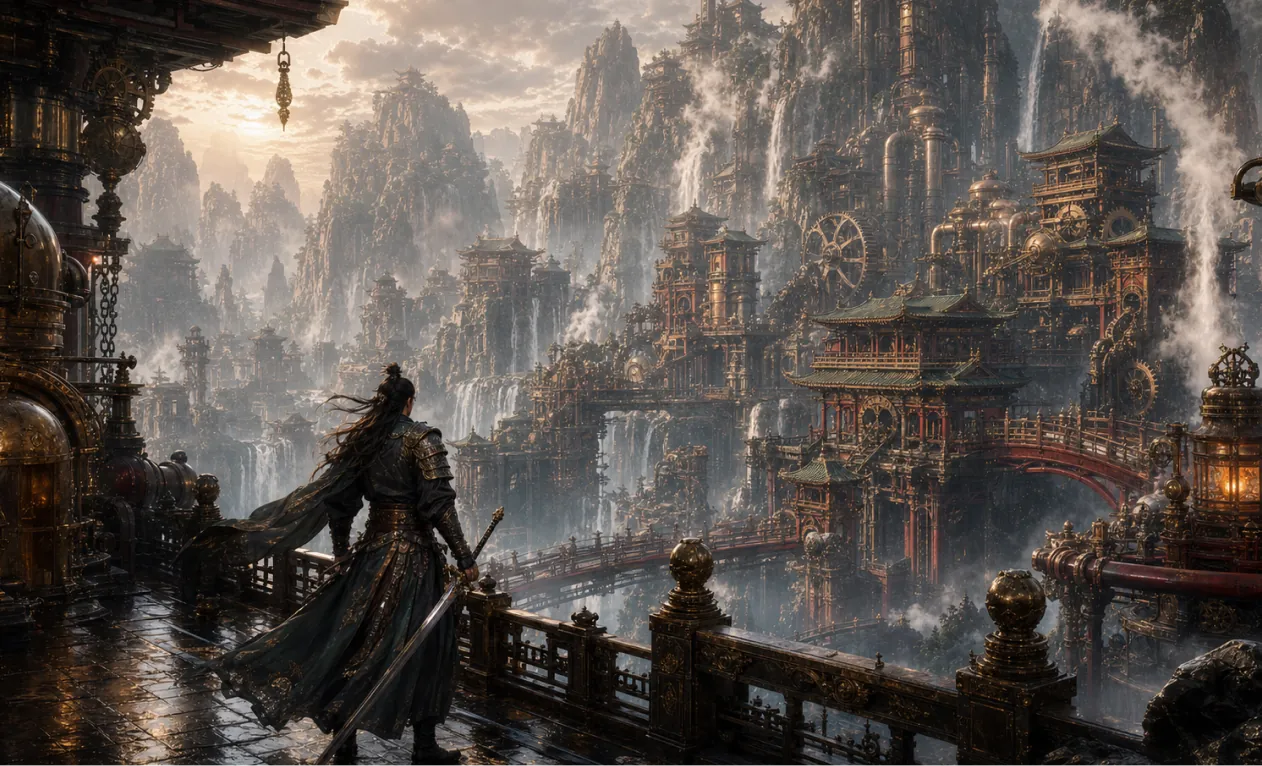
Generate a 16:9 game concept art of Chinese martial arts and steampunk fusion style, without any text.
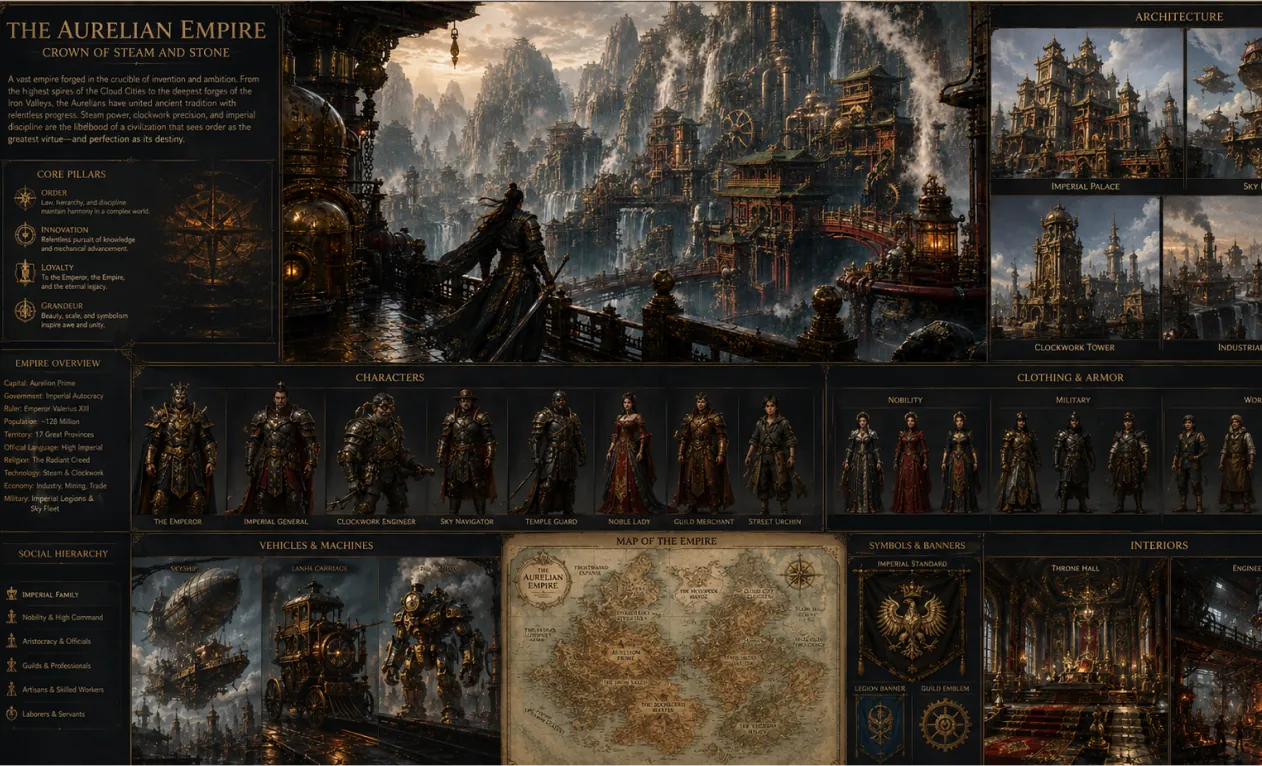
Create a complete visual world-building model for a civilization with the style of reference image, including multiple images of buildings, characters, clothing, vehicles and maps, using a unified design language and featuring a cinematic-like realism with extremely rich details.
Core Advantages about AI Image Generator
Providing efficient and controllable image generation and editing experience for individual and enterprise users, supporting diverse style creation, flexible customization, and convenient application.
Character Consistency
Regardless of changes in pose, lighting, or scene, the main subject's characteristics remain consistent, presenting coherent and natural narrative effects.
Design Extension
While preserving core structure and details, different artistic styles or textures can be flexibly applied to achieve creative reinterpretation.
Creative Synthesis
Integrate multiple image elements into the same prompt to generate unique and harmonious overall compositions.
Use Cases about AI Image Generator
AI Image Generator can be widely applied in poster design, brand marketing, educational presentations, and artistic creation. It supports flexible control over image and text details, enhancing creative efficiency and visual impact, providing efficient and professional creative support for designers, enterprise teams, and educators.
Rapid Prototype Design
AI Image Generator supports fine editing of posters and various visual content, flexibly adjusting fonts, sizes, and styles, perfect for event promotion and brand marketing scenarios.
Education and Learning Assistance
In the education field, AI Image Generator can generate and edit teaching-related images, assisting in the creation of textbooks and learning resources, enhancing classroom presentation and teaching efficiency.
Enterprise Marketing and Brand Promotion
AI Image Generator can help enterprises efficiently create marketing materials and brand visual content, strengthening brand image and enhancing market competitiveness.
Cultural Creativity and Artistic Creation
AI Image Generator provides rich creative tools for artists and designers, supporting style transformation and diverse expression, expanding the possibilities of artistic creation.
How to Use AI Image Generator
This guide provides helpful instructions to make the most of the AI Image Generator tool.
Step 1: Choose Your Preferred AI Model
Select the fittable model for image creation.
Step 2: Enter Your Text
Enter your prompt for image creation.
Step 3: Select Image Aspect Ratio
Select the appropriate image aspect ratio for your image.
Step 4: Click Generate and Get Your Image in Seconds
Create Image
FAQs of Hey Dream AI Image Generator
More Articles & News about Hey Dream AI Image Generator
Seedream 5.0 Pro Image Creation: Professional Product Visuals, Posters, and Precise AI Editing
Create product visuals, posters, infographics, and precise AI edits with Seedream 5.0 Pro on HeyDream using references, prompts, and review checks now.
Best Free GPT Image 2 Generator? Testing HeyDream for Images, Posters, and AI Editing
Testing HeyDream as a free GPT Image 2 generator for images, posters, editing, product mockups, brand kits, social graphics, prompts, and creator workflows.
Free Seedream 4.5 and Seedream 4.5 API: How to Try the Image Model Online
Learn how to try free Seedream 4.5 on HeyDream AI and when to use the Seedream 4.5 API on Flaq AI for scalable image workflows, editing, and team use today.
HeyDream AI Website Updates: A New Creative Launchpad for Images, Videos, and 3D
HeyDream AI’s new homepage turns image, video, and 3D creation into a faster one-screen creative launchpad for creators.
GPT Image 2 OpenAI API: What It Offers and How to Try It
Explore ChatGPT Image 2 as a creative engine for API-powered visuals, brand mockups, social content, and next-step AI workflows.
HeyDream AI Image Generator Guide: Best Models for Text-to-Image and Image-to-Image
Learn how to use HeyDream AI’s image generator for text-to-image and image-to-image creation, with model comparisons and Nano Banana 2 tips.

