Tripo 3D 2.5 — Intelligent Image to 3D Conversion & Model Generation
Release your creative imagination instantly. Tripo 3D 2.5 is an AI-powered intelligent tool for converting images to 3D models. Simply upload one or more images (or use platform templates / AI-generated assets), and the system will automatically analyze the image structure to generate high-quality, usable 3D models. No modeling experience or complex operations required—achieve professional-grade 3D visual results, quickly and easily.
Overview of Tripo 3D 2.5 AI Model
Explore Tripo AI's Cutting-Edge Image-to-3D Model
Core Features of Tripo 3D 2.5 AI Model
Tripo 3D 2.5 possesses comprehensive core capabilities in image understanding, 3D reconstruction, and model generation, covering the entire process from 2D input to 3D output to meet diverse creative and application needs.
Users can upload product images, portraits, or object photos. The system will automatically identify the main structure and generate the corresponding 3D model.

Original
Generated
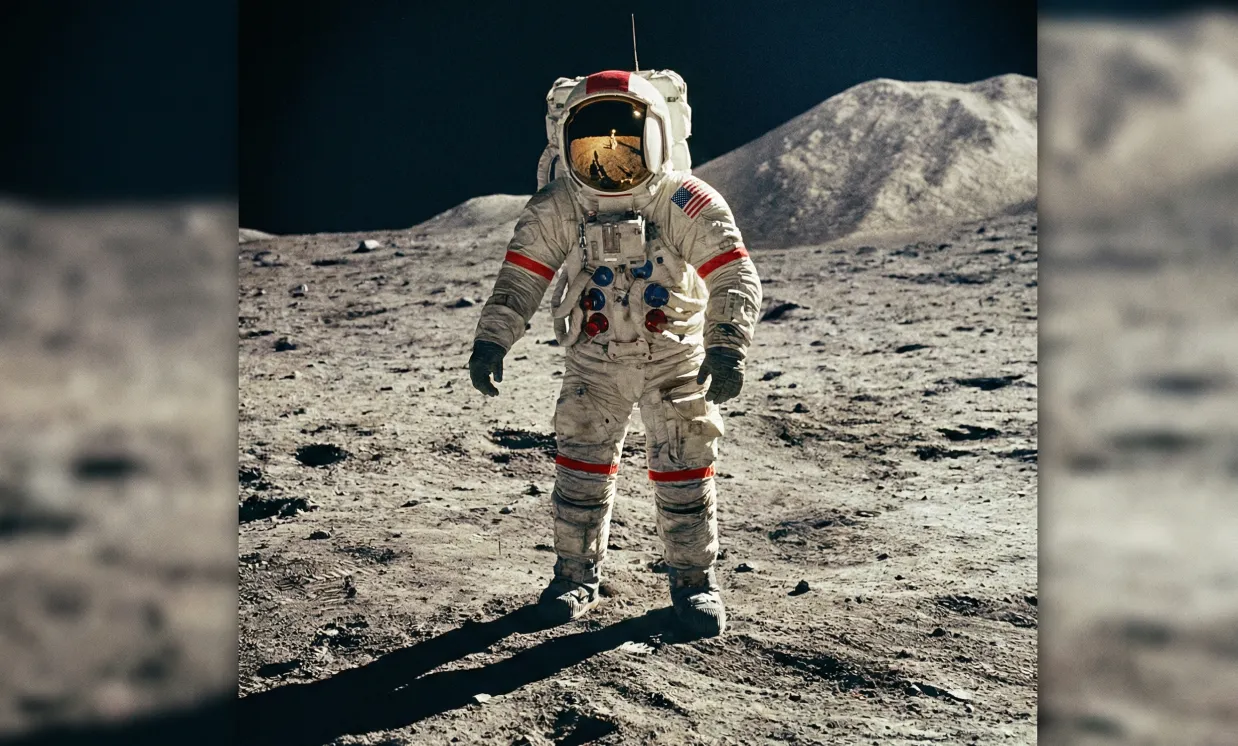
Even without existing materials, AI can directly generate a base image and further convert it into a 3D model, significantly lowering the threshold for 3D creation.
Original
Generated
The system deeply analyzes images and performs spatial reasoning, outputting 3D models with reasonable structure, accurate proportions, and natural details.

Original
Generated
Core Advantages of Tripo 3D 2.5 AI Model
The core advantage of Tripo 3D 2.5 is the automation of what was once a highly complex and specialized 3D modeling process. Users can obtain high-quality, realistic, and usable 3D results in a short time while maintaining model fidelity.
Efficient Generation, Significant Time Savings
AI completes the entire process from image to 3D model within seconds to minutes, greatly reducing the time needed for 3D production.
Realistic Structure & Detail Restoration
Models achieve consistency in overall structure, proportion, and local detail, making them suitable for display, preview, and further editing.
Adaptable to Multiple Input Methods
Supports uploading real images, using platform templates, or generating assets entirely by AI—adapted for all experience levels and application needs.
Suitable for Personal & Commercial Use
No matter if you are a designer, content creator, product team, developer, or brand, you can easily generate 3D assets ready for direct use.
Use Cases for Tripo 3D 2.5 AI Generation
Tripo 3D 2.5 is widely applicable in product showcasing, 3D design, content creation, and digital asset production. It helps users enter 3D creation with lower cost and higher efficiency.
Product & E-commerce Display
Quickly convert product images into 3D models for 3D product showcases, interactive previews, or AR/VR scenarios.
Design & Creative Workflow Acceleration
Rapidly generate 3D drafts without starting modeling from scratch, accelerating solution validation and design iteration.
Marketing & Visual Content Creation
Generate high-quality 3D assets for ads, official websites, demo videos, social media, or brand campaigns.
Prototype Preview & Concept Validation
Create 3D presentations for product concept stages, team reviews, or client communications—reducing trial-and-error and communication costs.
How to Use Tripo 3D 2.5 AI Generator
The workflow of Tripo 3D 2.5 is simple and intuitive—no 3D modeling experience needed. Just upload an image, and the system will automatically analyze the structure, proportions, and spatial details to generate a corresponding 3D model.
Step 1: Upload an Image or Use AI-Generated Material
Upload a real image, or instantly generate the material you need using AI.
Step 2: AI Automatically Parses and Generates 3D Model
The system analyzes the image’s structure and reconstructs spatial information, then automatically generates the corresponding 3D model.
Step 3: Preview and Download 3D Result
Preview the generated result online, and download files in common 3D formats for presentation, editing, or commercial use.
FAQs about Tripo 3D 2.5 AI Generator
More Articles & News about Tripo 3D 2.5 AI Generator
Tripo 3D Guide: How to Turn Images into 3D Models with HeyDream AI
Learn how to use Tripo 3D 2.5 on HeyDream AI for image-to-3D model drafts, source prep, prompts, multi-image references, geometry review, and export planning.
Tripo 3D Model AI Creation: How to Turn Images into 3D Models with HeyDream AI
Learn how to turn images into quick 3D model drafts with Tripo 3D 2.5 on HeyDream AI, including source image prep, prompts, workflow steps, and quality checks.

