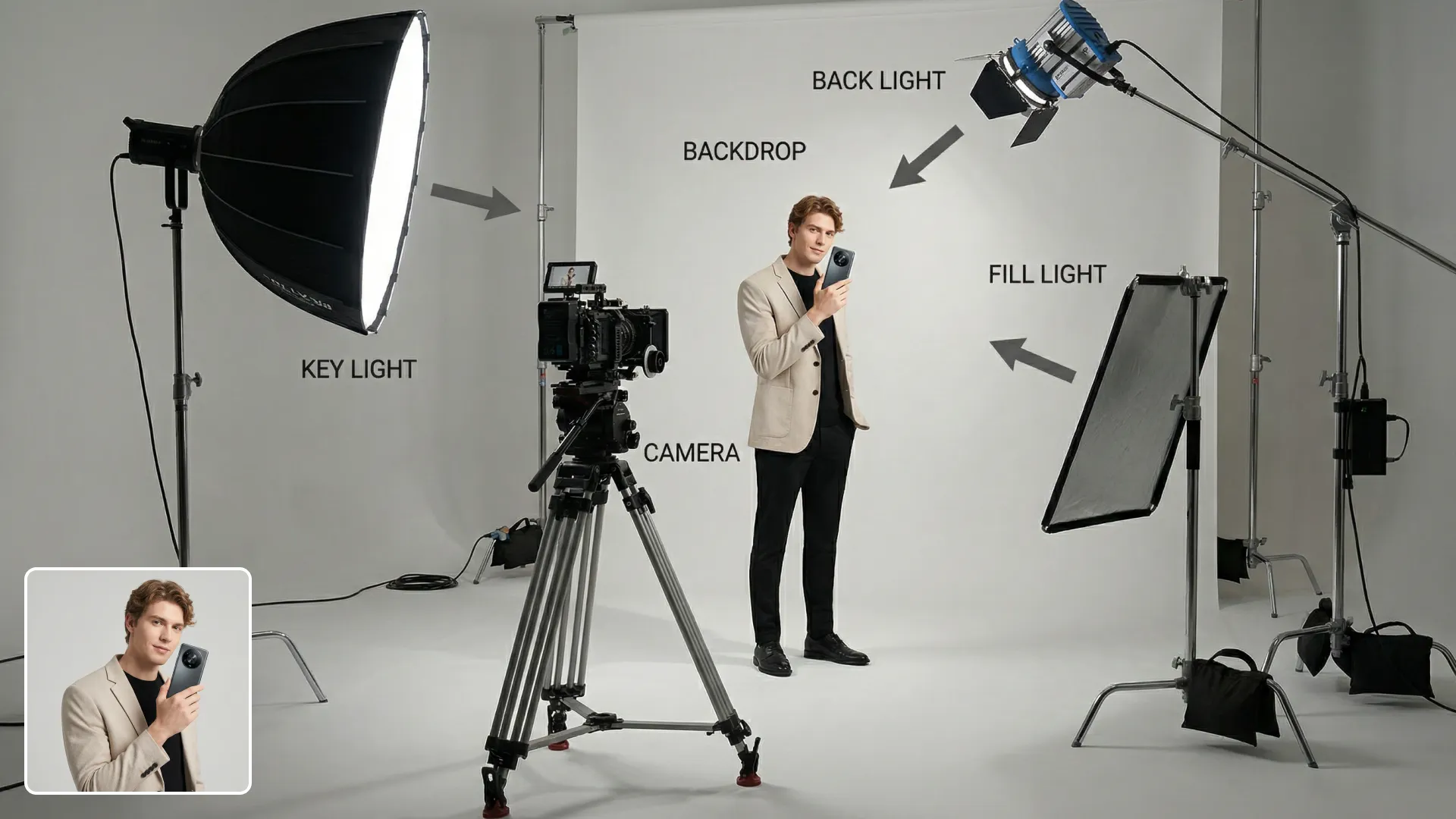
AI Image-to-Image Editor: Consistent Image Transformation Tool
Transform your images into magical creations with Hey Dream AI Image-to-Image Converter. Advanced AI tools bring new creativity to your photos and enable stunning transformations with ease.
Core Features of Hey Dream AI Image-to-Image Editor
Combines multiple advanced model approaches to ensure key features and subtle details are fully preserved during image transformation.
The AI image-to-image converter enables high-quality style conversion and reconstruction while maintaining original characteristics and details.

Original
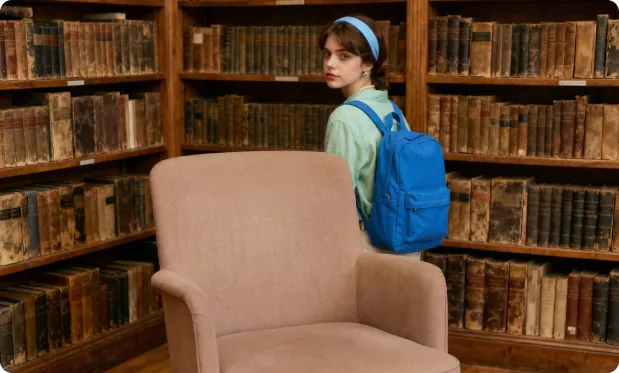
A girl with a backpack, standing relaxed near a bookshelf and behind a chair. Keep every other detail in the scene completely unchanged.
The AI image-to-image converter supports fine-grained control of style transfer while preserving the source image's complete content.
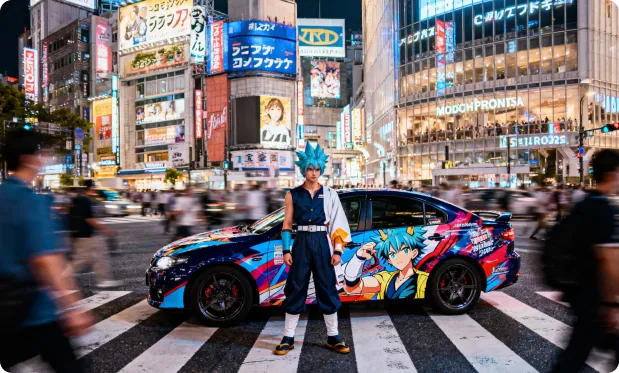
Original
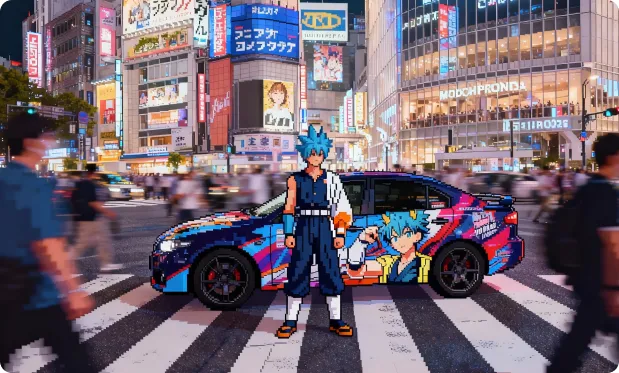
Convert a realistic image into retro, grid-style pixel video game art.
The AI image-to-image converter preserves the original structure and layout during transformation, enabling creators to achieve more accurate composition control and generate high-quality, stable output images.
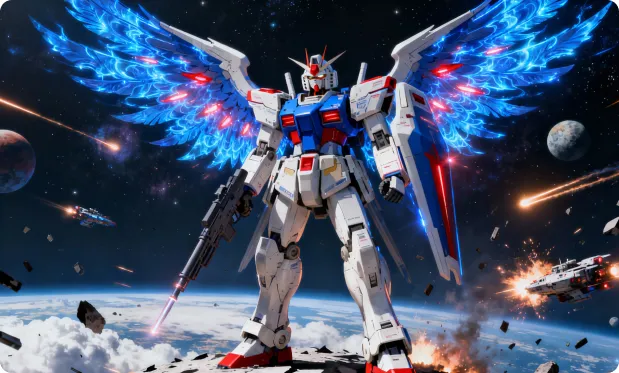
Original
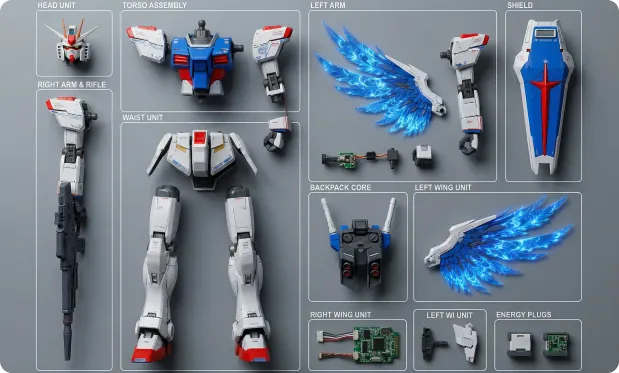
Ultra-realistic 8K overhead photo in strict knolling style. Take the object from the reference image and fully disassemble it into 8 to 12 main parts, arranging them neatly in a grid or radial layout on a minimalist wood or matte gray tabletop. Use uniform spacing and perfect alignment, no overlap or extraneous items. The scene is softly and diffusely lit by multiple light sources, casting subtle shadows and balancing neutral colors, with all elements in perfect focus. Show highly detailed real-world materials (metal, plastic, rubber grips, circuit boards, screws). For each part, add a slim white rectangular border, and place a short, clear English label next to it in a simple sans-serif font, not covering the part; annotations must be legible and not intrusive.
Core Advantages of Hey Dream AI Image-to-Image Converter
A professional AI image-to-image tool offering high-resolution outputs and a streamlined, user-friendly interface. Easily generate high-quality works from reference images. Diverse settings provide creative freedom, making image editing, design, and art creation more efficient and flexible.
Realistic and Delicate Visual Presentation
Outstanding in rendering textures, lighting, and composition, the system produces highly accurate, richly detailed, and realistic images for vivid results.
Highly Flexible Style Control
Customize your desired visual style freely using prompts or reference images. Whether illustration, social media, product sketch, or other visual types, achieve your vision with ease.
Powerful Text Understanding and Parsing
Leveraging advanced natural language processing, the system accurately understands prompts and descriptions to quickly generate and optimize image content for smarter, more efficient creation.
Applications of the AI Image-to-Image Converter
The AI image-to-image converter is suitable for poster design, brand marketing, product showcases, and artistic creation. It enables precise image and text control, greatly improving creative efficiency and visual quality and providing powerful creative capabilities for designers, business teams, and educators.
Poster & Visual Design
Supports poster and various creative visual editing, with flexible adjustment of fonts, sizes, and styles—perfect for event promotion and brand marketing.
Product Marketing & Brand Communication
Enables rapid generation of product visuals and creative marketing materials, saving design time, enhancing visual appeal, and boosting brand influence.
Educational Content Creation
Assists educators in creating and editing teaching visuals, making teaching resources more vivid and greatly improving presentation and effectiveness.
Artistic Creation & Cultural Innovation
Empowers artists and designers with rich creative tools for style transformation, cross-domain inspiration, and maximized artistic possibilities.
How to Use the AI Image-to-Image Converter
This step-by-step guide will help you get started and achieve the best results with the AI image-to-image conversion tool.

