
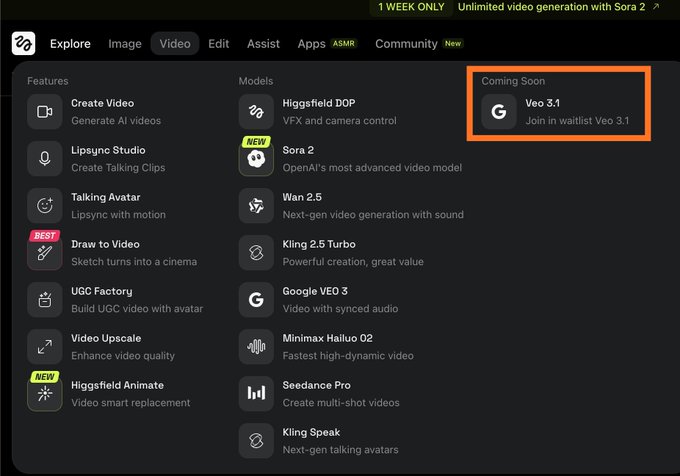
Google Veo 3.1 on Higgsfield. (higgsfield.ai/veo3.1) Join the Waitlist. Google is soon releasing an incremental update for its video generator, Veo, to version 3.1. Following the time-honored tradition of tech giants, it is graciously opening up a waitlist. We're being
Google Veo 3 AI Video Generator with Audio
Google recently launched the groundbreaking Veo 3 AI video generator, a revolutionary AI video model. Powered by Google's latest AI technology, Veo 3 effortlessly creates stunningly realistic videos that surpass even Sora in quality.
Select a video from your creations to play
Video Creations
Introduction to Google Veo 3 AI Video Generator
Experience Google's latest innovation, Veo 3 AI Video Generator—a cutting-edge text-to-video tool that leverages advanced AI technology to create stunningly realistic video content with ease.
Powered by Google DeepMind, Veo 3 is the world's most advanced AI video generation model. It automatically generates videos from text or image prompts, delivering high-definition quality with precise physics simulation and smooth cinematography, perfectly synchronized with dialogue, sound effects, and background music. Veo 3 marks AI video generation's true entry into the 'era of sound,' far surpassing competitors like Sora. It not only achieves breakthrough quality but also sets industry standards in speed, detail, and realism.
Examples of Veo 3 AI Video Generator
Explore our Veo 3 AI video generator examples to see how our tool converts text and images into stunning, realistic videos.
Original Image
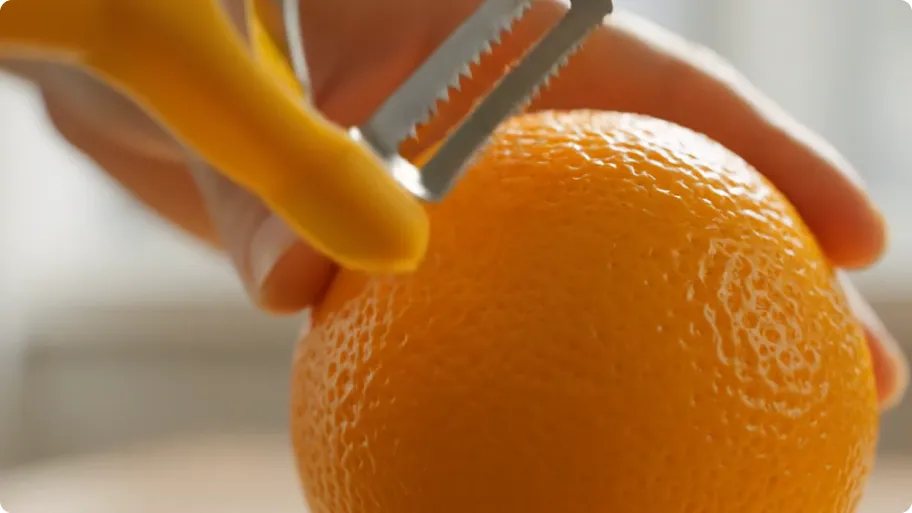
Prompt
An ASMR video showing a peeler cutting cleanly through a whole ripe orange at an extreme close-up. The camera is positioned at a low angle, focusing on the blade as it slices through the fruit. Natural light from a side window highlights individual glistening juice vesicles. Audio: high-fidelity, with crisp peeling sounds and the sound of juice being squeezed. No dialogue, only music. 4K, sharp focus.
Video
Veo 3 AI Video Generator Advantages
Experience AI-powered video generation redefined at an unprecedented level.
Ultra-HD Quality
Powered by cutting-edge AI technology, Veo 3 generates videos with exquisite detail, realistic lighting, and smooth motion, delivering a cinematic visual experience comparable to professional film production.
Efficient Video Creation
Create high-quality videos in just minutes, without expensive equipment or large teams, dramatically reducing production time and operational costs.
User-Friendly Platform
Features an intuitive interface design that allows anyone to create professional-grade videos, even without editing experience or technical background.
Googgle Veo 3 AI Video Generator Applications
Google Veo 3 AI Video Generator quickly turns text or image prompts into high-quality, ultra-realistic videos. Perfect for film, social media, brand marketing, education, and more—boosting creativity and saving time.
Film Production & Pre-visualization
With Veo 3, creators can quickly transform text concepts into cinematic short films. Whether dramatic segments, sci-fi scenes, or emotional narratives, all can be presented professionally through precise cinematography, character consistency, and unified style, dramatically improving film production efficiency.
Advertising & Brand Marketing
Marketing teams can use Veo 3 to generate high-quality product videos, commercials, or campaign teasers. Compared to traditional filming, it's more cost-effective and faster to produce, with flexible content updates, significantly enhancing brand influence and reach.
Social Media Content Creation
Veo 3 is perfect for creating content for YouTube Shorts, TikTok, Instagram Reels, and other platforms. It automatically generates engaging short videos with sound effects, captions, and visual effects, helping content creators boost audience engagement and interaction.
Education & Training Videos
Teachers and trainers can use Veo 3 to easily create instructional videos, knowledge demonstrations, or animated course content. AI's synchronized audio-visual presentation and realistic visuals make abstract concepts more vivid, significantly enhancing learning experience and teaching effectiveness.
How to Use Google Veo 3 AI Video Generator
Step 1: Enter Your Prompt
Enter detailed video text descriptions, including scene, characters, actions, emotions, lighting, camera angles, and other key information. The more specific the description, the better the results.
Step 2: Generate Video
Click "Create" and wait 5-7 minutes. AI will process your prompt and generate high-quality videos to bring your creativity to life.
Step 3: Download and Share
Preview generated videos, download in high resolution, and share your works on social media and other platforms.
Explore the AI Video Creation with Google Veo 3 AI on Twitter
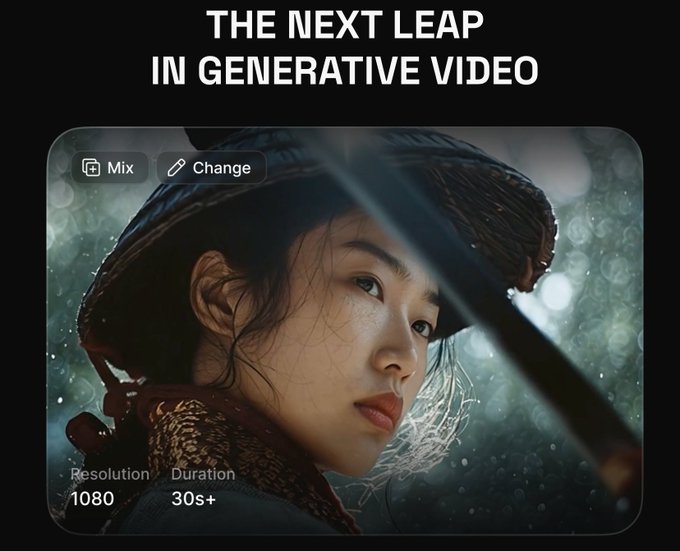
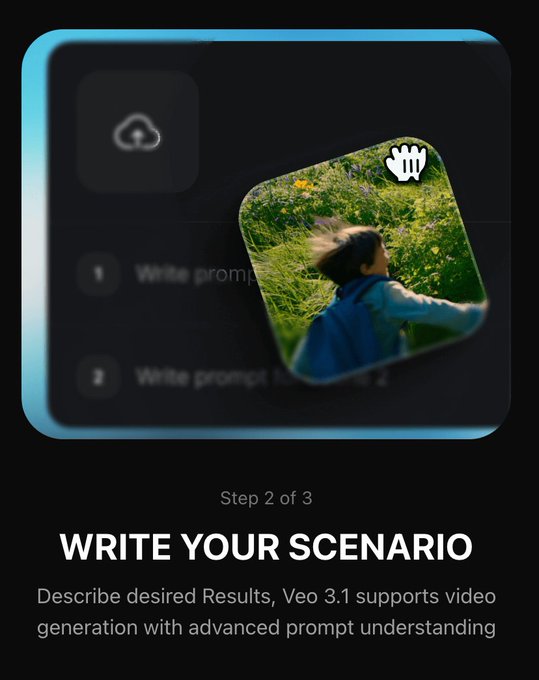

Winter is coming! Nano banana + Veo 3 magic 🪄


Veo 3.1 is coming soon on @higgsfield_ai All the presets are cool af.! Its gonna be wild 🔥🔥. Will Veo 3.1 get over Sora 2? #higgsfield #veo3 #GeminiAI


It is insane .. My First Video on Veo 3.1 The truth about Veo 3.1 is that it can produce 8-second videos. Available on GenVR.ai via @wavespeed_ai It supports 16:9 and 9:16 aspect ratios, with significantly improved emotion.

