Image to Video AI: Create Videos from Images
Transform image into stunning video with our Image to Video AI. Create video from image with the advanced video models powered by Seedance 1.0 AI.
Examples about the Image to Video AI Generator
Explore our Image to Video AI Generator examples to see how our tool converts text and images into videos.
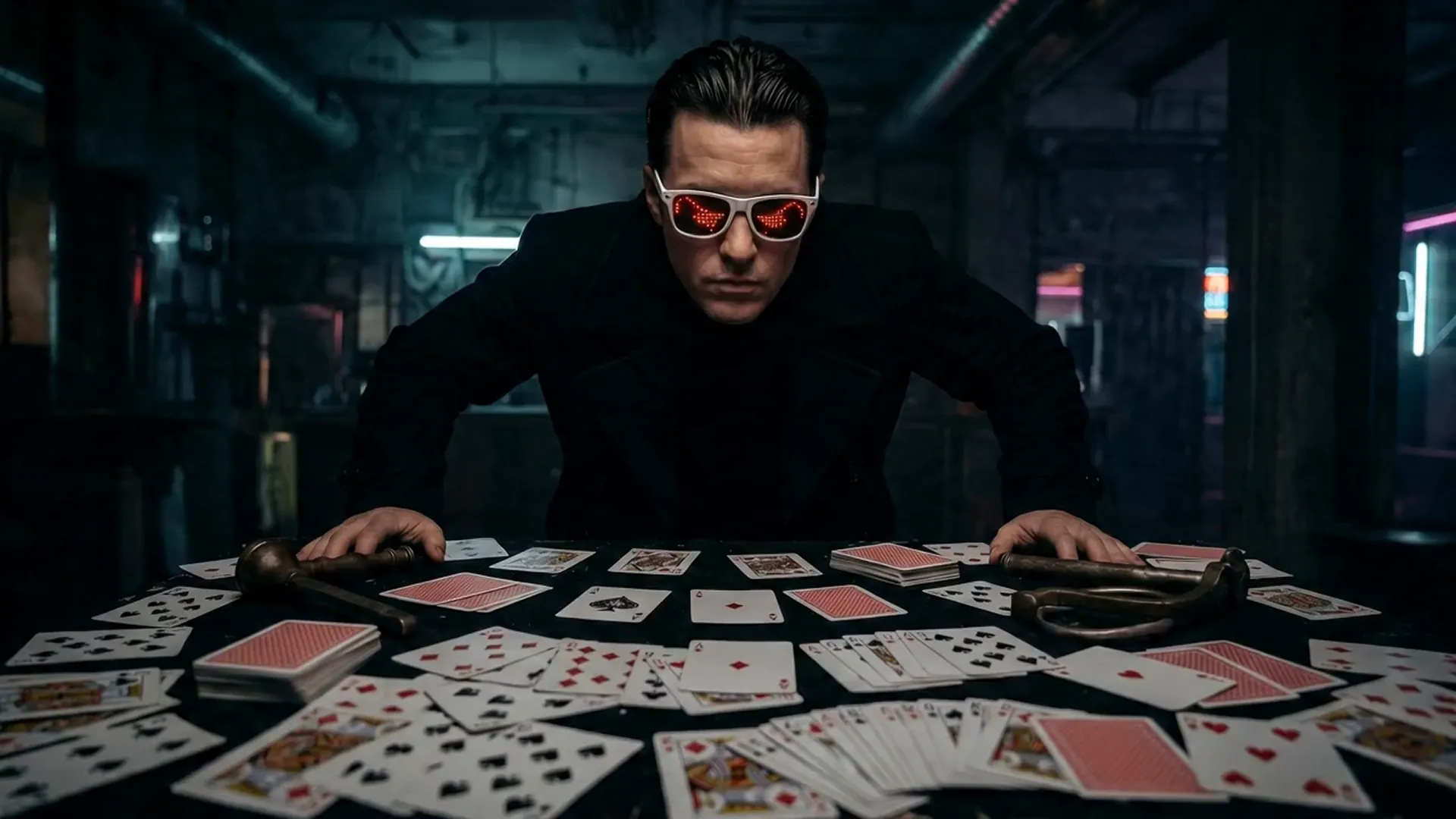
Full live-action cinematic realism, high-contrast chiaroscuro lighting, deep oppressive shadows, photographic texture, real motion blur, subtle film grain. No anime, no cartoon. Cold dominant real human male actor. Dark cyberpunk interior, central table full of scattered standard poker cards with red and black suits. Strong side key light creates dramatic facial shadow split, dark background with faint volumetric beams. 0-2s: Extreme low-angle upward shot, slow push-in. Man slowly sits sideways at table, light slices across face, mouth corner lifts. Deep icy voice with reverb: "Wanna play?" 2-5s: Rapid push to close-up. He flicks one card spinning fast toward camera. Extreme slow motion: card nearly suspends, bright edge halo, hyper-sharp red-black pattern. Snaps back to full speed, card boomerangs into his hand. 5-9s: Fast multi-angle montage with 360° orbiting ascending camera. Man explosively stands, arms wide. All cards spiral upward into massive swirling card storm around him. He stands at center, head tilted down with dominant gaze. 9-15s: Violent slow-mo alternating with full speed. He swings both hands, dozens of cards shoot outward with luminous streaks. Three insert close-ups: card spins, suspends, edge electric arc flash, then accelerates away. Final rapid wide pull to epic freeze frame of man in flying card storm, deep bass impact. Strict: Pure photographic live-action, consistent poker cards only, no text, no symbols, no logos, no watermarks anywhere. Realistic card motion, no distortions, no style shifts.
Advantages about the Image to Video AI Generator
AI Video Generator not only generates content quickly but also focuses on visual hierarchy and narrative logic, making it an important productivity tool for content creators and business teams.
High-Definition Quality Presentation
AI Video Generator supports 1080p resolution and 24fps smooth frame rate, meeting the quality and performance requirements of professional video production.
Fast Generation Efficiency
Through model architecture compression and optimization, generating a 5-second video takes only about 41 seconds, greatly improving creative efficiency and shortening production cycles.
Natural Motion and Spatial Consistency
Character movements connect smoothly, scene transitions are seamless, both enhancing immersion and ensuring narrative continuity and logic.
Use Cases about the Image to Video AI Generator
With the Image to Video AI Generator, creators can unleash their imagination across various scenarios—from film shorts and social media content to brand advertising, educational training, and virtual reality experiences. This advanced tool can quickly transform text descriptions into high-quality, realistic and vivid video works, not only improving creative efficiency but also saving production costs, making creativity come to life faster.
Film and Video Creation
AI Video Generator can quickly transform text descriptions into cinematic short films. Whether it's dramatic segments, sci-fi scenes, or emotional narratives, it can present precise cinematography, character consistency, and style matching, significantly improving the creative efficiency of film and video content.
Marketing and Advertising Production
With AI Video Generator, brands can easily generate high-quality advertising videos, product showcases, or promotional shorts at lower costs than traditional filming while quickly iterating versions, thereby enhancing brand exposure and communication effectiveness.
Social Media Content Creation
For platforms like YouTube Shorts, TikTok, and Instagram Reels, AI Video Generator can create attractive short videos. Combined with sound effects and visual filters, it helps creators enhance content interactivity and viral potential.
Educational and Training Videos
Teachers and training personnel can use AI Video Generator to create instructional videos, teaching demonstrations, or animated courseware. With AI-generated visuals and audio coordination, abstract or complex knowledge becomes more intuitive and easier to understand.
How to Use the Image to Video AI Generator
Step 1: Enter Your Prompt
Enter detailed video text descriptions, including scene, characters, actions, emotions, lighting, camera angles, and other key information. The more specific the description, the better the results.
Step 2: Upload Photo
You can freely choose whether to upload an end frame
Step 3: Click Generate and Wait a Few Minutes to Get Your Described Video
Preview generated videos, supports high-resolution downloads, and share your works on social media and other platforms.
FAQs about the Image to Video AI Generator
More Articles & News about the Image to Video AI Generator
FIFA Memes with Seedance 2.0: How to Create Football Meme Videos on HeyDream AI
Create FIFA-themed football meme videos with Seedance 2.0 on HeyDream AI using safe prompts, image-to-video edits, prompt testing, and rights checks today.
Vidu Q3 Video Creation Guide: How to Create AI Videos with Audio on HeyDream AI
Use this Vidu Q3 video creation guide for HeyDream AI to plan image-to-video clips, text prompts, audio cues, product videos, reusable prompts, and reviews.
Create TikTok Video with Seedance 2.0: A Practical AI Workflow
Learn how to create TikTok video with Seedance 2.0 using HeyDream AI, prompts, 9:16 clips, captions, music, and CTA overlays.

