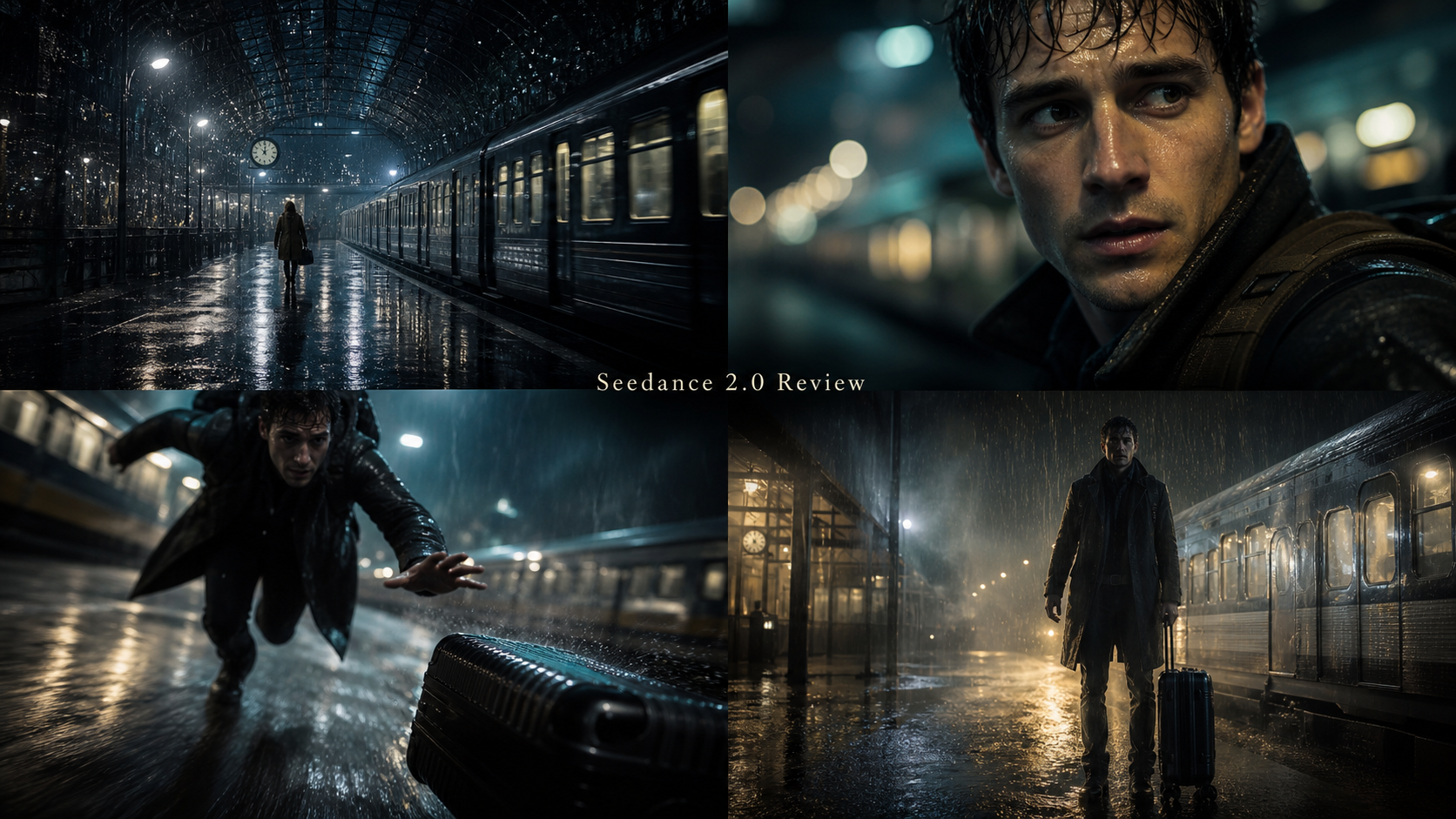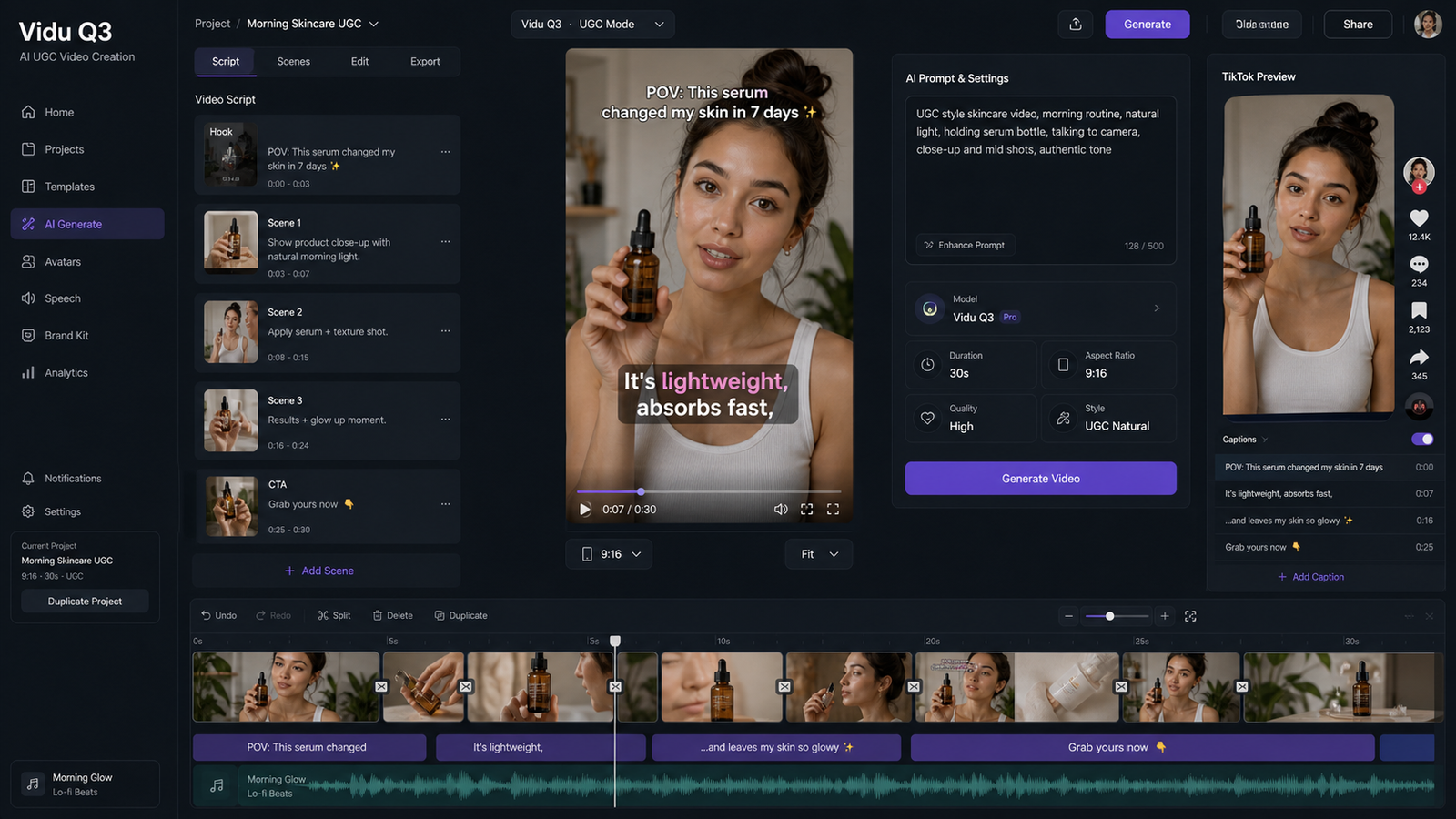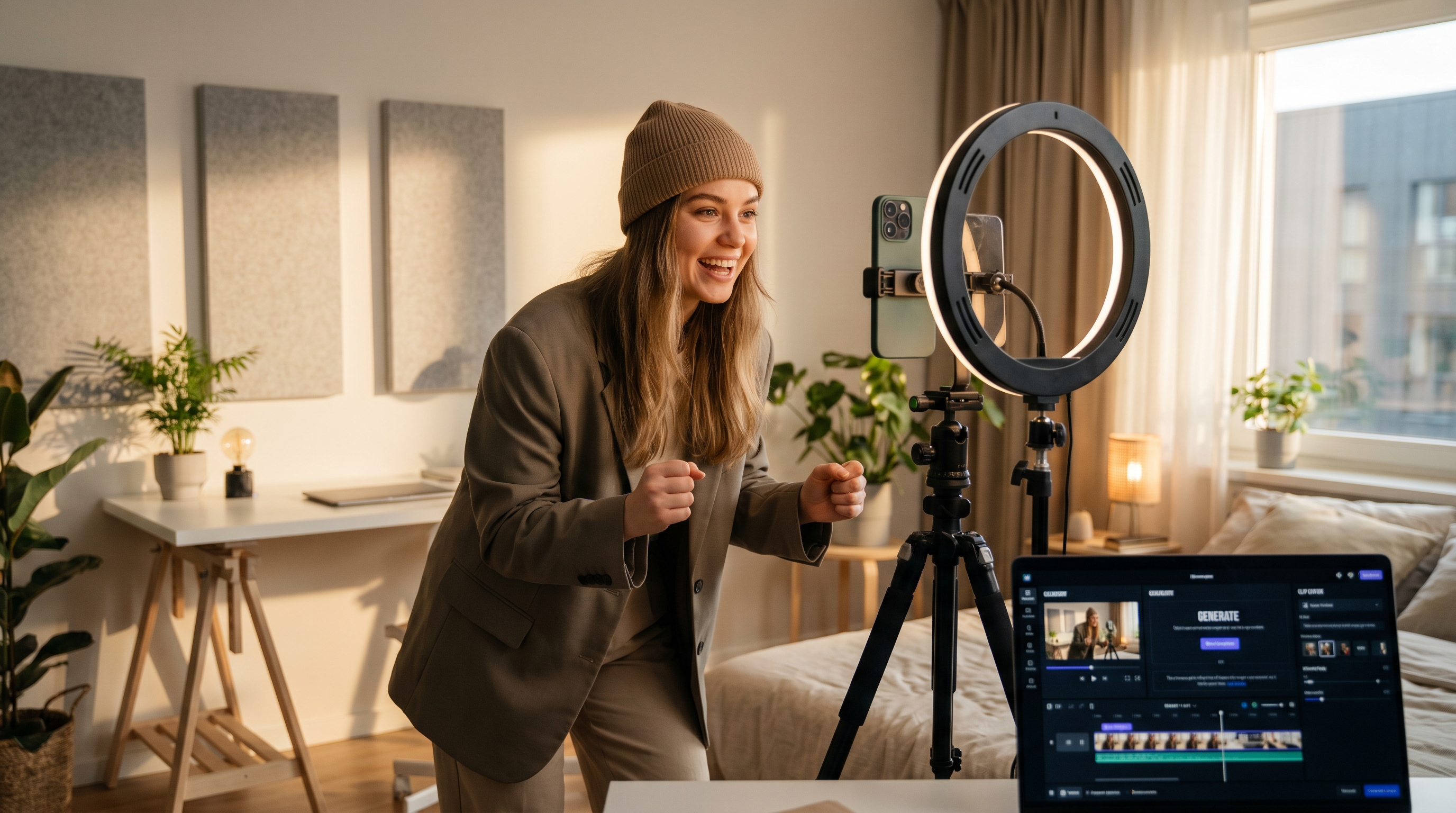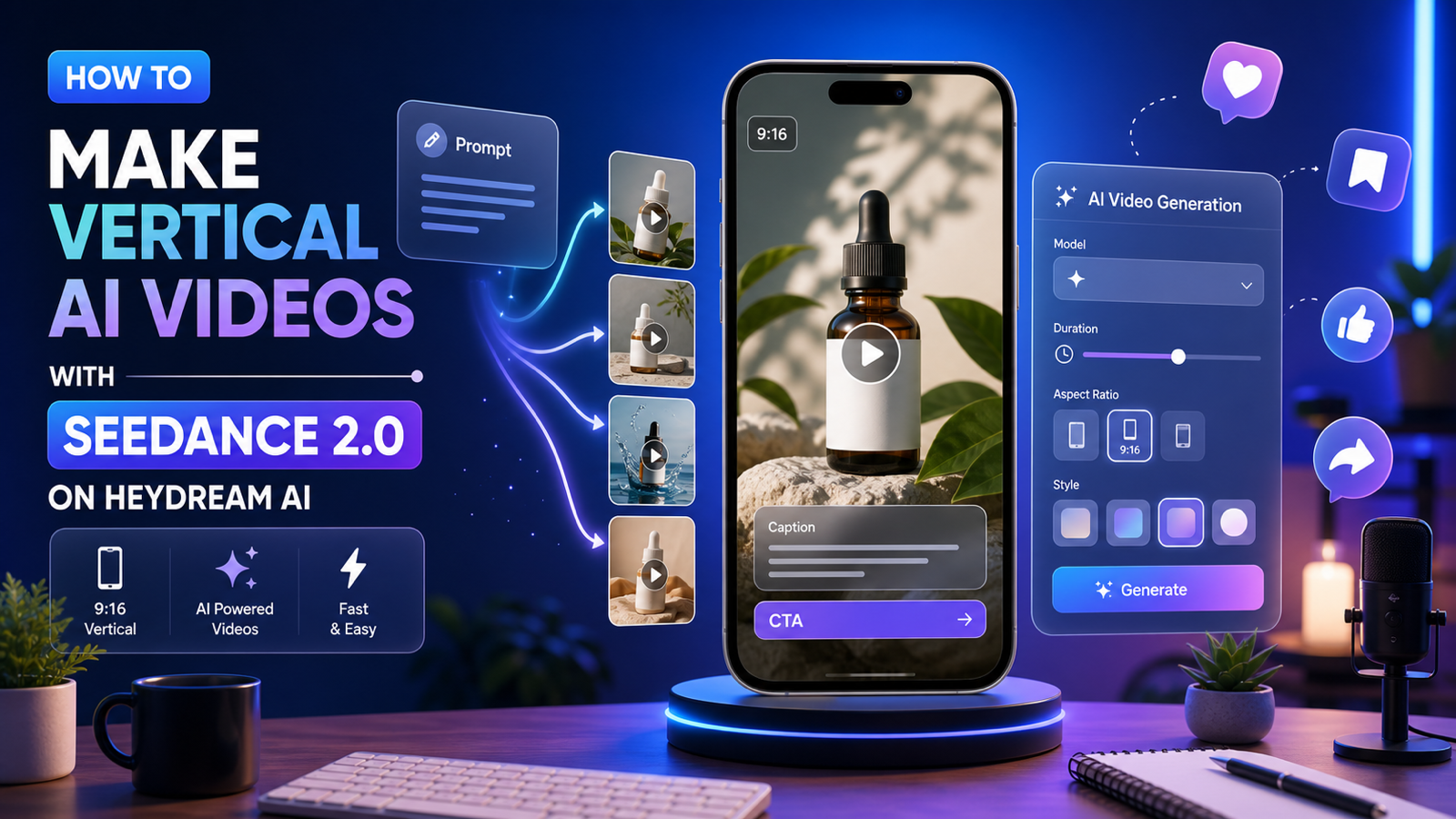
If you want to create TikTok video with Seedance 2.0, treat the job like a short-form edit first and an AI model test second. The strongest AI TikTok clips usually start with a sharp hook, a clear subject, readable motion, vertical framing, and enough space for captions or a CTA.
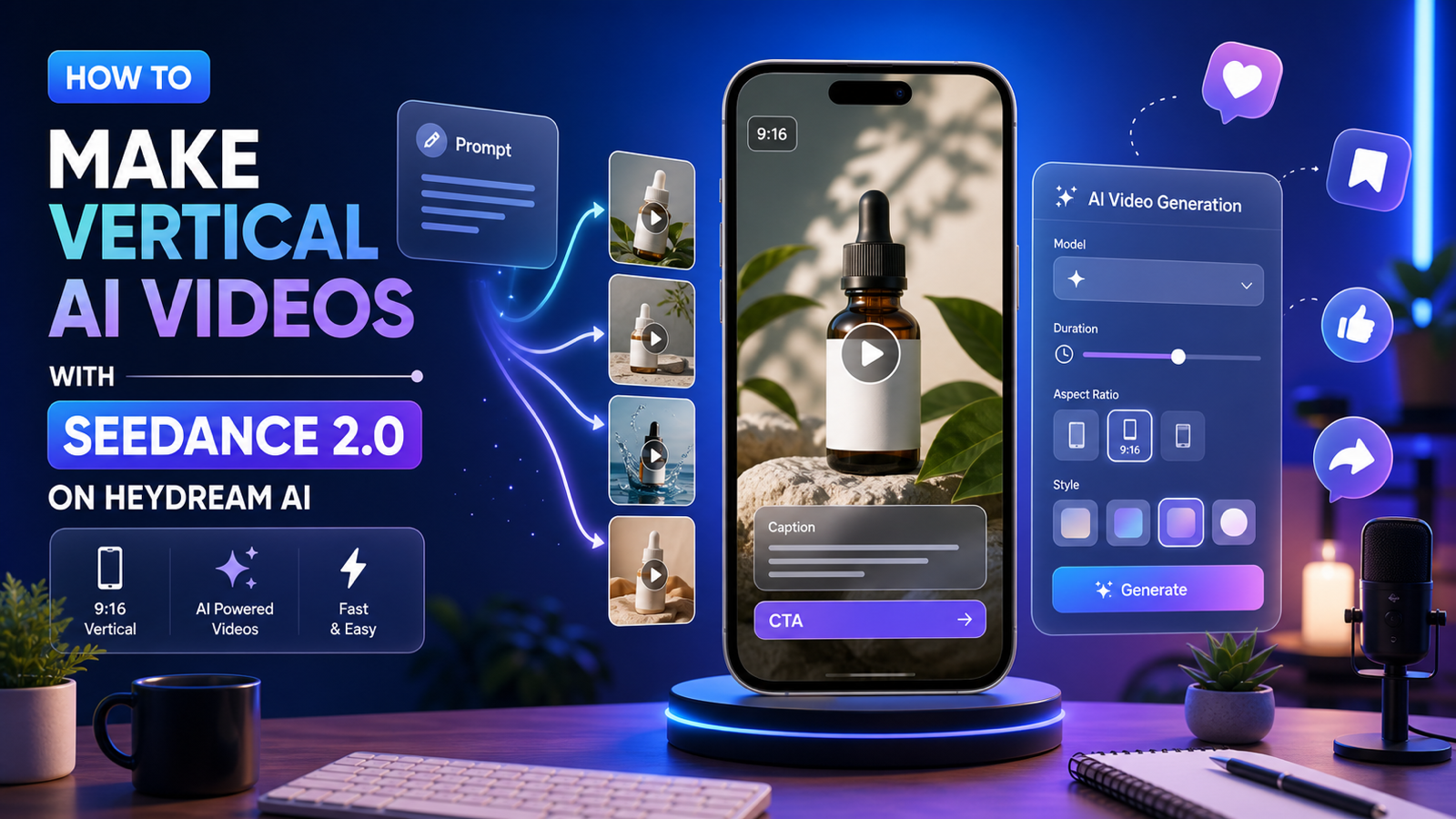
This tutorial shows TikTok creators, UGC marketers, short-form video editors, product advertisers, faceless-channel creators, and social media managers how to use HeyDream AI as a creator-friendly platform for AI video workflows. The most direct option is the AI TikTok Video Generator when you want a TikTok-style path, while the Seedance 2.0 AI Video Generator is the better place to focus when you need higher-control generation, realistic motion, and stronger visual continuity.
Quick Summary
The best AI TikTok workflow is simple: write the hook, turn the idea into visual beats, generate short 9:16 clips, then finish the video with captions, music, voice-over, callouts, and CTA overlays. Use HeyDream AI's Text to Video AI Generator for prompt-only scenes and Image to Video AI when you already have a product photo, character image, or first-frame visual.
Use this guide as a Seedance 2.0 TikTok video prompt guide rather than a generic model review. The goal is to build clips that feel natural in a vertical feed, so it also works as an AI TikTok video generator tutorial for creators who want to understand the full short-form workflow.
Why Seedance 2.0 Works for TikTok-Style AI Video
Seedance 2.0 is useful for TikTok-style clips when the video needs controlled motion, a stable scene, and a consistent subject across a short moment. In practice, that matters more than long runtime. A product bottle sliding into frame, hands opening a laptop, coffee beans falling into a grinder, or a faceless silhouette walking through a city street all need motion that stays readable on a phone.
For creators, the practical advantage is not "one prompt makes a viral video." No AI video generator can guarantee that. The advantage is repeatability: you can test hooks, angles, products, scenes, and caption placements faster than filming every variation from scratch.
Use the Seedance 2.0 AI video workflow for TikTok creators when you need:
- A clear subject that stays recognizable during motion.
- Realistic camera movement, such as push-in, handheld, tracking, orbit, or macro close-up.
- Short-form scenes that match a product demo, UGC ad, tutorial, storytime, or faceless channel.
- Vertical framing where the main action remains centered and captions do not cover the subject.
If you want the simplest starting page for short-form creation, use the AI TikTok video generator for creators. If you want more prompt control, model-focused testing, or a reusable generation setup, use the Seedance 2.0 model page. For many teams comparing the best AI video generator for TikTok creators, the right answer is the workflow that creates useful clips with the fewest manual corrections.
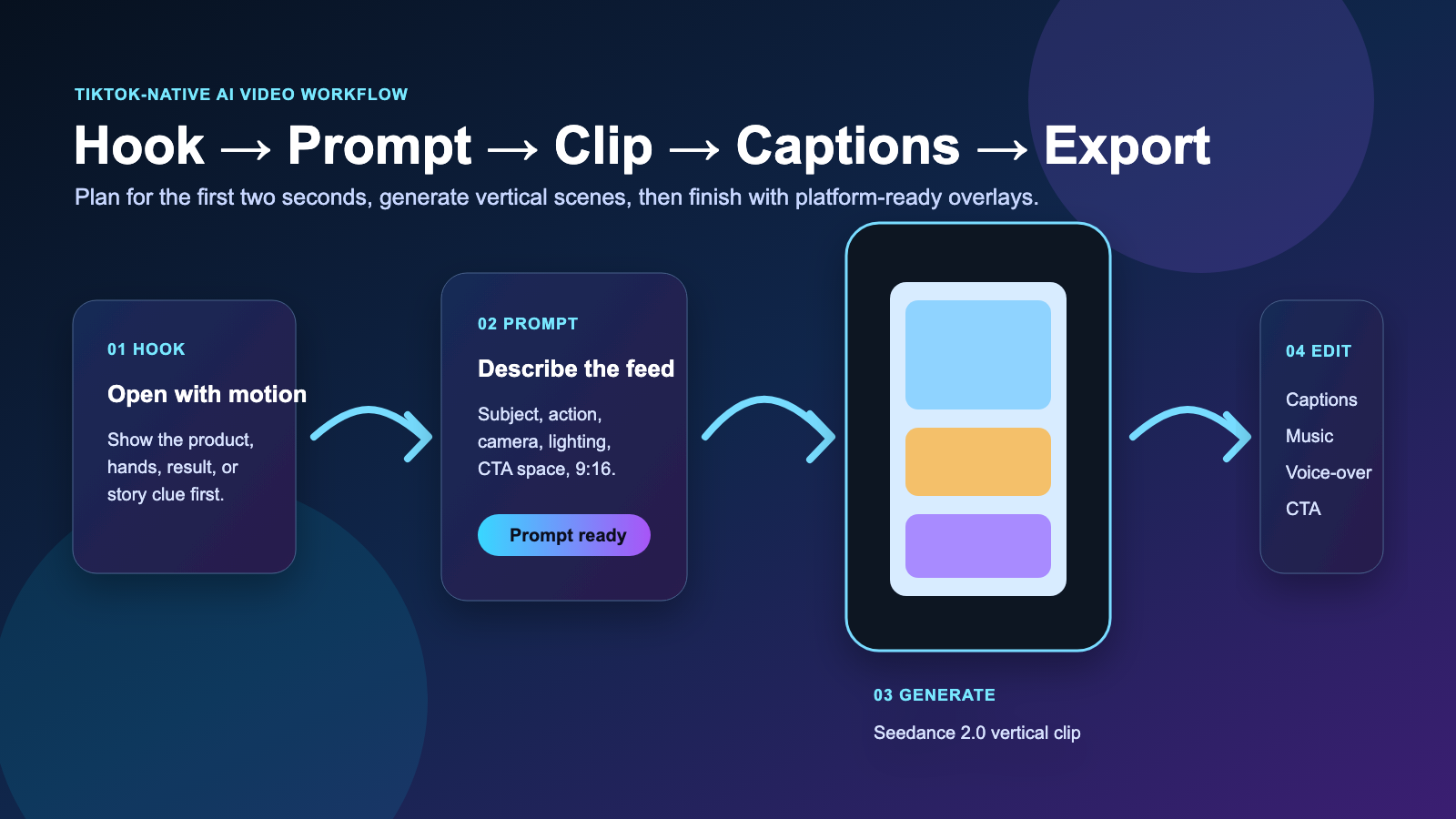
Start with a TikTok-Native Plan, Not a Generic Video Idea
A good TikTok AI video starts with the feed behavior. Viewers decide quickly, so the first two seconds should show a visible change: a product reveal, a before-after moment, a hand action, a face-free character movement, a surprising object, or a caption that frames the story.
Before opening a generator, write a five-part plan:
- Hook: What appears or changes in the first two seconds?
- Subject: What should the viewer look at?
- Motion: What should move, and how fast?
- Caption space: Where can text sit without blocking the scene?
- CTA: What should the final frame leave room for?
This keeps the prompt grounded. Instead of asking for "a cool product ad," you can ask for a vertical product teaser where the product enters frame, the camera pushes in, the lighting matches a lifestyle ad, and the final frame leaves empty space for "Shop the routine."
For a direct workflow, HeyDream's AI TikTok Video Generator is a natural entry point to make TikTok videos with AI prompts, generate vertical TikTok videos with AI, and learn how to make TikTok videos with AI without turning the process into a long production pipeline.
Turn TikTok Ideas into Visual Prompts
The best prompts describe what the viewer sees, not only what the video is "about." A creator might start with an idea like "three reasons this water bottle is good for commuting." A better visual prompt turns that idea into scenes: the bottle slides into frame, condensation appears, a hand places it in a tote bag, and the final shot leaves room for a CTA.
Use the Text to Video AI Generator when the idea exists only as text. This is helpful for storytime visuals, faceless educational clips, product concepts, SaaS explainers, and short ads where you do not have a starting image. A prompt-based video generator for TikTok creators works best when the prompt includes subject, action, camera movement, lighting, style, and aspect ratio.
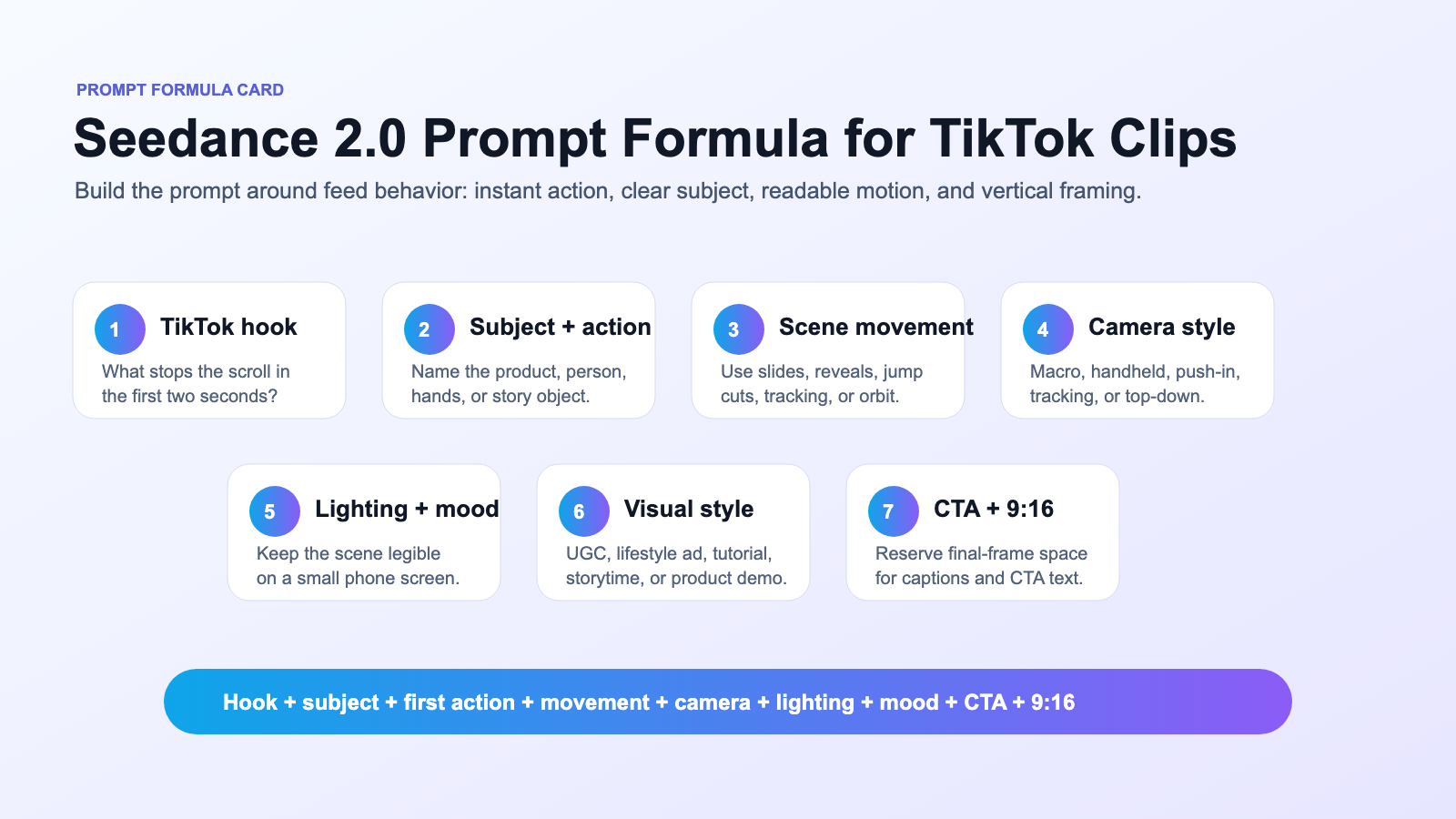
For prompt-only scenes, try this structure:
TikTok hook + subject + first 2-second action + scene movement + camera style + lighting + mood + visual style + CTA direction + 9:16 vertical format
That formula helps you turn TikTok ideas into AI video clips instead of producing vague b-roll. It also makes the output easier to edit because the AI clip is already designed around captions and pacing.
Seedance 2.0 TikTok Video Prompt Guide: Practical Examples
Use these examples as starting points for Seedance 2.0 video prompts for social media and Seedance 2.0 for vertical AI videos. Edit the product, niche, lighting, motion, and CTA space to match your campaign.
-
"A vertical TikTok product teaser for a minimalist water bottle, first 2 seconds show the bottle sliding into frame with water droplets, close-up macro shot, soft morning kitchen lighting, clean lifestyle ad style, smooth camera push-in, final frame leaves space for text: 'Stay hydrated all day,' 9:16."
-
"A faceless creator desk setup showing only hands opening a laptop, glowing AI dashboard on screen, floating caption cards explaining three quick tips, fast TikTok tutorial pacing, clean SaaS lighting, modern educational video style, 9:16."
-
"A fashion try-on style TikTok video, model shown from neck down only, outfit changes through quick jump cuts, bright studio lighting, smooth handheld movement, trendy social media edit style, final frame leaves room for CTA text, 9:16."
-
"A cozy coffee product TikTok ad, first shot shows coffee beans falling in slow motion, second shot shows a mug on a wooden desk, warm morning sunlight, soft steam motion, cinematic lifestyle style, subtle camera orbit, 9:16."
-
"A high-energy fitness TikTok clip, close-up of sneakers hitting the ground, quick cuts of workout gear, dynamic camera movement, bold contrast lighting, motivational social media ad style, final frame with space for 'Start Today,' 9:16."
-
"A TikTok storytime visual, anonymous silhouette walking through a neon city street, animated caption space above the subject, slow tracking camera, moody blue-purple lighting, cinematic short-form storytelling style, 9:16."
For Seedance 2.0 short-form video generation, keep each prompt focused on one clip. If a video needs three scenes, generate three short clips instead of asking one prompt to handle the whole story.
Text-to-Video vs Image-to-Video for TikTok Creators
Choose text-to-video when the idea is flexible, and choose image-to-video when the starting visual matters. This decision saves time because it matches the input to the creative job.
Use the Text to Video AI Generator for:
- text to video prompts for TikTok videos when you are exploring hooks, scenes, and story angles.
- generate TikTok scenes from text prompts when you need b-roll, visual metaphors, or faceless story visuals.
- An AI text to video workflow for short-form content when the video starts as a script, caption, or idea list.
- text to video AI for social media marketing when you are testing several ad concepts before choosing a visual direction.
Use Image to Video AI when you have an asset that should stay recognizable:
- image to video AI for TikTok clips built from a product photo, first frame, avatar, or moodboard.
- animate product photos into TikTok videos when the product shape, label, packaging, or color needs to remain central.
- turn a first frame into a TikTok video when the opening composition is already approved.
- AI image to video generator for social media workflows where a still asset needs motion for a vertical post.
- create product TikTok videos from images for ecommerce, UGC-style ads, and product launch assets.
- animate still images for short-form video ads when you need motion but do not want to rebuild the whole scene from text.
For brand and product work, image-to-video is often safer because the uploaded asset anchors the scene. Still, check the final output carefully before publishing, especially if labels, packaging, or product details need to be exact.
How to Create a 9:16 TikTok Video with HeyDream AI
The practical workflow is to generate short clips in a vertical format, then finish them in an editor. HeyDream AI can help with the generation stage; the final TikTok polish usually happens after export.
-
Pick the tool. Use AI TikTok Video Generator for the most direct TikTok-style workflow, Seedance 2.0 AI Video Generator for higher-control clips, text-to-video for prompt-only scenes, or image-to-video for a product photo or first frame.
-
Write the hook first. Make the first motion obvious: sliding product, opening laptop, outfit jump cut, pouring coffee, sneakers hitting the ground, or a story subject entering frame.
-
Set the vertical format. Ask for 9:16 in the prompt and frame the subject for a phone screen. Keep important motion away from the extreme top and bottom so captions and interface overlays do not cover it.
-
Generate short clips. For a TikTok ad or tutorial, create separate clips for the hook, proof, feature, and CTA. This gives you more editing control than one long generation.
-
Review motion and continuity. Check whether the product, hands, character, or scene remains consistent. Regenerate weak clips with a more specific prompt rather than trying to fix everything in post.
-
Edit after generation. Add captions, music, voice-over, product callouts, price or benefit overlays, and CTA text in your preferred editor. Keep captions short enough to read at mobile speed.
-
Export and review on a phone. Watch the video muted and at full speed. If the hook is unclear without sound, revise the opening clip or caption.
This workflow is especially useful for create TikTok ads with AI video tools, AI TikTok video maker for product clips, and TikTok video generator for UGC-style content use cases.
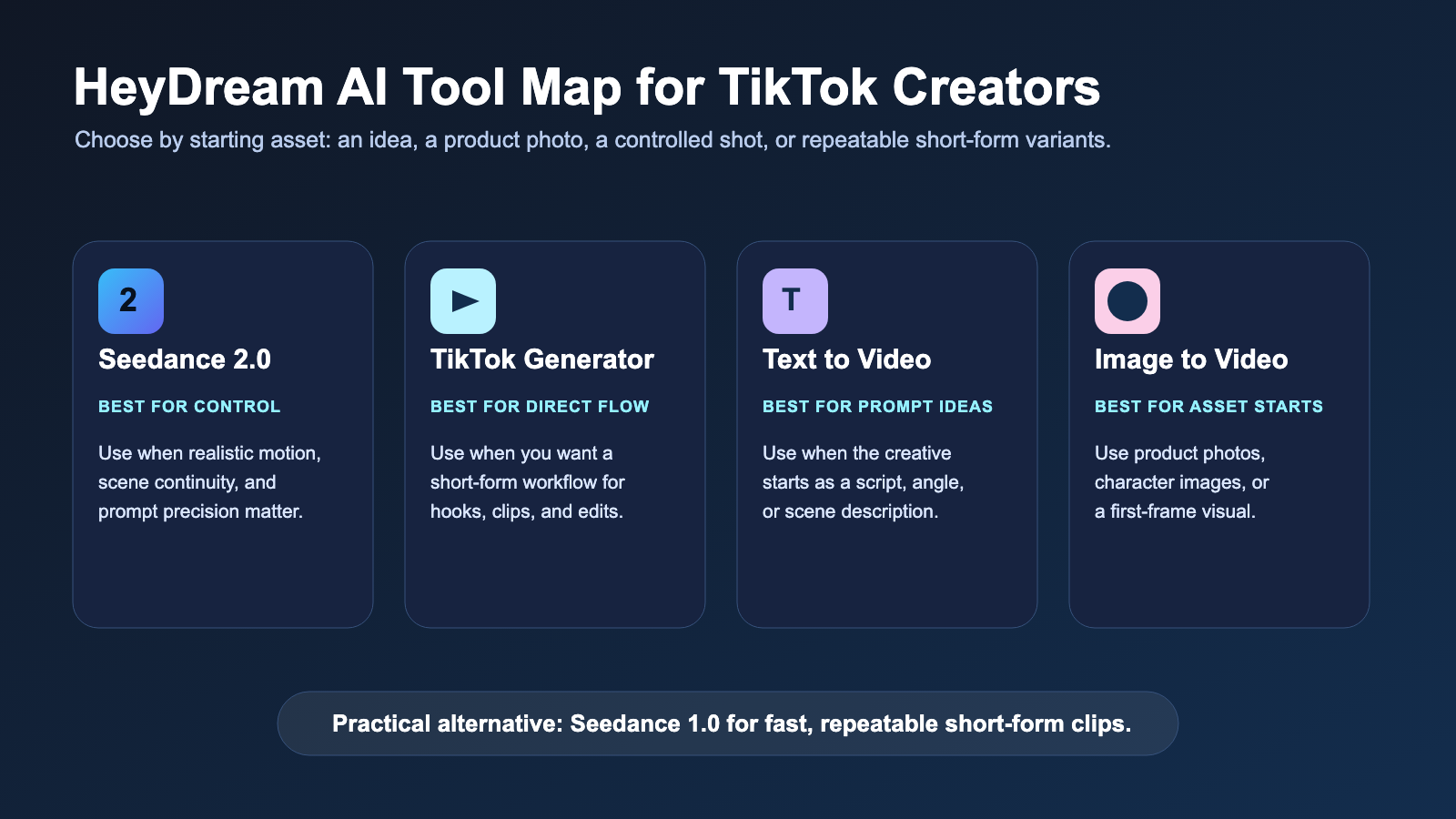
Which HeyDream AI Tool Fits Your TikTok Workflow?
The right HeyDream tool depends on what you are starting with. A social media manager building a product ad may need image-to-video. A faceless creator may need text-to-video scenes. A short-form editor may choose Seedance 2.0 when motion control and continuity matter more than speed.
| Workflow need | Recommended HeyDream option | Why it fits |
|---|---|---|
| Higher-control AI video generation | Seedance 2.0 AI Video Generator | Better fit when the scene needs realistic motion, continuity, and precise visual direction. |
| Direct TikTok-style creation | AI TikTok Video Generator | Useful when the creator wants a short-form workflow rather than a general model page. |
| Prompt-only idea | Text to Video AI Generator | Good for scripts, faceless scenes, tutorial visuals, and concept testing. |
| Product photo, character image, or first frame | Image to Video AI | Useful when a still image should guide the subject, composition, or product focus. |
| Fast repeatable short-form clips | Seedance 1.0 AI Video Generator | A practical alternative when you want quick iterations and do not need the highest-control workflow. |
This is an editorial workflow recommendation, not a fixed ranking. Test the same hook across two or three approaches and choose the result that needs the least correction in post.
Add Captions, Music, Voice-Over, Callouts, and CTAs After Generation
AI generation should create the visual clip, but the TikTok finish happens in editing. Captions, music, voice-over, callouts, and CTA overlays are not decorations; they are part of the message.
For tutorial clips, use caption cards that summarize each step. For UGC-style product ads, use callouts like "fits in a work bag," "quick morning routine," or "before/after texture" only if they are true for the product. For faceless story videos, use voice-over to carry the narrative and keep the visuals simple enough to support the words.
Before publishing, run this mobile-first check:
- Can the viewer understand the hook with the sound off?
- Is the subject visible behind captions and buttons?
- Does the motion read clearly on a small screen?
- Is the CTA visible in the final frame?
- Are product claims, music rights, voice-over rights, and image rights cleared?
Do not assume unlimited free use, guaranteed commercial rights, guaranteed API access, fixed pricing, or guaranteed TikTok performance. Check HeyDream AI's current terms, plan details, generation settings, and rights information before using outputs in paid ads, client projects, or monetized channels.
Prompt Safety and Rights Checklist
Strong AI TikTok prompts should be specific without copying protected identities. Avoid asking for celebrity likenesses, private people, copyrighted characters, real brand endorsements, or trademarked TikTok trends too closely. If a campaign uses a product photo, logo, uploaded character image, music track, or voice-over, confirm that you have the rights to use those inputs.
For product advertisers, review generated clips for accuracy. AI video can invent labels, distort packaging, or imply product features that the brand cannot support. The safer workflow is to use product photos as references, keep claims in your editable captions, and let the generated clip handle motion, mood, and scene pacing.
Recommended Articles
- How to Create TikTok Videos with HeyDream AI That Actually Feel Native to the Feed
- Seedance 2.0 Prompt Tips for More Human, Realistic AI Video
- Seedance 2.0 vs Seedance 1.0: What's Better for AI Video
- How to Use HeyDream AI's Text-to-Video Generator: Model Comparison, Prompting Tips, and Workflows
- HeyDream AI Website Updates: A New Creative Launchpad for Images, Videos, and 3D
People Also Read
- Seedance 2.0 Video Generation Guide: Tutorial + Prompts
- Where to Use Seedance 2.0 Now: Access, Strengths, and Best Alternatives
- Seedance 2.0 Video Generation Review: Control, Consistency, and Where It Fits
- How to Create Faceless Videos with Seedance 2.0
- How to Make TikTok UGC Videos with AI Talking Avatar Generator
FAQ
What is the best way to create TikTok video with Seedance 2.0?
The best way is to plan a short vertical clip before prompting. Write the hook, define the subject, describe the first two-second action, specify camera movement and lighting, request 9:16 framing, then add captions, music, voice-over, and CTA overlays after generation.
Should I use text-to-video or image-to-video for TikTok clips?
Use text-to-video when you only have a script, hook, or scene idea. Use image-to-video when the starting visual matters, such as a product photo, character image, approved first frame, or specific campaign visual.
Is Seedance 2.0 better than HeyDream's TikTok Video Generator?
They serve different jobs. Seedance 2.0 is the better focus when you want model-level control over motion and scene continuity. HeyDream's TikTok Video Generator is the more direct workflow when you want a short-form creation path.
Can AI-generated TikTok videos be used for ads?
They can be useful for ad concepts and production workflows, but do not assume commercial rights automatically. Check usage terms, uploaded asset rights, music rights, voice-over rights, and product claim accuracy before using AI-generated clips in paid campaigns.
How long should each AI-generated TikTok scene be?
Keep scenes short enough to edit. For most TikTok-style videos, it is easier to generate separate hook, proof, feature, and CTA clips than to force one prompt to create the entire video.
Conclusion
To create TikTok video with Seedance 2.0, start with the feed: a strong first two seconds, a clear subject, readable motion, 9:16 framing, and space for captions or CTA text. HeyDream AI is a practical platform for this workflow because creators can move between Seedance 2.0, TikTok-style generation, text-to-video, image-to-video, and Seedance 1.0 depending on the starting idea and production goal.
Use the Seedance 2.0 AI Video Generator for controlled vertical AI clips, or start with HeyDream's AI TikTok Video Generator when you want the most direct short-form workflow.