If you’ve been hearing about Seedance 2.0 AI video generation, it’s tempting to assume “newer = better.” In real creator workflows, though, the best model is the one that helps you ship usable videos consistently—especially if you’re making ads, short-form content, or running lots of A/B tests.
This guide compares Seedance 2.0 and Seedance 1.0 in the ways that actually matter (motion, consistency, prompt-following, workflow), then gives you two practical pipelines:
- The official Seedance 2.0 workflow on Dreamina (CapCut) for multi-reference, multi-scene creation.
- A fast, repeatable workflow using Seedance 1.0 AI video generation on Heydream for quick iteration.
Quick Verdict: Choose the Right Model in 30 Seconds
Choose Seedance 2.0 when you want…
- Reference-driven control: guide results with images, video, and audio (not just text)
- Multi-scene storytelling with smoother scene transitions and more consistent continuity
- Tighter ID/IP consistency (characters, logos, outfits, key props) across multiple shots
- Audio-visual sync workflows (narration/dialogue-style timing, lip-sync options)
Choose Seedance 1.0 AI video generation when you want…
- Repeatable results you can generate again and again for variations
- A smoother “production” workflow for marketing, UGC-style visuals, and content iteration
- A quick place to test and iterate: Heydream
If your goal is “publish consistently,” Seedance 1.0 still wins more often than you’d expect.
What Each Version Is Best At
Seedance 2.0 AI video generator: reference-first, multi-scene control
Think of Seedance 2.0 as the version you reach for when you want to direct the result using reference materials.
It’s most useful when:
- You want to lock in a character/product look and keep it consistent across multiple shots
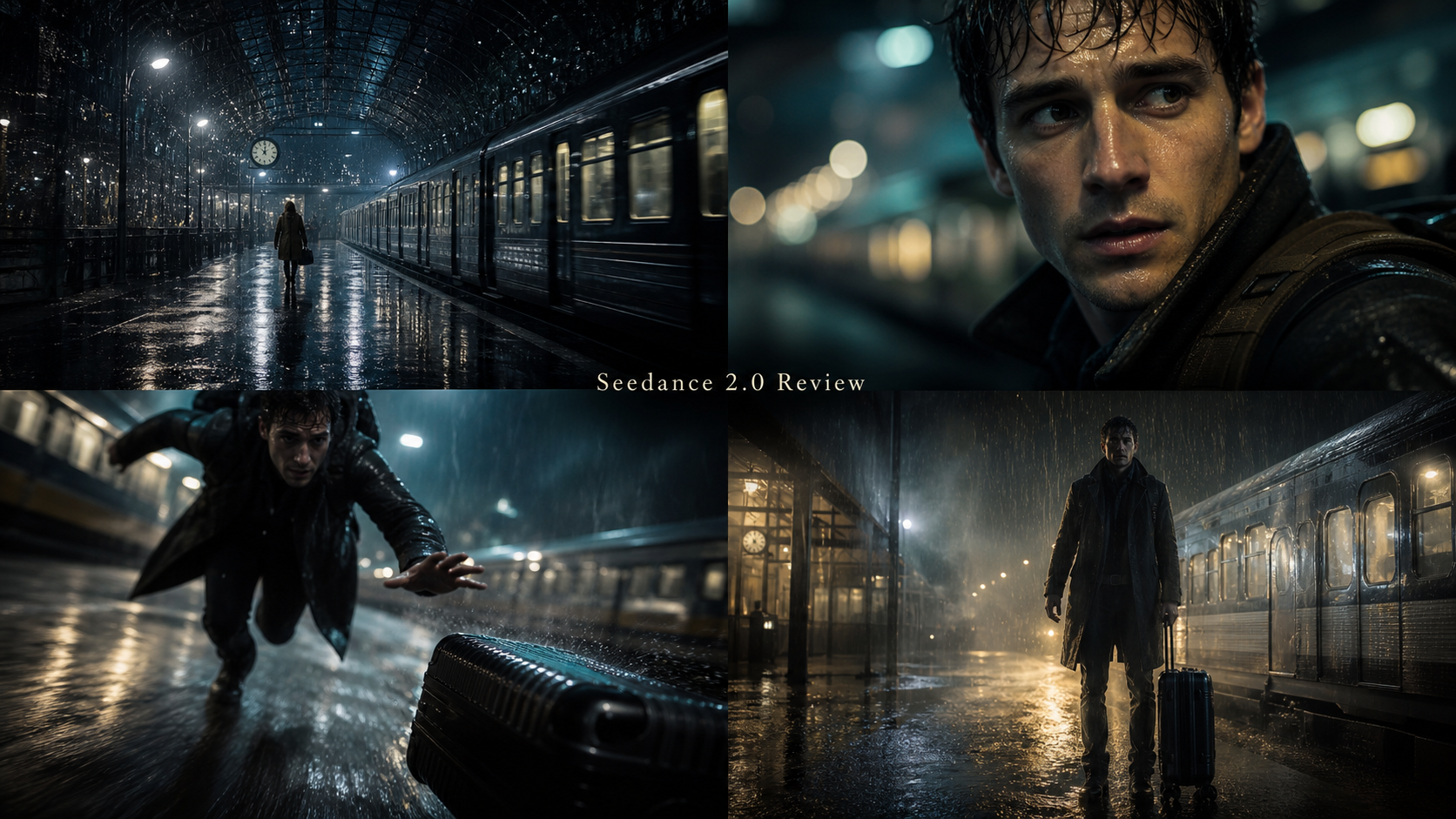
- You need cinematic continuity (scene rhythm, smoother transitions, multi-camera storytelling)
- You’re building brand campaigns, serialized content, or previsualization sequences
- You want to guide motion/style with multiple references (images, clips, optional audio)
Seedance 1.0 AI video generator: stable + repeatable
Seedance 1.0 is the workhorse. It’s often easier to control, easier to repeat, and great for making many variants without your content style drifting too far.
It’s especially effective when:
- You need multiple versions of the same idea
- You care about consistency more than maximal “director-level” choreography
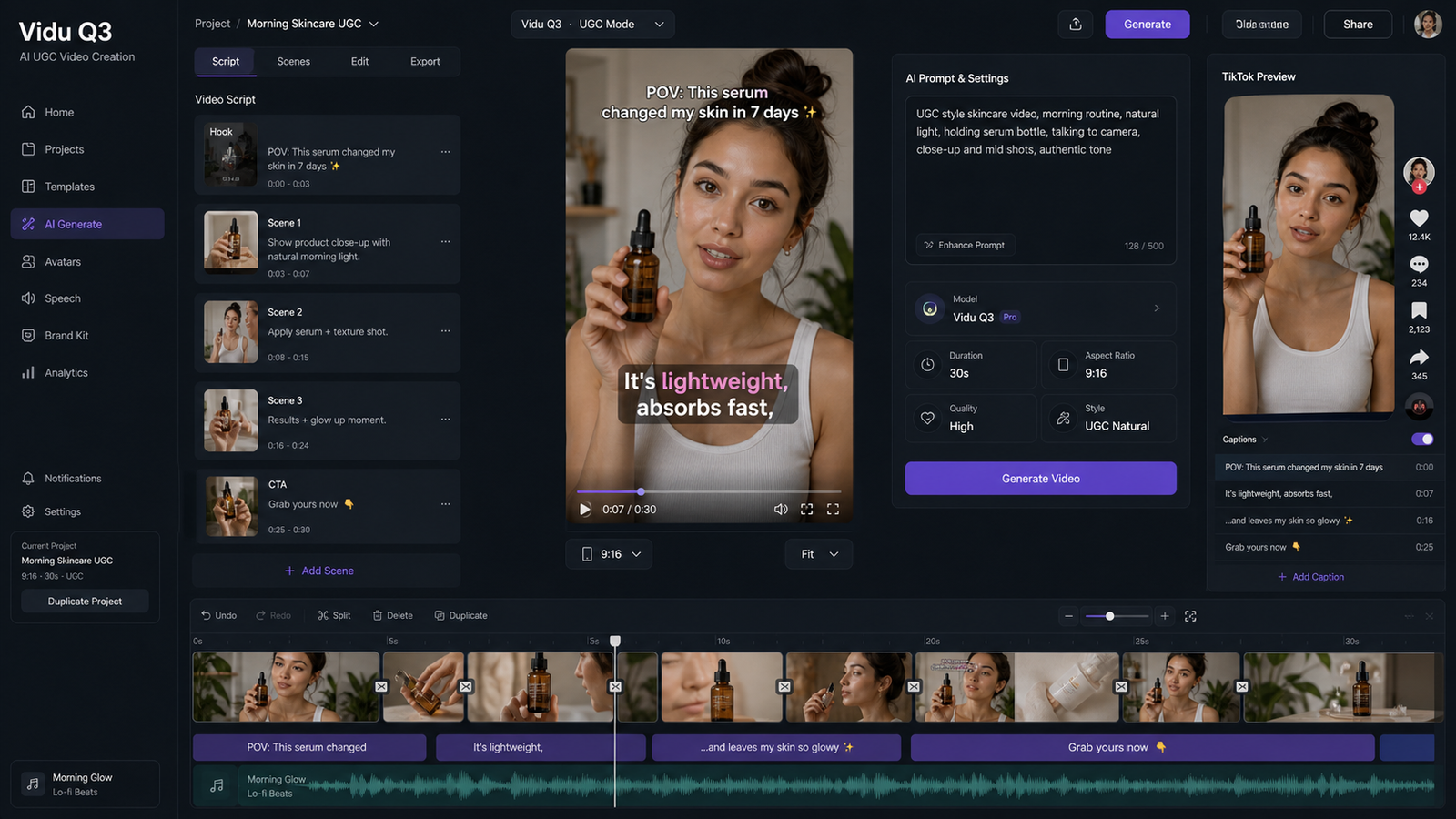
- You’re building ads, product showcases, and UGC-style content
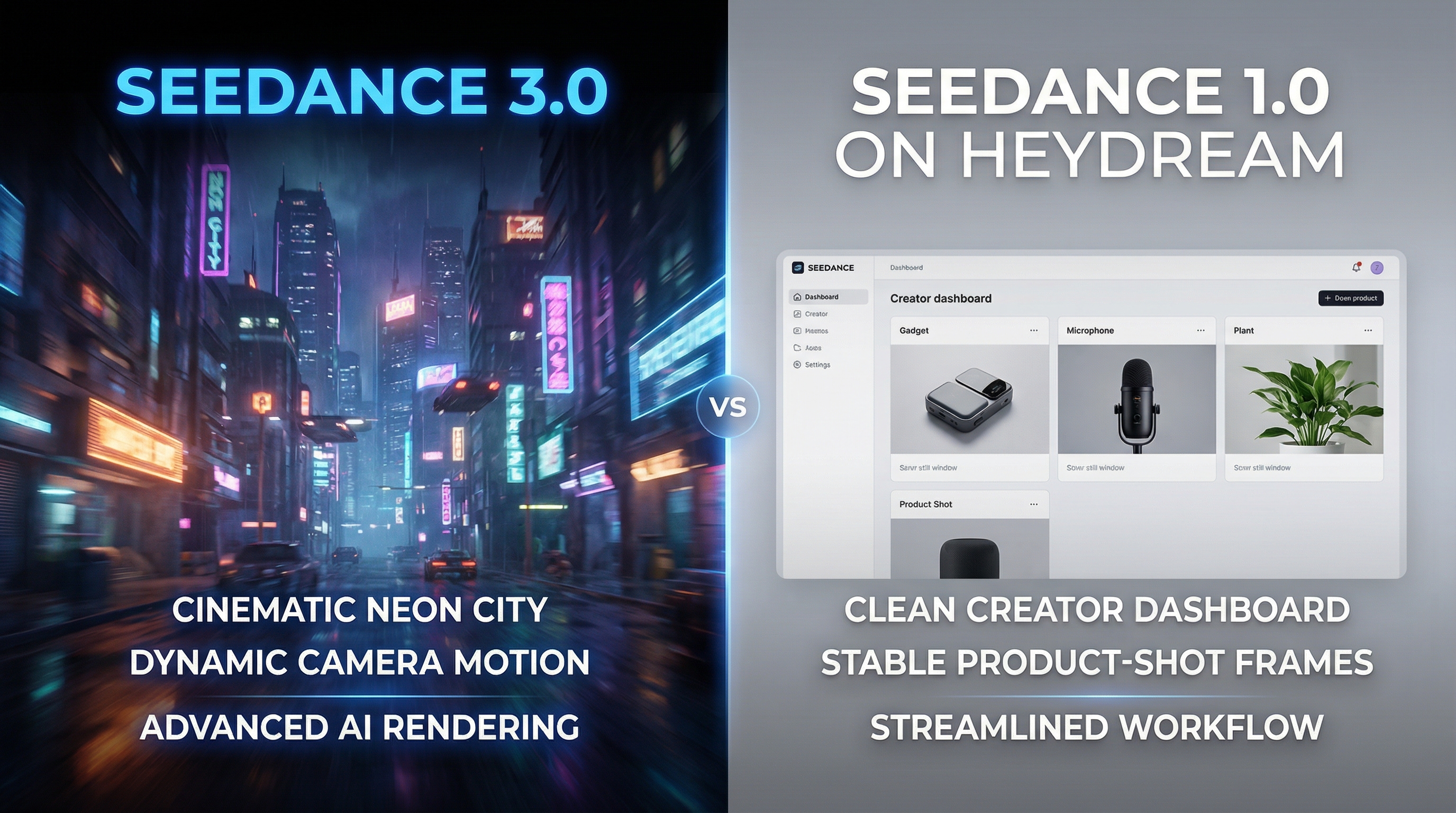
Seedance 2.0 vs Seedance 1.0: The Creator Comparison (No Fluff)
Below are the categories creators actually feel when they’re generating dozens of videos.
1) Prompt-following and scene understanding
- Seedance 2.0 is built to follow instructions + references (style, identity, motion, composition), which helps when prompts alone don’t pin down the look.
- Seedance 1.0 often performs better when you want a predictable interpretation of a simple prompt—especially for fast A/B testing.
How to test it (fast):
- Write one prompt with two actions (example: “picks up the product and turns it toward camera”).
- Run 3 generations.
- Compare: which model repeats the key action more reliably with your settings?
2) Motion quality and “camera feel”
- Seedance 2.0 is designed for realistic motion and more controlled camera/action imitation when you provide references.
- Seedance 1.0 is often steadier for simple movement: gentle pans, small hand motion, subtle product rotation.
Reality check: In ad workflows, “clean and readable” often beats “ambitious but unpredictable.”
3) Consistency across frames and shots
This is where creators lose time.
- If your video must keep the same face, outfit, props, logo, and background, Seedance 2.0 emphasizes locked-in consistency across scenes.
- For simpler single-shot clips and rapid variants, Seedance 1.0 is still a practical reliability pick.
Rule of thumb:
- Need brand/character continuity across multiple shots? Use Seedance 2.0.
- Need quick, repeatable ad variants? Use Seedance 1.0.
4) Workflow speed vs production control
Creators who ship content fast usually prioritize:
- short prompt-to-result cycles
- easy reruns
- quick variation generation
That’s why Seedance 1.0 AI video generation remains a practical choice.
But when you need to reduce “reroll waste” caused by identity drift, Seedance 2.0’s multi-reference control can save time overall—even if each run is heavier.
Use-Case Map: What to Use for What
Ads and UGC-style content
For ads, the #1 need is controlled clarity:
- product is visible
- motion is not distracting
- scene reads instantly
Best choice for most teams: Seedance 1.0 video generator.
Brand campaigns (logos, packaging, recurring mascots)
If your creative must preserve:
- logo placement
- packaging colors
- recurring character look
- multi-shot continuity
Seedance 2.0 is the better fit.
Cinematic shorts and multi-scene storytelling
If your goal is sequence-level coherence (not just a pretty single clip), Seedance 2.0’s multi-camera storytelling focus makes it the stronger choice.
Previz for film, games, and storyboards
If you’re turning boards/sketches/rough clips into a preview sequence to plan shots, Seedance 2.0 is designed for that kind of workflow.
Official Workflow: Create with Seedance 2.0 on Dreamina (CapCut)
This section reflects the official Seedance 2.0 workflow on Dreamina.
Step 1: Upload multimodal references (optional—but powerful)
Use references to lock in what matters:
- Images for identity/style/look
- Video clips for motion/camera rhythm
- Audio for narration/dialogue timing and voice tone (when supported)
Step 2: Write a tight prompt that tells the model what to preserve
A good Seedance 2.0 prompt does two things:
- describes the scene/action
- explicitly states what must stay consistent (ID/IP elements)
Example:
A cinematic shot of the character from the reference image walking through a neon-lit futuristic street. Keep facial features, outfit colors, and logo patches consistent across shots.
Step 3: Choose your output settings
A practical “creator default” for testing:
- Aspect ratio: pick for platform (9:16, 1:1, 16:9)
- Resolution: start at 720p for iteration
- Duration: start with 5s for testing (then extend when the concept works)
Step 4: Generate → refine → upscale → export
Generate a preview, refine the prompt or references, then use upscale/export when you’re satisfied.
Fast Workflow: Use Seedance 1.0 on Heydream (Repeatable Production Testing)
If you want a straightforward pipeline for consistent output, it’s hard to beat running Seedance 1.0 on Heydream.
Step 1: Choose your model version
- In Model Version, open the dropdown and select Seedance v1 Pro (or the version you want to test).
Step 2: Decide whether you need Start/End Frames
-
If you want pure text-to-video, leave Start Frame / End Frame off.
-
If you want more control (style/character consistency, or a “before → after” transformation), toggle Start Frame / End Frame on:
- Upload a Start Frame image to lock the initial look.
- (Optional) upload an End Frame image to guide how the final moment should look.
Step 3: Write your prompt
-
In the Prompt box, enter a clear prompt with:
- Subject (what we see)
- Action (what moves/changes)
- Camera (stable / slow push-in / pan)
- Lighting / mood (simple, not overloaded)
-
Keep it short and specific. One main action is usually best for stable results.
Step 4: Optional — use “Enhance Prompt”
- Click Enhance Prompt if you want the system to expand your text for you.
- Tip: Enhance works best when your original prompt is already clear. Don’t feed it a messy paragraph.
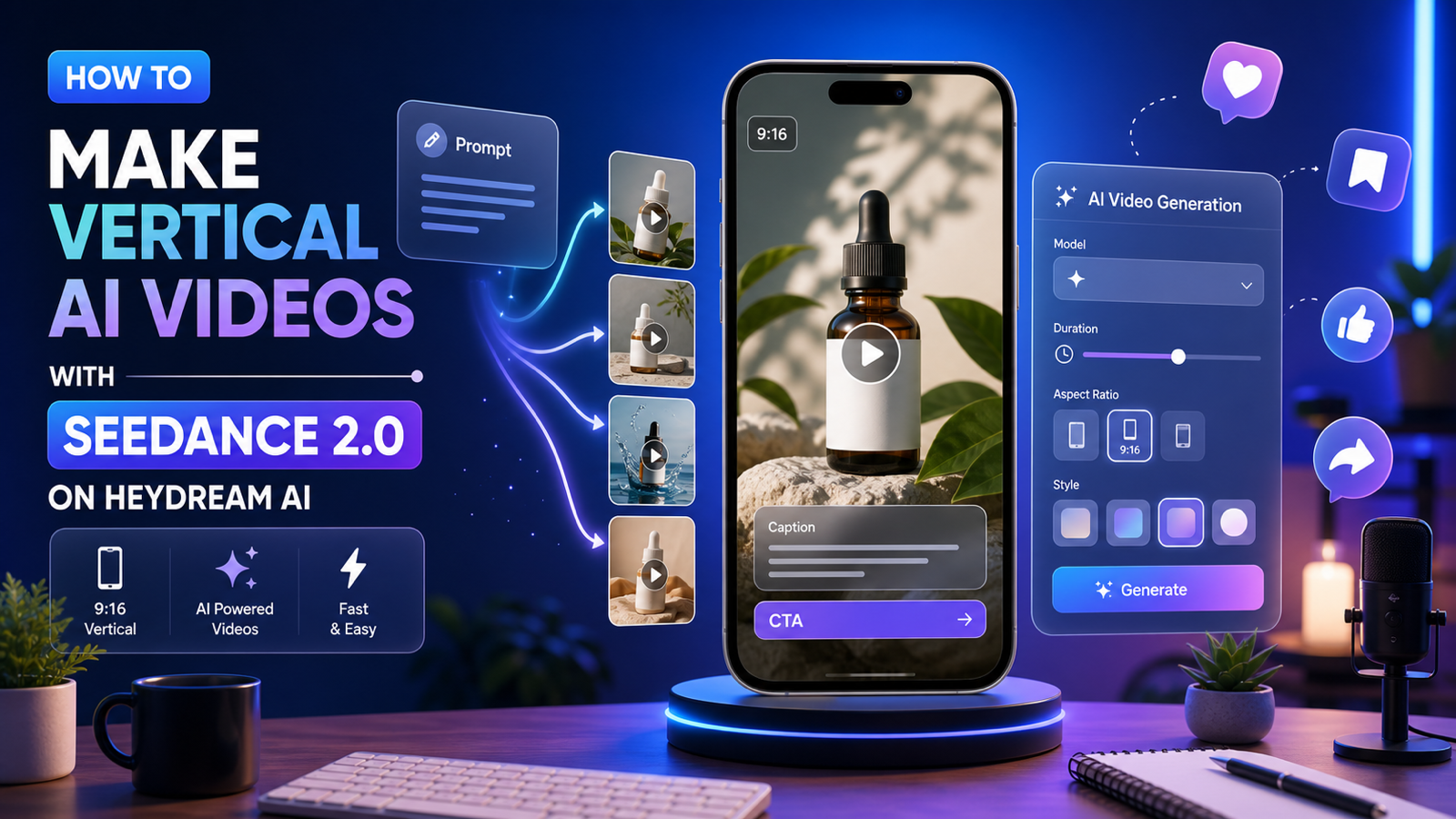
Step 5: Set duration, aspect ratio, and resolution
-
Duration: choose 5s (great for testing and ad variations).
-
Aspect ratio: pick based on platform:
- 16:9 for YouTube/web
- 9:16 for Shorts/Reels/TikTok
-
Resolution: set 720p for faster iteration.
- Once you like the result, rerun at a higher resolution (if available) for final export.
Step 6: Public toggle
-
Use Public depending on whether you want your generation visible publicly.
- If you’re testing brand creatives or client work, many creators keep this off.
Step 7: Generate
- Click GENERATE (you’ll see the credit cost on the button).
- Best practice: run 3–5 variations with the same settings before editing the prompt—pick the best take first, then refine.
Prompt Playbook: Ready-to-Use Templates (Seedance 2.0 vs 1.0)
These templates are structured so the model knows what matters:
- subject
- setting
- lighting
- camera
- motion/action
- consistency guardrails
Template 1: Product “hero shot” (ad-friendly)
Best on: Seedance 1.0 AI video generation
A clean product hero shot of {PRODUCT} on {SURFACE/SETTING}. Lighting: {LIGHTING}. Camera: {SHOT TYPE + LENS FEEL}. Motion: {SIMPLE MOTION}. Style: crisp, commercial, premium. Keep the product shape and label consistent. Avoid warping, extra objects, unreadable text.
Example:
A clean product hero shot of a matte black insulated water bottle on a light oak table in a bright kitchen. Lighting: soft morning window light with gentle reflections. Camera: close-up 3/4 angle, shallow depth of field. Motion: slow push-in while the bottle rotates slightly on its base. Style: crisp, commercial, premium. Keep the bottle shape and label consistent. Avoid warping, extra objects, unreadable text.
Template 2: UGC-style hands demo (no avatar needed)
Best on: Seedance 1.0 video generator
Hands-only demo of {PRODUCT} in {SETTING}. Action: {ONE PRIMARY ACTION} then {ONE SECONDARY ACTION}. Camera: stable, framed on hands and product, minimal movement. Lighting: natural and clear. Make the product the focus, keep it centered, avoid background distractions.
Template 3: Multi-scene cinematic sequence (reference-driven)
Best on: Seedance 2.0
Using the provided references, create a short multi-shot sequence. Shot 1: {WIDE ESTABLISHING}. Shot 2: {MEDIUM ACTION}. Shot 3: {CLOSE DETAIL}. Keep the character identity and styling consistent across all shots. Camera movement: {ONE CLEAN MOVE}. Mood: {MOOD WORDS}. Natural transitions, coherent pacing.
Template 4: Voice + lip-sync (when using audio guidance)
Best on: Seedance 2.0
Generate a character speaking to camera using the provided voice reference. Match lip-sync and facial micro-expressions to the audio. Keep face, outfit, and background consistent. Camera: stable medium close-up. Lighting: soft and natural. No sudden cuts.
Template 5: Image-driven animation (controlled identity)
Compare:
- Seedance 2.0 for stronger reference control across shots
- Seedance 1.0 image to video for quick reliability
Animate the provided image. Keep {IDENTITY ELEMENTS} unchanged. Motion: {SIMPLE MOTION}. Camera: {SUBTLE CAMERA}. Do not change clothing, face, product shape, logo placement, or background layout.
Troubleshooting: Fix the Most Common “Bad Outputs” Fast
If motion is chaotic or jittery
- Remove extra camera instructions (keep only one)
- Reduce actions to one primary action
- Use “stable camera” or “minimal camera movement”
If faces/outfits drift
- Use references and explicitly say “keep ID/IP consistent across shots”
- Repeat the key identity descriptor once (don’t spam it)
- Prefer image/video references when consistency is non-negotiable
If the product isn’t the focus
- Put the product in the first clause of the prompt
- Simplify the background
- Ask for “product centered, label visible”
Mini FAQ
Is Seedance 2.0 always better than Seedance 1.0?
Not automatically. Seedance 2.0 is better when you need multi-reference control, multi-scene continuity, and stronger ID/IP consistency. Seedance 1.0 can be better when you need predictable, repeatable outputs quickly.
When should I use text-to-video vs image-to-video?
- Use text-to-video to explore ideas quickly.
- Use image-to-video when consistency matters (character identity, product visuals, stable scenes).
What aspect ratio is best for ads?
- 9:16 for mobile-first placements (Shorts/Reels/TikTok)
- 1:1 for feed placements
- 16:9 for YouTube and websites
How do I create reliable A/B variations?
Generate multiple takes first, then adjust only one variable at a time (camera or lighting or action). That’s the easiest way to stay consistent while improving quality.
Conclusion: The Smart Creator Choice
If you need reference-driven control, multi-shot continuity, and stronger consistency for brand characters or campaign assets, Seedance 2.0 AI video generation is the smarter direction.
But if your goal is consistent output, rapid iteration, and scalable production—especially for marketing content—running Seedance 1.0 AI video generator on Heydream is still a strong, practical choice.
Use Seedance 2.0 when you need “director-level” control—and keep Seedance 1.0 as the workflow that reliably gets videos across the finish line.