
Gave google omni a sketched camera path and asked it to generate drone POV footage.
Gemini Omni AI Video Generator ( VEO4 AI)
Gemini Omni AI Video Generator turns text prompts or a starting image into short AI video clips. Guide the subject, action, camera, lighting, and visual style for UGC ads, product demos, social media content, education, and creative previews.
0 / 5000
Introduction to Gemini Omni AI Video Generator
Explore text-to-video and image-to-video creation with Gemini Omni AI, with practical prompt control for short-form visual content.
Gemini Omni AI Video Generator helps creators turn a written scene or starting image into a short clip. Describe the subject, motion, camera, lighting, and visual style to create UGC ads, product demos, educational visuals, and social content.
Examples of Gemini Omni AI Video Generator
Explore Gemini Omni AI Video Generator examples to see how prompts and starting images become dynamic clips with directed subjects, camera movement, visual style, and motion for product demos, educational explainers, and social content.
Original Image
Video
Prompt
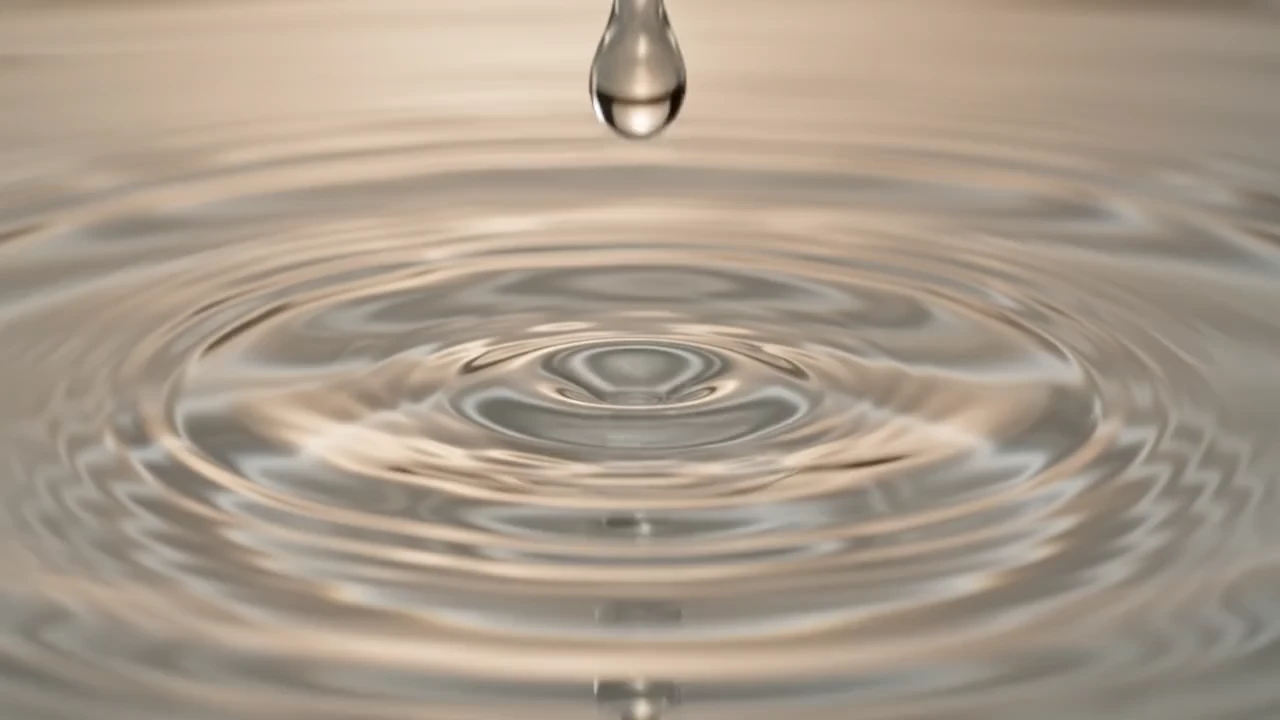
Cinematic 10-second surreal luxury skincare commercial, pure live action, high-end fashion advertising. Warm champagne light, glossy beauty-film look, shallow depth of field, macro beauty photography, smooth camera movement. Main subject: a beautiful European woman in her 20s with luminous glass skin, silky black hair softly tied back, and an ivory satin robe; preserve identical face, hair, body, and styling throughout. Timeline: 0-1s: Extreme macro, transparent serum drop falls in slow motion into reflective water; golden ripples, ultra-clean luxury studio. 1-2s: Medium close-up; woman slowly turns to camera, soft rim light, flawless skin, calm confident slow-motion expression. 2-3s: Serum bottle floats and rotates; liquid ribbons and suspended glass particles, dramatic reflections, premium product lighting. 3-4s: Close-up as she applies serum to cheek with fingertips; slow push-in, hydrated glow, radiant texture. 4-5s: Side-profile tracking shot; floating water particles, soft luxury light on cheekbones and skin. 5-6s: Slow-motion liquid splash wraps serum bottle on reflective black glass; realistic fluid macro detail. 6-7s: Extreme close-up of eyes and luminous skin; subtle facial movement, warm cinematic light. 7-8s: Artistic mirror reflections; slow dolly as she touches her skin and gazes at her reflection, dreamy luxury mood. 8-9s: Hero bottle surrounded by floating gold particles and soft mist; strong cinematic backlight. 9-10s: Slow push toward the confident woman beside the glowing bottle; elegant typography fades over warm bokeh, calm premium ending. Style: surreal live action only; real human subjects; no illustration, sketch, CGI look, or animation.
Key Features of Gemini Omni AI Video Model
Gemini Omni AI Video Generator combines text-to-video and image-to-video creation with prompt-based control over subjects, motion, camera direction, lighting, and visual style.
Generate Videos from Text Prompts
Describe the subject, scene, action, camera movement, lighting, and visual style to create a focused video clip from natural language.
Animate a Starting Image
Upload a starting image and add motion direction to turn a product photo, character image, or visual concept into an image-to-video clip.
Direct Motion and Camera Behavior
Use clear action and camera instructions to shape movement, framing, pacing, and scene flow for more intentional AI video results.
Create Variations from Updated Inputs
Review the generated clip, update the prompt or starting image, and generate another variation when you want to test a different scene, motion, or visual direction.
Applications of Gemini Omni AI Video Generator
Gemini Omni AI Video Generator supports modern creative workflows across UGC advertising, ecommerce product promotion, social media content, education videos, brand storytelling, film pre-visualization, and fast campaign testing.
UGC Ads and Creator-Style Marketing Videos
Draft product demos, testimonial-style scenes, hook variations, lifestyle clips, and creator-inspired ad concepts for performance marketing and campaign testing.
Product and Ecommerce Video Creation
Transform product images, feature notes, packaging shots, and lifestyle prompts into dynamic promotional video concepts for product pages, store banners, and launch campaigns.
Educational Explainers and Visual Learning
Plan short lessons, technical explainers, concept demos, and visual walkthroughs with clear scene direction and on-screen text planning.
Brand Storytelling and Creative Previews
Turn scripts and campaign briefs into cinematic previews that help teams compare concepts, align creative direction, and move faster from idea to production.
How to Use Gemini Omni AI Video Generator
Create a short Gemini Omni video from a prompt or starting image in three practical steps.
Step 1: Enter a Prompt or Upload an Image
Write a prompt describing the subject, action, scene, camera, lighting, and visual style, or upload one starting image for image-to-video creation.
Step 2: Choose Duration and Aspect Ratio
Choose a 5- or 10-second duration and a 16:9 or 9:16 aspect ratio for the clip you want to create.
Step 3: Generate and Refine
Generate the clip, review the result, then update the prompt or starting image and create another variation when needed.
Explore AI Video Creation with Gemini Omni AI on Twitter

Hate being on camera? We have some great news. 🤫🎥 Gemini Omni in Google Vids lets you generate a personal AI avatar to star in your videos. Type a script, and let your digital twin handle the rest. Try it now on desktop → vids.new

Google Omni might be too powerful 🫥

Level up your video editing with Gemini Omni. You can create up to 10 videos at no cost until 11:59pm PT on August 4th, 2026. Change objects, add interactions between subject & space, and more. Here are four of our favorite ways to use Gemini Omni to edit videos: 🧵

