AI Photo Editor: Enhance Your Photos with AI
Turn rough images into ready-to-use visuals with simple text prompts. Our AI photo editor lets you quickly enhance product photos, personalize social content, refine campaign images, or improve your own pictures up to 10x faster. Just type what you want to change, and get high-quality results instantly.
Examples about Hey Dream AI Photo Editor
Explore AI Photo Editor examples across text prompt photo editing, uploaded image references, design mockups, product concept boards, documentary-style photos, architectural visualization, concept visuals, and creative photo generation.
Convert Text to Photos
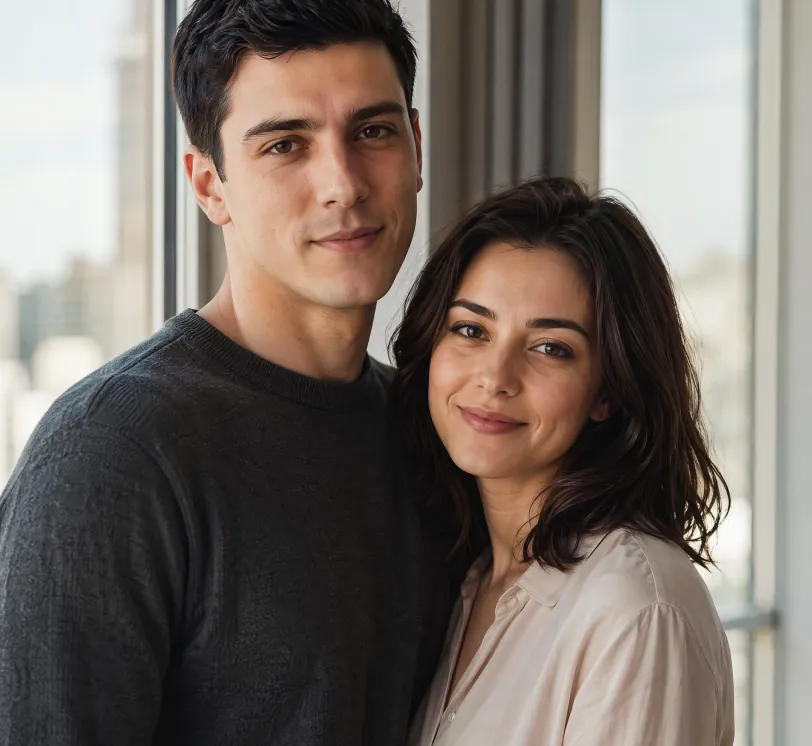
Photorealistic portrait of a young European couple standing naturally together beside a large window with soft natural daylight. The man is 25 years old, short black hair, calm and confident expression, wearing a simple dark grey crewneck sweater. The woman is 24 years old, shoulder-length dark hair, gentle warm smile, wearing a light beige blouse. They stand close, bodies slightly angled toward each other in a relaxed and intimate pose, looking toward the camera. Soft natural window light illuminates both faces, subtle modern city view blurred in the background. Highly detailed skin texture with natural pores, subtle imperfections and realistic skin sheen on both people. Realistic eye reflections and catchlights, individual hair strands visible. Shallow depth of field, soft natural shadows, warm and intimate atmosphere. Professional photography style, shot on Sony A1 with 85mm f/1.4 GM lens, 8K ultra detailed, cinematic color grading, natural lighting
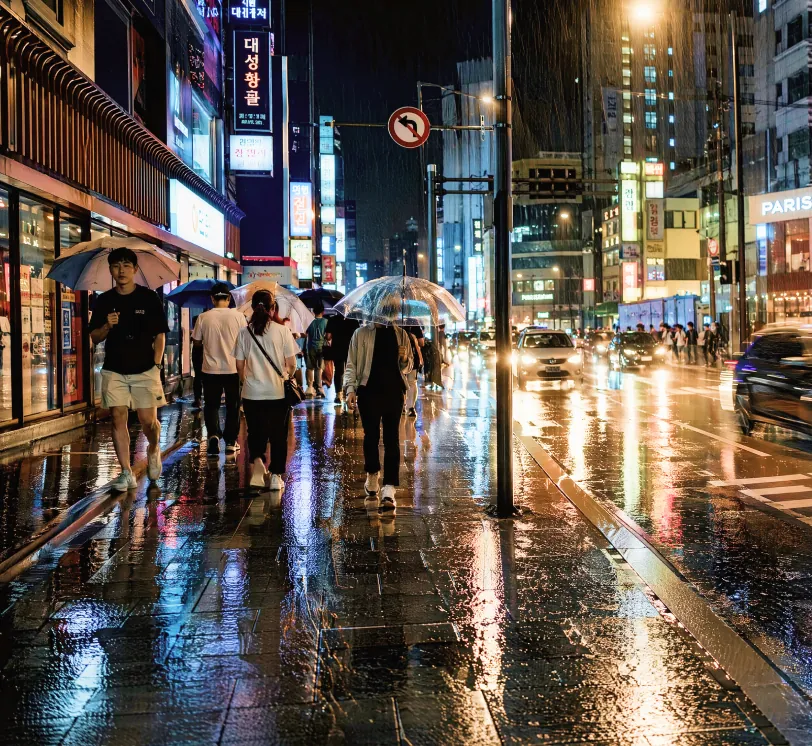
Photorealistic street photography of a rainy night in a modern East Asian city, wet asphalt reflecting colorful neon signs and street lights, people walking with umbrellas, cars with glowing headlights creating light trails, detailed textures on wet pavement and clothing, moody cinematic atmosphere, high contrast, shallow depth of field, shot on Leica Q3 with 28mm lens, f/1.7, ultra detailed, 8K resolution, raw photo style, natural reflections and highlights
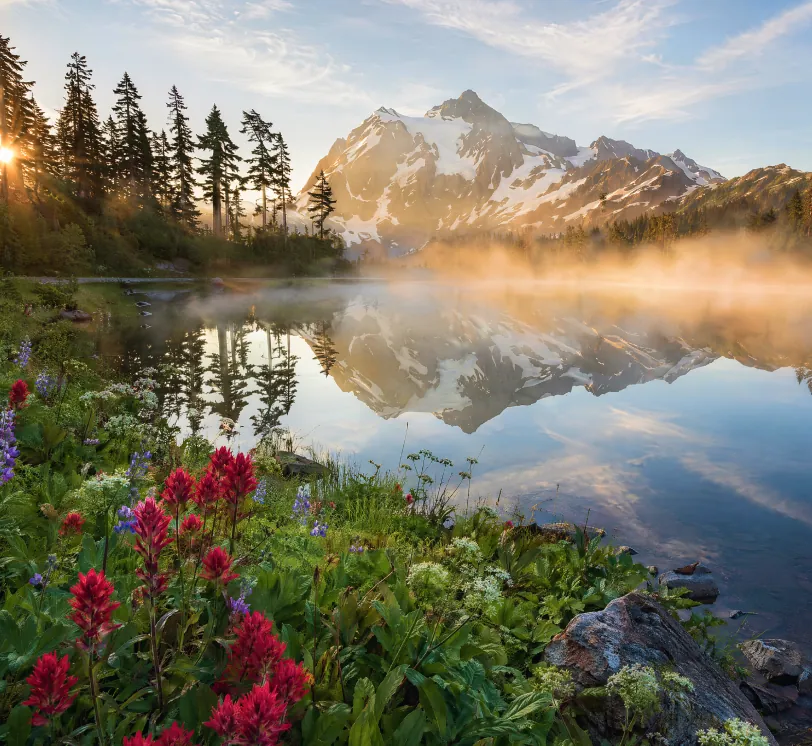
Hyper-realistic landscape photograph of a misty mountain lake at sunrise, snow-capped peaks in the distance, crystal clear water with perfect mirror reflections, pine forest on the left shore, wildflowers and rocks in the foreground, golden sunlight rays piercing through morning mist, atmospheric perspective, highly detailed foliage and water texture, National Geographic photography style, wide angle lens, shot on tripod, ultra sharp focus, natural colors, 8K resolution, serene and majestic atmosphere
Sketch to Realistic Photo
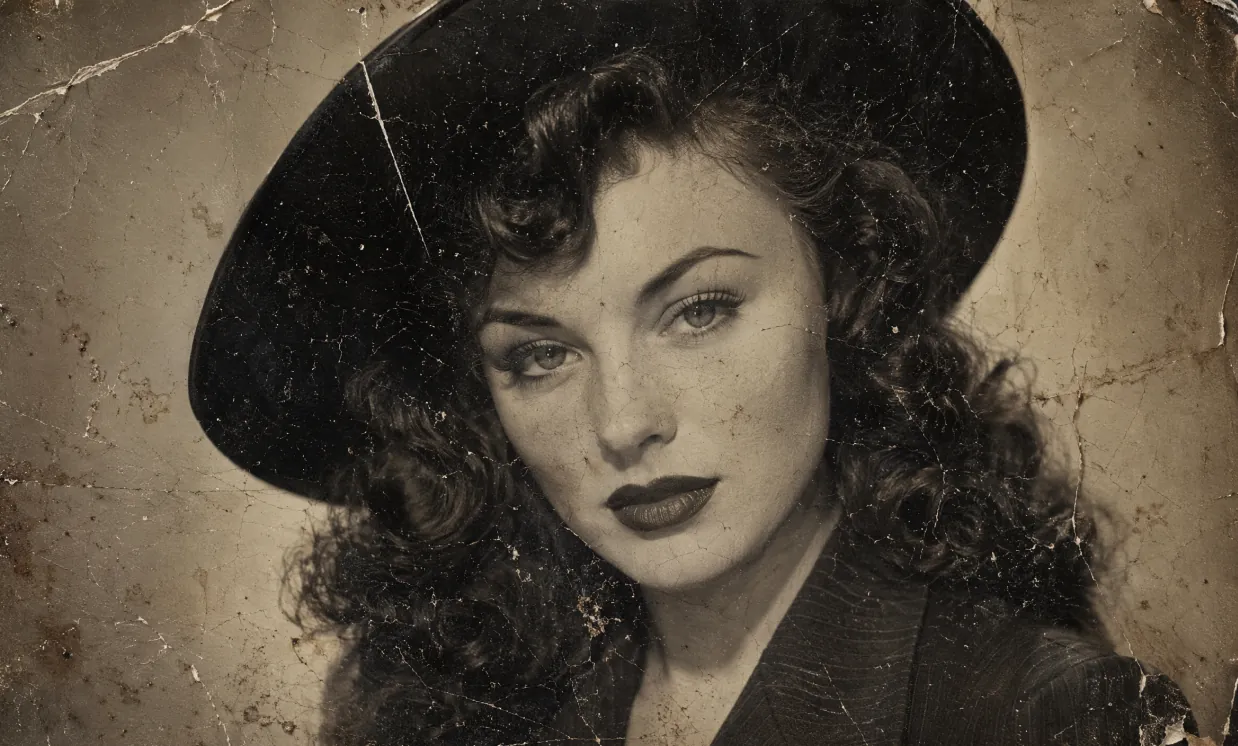
A heavily damaged 1940s vintage black and white portrait photograph in authentic aged tintype / silver gelatin print style, extreme physical deterioration, dense network of fine cracks and craquelure covering the entire surface, long white scratches, creases, dark spots, dust particles, brownish water stains, flaking emulsion, uneven toning and paper texture, worn and fragile old photo appearance. Subject: beautiful young woman with fair skin and subtle freckles, classic 1940s Hollywood glamour makeup — sharply arched eyebrows, defined eyeliner, long lashes, dark matte lipstick. Voluminous dark wavy hair with soft voluminous curls cascading over her shoulders, partially covered by a stylish wide-brimmed dark hat. She wears a dark pinstriped or textured jacket with prominent wide notched lapels and collar. Direct confident gaze toward camera, poised enigmatic expression, head and shoulders close-up composition. Soft diffused studio lighting, gentle facial shadows, high contrast, fine photographic grain, slightly sepia-toned monochrome, nostalgic cinematic atmosphere, rectangular format, highly detailed, photorealistic rendering of a real deteriorated historical photograph
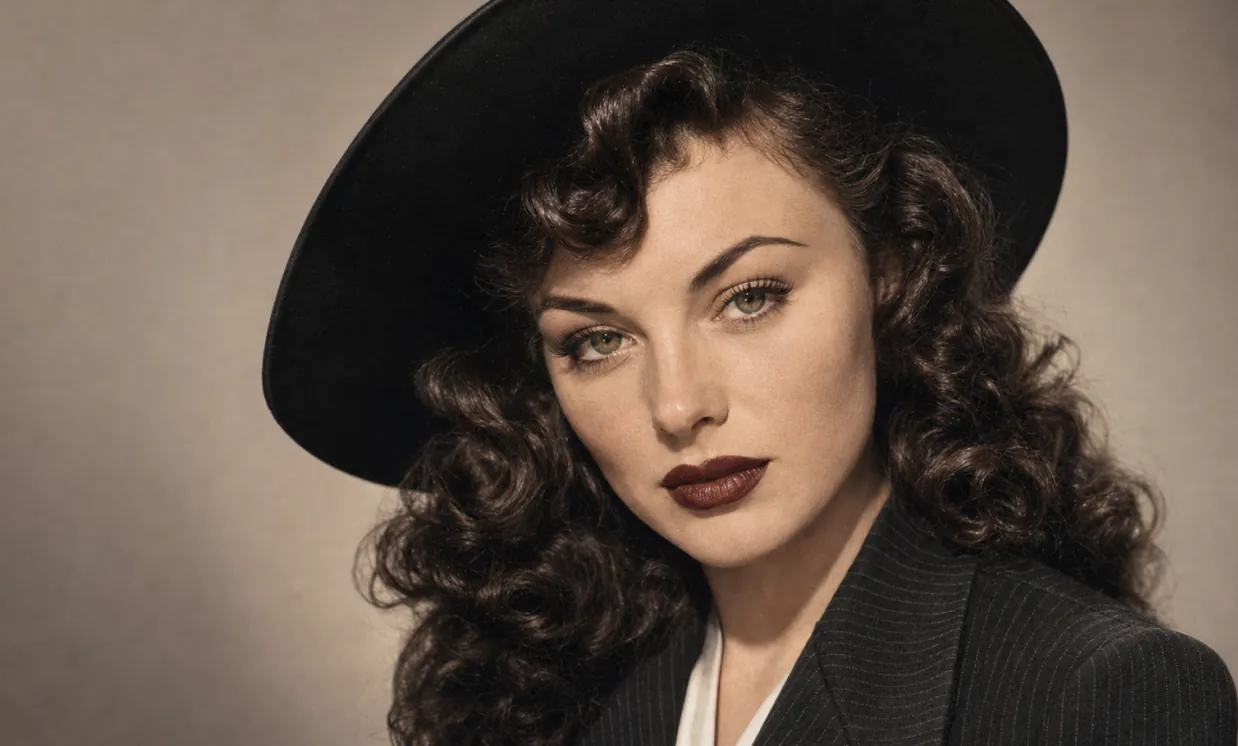
Restore this old photo and color it.
Concept Photo and Visual Design
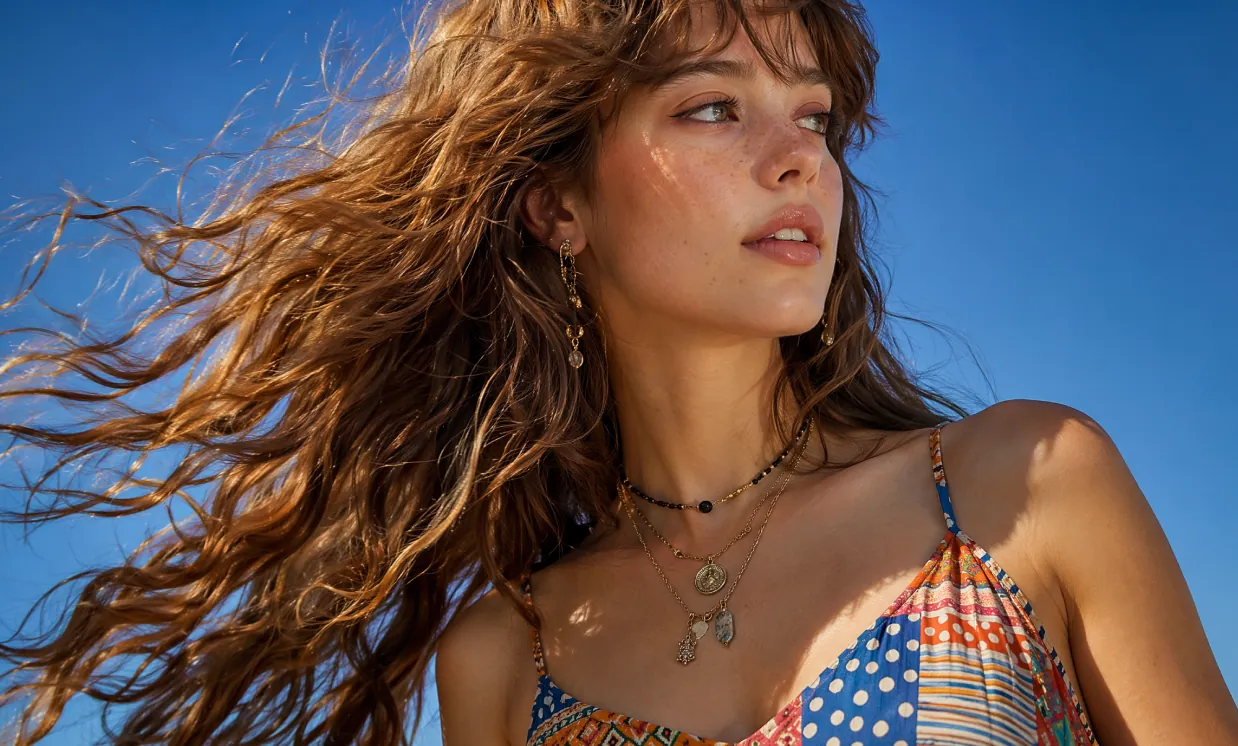
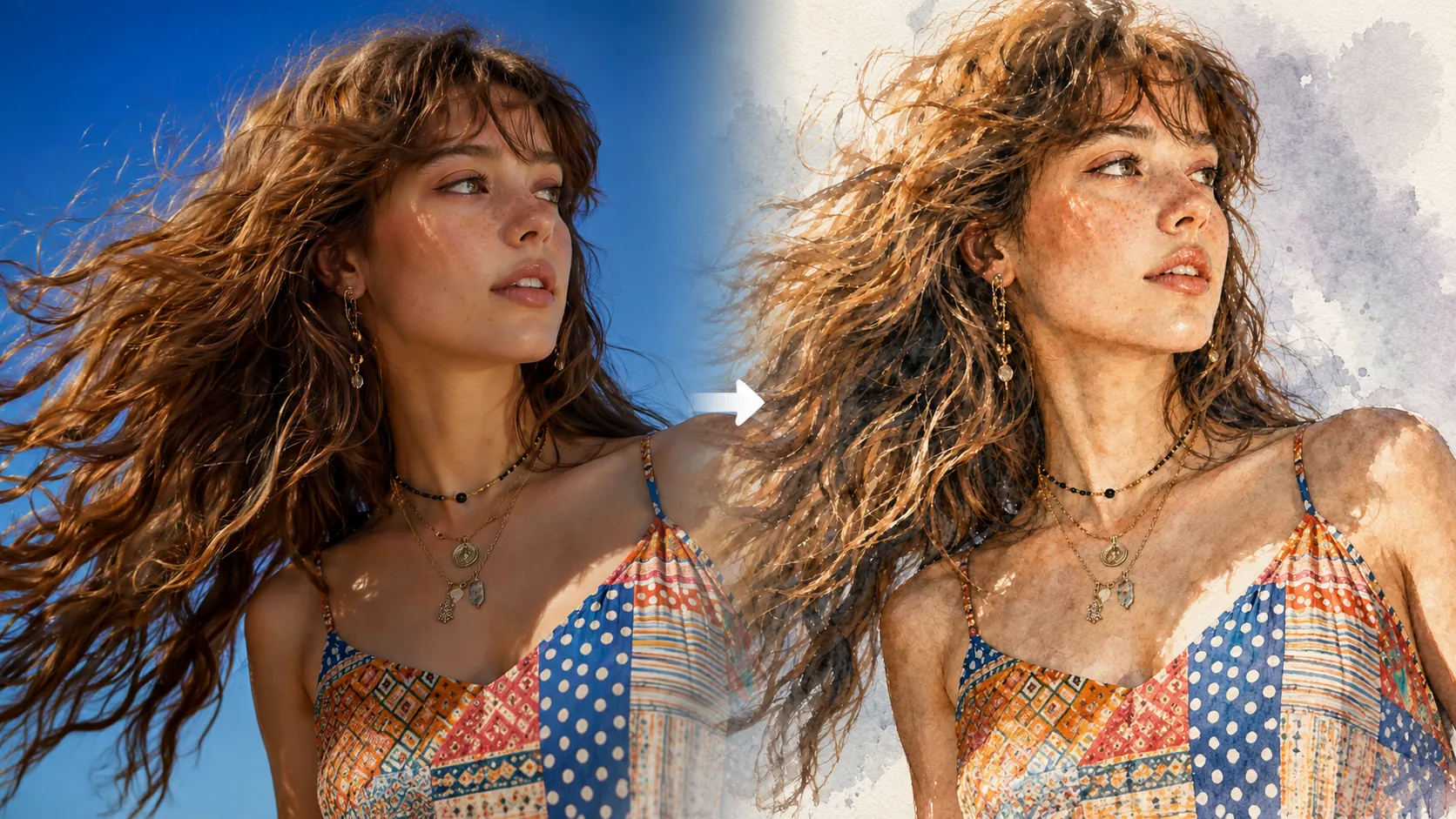
Photorealistic close-up portrait of a beautiful young woman in her early twenties with fair skin dotted with natural freckles across her nose and cheeks, long voluminous wavy light brown hair with soft bangs, dramatically wind-swept and flowing from right to left across the frame with individual strands glowing in sunlight. She tilts her head slightly upward and turns her gaze to her right, serene expression with parted glossy lips and natural makeup. She wears a vibrant multicolored patterned camisole top with thin adjustable straps, featuring a patchwork of polka dots, horizontal stripes, and geometric tribal designs in shades of blue, red, yellow, white and orange. Layered necklaces: one black beaded choker-style and longer gold chains with small metal pendants and charms. Delicate dangling earring with intricate charms in her visible ear. Shot outdoors against a pure clear bright blue sky, bright sunny daylight with strong side lighting creating golden rim highlights on hair and soft illumination on face, subtle shadows defining bone structure. Cinematic fashion photography style, sharp detail on hair texture and fabric patterns, shallow depth of field, professional model photography, filmic color grading with rich blues and warm skin tones, high resolution 8K, ultra detailed, photorealistic, no text, no watermark.
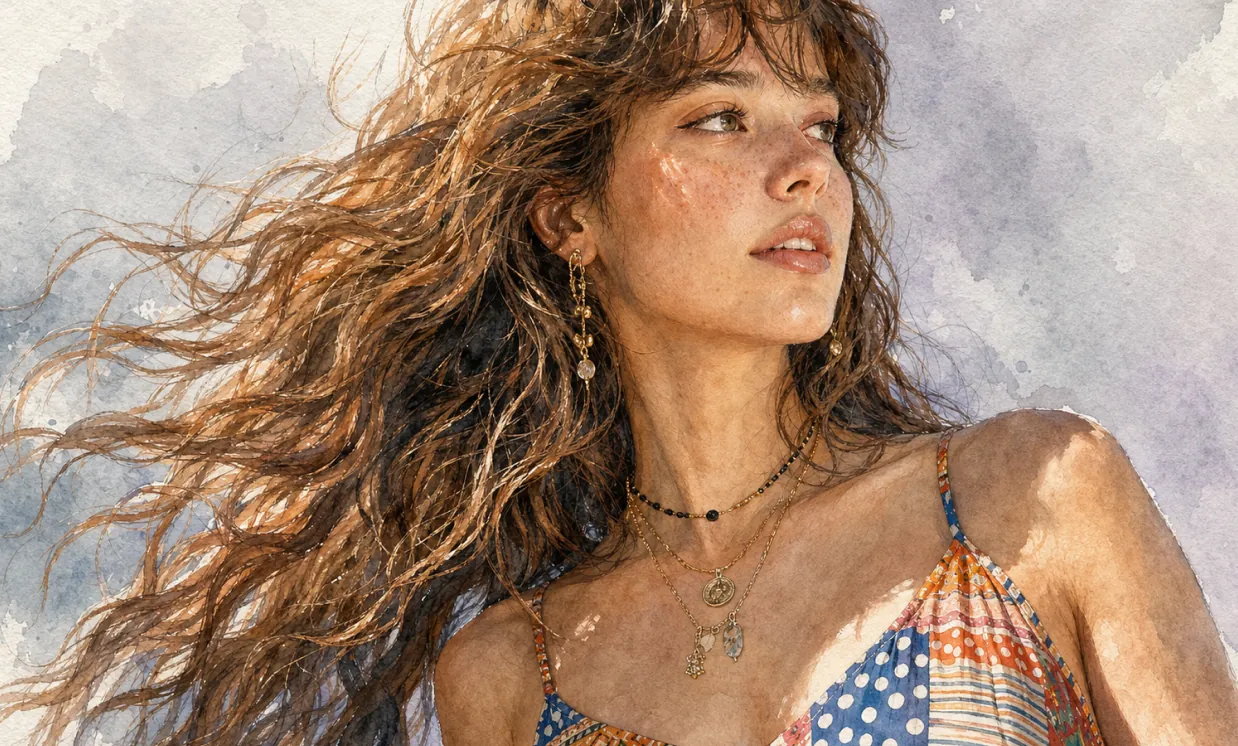
Ultra-detailed watercolor portrait illustration in refined editorial watercolor realism, delicate hand-painted rendering with visible transparent pigment layering, soft organic brush transitions, subtle granulation textures, and premium cold-pressed watercolor paper aesthetics. Highly detailed facial features with natural age lines, realistic skin texture, expressive eyes, and carefully observed anatomy. Fine ink-assisted contour definition blended seamlessly with watercolor washes. Muted elegant color palette featuring warm skin tones, cool gray shadows, soft lavender background accents, and restrained natural saturation. Crisp facial detailing contrasted against loose painterly edges and atmospheric watercolor blooms. Sophisticated portrait composition with clean negative space, museum-quality illustration craftsmanship, gentle tonal gradients, realistic textile rendering, and subtle handcrafted imperfections. Minimalist fine-art portrait style combining contemporary watercolor illustration, traditional botanical painting precision, and high-end magazine portrait aesthetics. Soft ambient lighting, graceful brushwork, understated elegance, timeless artistic character, and premium gallery-worthy watercolor finish.
Core Advantages about AI Photo Editor
Providing efficient and controllable photo generation and online AI photo editing experience for individual and enterprise users, supporting text prompts, uploaded image references, diverse style creation, flexible customization, and convenient application.
Subject Consistency
Regardless of changes in pose, lighting, or scene, the main subject's characteristics remain consistent, presenting coherent and natural photo results.
Design Extension
While preserving core structure and details, different artistic styles, textures, or photo directions can be flexibly applied to achieve creative reinterpretation.
Creative Synthesis
Integrate multiple image elements into the same prompt to generate unique and harmonious photo-style compositions.
Use Cases about AI Photo Editor
AI Photo Editor can be widely applied in poster design, brand marketing, educational presentations, and artistic creation. It supports flexible control over image and text details, enhancing creative efficiency and visual impact, providing efficient and professional creative support for designers, enterprise teams, and educators.
Rapid Photo Prototype Design
AI Photo Editor supports fine editing of posters and various visual content, flexibly adjusting fonts, sizes, and styles, perfect for event promotion and brand marketing scenarios.
Education and Learning Assistance
In the education field, AI Photo Editor can generate and edit teaching-related images, assisting in the creation of textbooks and learning resources, enhancing classroom presentation and teaching efficiency.
Enterprise Marketing and Brand Promotion
AI Photo Editor can help enterprises efficiently create marketing materials and brand visual content, strengthening brand image and enhancing market competitiveness.
Cultural Creativity and Artistic Creation
AI Photo Editor provides rich creative tools for artists and designers, supporting style transformation and diverse expression, expanding the possibilities of artistic creation.
How to Use AI Photo Editor
This guide provides helpful instructions to make the most of the AI Photo Editor tool, even without Photoshop skills.
Step 1: Choose Your Preferred AI Model
Select the fittable model for your online AI photo editing or photo creation task.
Step 2: Enter Text or Upload an Image
Enter your prompt or upload an image reference to guide photo creation.
Step 3: Select Image Aspect Ratio
Select the appropriate image aspect ratio for your photo.
Step 4: Click Generate and Get Your Photo in Seconds
Create Photo

