Editor fotografico AI: migliora le tue foto con l’AI
Trasforma immagini approssimative in visual pronti all’uso con semplici prompt testuali. Il nostro editor fotografico AI ti aiuta a migliorare foto di prodotti, personalizzare contenuti social, perfezionare immagini di campagne o migliorare le tue foto fino a 10 volte più rapidamente. Digita ciò che vuoi cambiare e ottieni subito risultati di alta qualità.
Esempi dell’Editor fotografico AI Hey Dream
Esplora esempi dell’Editor fotografico AI per modifica tramite prompt, riferimenti di immagini caricate, mockup di design, board di concetti prodotto, foto in stile documentario, visualizzazione architettonica, visual concettuali e creazione fotografica creativa.
Converti testo in foto
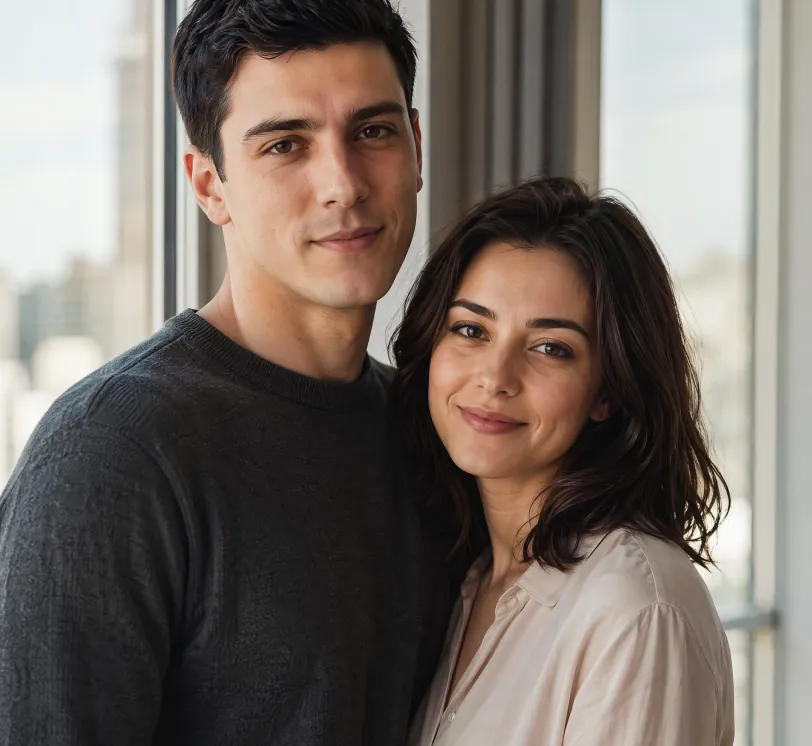
Photorealistic portrait of a young European couple standing naturally together beside a large window with soft natural daylight. The man is 25 years old, short black hair, calm and confident expression, wearing a simple dark grey crewneck sweater. The woman is 24 years old, shoulder-length dark hair, gentle warm smile, wearing a light beige blouse. They stand close, bodies slightly angled toward each other in a relaxed and intimate pose, looking toward the camera. Soft natural window light illuminates both faces, subtle modern city view blurred in the background. Highly detailed skin texture with natural pores, subtle imperfections and realistic skin sheen on both people. Realistic eye reflections and catchlights, individual hair strands visible. Shallow depth of field, soft natural shadows, warm and intimate atmosphere. Professional photography style, shot on Sony A1 with 85mm f/1.4 GM lens, 8K ultra detailed, cinematic color grading, natural lighting
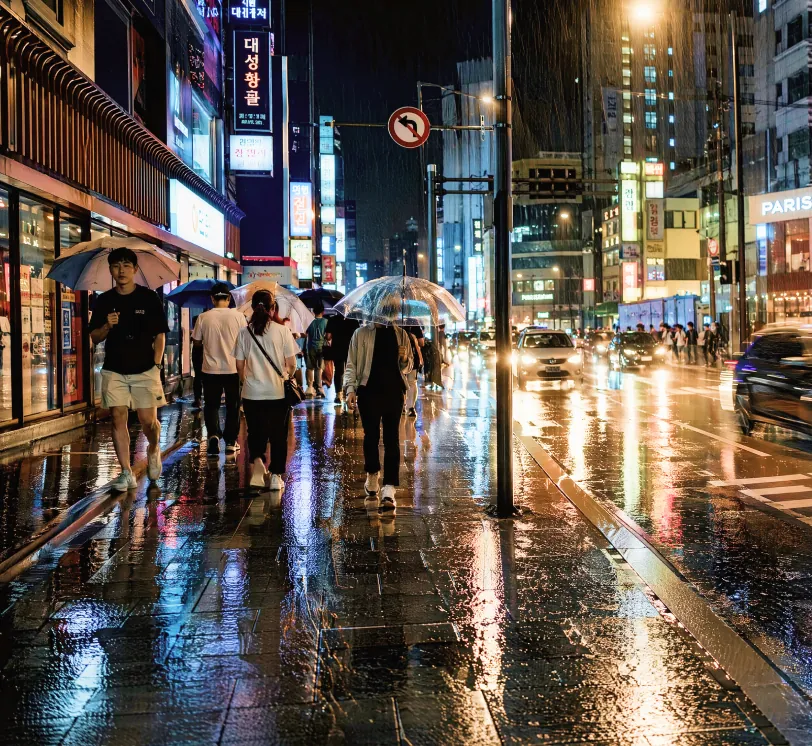
Photorealistic street photography of a rainy night in a modern East Asian city, wet asphalt reflecting colorful neon signs and street lights, people walking with umbrellas, cars with glowing headlights creating light trails, detailed textures on wet pavement and clothing, moody cinematic atmosphere, high contrast, shallow depth of field, shot on Leica Q3 with 28mm lens, f/1.7, ultra detailed, 8K resolution, raw photo style, natural reflections and highlights
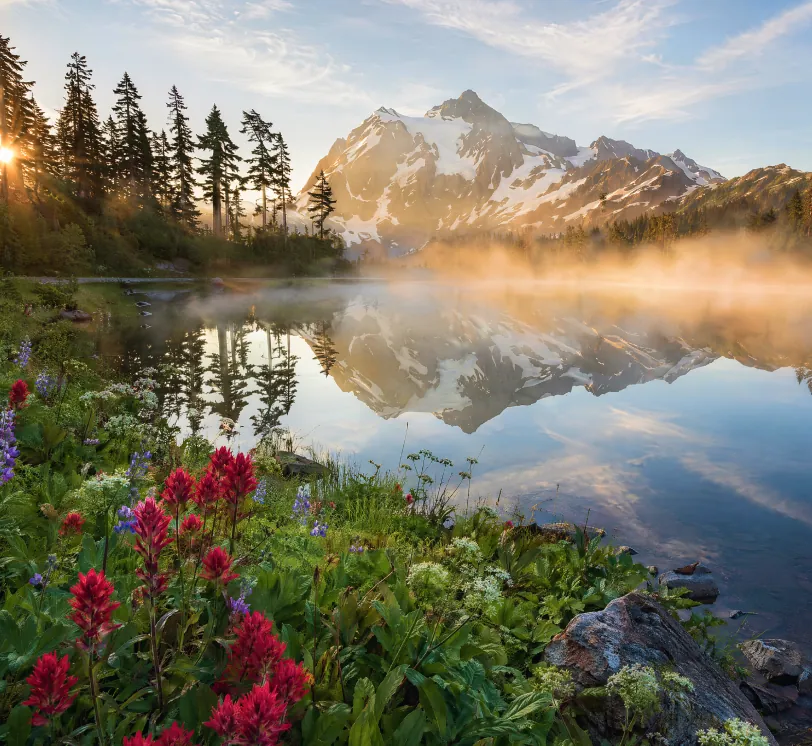
Hyper-realistic landscape photograph of a misty mountain lake at sunrise, snow-capped peaks in the distance, crystal clear water with perfect mirror reflections, pine forest on the left shore, wildflowers and rocks in the foreground, golden sunlight rays piercing through morning mist, atmospheric perspective, highly detailed foliage and water texture, National Geographic photography style, wide angle lens, shot on tripod, ultra sharp focus, natural colors, 8K resolution, serene and majestic atmosphere
Da schizzo a foto realistica
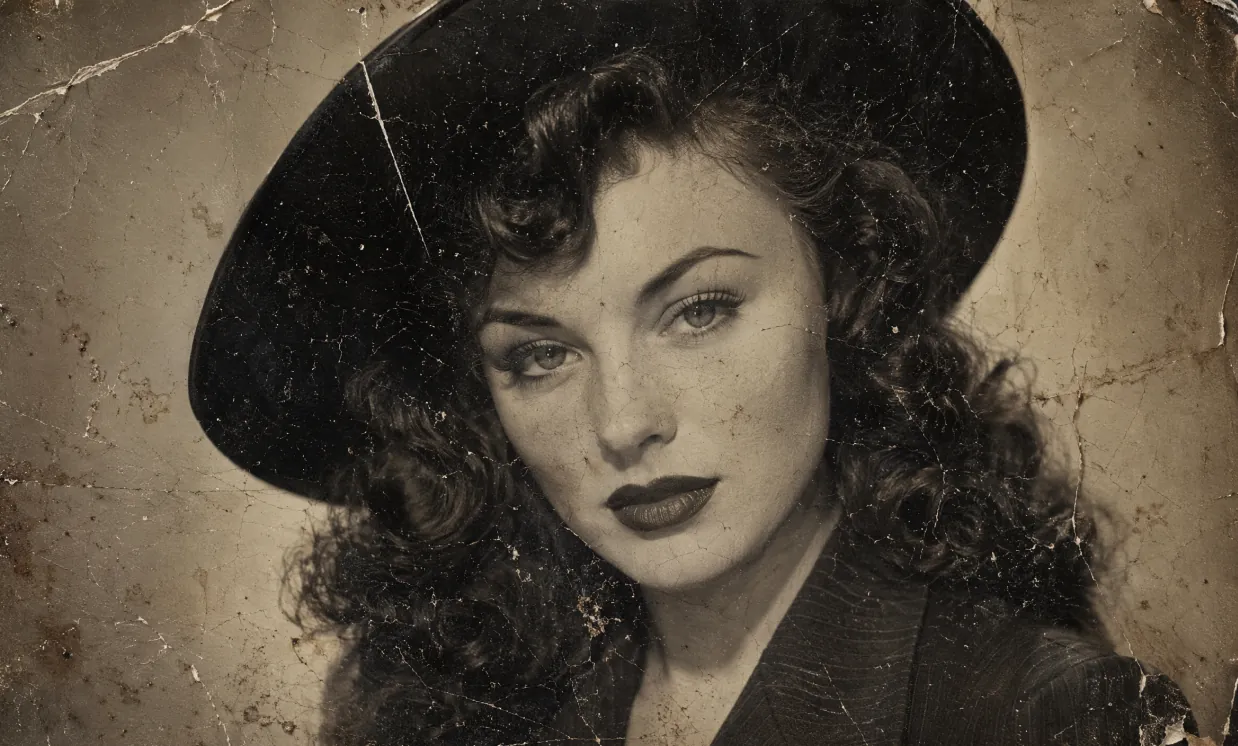
A heavily damaged 1940s vintage black and white portrait photograph in authentic aged tintype / silver gelatin print style, extreme physical deterioration, dense network of fine cracks and craquelure covering the entire surface, long white scratches, creases, dark spots, dust particles, brownish water stains, flaking emulsion, uneven toning and paper texture, worn and fragile old photo appearance. Subject: beautiful young woman with fair skin and subtle freckles, classic 1940s Hollywood glamour makeup — sharply arched eyebrows, defined eyeliner, long lashes, dark matte lipstick. Voluminous dark wavy hair with soft voluminous curls cascading over her shoulders, partially covered by a stylish wide-brimmed dark hat. She wears a dark pinstriped or textured jacket with prominent wide notched lapels and collar. Direct confident gaze toward camera, poised enigmatic expression, head and shoulders close-up composition. Soft diffused studio lighting, gentle facial shadows, high contrast, fine photographic grain, slightly sepia-toned monochrome, nostalgic cinematic atmosphere, rectangular format, highly detailed, photorealistic rendering of a real deteriorated historical photograph
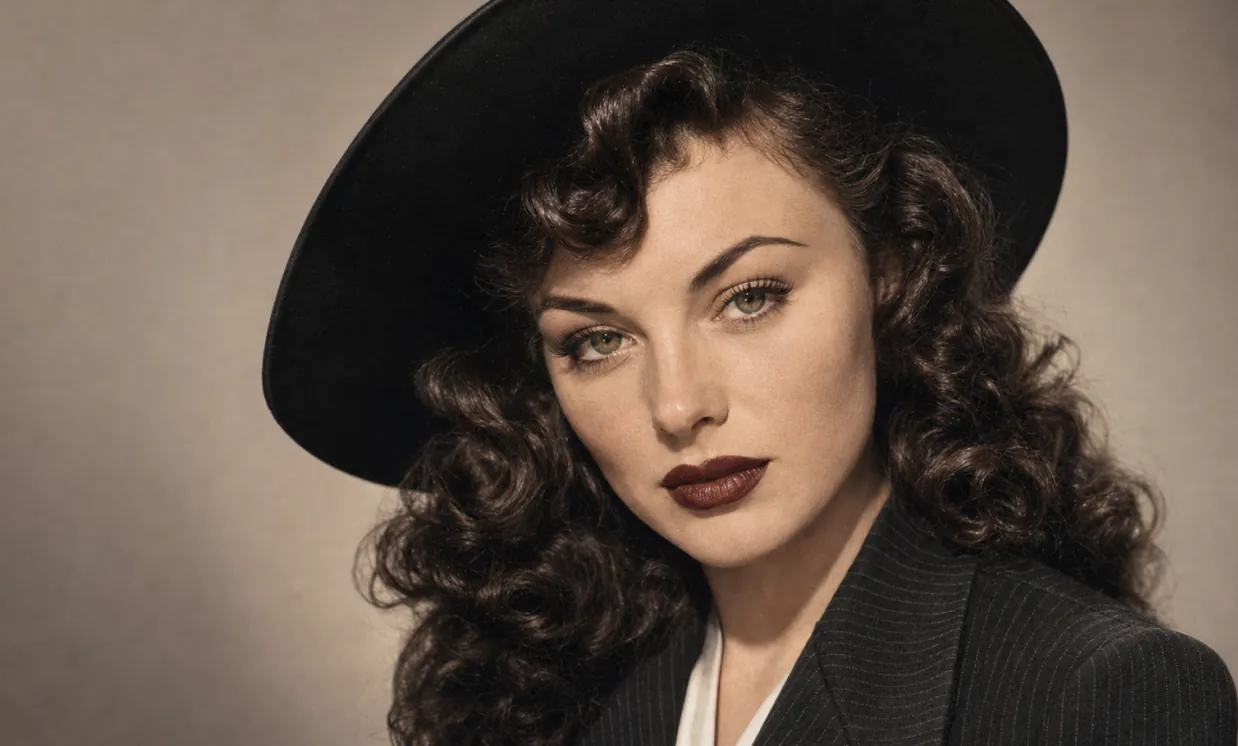
Restore this old photo and color it.
Foto concettuale e design visivo
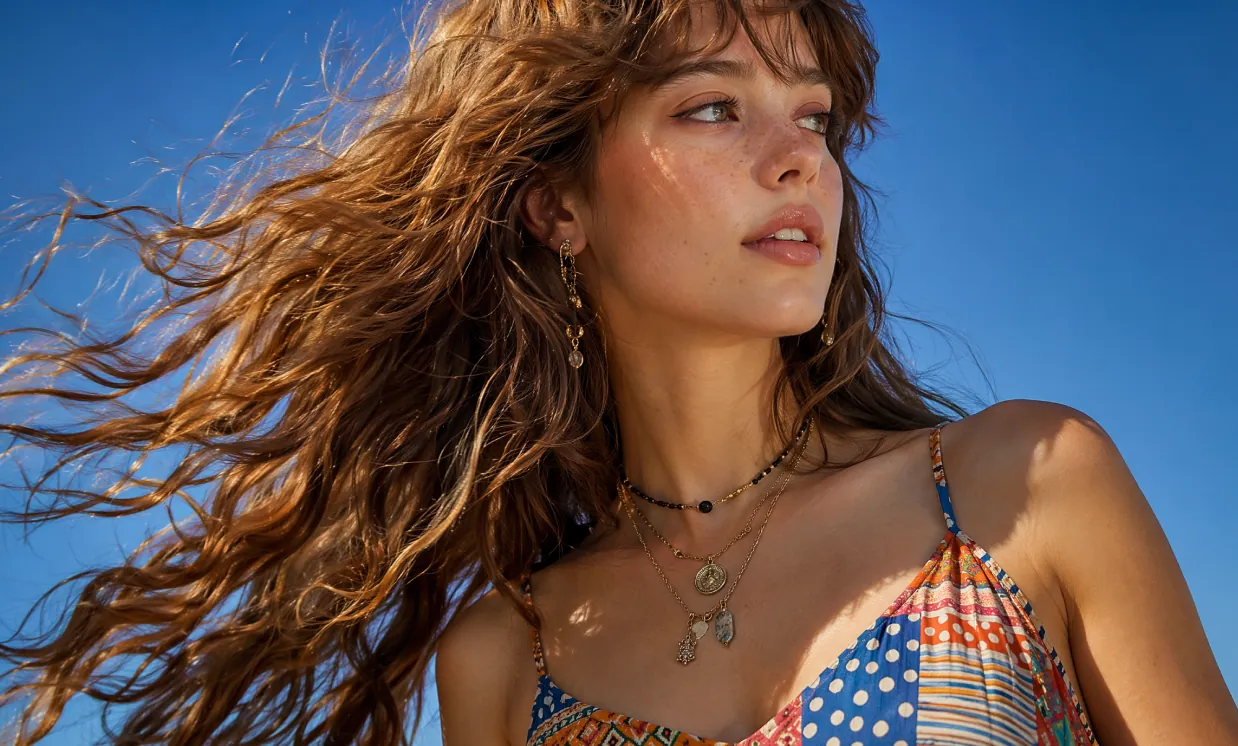
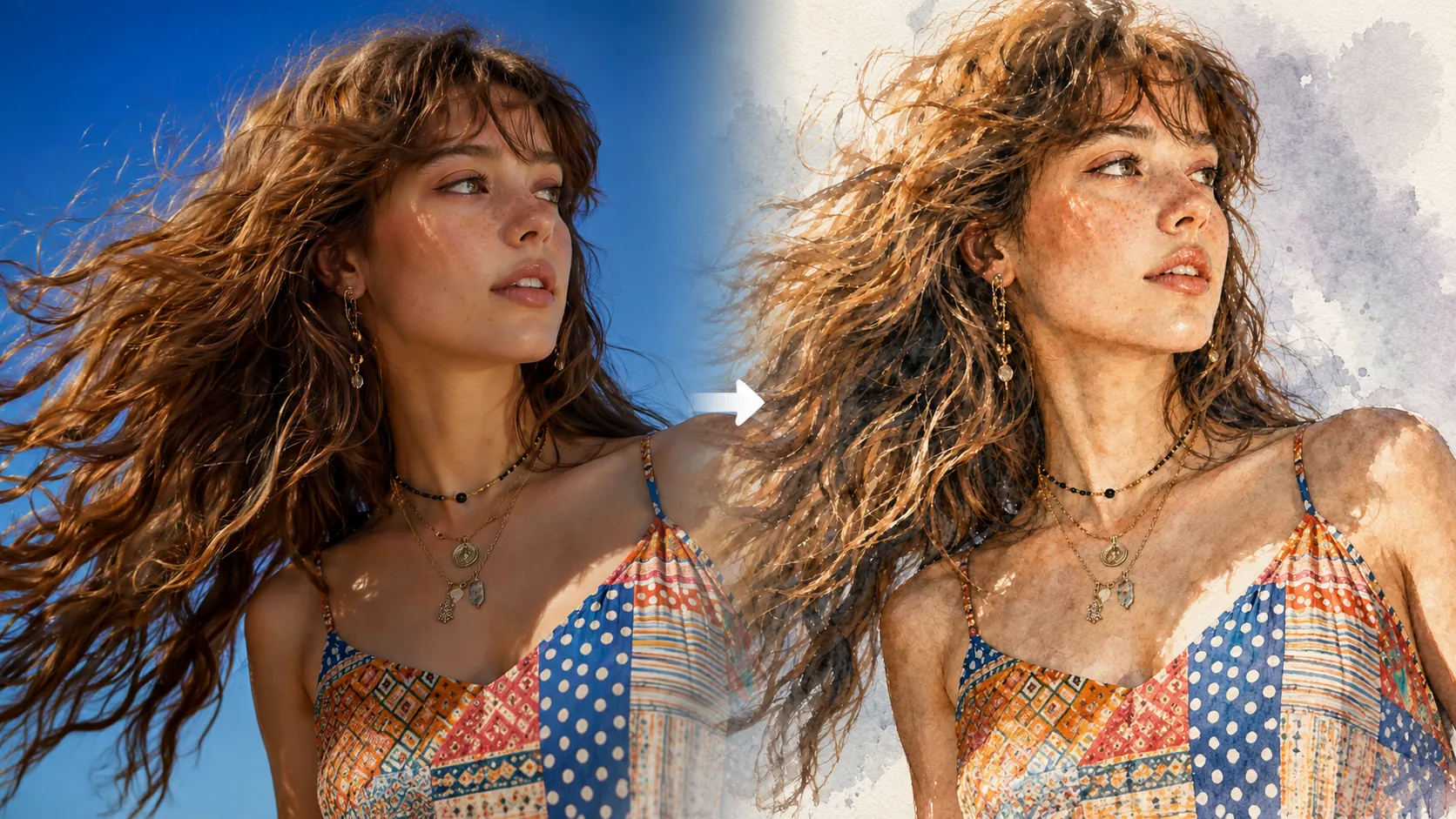
Photorealistic close-up portrait of a beautiful young woman in her early twenties with fair skin dotted with natural freckles across her nose and cheeks, long voluminous wavy light brown hair with soft bangs, dramatically wind-swept and flowing from right to left across the frame with individual strands glowing in sunlight. She tilts her head slightly upward and turns her gaze to her right, serene expression with parted glossy lips and natural makeup. She wears a vibrant multicolored patterned camisole top with thin adjustable straps, featuring a patchwork of polka dots, horizontal stripes, and geometric tribal designs in shades of blue, red, yellow, white and orange. Layered necklaces: one black beaded choker-style and longer gold chains with small metal pendants and charms. Delicate dangling earring with intricate charms in her visible ear. Shot outdoors against a pure clear bright blue sky, bright sunny daylight with strong side lighting creating golden rim highlights on hair and soft illumination on face, subtle shadows defining bone structure. Cinematic fashion photography style, sharp detail on hair texture and fabric patterns, shallow depth of field, professional model photography, filmic color grading with rich blues and warm skin tones, high resolution 8K, ultra detailed, photorealistic, no text, no watermark.
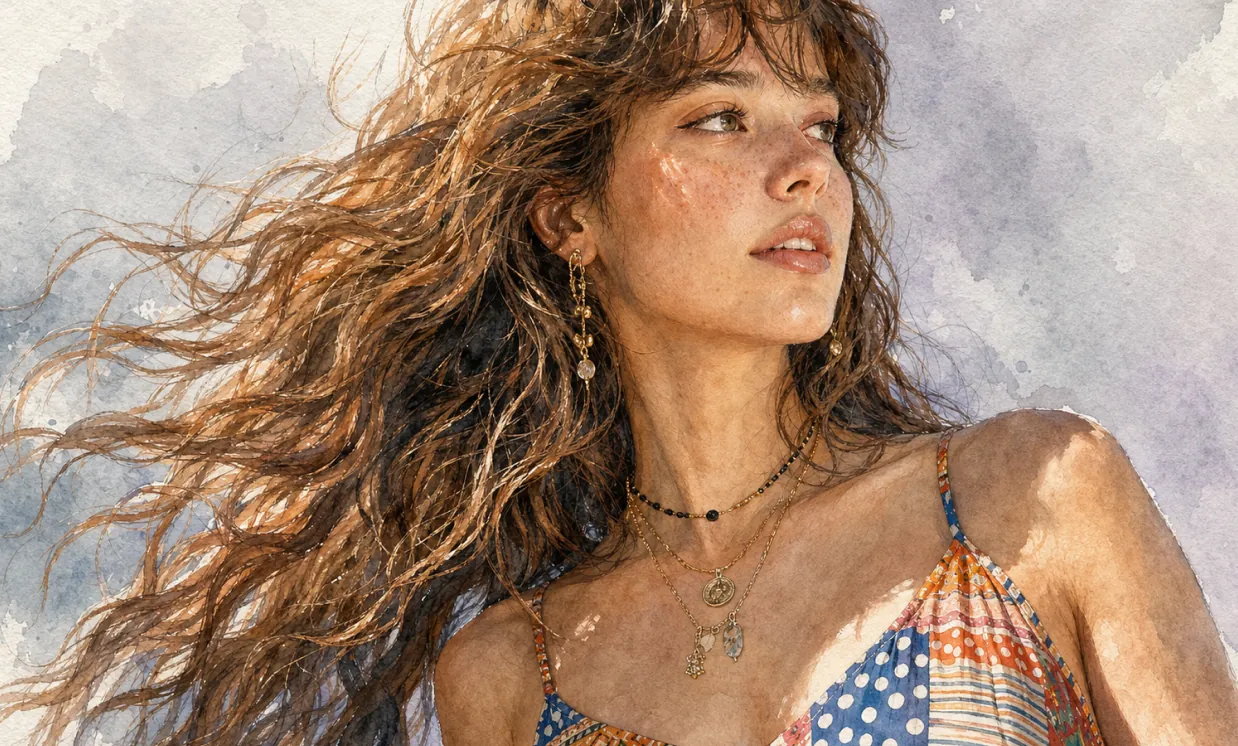
Ultra-detailed watercolor portrait illustration in refined editorial watercolor realism, delicate hand-painted rendering with visible transparent pigment layering, soft organic brush transitions, subtle granulation textures, and premium cold-pressed watercolor paper aesthetics. Highly detailed facial features with natural age lines, realistic skin texture, expressive eyes, and carefully observed anatomy. Fine ink-assisted contour definition blended seamlessly with watercolor washes. Muted elegant color palette featuring warm skin tones, cool gray shadows, soft lavender background accents, and restrained natural saturation. Crisp facial detailing contrasted against loose painterly edges and atmospheric watercolor blooms. Sophisticated portrait composition with clean negative space, museum-quality illustration craftsmanship, gentle tonal gradients, realistic textile rendering, and subtle handcrafted imperfections. Minimalist fine-art portrait style combining contemporary watercolor illustration, traditional botanical painting precision, and high-end magazine portrait aesthetics. Soft ambient lighting, graceful brushwork, understated elegance, timeless artistic character, and premium gallery-worthy watercolor finish.
Vantaggi principali dell’Editor fotografico AI
Offre generazione fotografica e modifica foto AI online efficienti e controllabili per utenti privati e aziende, con prompt testuali, riferimenti caricati, creazione di stili diversi, personalizzazione flessibile e uso pratico.
Coerenza del soggetto
Indipendentemente da pose, illuminazione o scena, le caratteristiche del soggetto principale restano coerenti, per risultati fotografici naturali.
Estensione del design
Mantenendo struttura e dettagli principali, è possibile applicare con flessibilità diversi stili artistici, texture o direzioni fotografiche per una reinterpretazione creativa.
Sintesi creativa
Integra più elementi immagine nello stesso prompt per generare composizioni uniche e armoniose in stile fotografico.
Casi d’uso dell’Editor fotografico AI
L’Editor fotografico AI può essere applicato a design di poster, marketing del brand, presentazioni formative e creazione artistica. Supporta un controllo flessibile di dettagli di immagini e testo, migliorando efficienza creativa e impatto visivo.
Progettazione rapida di prototipi fotografici
L’Editor fotografico AI supporta la modifica precisa di poster e contenuti visivi, regolando font, dimensioni e stili per promozioni di eventi e marketing del brand.
Supporto a istruzione e apprendimento
Nell’istruzione, l’Editor fotografico AI può generare e modificare immagini didattiche, aiutando a creare libri di testo e risorse di apprendimento e migliorando la presentazione in classe.
Marketing aziendale e promozione del brand
L’Editor fotografico AI aiuta le aziende a creare con efficienza materiali di marketing e contenuti visivi del brand, rafforzando l’immagine e la competitività.
Creatività culturale e creazione artistica
L’Editor fotografico AI offre ricchi strumenti creativi ad artisti e designer, supportando trasformazioni di stile ed espressioni diverse per ampliare le possibilità artistiche.
Come usare l’Editor fotografico AI
Questa guida fornisce istruzioni utili per sfruttare al meglio l’Editor fotografico AI, anche senza competenze di Photoshop.
Passaggio 1: scegli il modello AI preferito
Seleziona il modello più adatto alla tua attività di modifica o creazione fotografica AI online.
Passaggio 2: inserisci testo o carica un’immagine
Inserisci un prompt o carica un riferimento immagine per guidare la creazione della foto.
Passaggio 3: seleziona le proporzioni dell’immagine
Seleziona le proporzioni appropriate per la tua foto.
Passaggio 4: fai clic su Genera e ottieni la foto in pochi secondi
Crea foto

