AI 图片编辑器:使用 AI 增强您的照片
使用简单的文字提示词,将粗糙图片变成可直接使用的视觉内容。我们的 AI 图片编辑器可帮助您快速增强产品照片、个性化社交内容、优化活动图片,或将自己的照片提升至多达 10 倍的效率。只需输入您想要更改的内容,即可立即获得高质量结果。
Hey Dream AI 图片编辑器示例
探索 AI 图片编辑器示例,涵盖基于文字提示词的照片编辑、上传图片参考、设计样机、产品概念板、纪实风格照片、建筑可视化、概念视觉和创意照片生成。
将文字转换为照片
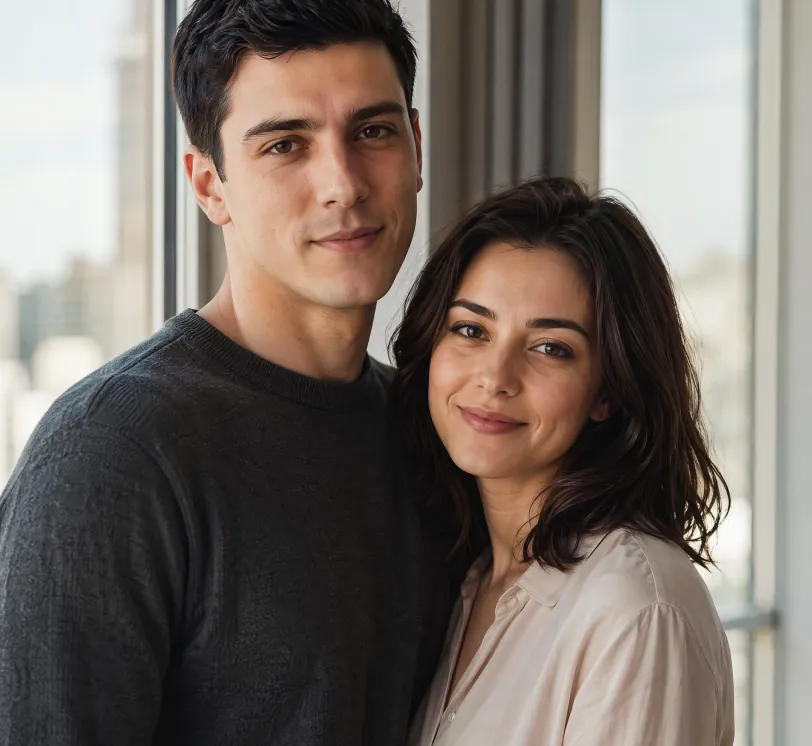
Photorealistic portrait of a young European couple standing naturally together beside a large window with soft natural daylight. The man is 25 years old, short black hair, calm and confident expression, wearing a simple dark grey crewneck sweater. The woman is 24 years old, shoulder-length dark hair, gentle warm smile, wearing a light beige blouse. They stand close, bodies slightly angled toward each other in a relaxed and intimate pose, looking toward the camera. Soft natural window light illuminates both faces, subtle modern city view blurred in the background. Highly detailed skin texture with natural pores, subtle imperfections and realistic skin sheen on both people. Realistic eye reflections and catchlights, individual hair strands visible. Shallow depth of field, soft natural shadows, warm and intimate atmosphere. Professional photography style, shot on Sony A1 with 85mm f/1.4 GM lens, 8K ultra detailed, cinematic color grading, natural lighting
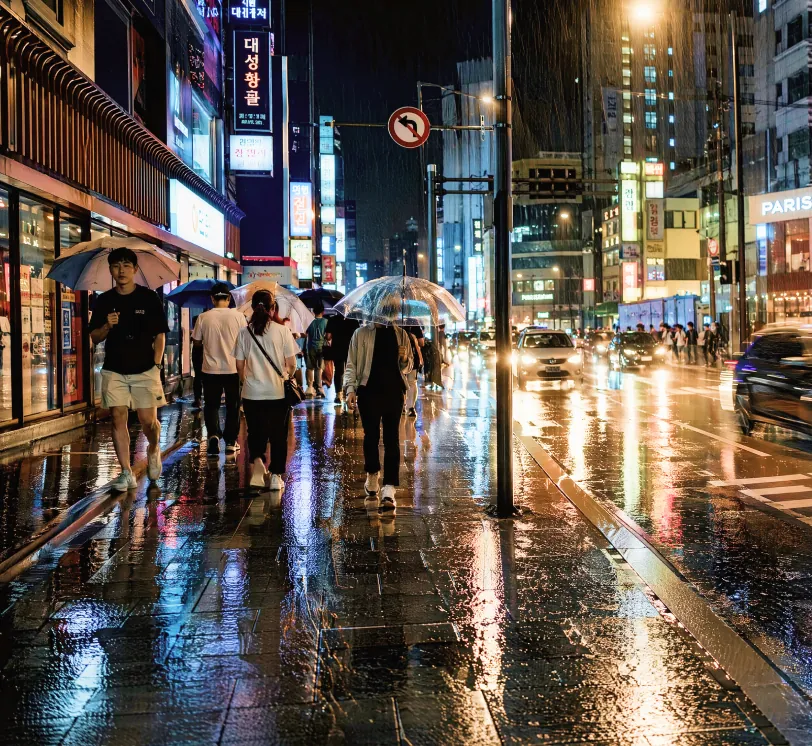
Photorealistic street photography of a rainy night in a modern East Asian city, wet asphalt reflecting colorful neon signs and street lights, people walking with umbrellas, cars with glowing headlights creating light trails, detailed textures on wet pavement and clothing, moody cinematic atmosphere, high contrast, shallow depth of field, shot on Leica Q3 with 28mm lens, f/1.7, ultra detailed, 8K resolution, raw photo style, natural reflections and highlights
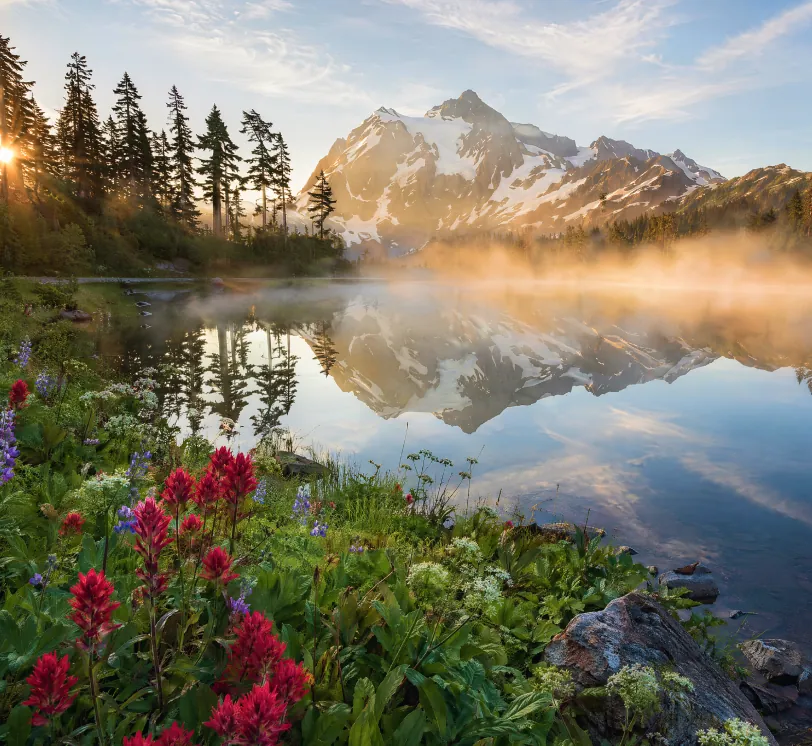
Hyper-realistic landscape photograph of a misty mountain lake at sunrise, snow-capped peaks in the distance, crystal clear water with perfect mirror reflections, pine forest on the left shore, wildflowers and rocks in the foreground, golden sunlight rays piercing through morning mist, atmospheric perspective, highly detailed foliage and water texture, National Geographic photography style, wide angle lens, shot on tripod, ultra sharp focus, natural colors, 8K resolution, serene and majestic atmosphere
草图转写实照片
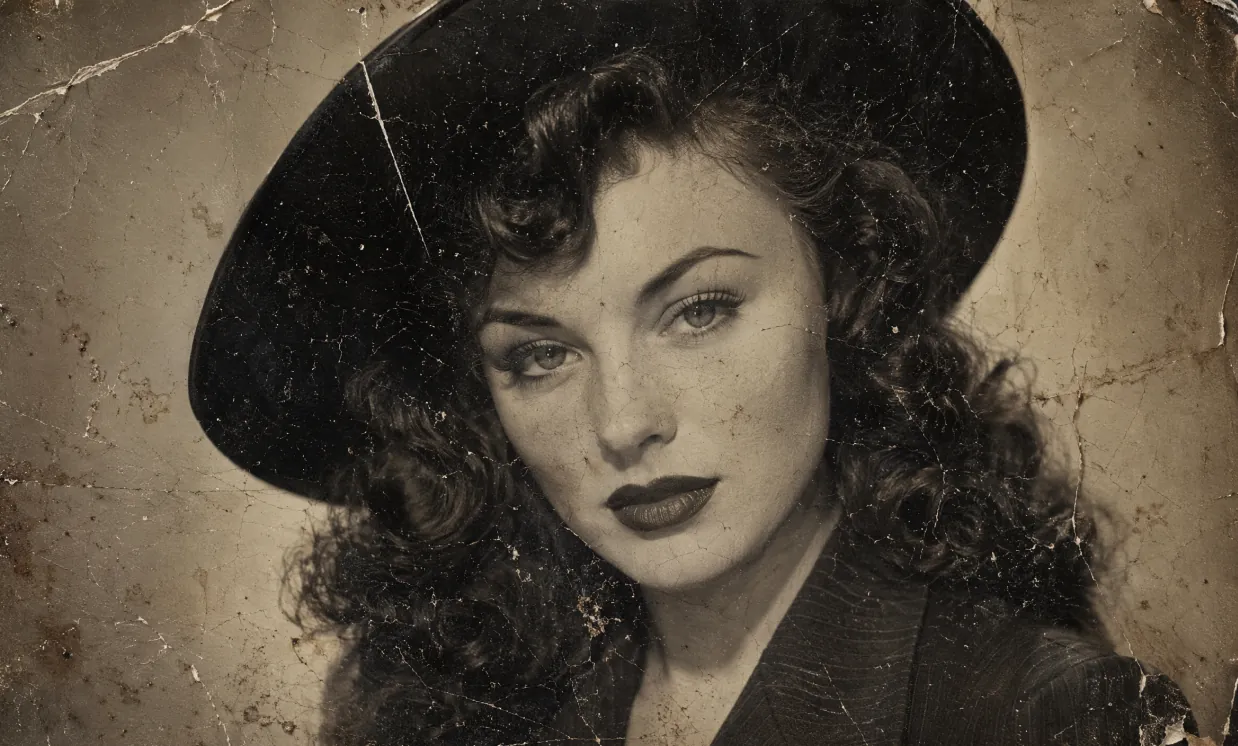
A heavily damaged 1940s vintage black and white portrait photograph in authentic aged tintype / silver gelatin print style, extreme physical deterioration, dense network of fine cracks and craquelure covering the entire surface, long white scratches, creases, dark spots, dust particles, brownish water stains, flaking emulsion, uneven toning and paper texture, worn and fragile old photo appearance. Subject: beautiful young woman with fair skin and subtle freckles, classic 1940s Hollywood glamour makeup — sharply arched eyebrows, defined eyeliner, long lashes, dark matte lipstick. Voluminous dark wavy hair with soft voluminous curls cascading over her shoulders, partially covered by a stylish wide-brimmed dark hat. She wears a dark pinstriped or textured jacket with prominent wide notched lapels and collar. Direct confident gaze toward camera, poised enigmatic expression, head and shoulders close-up composition. Soft diffused studio lighting, gentle facial shadows, high contrast, fine photographic grain, slightly sepia-toned monochrome, nostalgic cinematic atmosphere, rectangular format, highly detailed, photorealistic rendering of a real deteriorated historical photograph
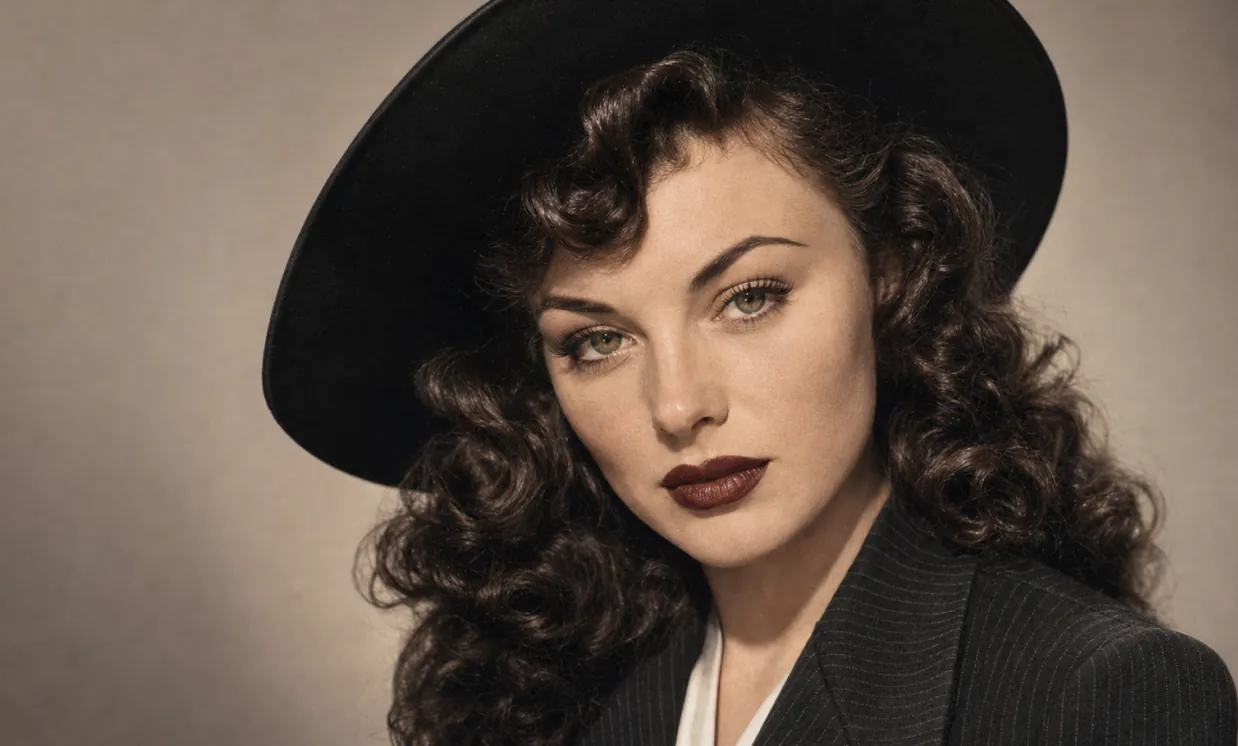
Restore this old photo and color it.
概念照片与视觉设计
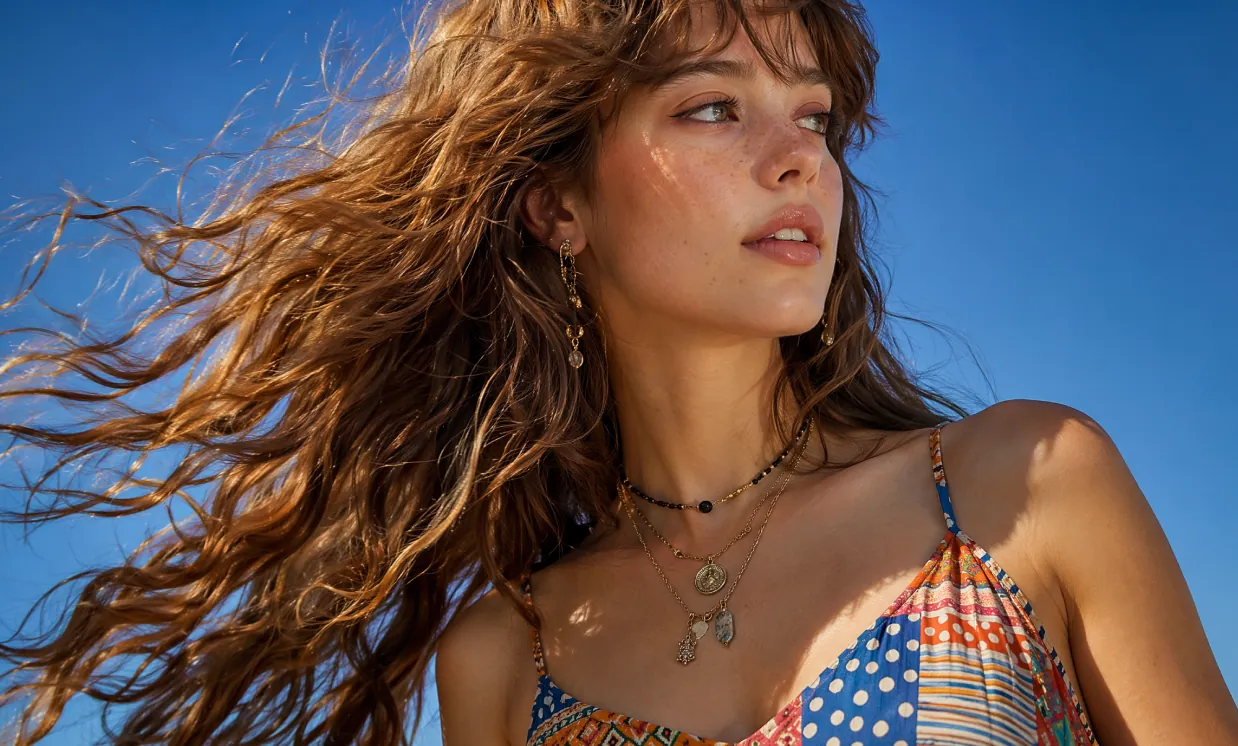
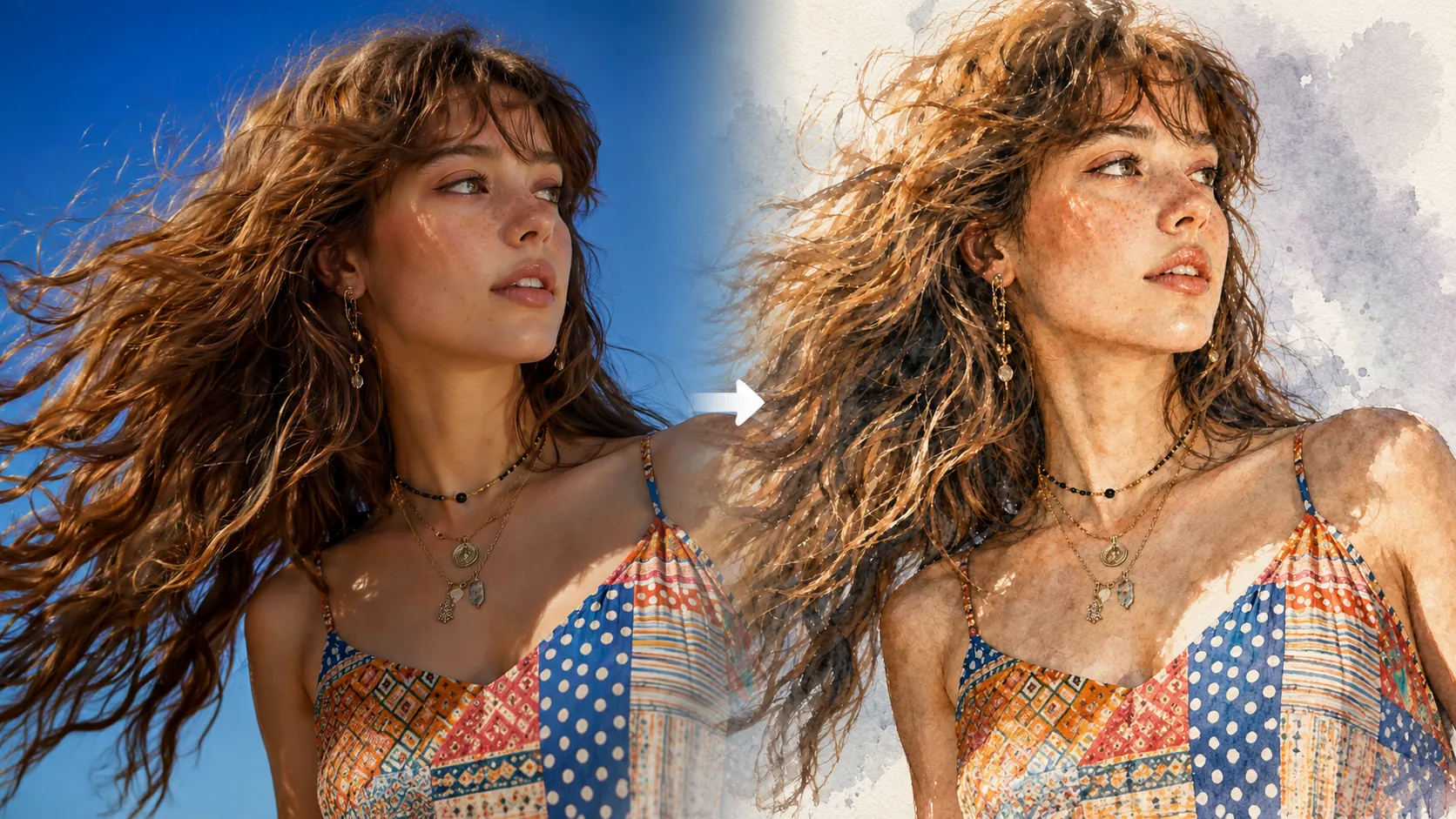
Photorealistic close-up portrait of a beautiful young woman in her early twenties with fair skin dotted with natural freckles across her nose and cheeks, long voluminous wavy light brown hair with soft bangs, dramatically wind-swept and flowing from right to left across the frame with individual strands glowing in sunlight. She tilts her head slightly upward and turns her gaze to her right, serene expression with parted glossy lips and natural makeup. She wears a vibrant multicolored patterned camisole top with thin adjustable straps, featuring a patchwork of polka dots, horizontal stripes, and geometric tribal designs in shades of blue, red, yellow, white and orange. Layered necklaces: one black beaded choker-style and longer gold chains with small metal pendants and charms. Delicate dangling earring with intricate charms in her visible ear. Shot outdoors against a pure clear bright blue sky, bright sunny daylight with strong side lighting creating golden rim highlights on hair and soft illumination on face, subtle shadows defining bone structure. Cinematic fashion photography style, sharp detail on hair texture and fabric patterns, shallow depth of field, professional model photography, filmic color grading with rich blues and warm skin tones, high resolution 8K, ultra detailed, photorealistic, no text, no watermark.
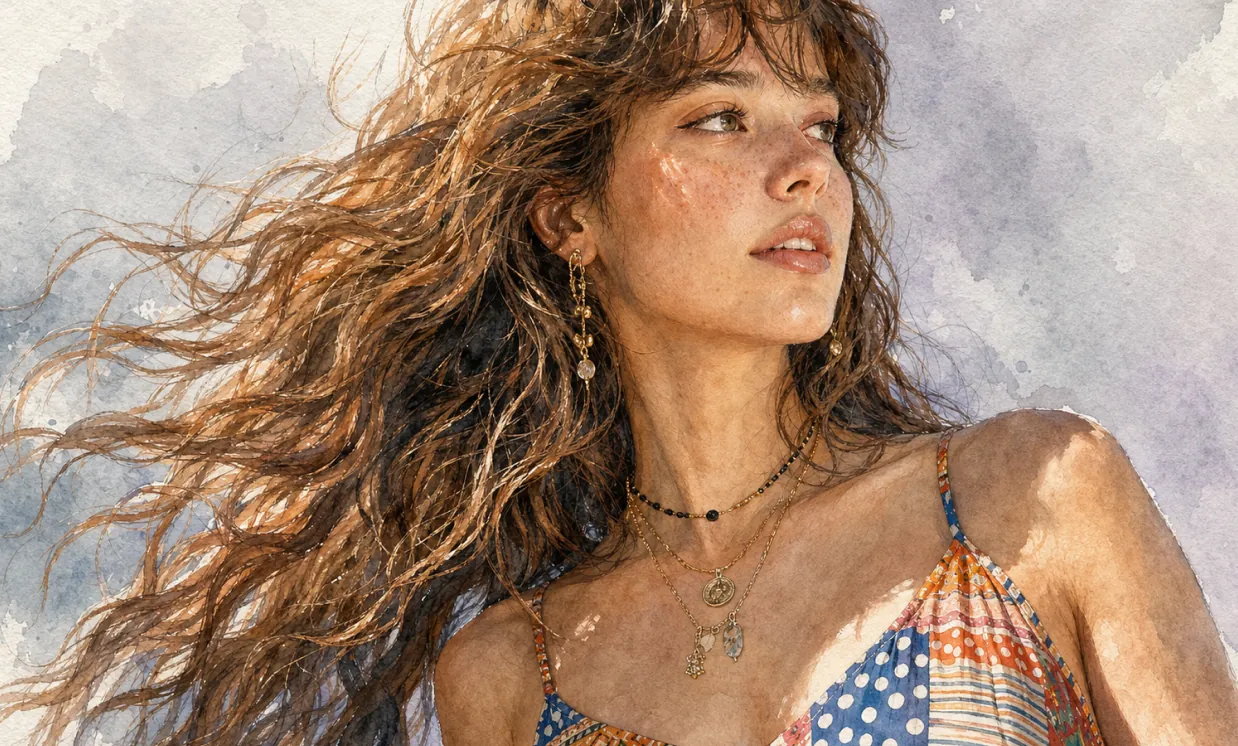
Ultra-detailed watercolor portrait illustration in refined editorial watercolor realism, delicate hand-painted rendering with visible transparent pigment layering, soft organic brush transitions, subtle granulation textures, and premium cold-pressed watercolor paper aesthetics. Highly detailed facial features with natural age lines, realistic skin texture, expressive eyes, and carefully observed anatomy. Fine ink-assisted contour definition blended seamlessly with watercolor washes. Muted elegant color palette featuring warm skin tones, cool gray shadows, soft lavender background accents, and restrained natural saturation. Crisp facial detailing contrasted against loose painterly edges and atmospheric watercolor blooms. Sophisticated portrait composition with clean negative space, museum-quality illustration craftsmanship, gentle tonal gradients, realistic textile rendering, and subtle handcrafted imperfections. Minimalist fine-art portrait style combining contemporary watercolor illustration, traditional botanical painting precision, and high-end magazine portrait aesthetics. Soft ambient lighting, graceful brushwork, understated elegance, timeless artistic character, and premium gallery-worthy watercolor finish.
AI 图片编辑器的核心优势
为个人和企业用户提供高效、可控的照片生成和在线 AI 图片编辑体验,支持文字提示词、上传图片参考、多样风格创作、灵活定制和便捷应用。
主体一致性
无论姿势、光线或场景如何变化,主体特征都能保持一致,呈现连贯自然的照片效果。
设计延展
在保留核心结构和细节的同时,可灵活应用不同艺术风格、纹理或照片方向,实现创意再诠释。
创意合成
在同一条提示词中整合多个图像元素,生成独特且和谐的照片风格构图。
AI 图片编辑器的应用场景
AI 图片编辑器可广泛应用于海报设计、品牌营销、教育展示和艺术创作。它支持灵活控制图片和文字细节,提升创意效率和视觉影响力,为设计师、企业团队和教育工作者提供高效、专业的创意支持。
快速照片原型设计
AI 图片编辑器支持精细编辑海报及各类视觉内容,可灵活调整字体、尺寸和风格,非常适合活动推广和品牌营销场景。
教育与学习辅助
在教育领域,AI 图片编辑器可生成和编辑教学相关图片,协助制作教材和学习资源,提升课堂展示和教学效率。
企业营销与品牌推广
AI 图片编辑器可帮助企业高效创建营销材料和品牌视觉内容,强化品牌形象并提升市场竞争力。
文化创意与艺术创作
AI 图片编辑器为艺术家和设计师提供丰富的创意工具,支持风格转换和多样化表达,拓展艺术创作的可能性。
如何使用 AI 图片编辑器
本指南提供实用说明,帮助您充分利用 AI 图片编辑器工具,即使没有 Photoshop 技能也能轻松上手。
第 1 步:选择您偏好的 AI 模型
为您的在线 AI 图片编辑或照片创作任务选择合适的模型。
第 2 步:输入文字或上传图片
输入提示词或上传图片参考,以引导照片创作。
第 3 步:选择图片画面比例
为您的照片选择合适的画面比例。
第 4 步:点击生成,数秒内获得您的照片
创建照片

