
Meet Nano Banana 2.1, our latest image generation and editing model 🍌 This upgraded version outperforms our previous models across the board, with notable leaps in visual design, mask-based editing, and subject consistency to help you create more natural-looking images.
Nano Banana 2.1 AI 图像生成器
在 Hey Dream AI 上使用 Nano Banana 2.1 从文字生成图像,并精细编辑照片。借助参考图像创作人像、产品场景和营销活动视觉作品,还可按需开启网页搜索和图片搜索,为创作需求补充更多信息。
0 / 5000


Nano Banana 2.1 AI 图像模型介绍
探索如何用 Nano Banana 2.1 将文字创意和参考图像转化为新的视觉作品。
输入提示词开始创作,或上传参考图像来指导编辑。选择构图和输出分辨率;当创意需要最新信息或网上的视觉参考时,可开启网页搜索或图片搜索。
Nano Banana 2.1 AI 图像模型的核心功能
探索图像创作、参考图像引导的编辑和海报构图。描述你想要的效果,再通过有针对性的指令和需要保留的细节,逐步完善视觉方向。
自定义提示词与海报构图
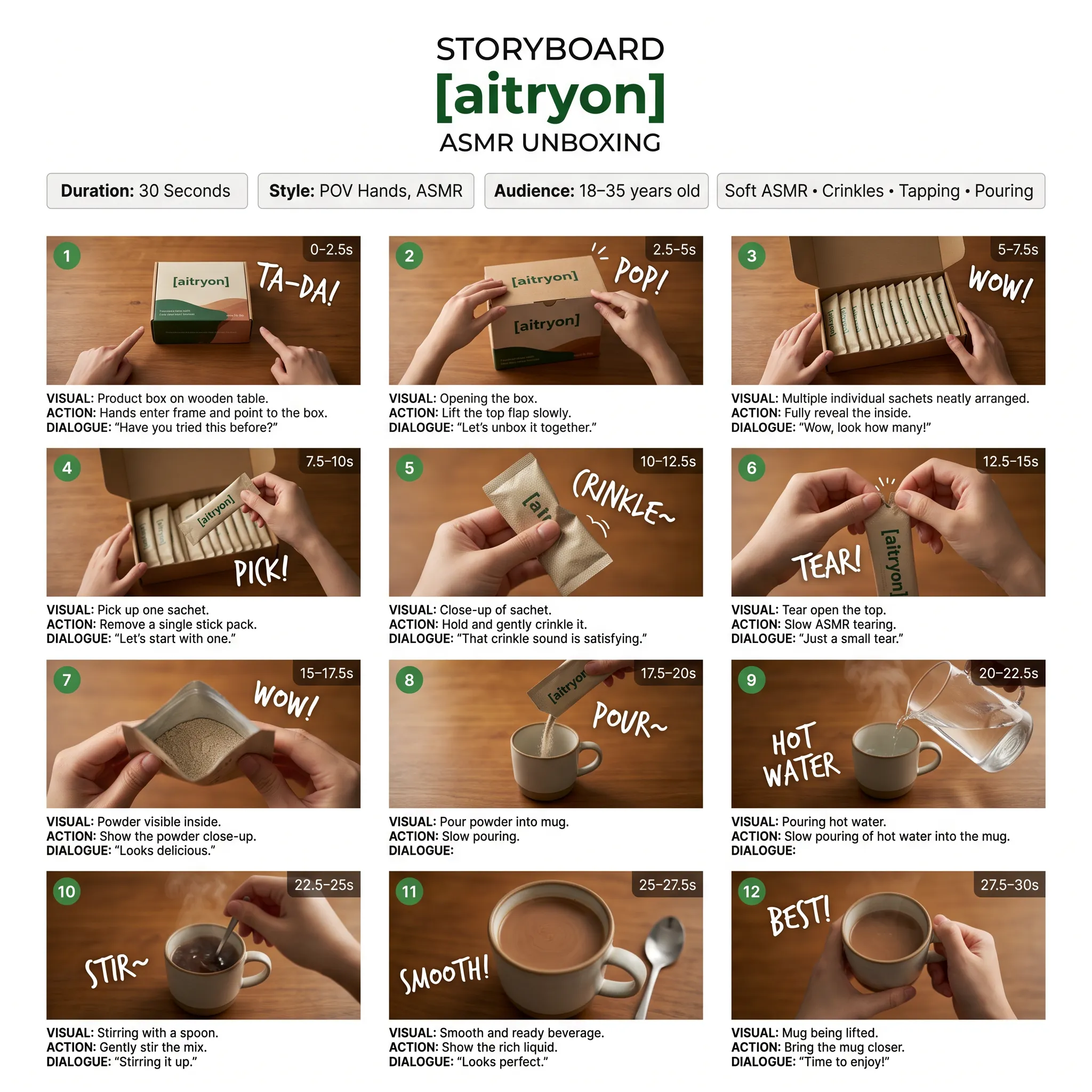
提示词
A low-angle, close-up photograph capturing a young woman with wavy brown hair outdoors at dusk. She is wearing a grey cropped t-shirt with a blue and white graphic text that reads '{argument name="shirt text" default="DESTINED SET 1958"}' and black denim bottoms. Her head is tilted, and she is looking directly into the camera lens. The dark blue evening sky serves as the background, with silhouetted tree branches visible at the bottom of the frame. Strong flash lighting is directed from the front, illuminating her face and highlighting strands of her hair. The composition has a grainy film photography aesthetic.
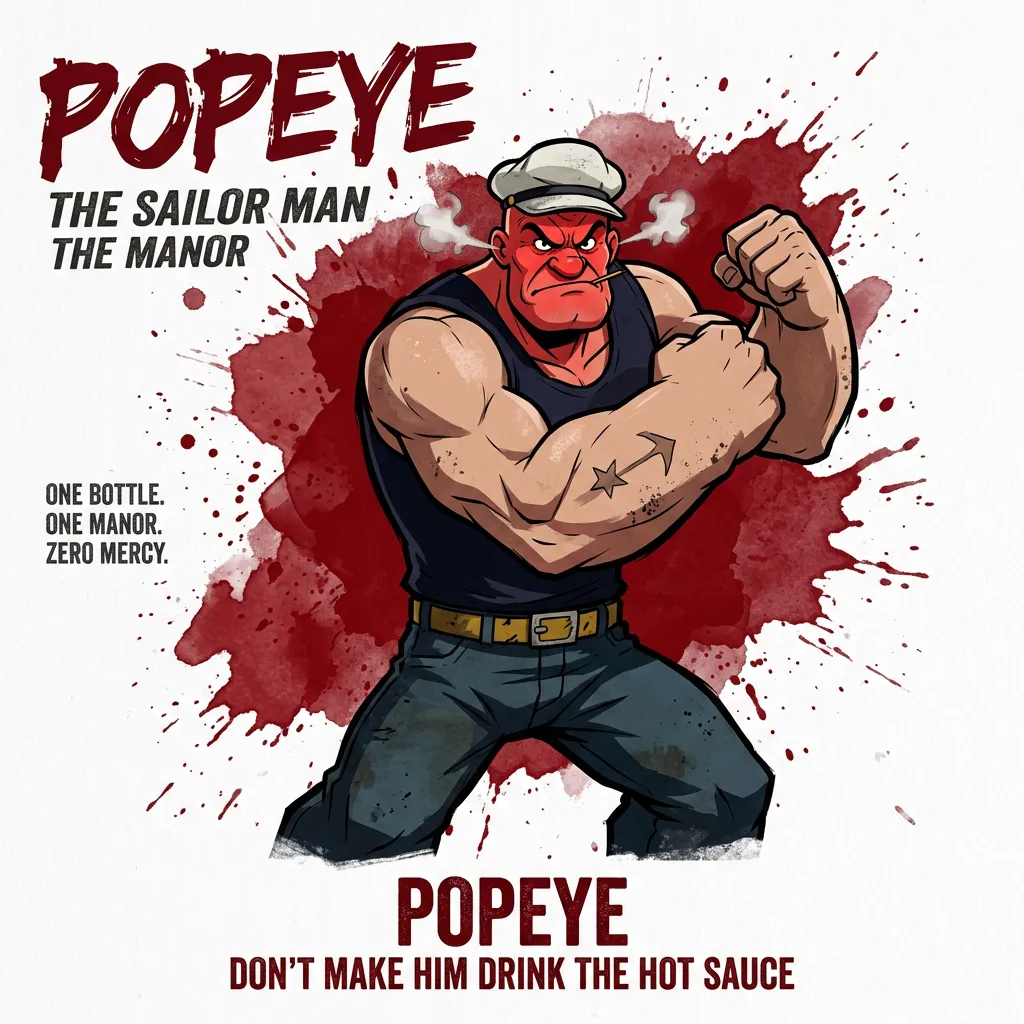
提示词
A cinematic, high-resolution product photography shot of a square glass perfume bottle filled with amber liquid, resting on jagged black volcanic rock. The bottle features a matte black rectangular cap and gold serif text reading "FIRE" above smaller text "eau de parfum". A large, glossy black serpent is coiled tightly around the base of the bottle, its head raised to the left near the cap with a forked tongue flicking out. Wisps of white smoke curl upwards from behind the bottle against a background of glowing orange magma and dark cave walls. The lighting is dramatic and warm, emphasizing the translucency of the perfume and the texture of the snake's scales.
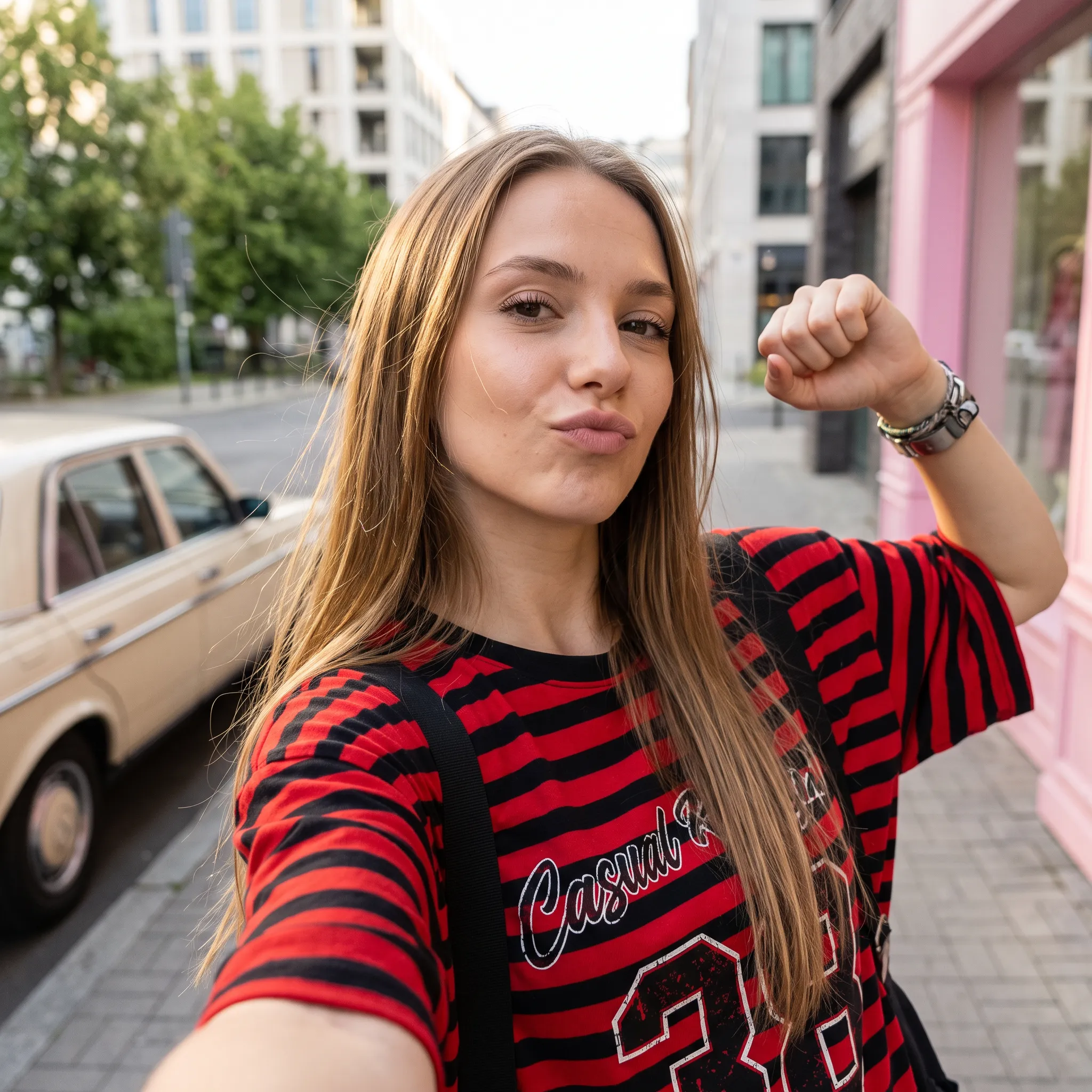
提示词
Create a square 1:1 illustration. Scene: A traveling herbalist's wooden wagon parked in a wide flower-filled meadow, shelves of glass jars and bundled dried herbs hanging from the sides, a small folding table covered in potions and plants, a canvas shade stretched overhead, and butterflies drifting lazily through the warm open field. The wagon is unattended; no character is present. Style: Fantasy hand-drawn watercolor illustration style. Traditional watercolor rendering with visible pigment splashes, fluid paint diffusion, and softly blended tonal transitions. Constraints: no people, human figures, faces, silhouettes or hands; no readable text, logo, watermark, border or UI.
参考图像编辑与背景替换
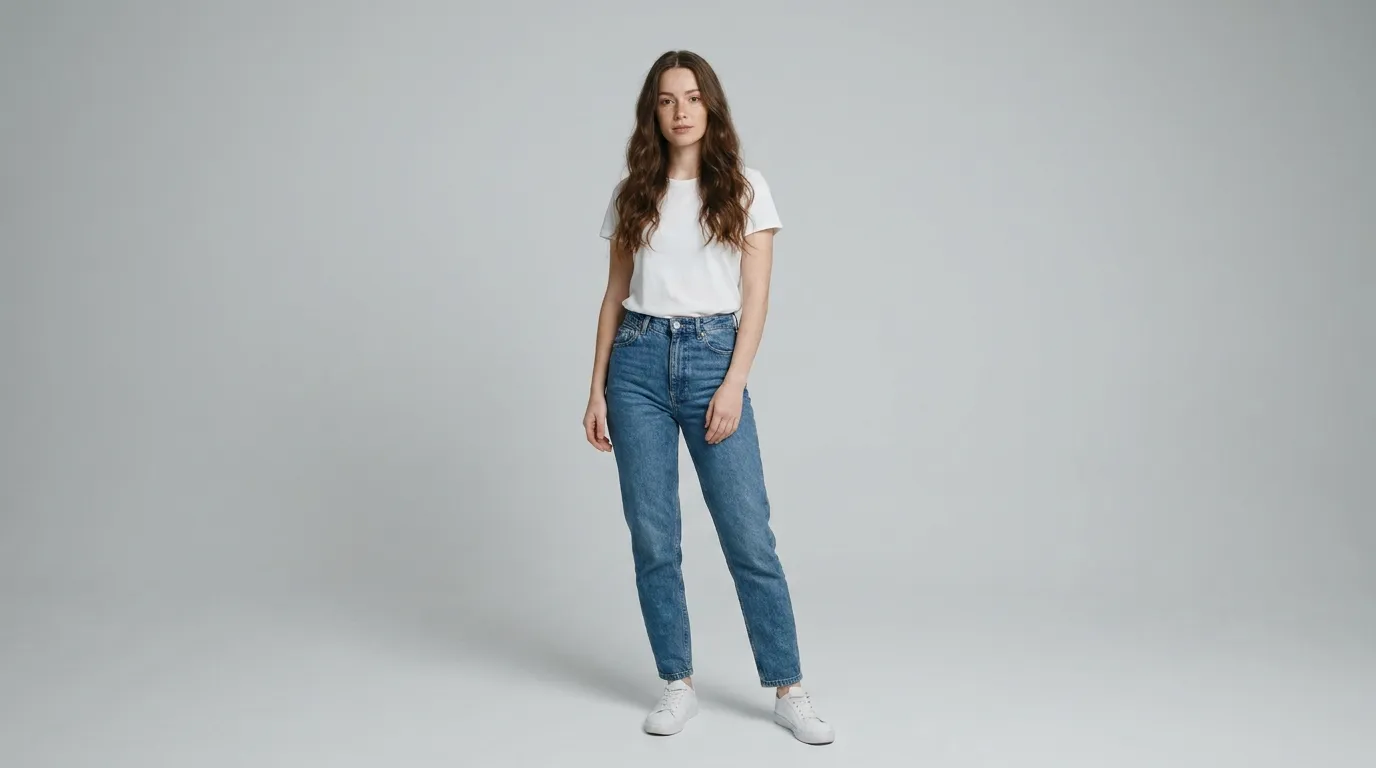
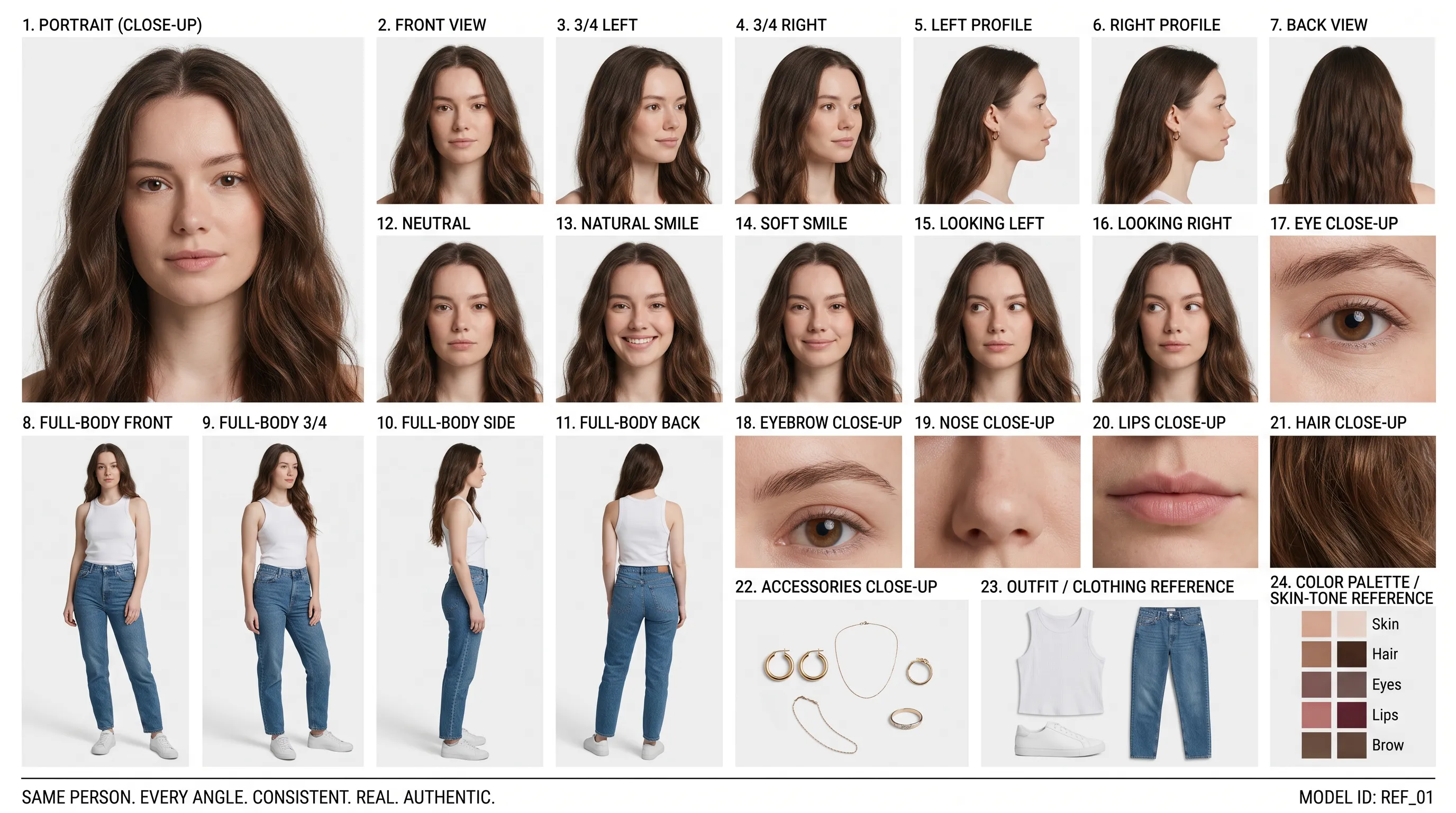
参考人像 (提示词)
Create a clean 16:9 premium studio product photograph for a later image-edit demonstration. Show one freestanding penguin-shaped loose-leaf tea carton centered on a warm off-white seamless background. Its construction is distinctive and easy to preserve: a tapered folding-paper body, two small side flaps suggesting wings, a neat triangular top closure, and a stable flat base. Use matte deep-navy paper with a cream front panel, a small orange beak-shaped geometric accent, and restrained silver foil details. The front label must display the exact words 'POLAR TEA' once, in large clean uppercase sans-serif lettering, with the smaller exact line 'LOOSE LEAF' beneath it. Keep both lines sharp, correctly spelled and fully readable. Constraints: exactly one package; no people; no extra text, brand logos, watermark, border or UI.
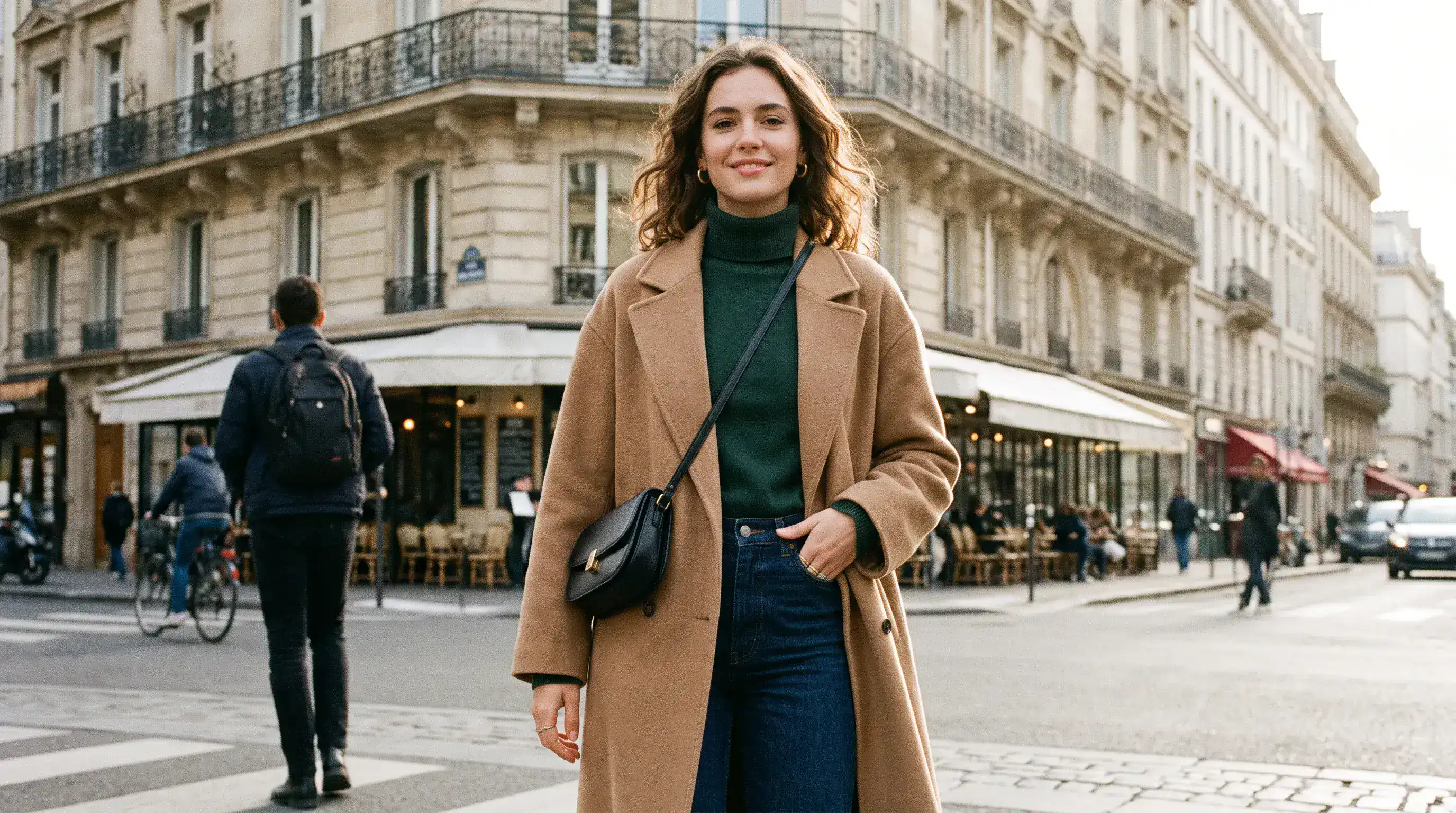
编辑后的背景 (提示词)
Using the provided package image, create a 16:9 professional industrial-design presentation sheet for the penguin-shaped loose-leaf tea carton. Preserve the package's exact penguin silhouette, tapered folding-paper body, side flaps, triangular top closure, deep-navy and cream color blocking, orange beak accent, silver foil details, and the exact readable label 'POLAR TEA' with 'LOOSE LEAF' beneath it. Place a centered heroic 3D rendering with realistic materials. Surround it with clearly organized technical views: front, side, top, bottom, oblique perspective. Include precise pencil sketches of frame structure and crease lines. Constraints: no people; no redesign of the package; no fake logos, watermark, border or UI.
精准布局与文字定位
原始布局 (提示词)
Create a 16:9 design-review image containing one finished vertical tea poster centered on a plain light-gray presentation wall, with generous empty margins on both sides. The poster artwork features a clear glass cup of pale jasmine green tea, fresh jasmine flowers, delicate tea leaves and soft spring-green botanical shapes on a warm ivory background. Render the exact headline 'STEEP INTO SPRING' once at the top in large dark-green uppercase serif lettering. Render the exact smaller line 'JASMINE GREEN TEA' once beneath it in clean uppercase sans-serif lettering. Both lines must be correctly spelled, sharp and fully readable. Constraints: no people, human figures, faces, hands; no extra text, logos, watermark, border or UI outside the poster.
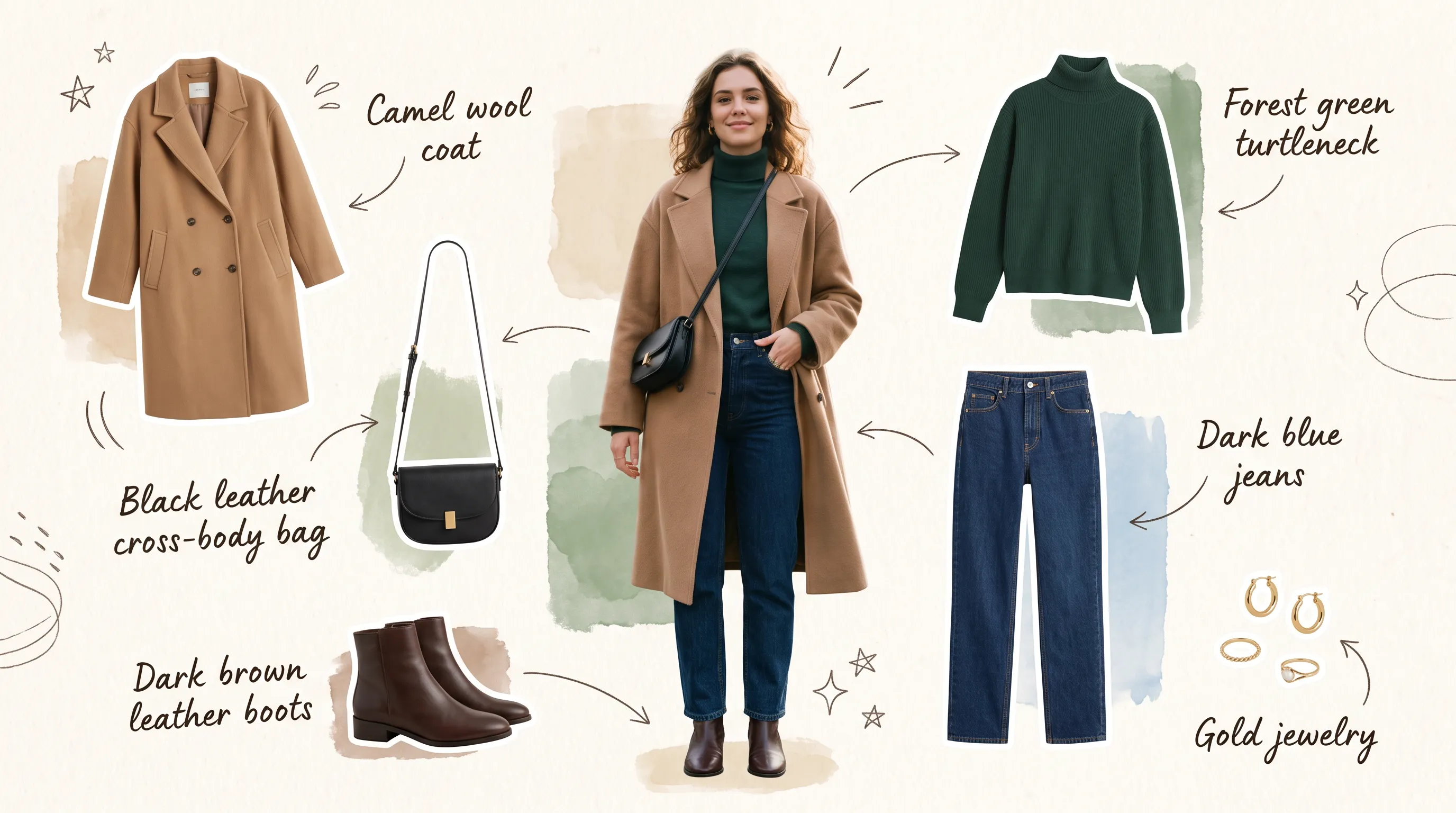
调整后的文字与构图 (提示词)
Transform the provided 16:9 tea-poster image into a realistic metro-station lightbox advertising scene. Preserve the poster artwork, glass cup, jasmine flowers, tea leaves, botanical shapes, colors, layout and typography. Keep the exact headline 'STEEP INTO SPRING' and exact smaller line 'JASMINE GREEN TEA' unchanged, correctly spelled, fully readable and dominant. Show the vertical poster behind glossy glass in one illuminated advertising frame mounted on a clean contemporary subway-platform wall. Constraints: no sharply focused person, identifiable face or identifiable ethnicity; no extra signs; no watermark, border or UI.
Nano Banana 2.1 AI 图像生成器的优势
通过循序渐进的调整完善创意,让创作方向更清晰,减少将有潜力的构图推倒重来的需要。
根据文字创作需求生成图像
描述主体、场景、光线和布局,为视觉创作打好基础。围绕明确的创作方向,探索人像、插画或营销活动概念。
用参考图像指导编辑
将最多 14 张参考图像与指令结合使用。说明每张参考图像的作用,并在修改场景时明确哪些特征需要保留。
按需搜索,补充创作信息
开启网页搜索获取最新信息,或开启图片搜索查找网上的视觉参考。根据创作需求,两项功能均可独立使用。
选择适合项目的图像格式
创作方形、竖版或横版图像,并选择适合工作的输出分辨率。设计构图时,记得考虑图像最终的展示位置。
Nano Banana 2.1 AI 图像生成器的应用场景
为出版、营销和设计创作视觉素材。从受众和展示位置出发,根据每张图像需要传达的信息来设计画面。
博客与落地页视觉素材制作
围绕内容主题创作文章封面、网站首屏主图和配套插画。调整构图,为标题或页面内容预留空间。
电商产品与营销活动创意素材
以参考照片为起点,探索桌面陈列、季节性产品场景和新品发布概念。围绕主推产品安排道具、台面材质和光线。
社交媒体营销与付费广告
制作风格统一的社交媒体配图、缩略图和营销活动图像。先比较不同的背景和视觉焦点,再深入完善选定的方向。
概念分镜与创意原型设计
将文字场景转化为分镜图或情绪板概念。在规划最终设计或拍摄前,先探索角色、场景和取景方式。
如何使用 Nano Banana 2.1 AI 图像生成器
从一个创意或一张原始照片开始。生成初稿,查看效果,再完善项目中重要的细节。
输入提示词,明确目标
描述主体、场景、光线和构图。如需编辑图像,请添加参考照片,并说明想要修改的内容和需要保留的细节。
设定方向,生成图像
选择宽高比和分辨率,并按需开启网页搜索或图片搜索。生成前请查看显示的积分费用;搜索选项和上传的参考图像都会影响总费用。
细化调整、重新生成与导出
检查生成结果,每次调整一个细节。将满意的图像作为参考继续编辑,然后下载选定的版本。
探索 X 上的 Nano Banana 2.1 作品

Nano Banana 2.1 is here! This upgraded version outperforms our previous models across the board, with notable leaps in: - visual design - mask-based editing - subject consistency - more natural-looking imagery Try it now in @GeminiApp, @GoogleAIStudio, and more.


ChatGPT Image 2.5 vs Nano Banana 2.1 (the difference is clear)


it got worse? Nano Banana 2.1 is here so had to put it up against NB2 for the good old continuity stress test. the strange thing is 2.0 kept my likeness a lot more all the way through. I'm still very different from the original, but you can kinda recognise me? On 2.1 it just

Nano Banana 2.1 is live on ElevenCreative. Google's image generation and editing model brings faster generations, better visual design, and subject consistency. Try it now: elevenlabs.io/creative

