
Meet Nano Banana 2.1, our latest image generation and editing model 🍌 This upgraded version outperforms our previous models across the board, with notable leaps in visual design, mask-based editing, and subject consistency to help you create more natural-looking images.
เครื่องมือสร้างภาพ AI Nano Banana 2.1
สร้างภาพจากข้อความและปรับแต่งภาพถ่ายด้วย Nano Banana 2.1 บน Hey Dream AI ใช้ภาพอ้างอิงเพื่อสร้างภาพบุคคล ฉากสินค้า และงานภาพสำหรับแคมเปญ แล้วเลือกใช้การค้นหาเว็บและภาพเพื่อเพิ่มบริบทให้แนวทางการสร้างสรรค์ของคุณ
0 / 5000


แนะนำโมเดลสร้างภาพ AI Nano Banana 2.1
สำรวจ Nano Banana 2.1 เพื่อเปลี่ยนแนวคิดที่เขียนไว้และภาพอ้างอิงให้เป็นงานภาพใหม่
เริ่มด้วยพรอมต์หรืออัปโหลดภาพอ้างอิงเพื่อกำหนดแนวทางการแก้ไข เลือกองค์ประกอบภาพและความละเอียดของผลลัพธ์ แล้วเปิดการค้นหาเว็บหรือภาพเมื่อแนวคิดของคุณต้องใช้ข้อมูลปัจจุบันหรือภาพอ้างอิงจากอินเทอร์เน็ต
ฟีเจอร์หลักของโมเดลสร้างภาพ AI Nano Banana 2.1
สำรวจการสร้างภาพ การแก้ไขโดยใช้ภาพอ้างอิง และการจัดองค์ประกอบโปสเตอร์ อธิบายผลลัพธ์ที่ต้องการ แล้วปรับแนวทางภาพด้วยคำสั่งที่เจาะจงและรายละเอียดที่ต้องการคงไว้
พรอมต์ที่กำหนดเองและการจัดองค์ประกอบโปสเตอร์
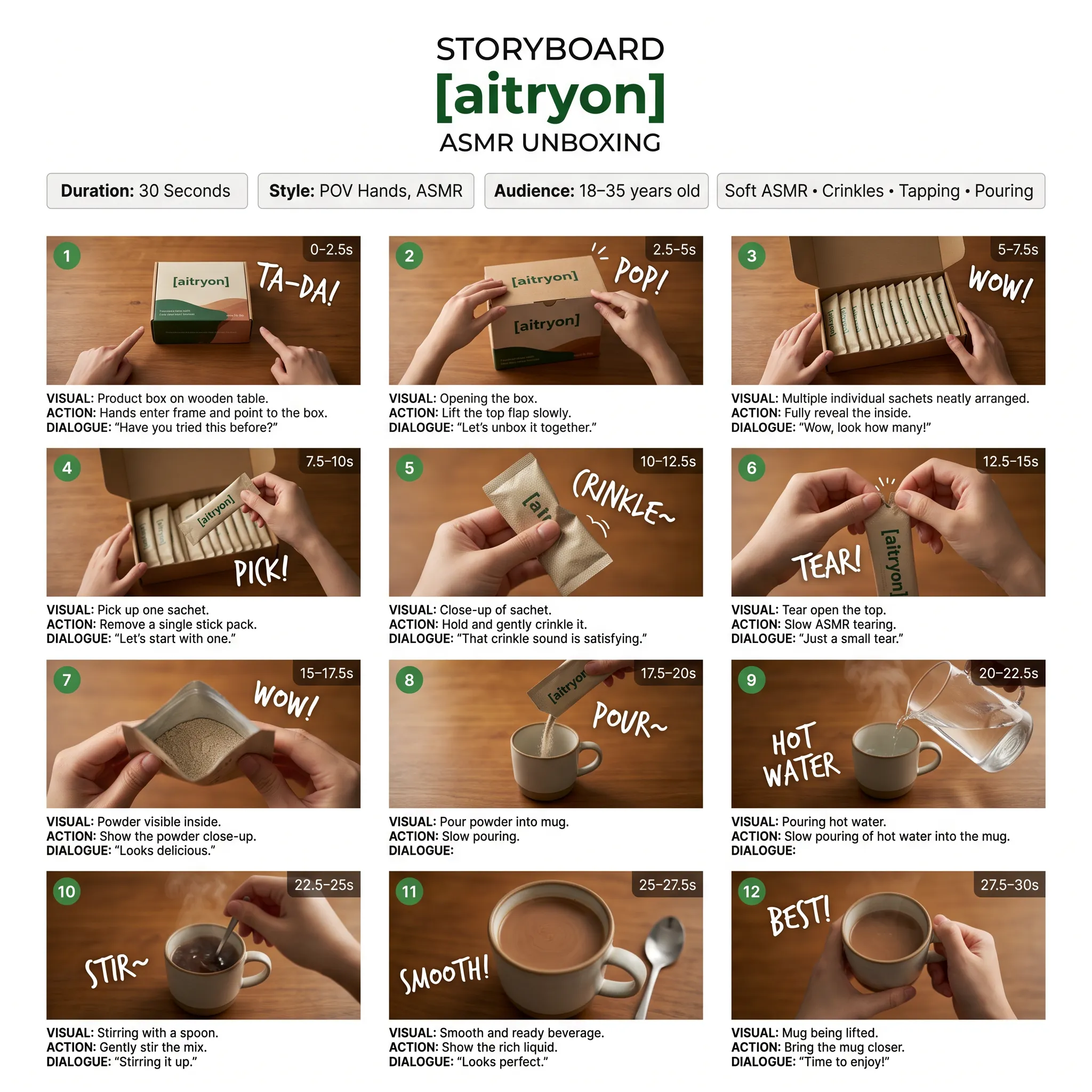
พรอมต์
A low-angle, close-up photograph capturing a young woman with wavy brown hair outdoors at dusk. She is wearing a grey cropped t-shirt with a blue and white graphic text that reads '{argument name="shirt text" default="DESTINED SET 1958"}' and black denim bottoms. Her head is tilted, and she is looking directly into the camera lens. The dark blue evening sky serves as the background, with silhouetted tree branches visible at the bottom of the frame. Strong flash lighting is directed from the front, illuminating her face and highlighting strands of her hair. The composition has a grainy film photography aesthetic.
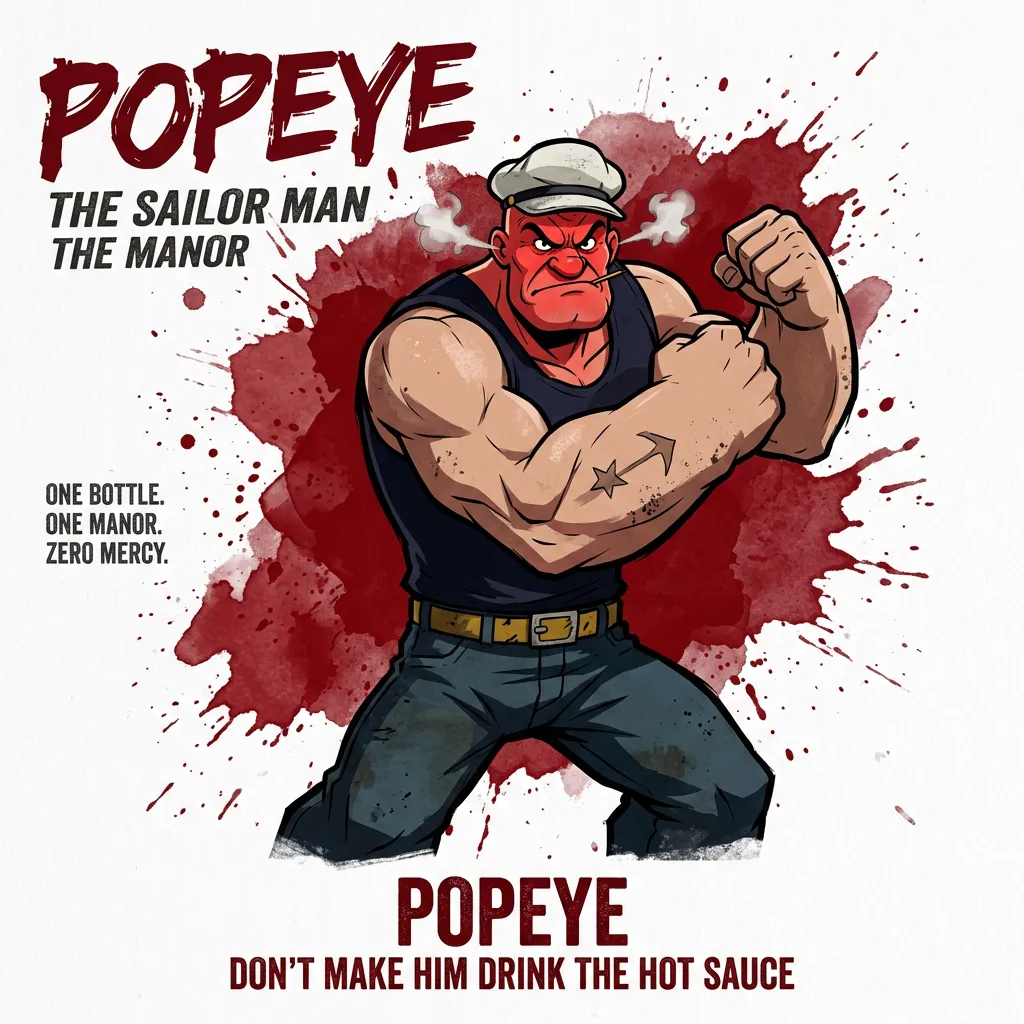
พรอมต์
A cinematic, high-resolution product photography shot of a square glass perfume bottle filled with amber liquid, resting on jagged black volcanic rock. The bottle features a matte black rectangular cap and gold serif text reading "FIRE" above smaller text "eau de parfum". A large, glossy black serpent is coiled tightly around the base of the bottle, its head raised to the left near the cap with a forked tongue flicking out. Wisps of white smoke curl upwards from behind the bottle against a background of glowing orange magma and dark cave walls. The lighting is dramatic and warm, emphasizing the translucency of the perfume and the texture of the snake's scales.
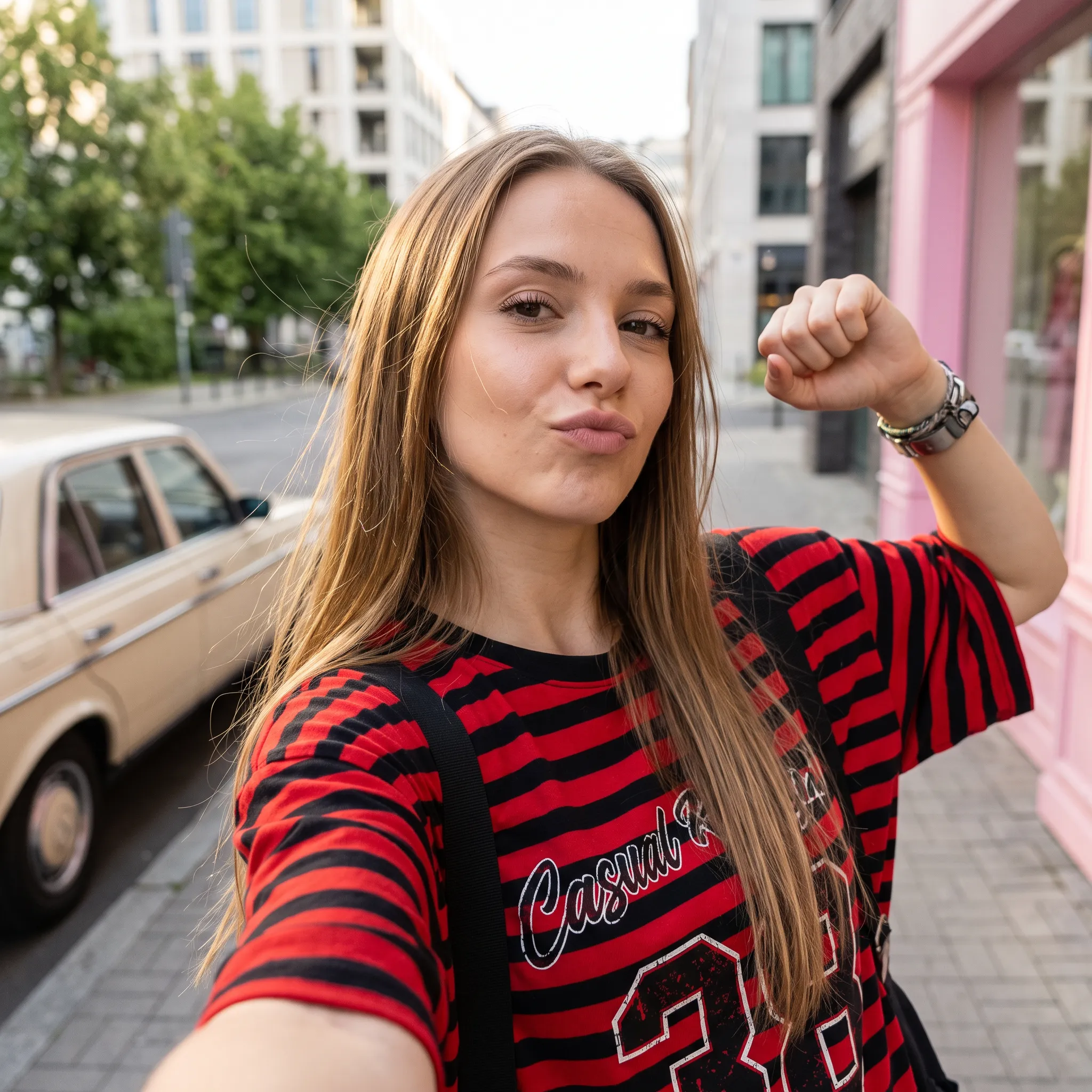
พรอมต์
Create a square 1:1 illustration. Scene: A traveling herbalist's wooden wagon parked in a wide flower-filled meadow, shelves of glass jars and bundled dried herbs hanging from the sides, a small folding table covered in potions and plants, a canvas shade stretched overhead, and butterflies drifting lazily through the warm open field. The wagon is unattended; no character is present. Style: Fantasy hand-drawn watercolor illustration style. Traditional watercolor rendering with visible pigment splashes, fluid paint diffusion, and softly blended tonal transitions. Constraints: no people, human figures, faces, silhouettes or hands; no readable text, logo, watermark, border or UI.
การแก้ไขภาพอ้างอิงและเปลี่ยนพื้นหลัง
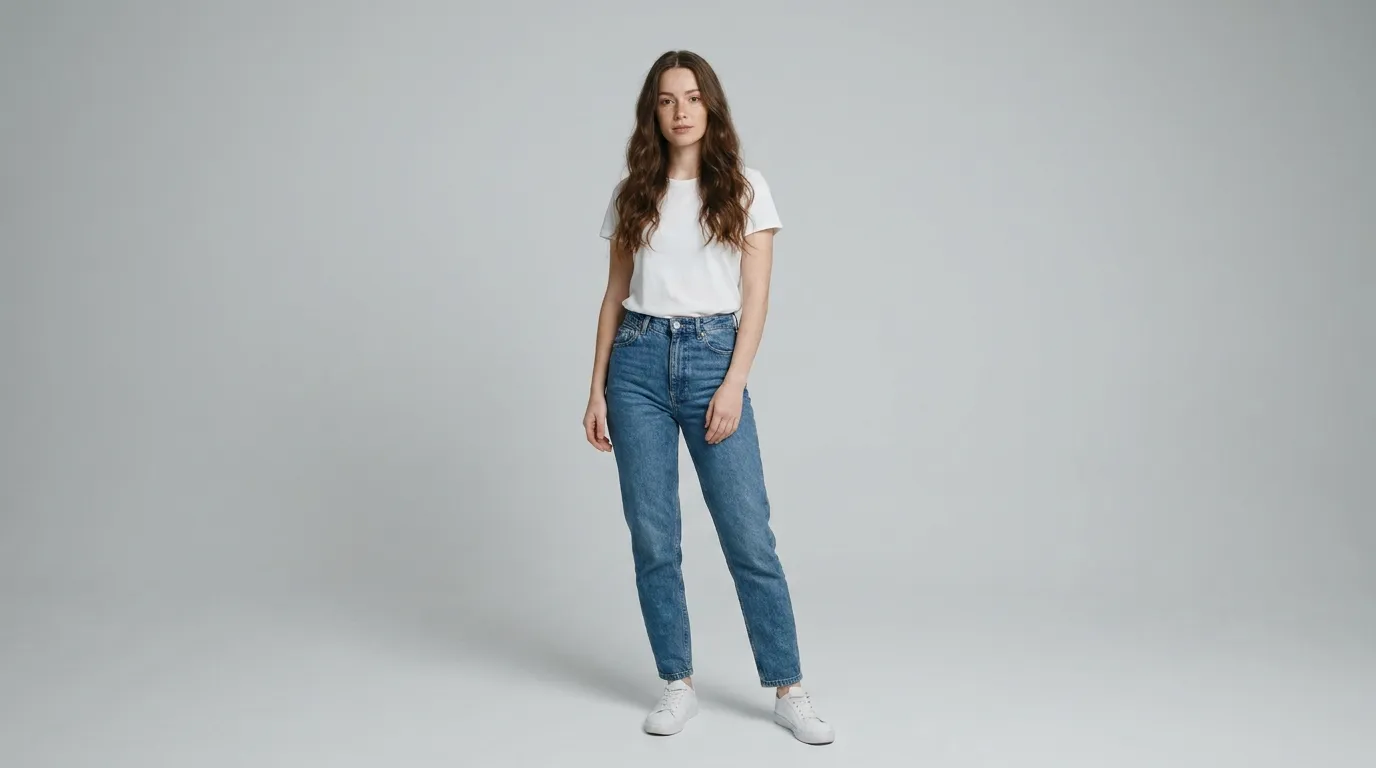
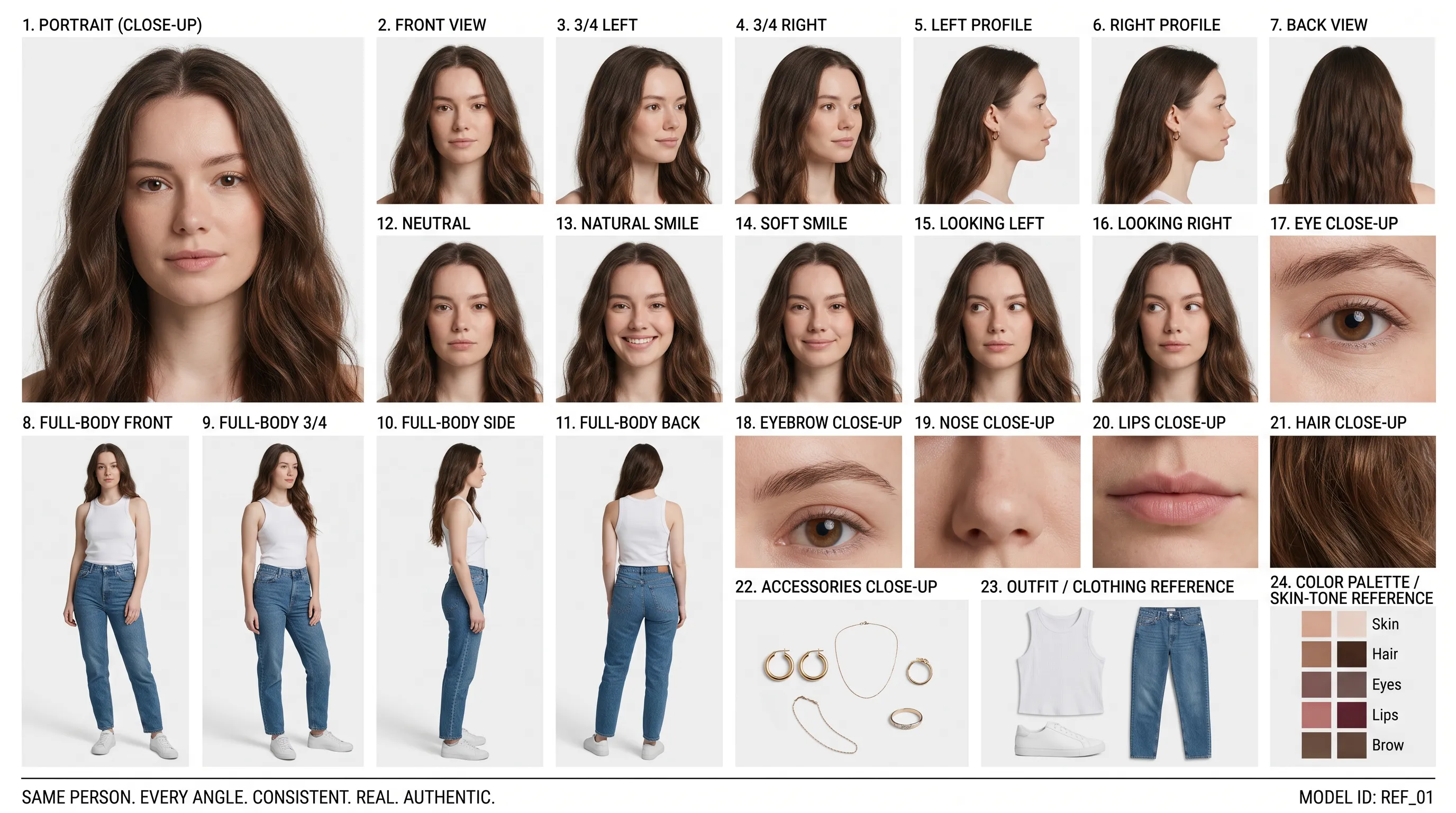
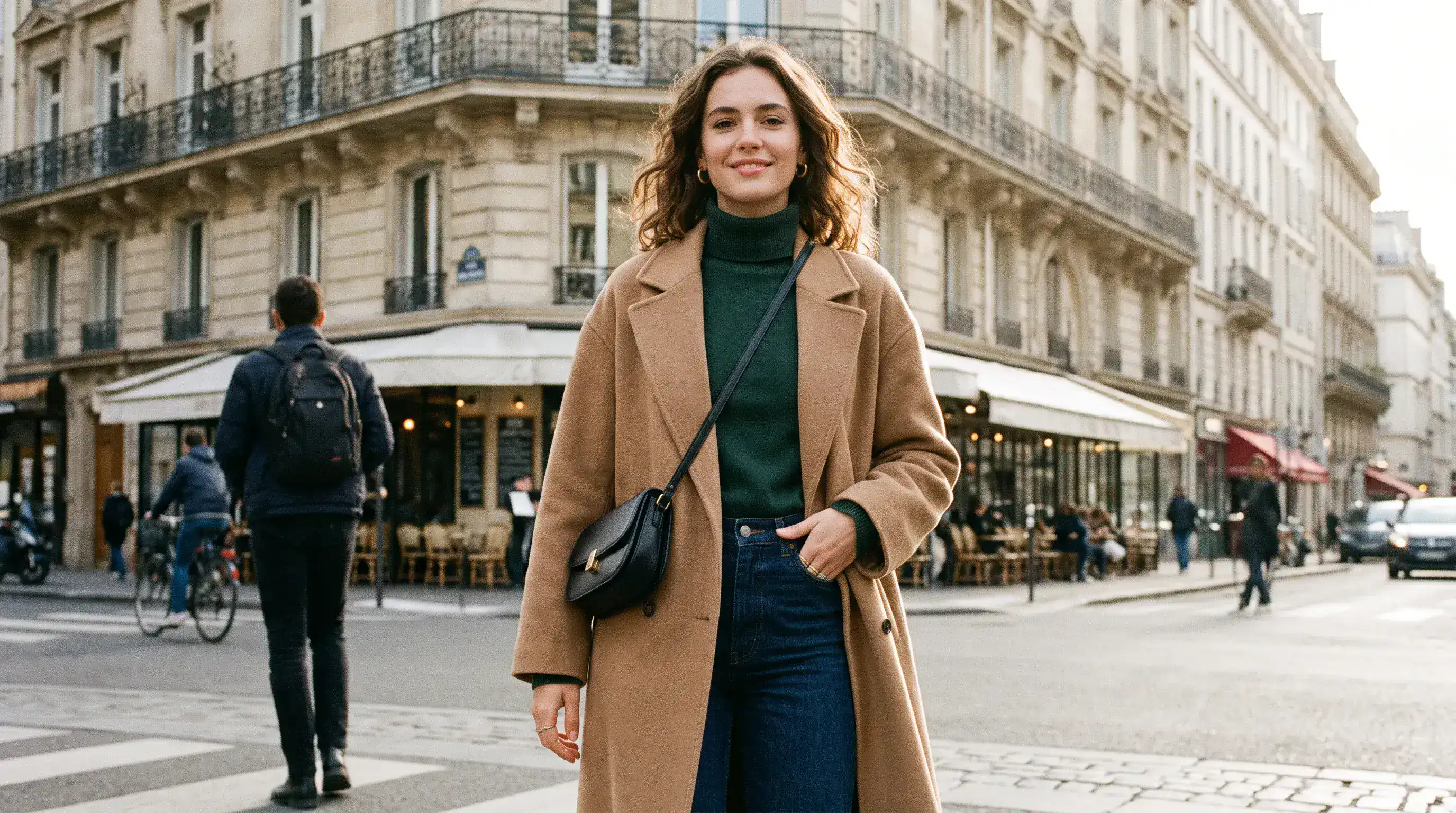
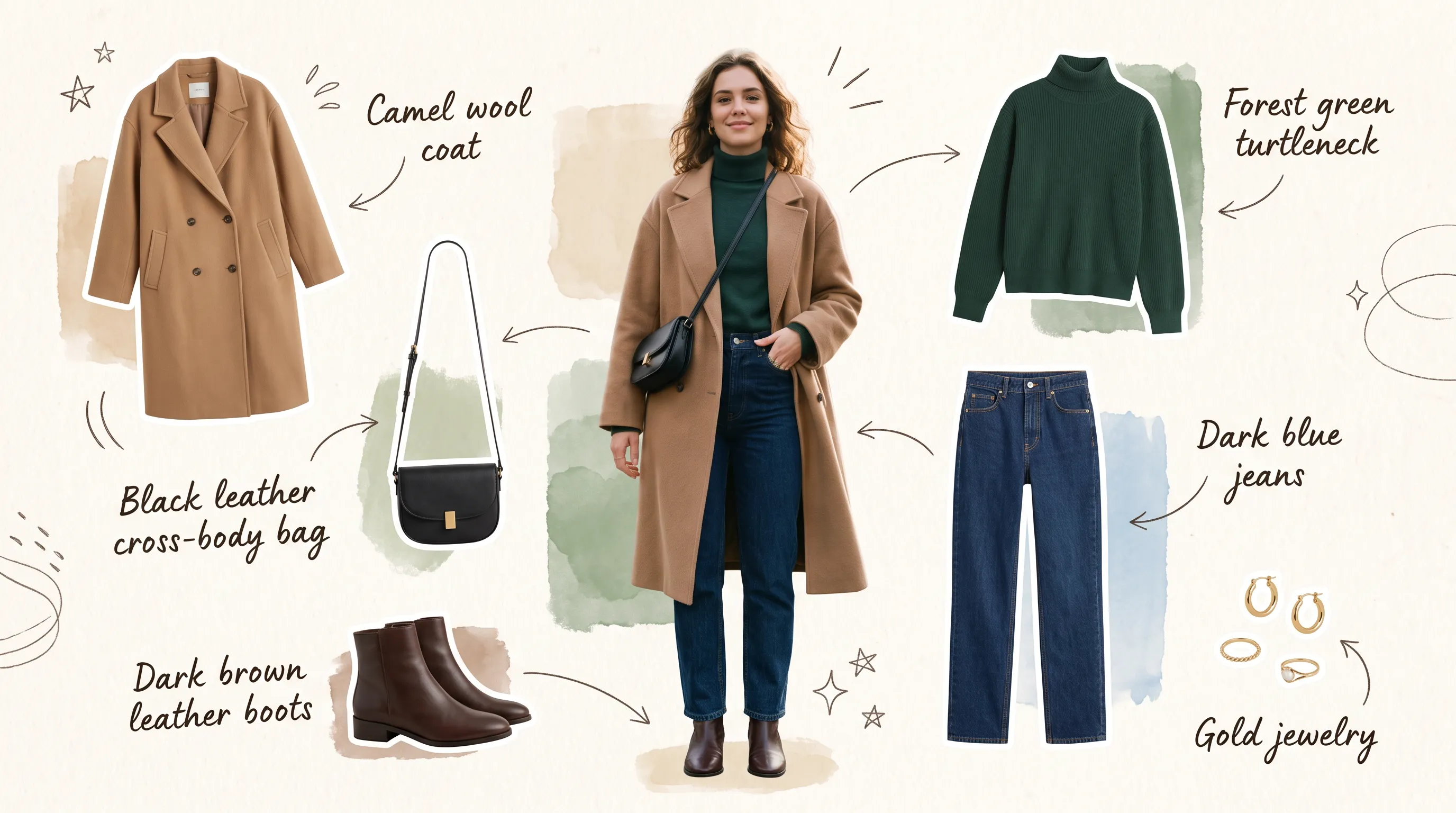
ภาพบุคคลอ้างอิง (พรอมต์)
Create a clean 16:9 premium studio product photograph for a later image-edit demonstration. Show one freestanding penguin-shaped loose-leaf tea carton centered on a warm off-white seamless background. Its construction is distinctive and easy to preserve: a tapered folding-paper body, two small side flaps suggesting wings, a neat triangular top closure, and a stable flat base. Use matte deep-navy paper with a cream front panel, a small orange beak-shaped geometric accent, and restrained silver foil details. The front label must display the exact words 'POLAR TEA' once, in large clean uppercase sans-serif lettering, with the smaller exact line 'LOOSE LEAF' beneath it. Keep both lines sharp, correctly spelled and fully readable. Constraints: exactly one package; no people; no extra text, brand logos, watermark, border or UI.
พื้นหลังที่แก้ไขแล้ว (พรอมต์)
Using the provided package image, create a 16:9 professional industrial-design presentation sheet for the penguin-shaped loose-leaf tea carton. Preserve the package's exact penguin silhouette, tapered folding-paper body, side flaps, triangular top closure, deep-navy and cream color blocking, orange beak accent, silver foil details, and the exact readable label 'POLAR TEA' with 'LOOSE LEAF' beneath it. Place a centered heroic 3D rendering with realistic materials. Surround it with clearly organized technical views: front, side, top, bottom, oblique perspective. Include precise pencil sketches of frame structure and crease lines. Constraints: no people; no redesign of the package; no fake logos, watermark, border or UI.
การจัดวางองค์ประกอบและข้อความอย่างแม่นยำ
เค้าโครงเดิม (พรอมต์)
Create a 16:9 design-review image containing one finished vertical tea poster centered on a plain light-gray presentation wall, with generous empty margins on both sides. The poster artwork features a clear glass cup of pale jasmine green tea, fresh jasmine flowers, delicate tea leaves and soft spring-green botanical shapes on a warm ivory background. Render the exact headline 'STEEP INTO SPRING' once at the top in large dark-green uppercase serif lettering. Render the exact smaller line 'JASMINE GREEN TEA' once beneath it in clean uppercase sans-serif lettering. Both lines must be correctly spelled, sharp and fully readable. Constraints: no people, human figures, faces, hands; no extra text, logos, watermark, border or UI outside the poster.
ข้อความและองค์ประกอบที่ปรับใหม่ (พรอมต์)
Transform the provided 16:9 tea-poster image into a realistic metro-station lightbox advertising scene. Preserve the poster artwork, glass cup, jasmine flowers, tea leaves, botanical shapes, colors, layout and typography. Keep the exact headline 'STEEP INTO SPRING' and exact smaller line 'JASMINE GREEN TEA' unchanged, correctly spelled, fully readable and dominant. Show the vertical poster behind glossy glass in one illuminated advertising frame mounted on a clean contemporary subway-platform wall. Constraints: no sharply focused person, identifiable face or identifiable ethnicity; no extra signs; no watermark, border or UI.
ข้อดีของเครื่องมือสร้างภาพ AI Nano Banana 2.1
พัฒนาแนวคิดด้วยการปรับแก้ทีละขั้นอย่างเป็นระบบ พร้อมทิศทางการสร้างสรรค์ที่ชัดเจนขึ้น และลดความจำเป็นในการสร้างองค์ประกอบภาพที่ดีอยู่แล้วขึ้นใหม่
สร้างภาพจากแนวทางที่เขียนไว้
อธิบายตัวแบบ ฉาก แสง และการจัดวาง เพื่อสร้างภาพตั้งต้น สำรวจภาพบุคคล ภาพประกอบ หรือแนวคิดแคมเปญตามทิศทางการสร้างสรรค์ที่ชัดเจน
ใช้ภาพอ้างอิงกำหนดแนวทางการแก้ไข
ใช้ภาพอ้างอิงสูงสุด 14 ภาพร่วมกับคำสั่งของคุณ อธิบายบทบาทของภาพอ้างอิงแต่ละภาพและระบุรายละเอียดที่ต้องการคงไว้ขณะปรับแก้ฉาก
เพิ่มบริบทด้วยตัวเลือกการค้นหา
เปิดการค้นหาเว็บเพื่อใช้ข้อมูลปัจจุบัน หรือค้นหาภาพเพื่อใช้ภาพอ้างอิงจากอินเทอร์เน็ต เลือกใช้แต่ละตัวเลือกแยกกันได้ตามความเหมาะสมกับแนวทางงานของคุณ
เลือกรูปแบบให้เหมาะกับโปรเจกต์
สร้างภาพสี่เหลี่ยมจัตุรัส แนวตั้ง หรือแนวนอน และเลือกความละเอียดผลลัพธ์ให้เหมาะกับงาน คำนึงถึงพื้นที่ที่จะนำภาพไปใช้ขณะจัดองค์ประกอบ
ตัวอย่างการใช้งานเครื่องมือสร้างภาพ AI Nano Banana 2.1
สร้างงานภาพสำหรับงานเผยแพร่ การตลาด และการออกแบบ เริ่มจากกลุ่มผู้ชมและพื้นที่ใช้งาน แล้วปรับแต่ละภาพให้สื่อสารสิ่งที่ต้องการ
การผลิตงานภาพสำหรับบล็อกและหน้าแลนดิ้งเพจ
สร้างภาพปกบทความ ภาพหลักของเว็บไซต์ และภาพประกอบเสริมให้ตรงกับเนื้อหาของคุณ กำหนดองค์ประกอบภาพให้มีพื้นที่สำหรับหัวเรื่องหรือเนื้อหาหน้าเว็บ
งานสร้างสรรค์สินค้าและแคมเปญอีคอมเมิร์ซ
สำรวจการจัดแสดงสินค้าบนโต๊ะ ฉากสินค้าตามฤดูกาล และแนวคิดเปิดตัวจากภาพถ่ายอ้างอิง กำหนดพร็อพ พื้นผิว และแสงรอบสินค้าที่ต้องการนำเสนอ
การตลาดโซเชียลมีเดียและโฆษณาแบบชำระเงิน
ร่างภาพกราฟิกสำหรับโซเชียล ภาพขนาดย่อ และภาพแคมเปญให้มีสไตล์ร่วมกัน เปรียบเทียบพื้นหลังและจุดเด่นของภาพก่อนพัฒนาแนวทางที่ชอบ
สตอรีบอร์ดแนวคิดและต้นแบบงานสร้างสรรค์
เปลี่ยนฉากที่เขียนไว้ให้เป็นภาพสตอรีบอร์ดหรือแนวคิดมู้ดบอร์ด สำรวจตัวละคร ฉาก และการจัดกรอบภาพก่อนวางแผนงานออกแบบหรือการถ่ายทำจริง
วิธีใช้เครื่องมือสร้างภาพ AI Nano Banana 2.1
เริ่มจากแนวคิดหรือภาพถ่ายต้นฉบับ สร้างเวอร์ชันแรก ตรวจสอบ แล้วปรับแต่งรายละเอียดที่สำคัญต่อโปรเจกต์ของคุณ
ป้อนพรอมต์และกำหนดเป้าหมาย
อธิบายตัวแบบ ฉาก แสง และองค์ประกอบภาพ หากต้องการแก้ไขภาพ ให้เพิ่มภาพถ่ายอ้างอิงแล้วระบุทั้งสิ่งที่ต้องการเปลี่ยนและรายละเอียดที่ต้องการคงไว้
กำหนดแนวทางแล้วสร้างภาพ
เลือกอัตราส่วนภาพและความละเอียด แล้วเปิดการค้นหาเว็บหรือภาพหากจำเป็น ตรวจสอบจำนวนเครดิตที่แสดงก่อนสร้างภาพ เพราะตัวเลือกการค้นหาและภาพอ้างอิงที่อัปโหลดมีผลต่อยอดรวม
ปรับแต่ง สร้างใหม่ และส่งออก
ตรวจสอบผลลัพธ์แล้วปรับแก้ทีละรายละเอียด ใช้ภาพที่ชอบเป็นภาพอ้างอิงสำหรับการแก้ไขเพิ่มเติม จากนั้นดาวน์โหลดเวอร์ชันที่เลือก
สำรวจผลงาน Nano Banana 2.1 บน X

Nano Banana 2.1 is here! This upgraded version outperforms our previous models across the board, with notable leaps in: - visual design - mask-based editing - subject consistency - more natural-looking imagery Try it now in @GeminiApp, @GoogleAIStudio, and more.


ChatGPT Image 2.5 vs Nano Banana 2.1 (the difference is clear)


it got worse? Nano Banana 2.1 is here so had to put it up against NB2 for the good old continuity stress test. the strange thing is 2.0 kept my likeness a lot more all the way through. I'm still very different from the original, but you can kinda recognise me? On 2.1 it just

Nano Banana 2.1 is live on ElevenCreative. Google's image generation and editing model brings faster generations, better visual design, and subject consistency. Try it now: elevenlabs.io/creative

