
Meet Nano Banana 2.1, our latest image generation and editing model 🍌 This upgraded version outperforms our previous models across the board, with notable leaps in visual design, mask-based editing, and subject consistency to help you create more natural-looking images.
Nano Banana 2.1 AI Image Generator
Create images from text and refine your photos with Nano Banana 2.1 on Hey Dream AI. Build portraits, product scenes, and campaign artwork with reference images, then use optional web and image search to give your creative brief more context.
0 / 5000


Introduction to Nano Banana 2.1 AI Image Model
Explore Nano Banana 2.1 for turning written ideas and image references into new visuals.
Start with a prompt or upload references to direct an edit. Choose the composition and output resolution, and enable web or image search when your idea benefits from current information or visual references found online.
Core Features of Nano Banana 2.1 AI Image Model
Explore image creation, reference-led editing, and poster composition. Describe the result you want, then refine your visual direction with focused instructions and the details you want to preserve.
Custom Prompt & Poster Composition
Prompt
A low-angle, close-up photograph capturing a young woman with wavy brown hair outdoors at dusk. She is wearing a grey cropped t-shirt with a blue and white graphic text that reads '{argument name="shirt text" default="DESTINED SET 1958"}' and black denim bottoms. Her head is tilted, and she is looking directly into the camera lens. The dark blue evening sky serves as the background, with silhouetted tree branches visible at the bottom of the frame. Strong flash lighting is directed from the front, illuminating her face and highlighting strands of her hair. The composition has a grainy film photography aesthetic.
Prompt
A cinematic, high-resolution product photography shot of a square glass perfume bottle filled with amber liquid, resting on jagged black volcanic rock. The bottle features a matte black rectangular cap and gold serif text reading "FIRE" above smaller text "eau de parfum". A large, glossy black serpent is coiled tightly around the base of the bottle, its head raised to the left near the cap with a forked tongue flicking out. Wisps of white smoke curl upwards from behind the bottle against a background of glowing orange magma and dark cave walls. The lighting is dramatic and warm, emphasizing the translucency of the perfume and the texture of the snake's scales.
Prompt
Create a square 1:1 illustration. Scene: A traveling herbalist's wooden wagon parked in a wide flower-filled meadow, shelves of glass jars and bundled dried herbs hanging from the sides, a small folding table covered in potions and plants, a canvas shade stretched overhead, and butterflies drifting lazily through the warm open field. The wagon is unattended; no character is present. Style: Fantasy hand-drawn watercolor illustration style. Traditional watercolor rendering with visible pigment splashes, fluid paint diffusion, and softly blended tonal transitions. Constraints: no people, human figures, faces, silhouettes or hands; no readable text, logo, watermark, border or UI.
Reference Image Editing & Background Changes
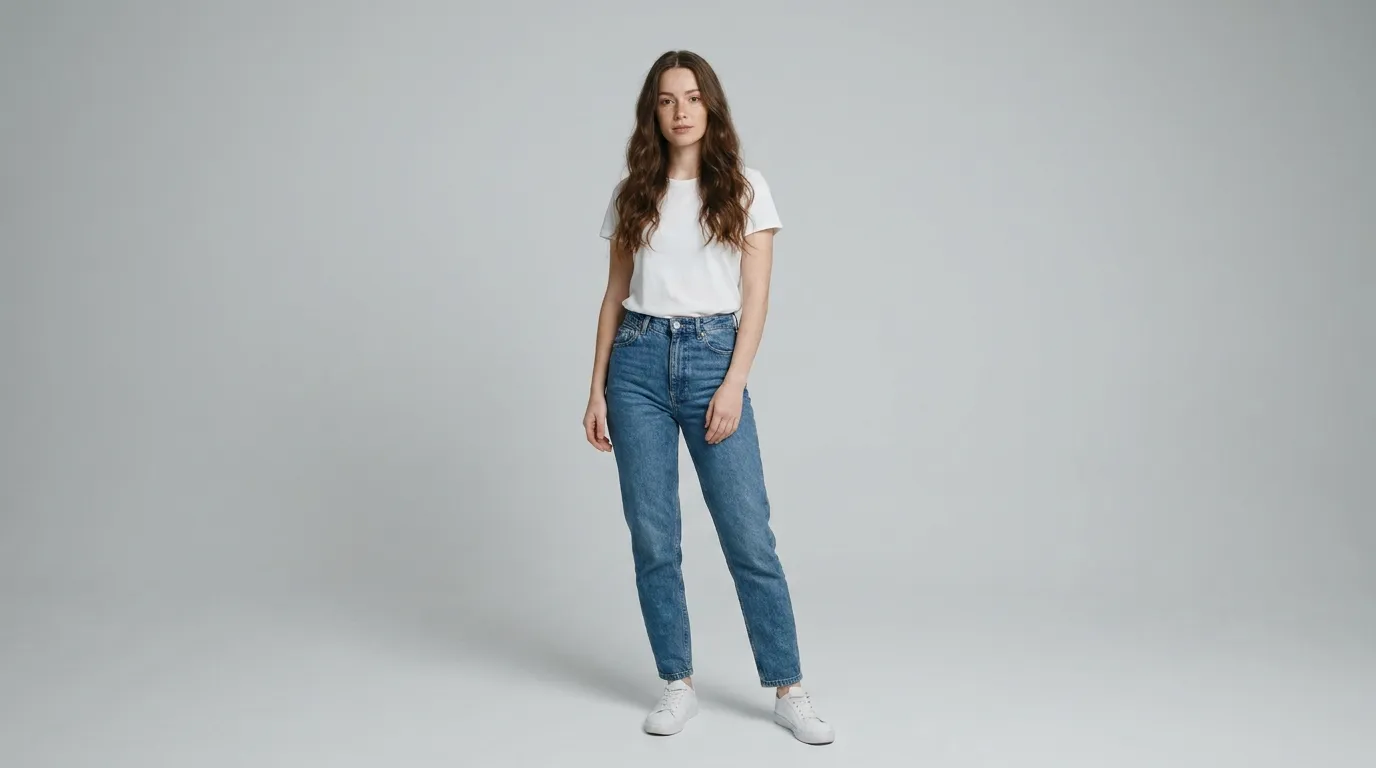
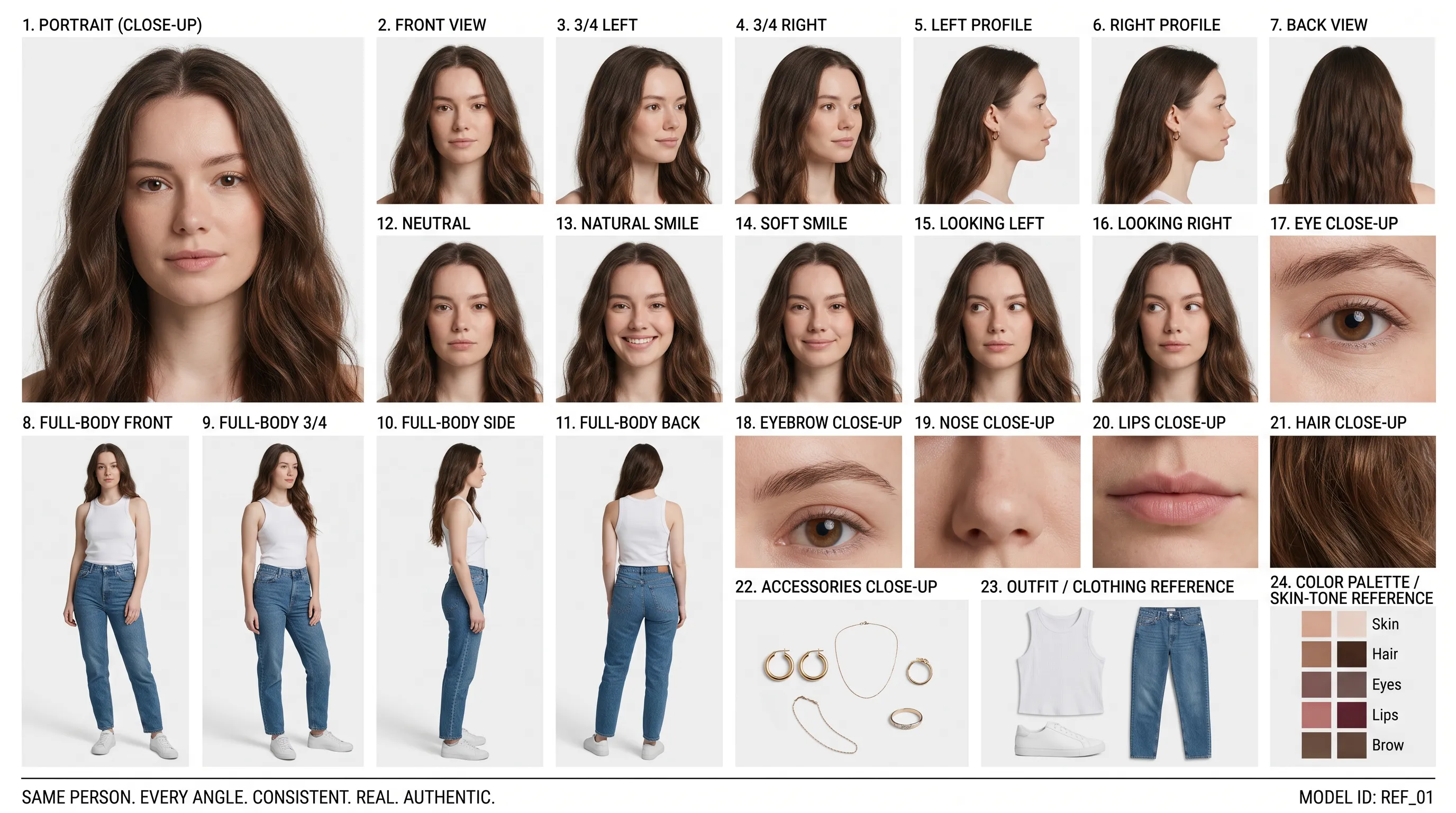
Reference Portrait (Prompt)
Create a clean 16:9 premium studio product photograph for a later image-edit demonstration. Show one freestanding penguin-shaped loose-leaf tea carton centered on a warm off-white seamless background. Its construction is distinctive and easy to preserve: a tapered folding-paper body, two small side flaps suggesting wings, a neat triangular top closure, and a stable flat base. Use matte deep-navy paper with a cream front panel, a small orange beak-shaped geometric accent, and restrained silver foil details. The front label must display the exact words 'POLAR TEA' once, in large clean uppercase sans-serif lettering, with the smaller exact line 'LOOSE LEAF' beneath it. Keep both lines sharp, correctly spelled and fully readable. Constraints: exactly one package; no people; no extra text, brand logos, watermark, border or UI.
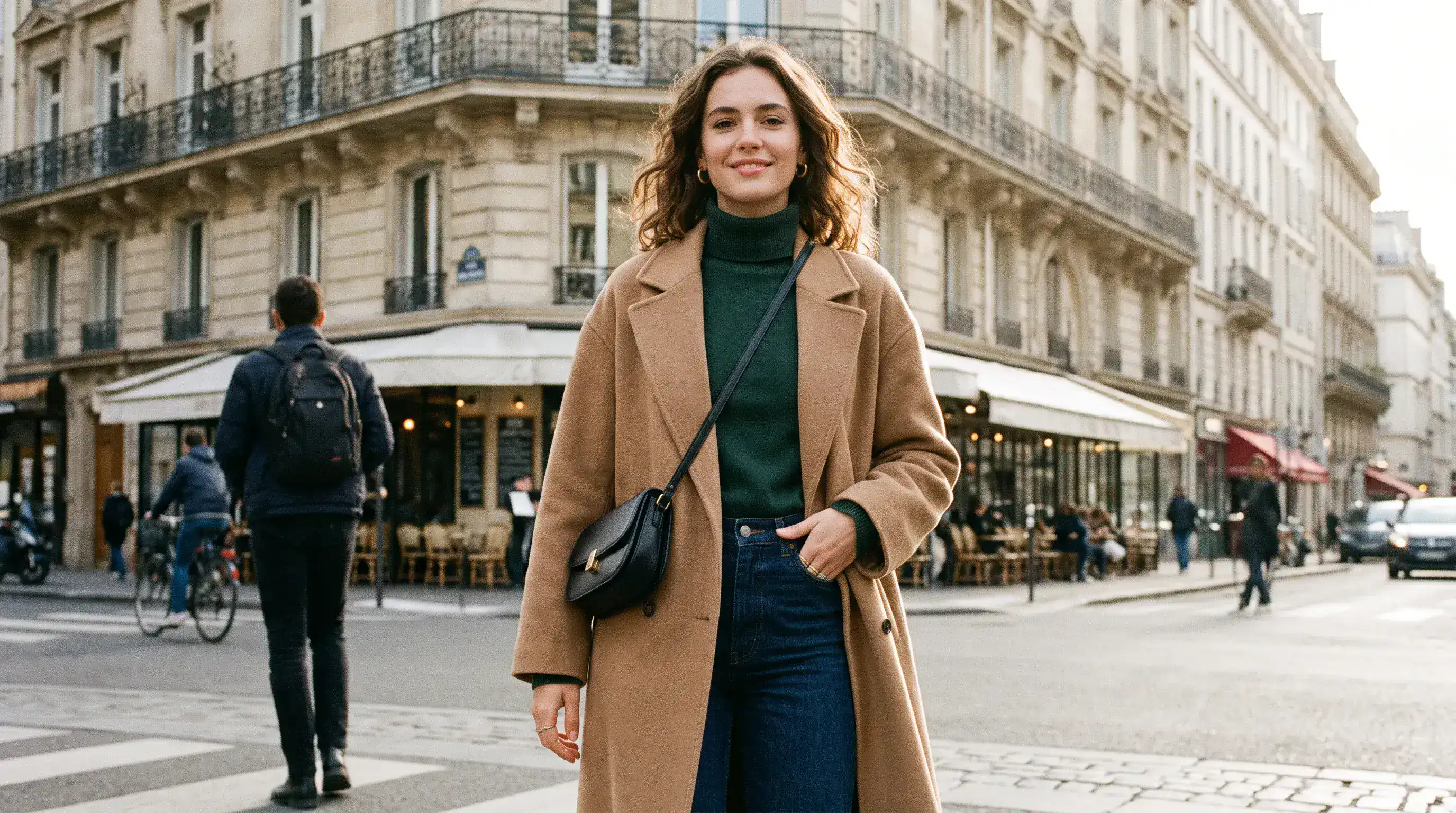
Edited Background (Prompt)
Using the provided package image, create a 16:9 professional industrial-design presentation sheet for the penguin-shaped loose-leaf tea carton. Preserve the package's exact penguin silhouette, tapered folding-paper body, side flaps, triangular top closure, deep-navy and cream color blocking, orange beak accent, silver foil details, and the exact readable label 'POLAR TEA' with 'LOOSE LEAF' beneath it. Place a centered heroic 3D rendering with realistic materials. Surround it with clearly organized technical views: front, side, top, bottom, oblique perspective. Include precise pencil sketches of frame structure and crease lines. Constraints: no people; no redesign of the package; no fake logos, watermark, border or UI.
Precise Layout & Text Placement
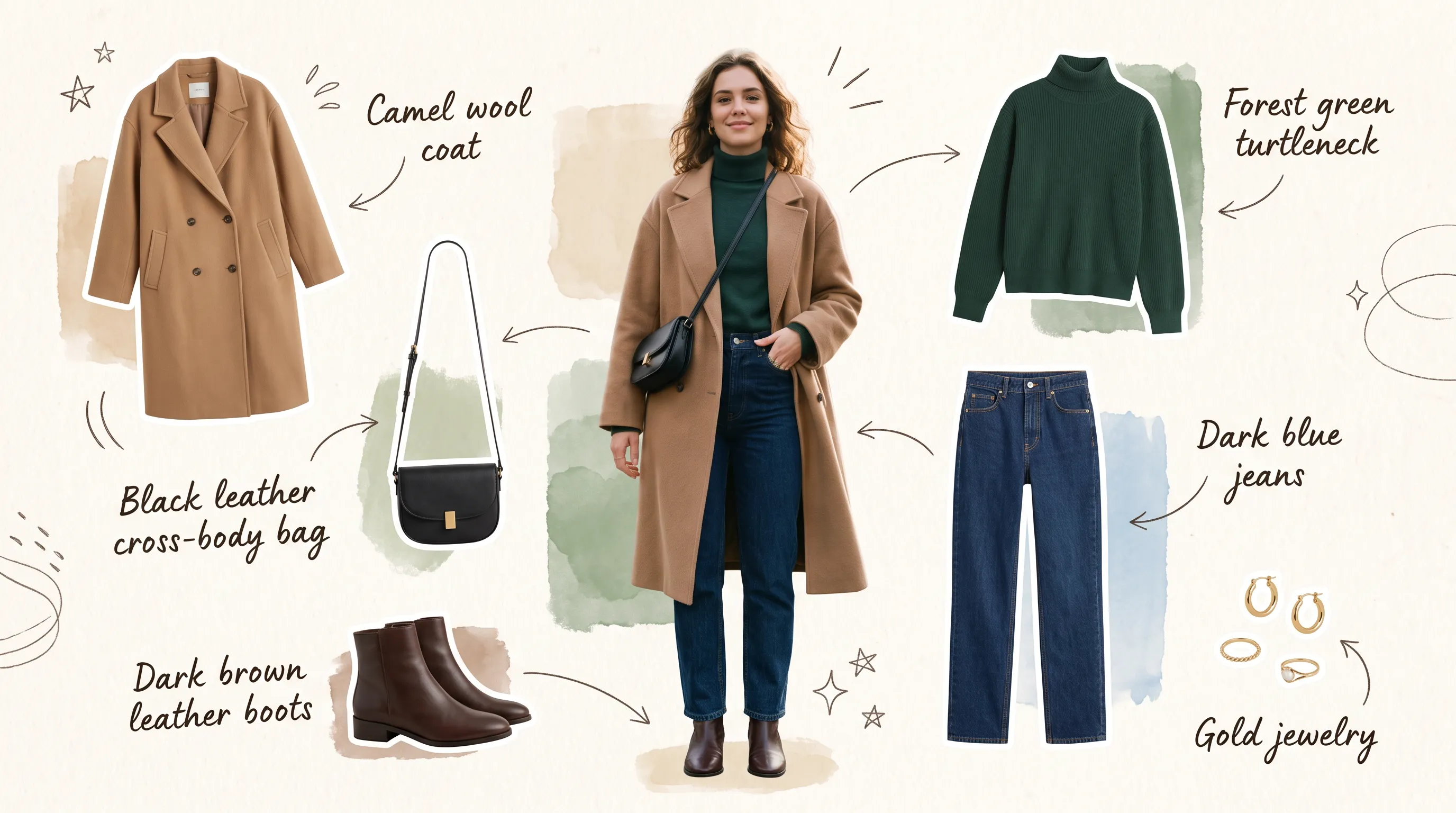
Original Layout (Prompt)
Create a 16:9 design-review image containing one finished vertical tea poster centered on a plain light-gray presentation wall, with generous empty margins on both sides. The poster artwork features a clear glass cup of pale jasmine green tea, fresh jasmine flowers, delicate tea leaves and soft spring-green botanical shapes on a warm ivory background. Render the exact headline 'STEEP INTO SPRING' once at the top in large dark-green uppercase serif lettering. Render the exact smaller line 'JASMINE GREEN TEA' once beneath it in clean uppercase sans-serif lettering. Both lines must be correctly spelled, sharp and fully readable. Constraints: no people, human figures, faces, hands; no extra text, logos, watermark, border or UI outside the poster.
Revised Text & Composition (Prompt)
Transform the provided 16:9 tea-poster image into a realistic metro-station lightbox advertising scene. Preserve the poster artwork, glass cup, jasmine flowers, tea leaves, botanical shapes, colors, layout and typography. Keep the exact headline 'STEEP INTO SPRING' and exact smaller line 'JASMINE GREEN TEA' unchanged, correctly spelled, fully readable and dominant. Show the vertical poster behind glossy glass in one illuminated advertising frame mounted on a clean contemporary subway-platform wall. Constraints: no sharply focused person, identifiable face or identifiable ethnicity; no extra signs; no watermark, border or UI.
Advantages of Nano Banana 2.1 AI Image Generator
Develop an idea through manageable revisions, with clearer creative direction and less need to rebuild a promising composition.
Create from a Written Brief
Describe your subject, setting, lighting, and layout to build a visual starting point. Explore portraits, illustrations, or campaign concepts around a clear creative direction.
Guide Edits with Image References
Combine up to 14 reference images with your instructions. Explain the role of each reference and specify which features to preserve as you revise a scene.
Add Context with Optional Search
Enable web search for current information or image search for visual references found online. Use either option independently when it helps your brief.
Choose the Format for Your Project
Create square, portrait, or landscape images and select an output resolution that fits your work. Keep the intended placement in mind as you develop a composition.
Application Scenarios of Nano Banana 2.1 AI Image Generator
Create visuals for publishing, marketing, and design. Start with the audience and placement, then shape each image around what it needs to communicate.
Blog & Landing Page Visual Production
Create article covers, website hero images, and supporting illustrations around your subject matter. Direct the composition to leave room for a headline or page content.
E-commerce Product and Campaign Creatives
Explore tabletop displays, seasonal product settings, and launch concepts from a reference photo. Direct the props, surfaces, and lighting around your featured item.
Social Media Marketing & Paid Ads
Draft social graphics, thumbnails, and campaign images with a shared style. Compare backgrounds and focal points before developing your preferred direction.
Concept Storyboarding & Creative Prototyping
Turn a written scene into a storyboard image or mood-board concept. Explore characters, settings, and framing before planning a finished design or shoot.
How to Use Nano Banana 2.1 AI Image Generator
Start with an idea or a source photo. Create a first version, review it, and refine the details that matter to your project.
Enter Prompt & Define Goal
Describe the subject, setting, lighting, and composition. For image editing, add a reference photo and state both the change you want and the details you want to keep.
Set Direction & Generate
Choose an aspect ratio and resolution, and enable web or image search if needed. Check the displayed credit cost before generating; search options and uploaded references affect the total.
Refine, Regenerate & Export
Review the result and revise one detail at a time. Use your preferred image as a reference for further edits, then download the selected version.
Explore Nano Banana 2.1 Creations on X

Nano Banana 2.1 is here! This upgraded version outperforms our previous models across the board, with notable leaps in: - visual design - mask-based editing - subject consistency - more natural-looking imagery Try it now in @GeminiApp, @GoogleAIStudio, and more.


ChatGPT Image 2.5 vs Nano Banana 2.1 (the difference is clear)


it got worse? Nano Banana 2.1 is here so had to put it up against NB2 for the good old continuity stress test. the strange thing is 2.0 kept my likeness a lot more all the way through. I'm still very different from the original, but you can kinda recognise me? On 2.1 it just

Nano Banana 2.1 is live on ElevenCreative. Google's image generation and editing model brings faster generations, better visual design, and subject consistency. Try it now: elevenlabs.io/creative

