
Meet Nano Banana 2.1, our latest image generation and editing model 🍌 This upgraded version outperforms our previous models across the board, with notable leaps in visual design, mask-based editing, and subject consistency to help you create more natural-looking images.
Nano Banana 2.1 AI 이미지 생성기
Hey Dream AI의 Nano Banana 2.1로 텍스트에서 이미지를 만들고 사진을 다듬어 보세요. 참조 이미지로 인물 사진, 제품 장면, 캠페인용 이미지를 제작하고, 필요에 따라 웹 검색과 이미지 검색으로 제작 지시에 도움이 되는 정보를 더할 수 있습니다.
0 / 5000


Nano Banana 2.1 AI 이미지 모델 소개
글로 표현한 아이디어와 참조 이미지를 새로운 이미지로 만드는 Nano Banana 2.1을 만나보세요.
프롬프트를 입력하거나 참조 이미지를 업로드해 편집 방향을 지정하세요. 구도와 출력 해상도를 선택하고, 최신 정보나 온라인 참조 이미지가 도움이 될 때 웹 검색 또는 이미지 검색을 켜세요.
Nano Banana 2.1 AI 이미지 모델의 핵심 기능
이미지 제작, 참조 이미지 기반 편집, 포스터 구성을 시도해 보세요. 원하는 결과를 설명한 뒤, 구체적인 지시와 유지할 세부 요소를 전달하며 시각적 방향을 다듬을 수 있습니다.
맞춤 프롬프트 및 포스터 구성
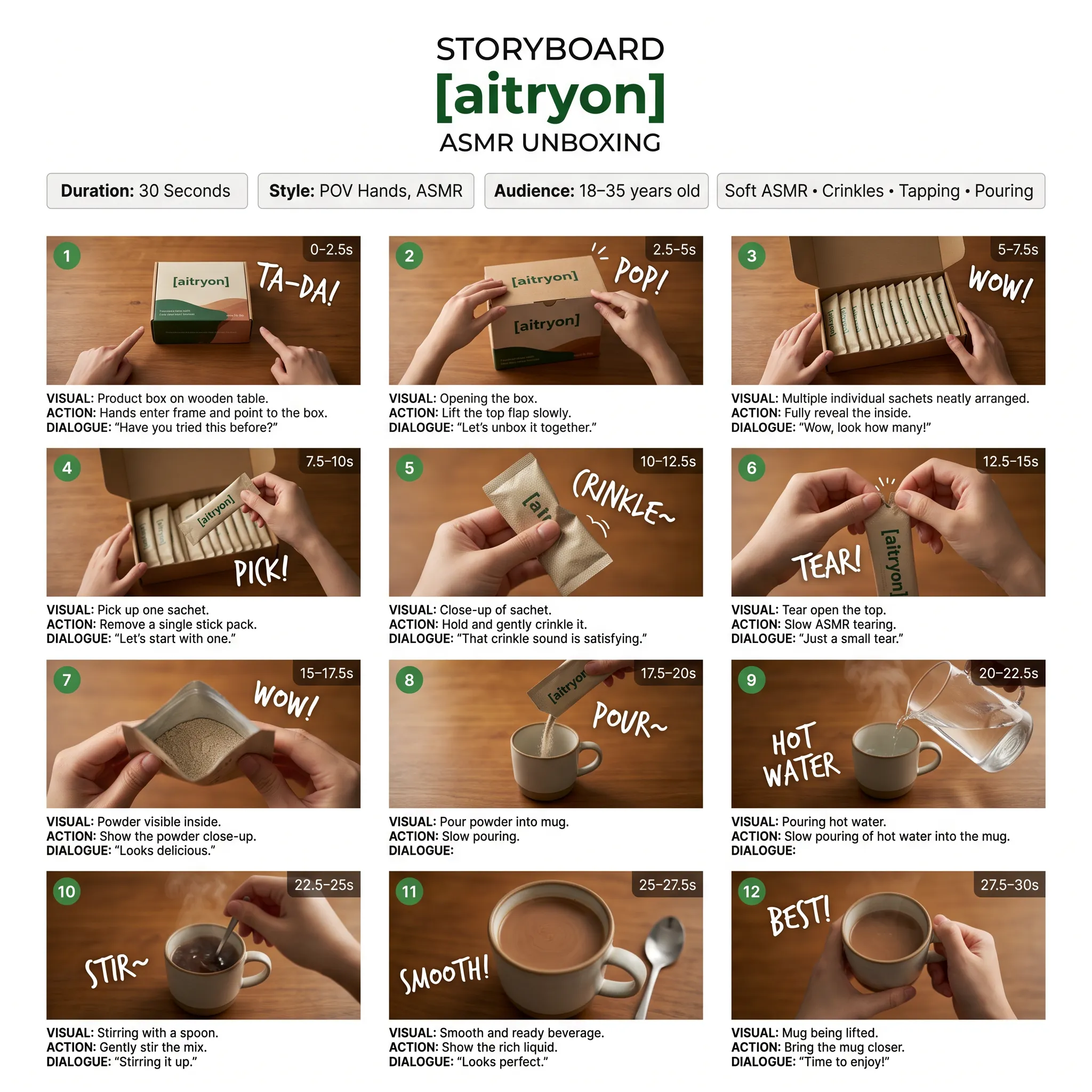
프롬프트
A low-angle, close-up photograph capturing a young woman with wavy brown hair outdoors at dusk. She is wearing a grey cropped t-shirt with a blue and white graphic text that reads '{argument name="shirt text" default="DESTINED SET 1958"}' and black denim bottoms. Her head is tilted, and she is looking directly into the camera lens. The dark blue evening sky serves as the background, with silhouetted tree branches visible at the bottom of the frame. Strong flash lighting is directed from the front, illuminating her face and highlighting strands of her hair. The composition has a grainy film photography aesthetic.
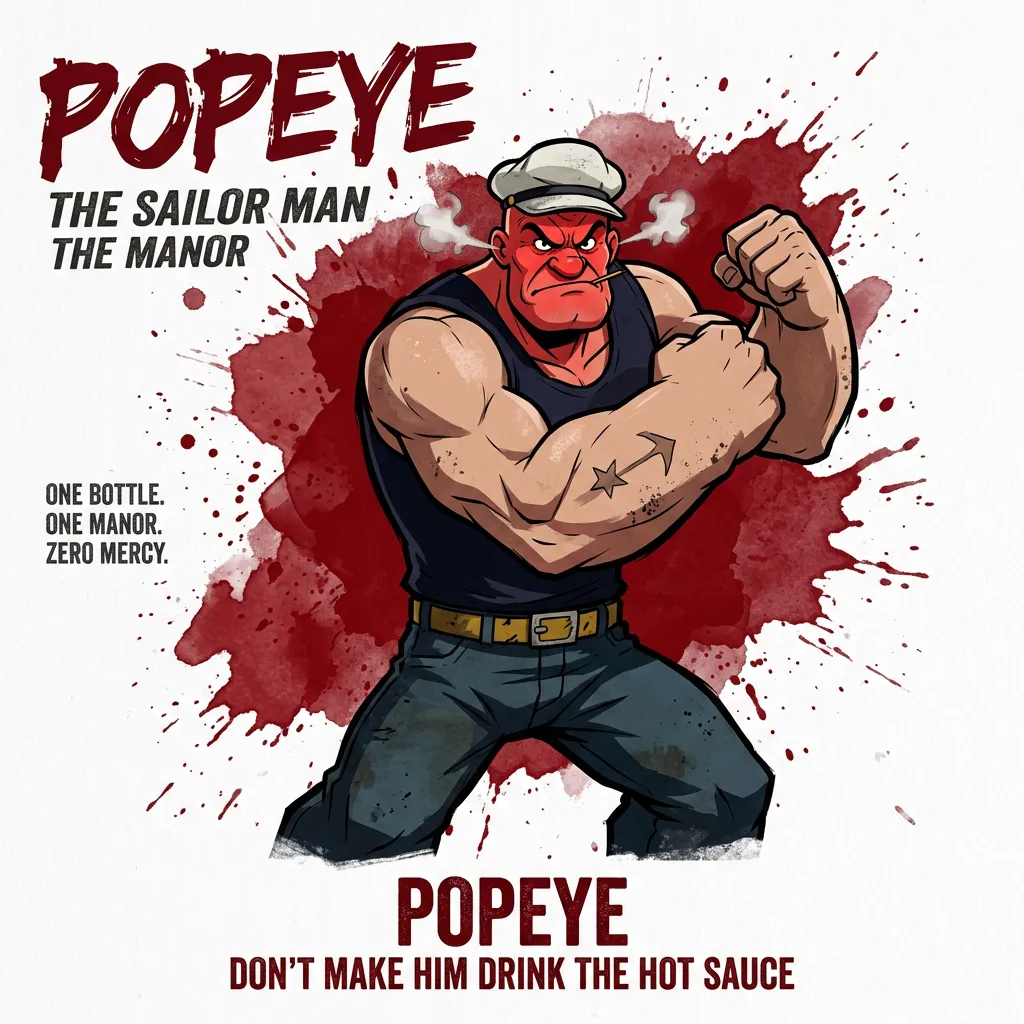
프롬프트
A cinematic, high-resolution product photography shot of a square glass perfume bottle filled with amber liquid, resting on jagged black volcanic rock. The bottle features a matte black rectangular cap and gold serif text reading "FIRE" above smaller text "eau de parfum". A large, glossy black serpent is coiled tightly around the base of the bottle, its head raised to the left near the cap with a forked tongue flicking out. Wisps of white smoke curl upwards from behind the bottle against a background of glowing orange magma and dark cave walls. The lighting is dramatic and warm, emphasizing the translucency of the perfume and the texture of the snake's scales.
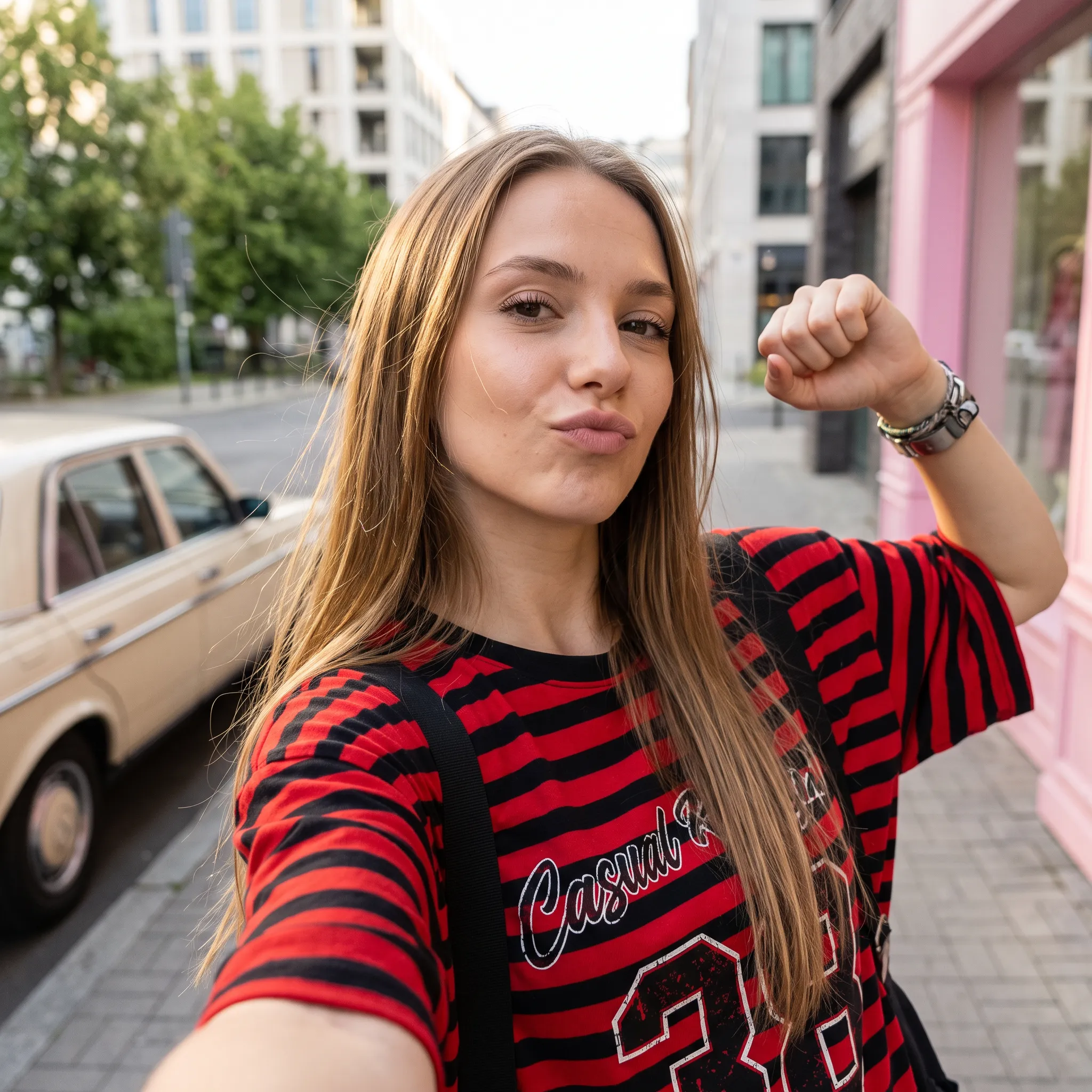
프롬프트
Create a square 1:1 illustration. Scene: A traveling herbalist's wooden wagon parked in a wide flower-filled meadow, shelves of glass jars and bundled dried herbs hanging from the sides, a small folding table covered in potions and plants, a canvas shade stretched overhead, and butterflies drifting lazily through the warm open field. The wagon is unattended; no character is present. Style: Fantasy hand-drawn watercolor illustration style. Traditional watercolor rendering with visible pigment splashes, fluid paint diffusion, and softly blended tonal transitions. Constraints: no people, human figures, faces, silhouettes or hands; no readable text, logo, watermark, border or UI.
참조 이미지 편집 및 배경 변경
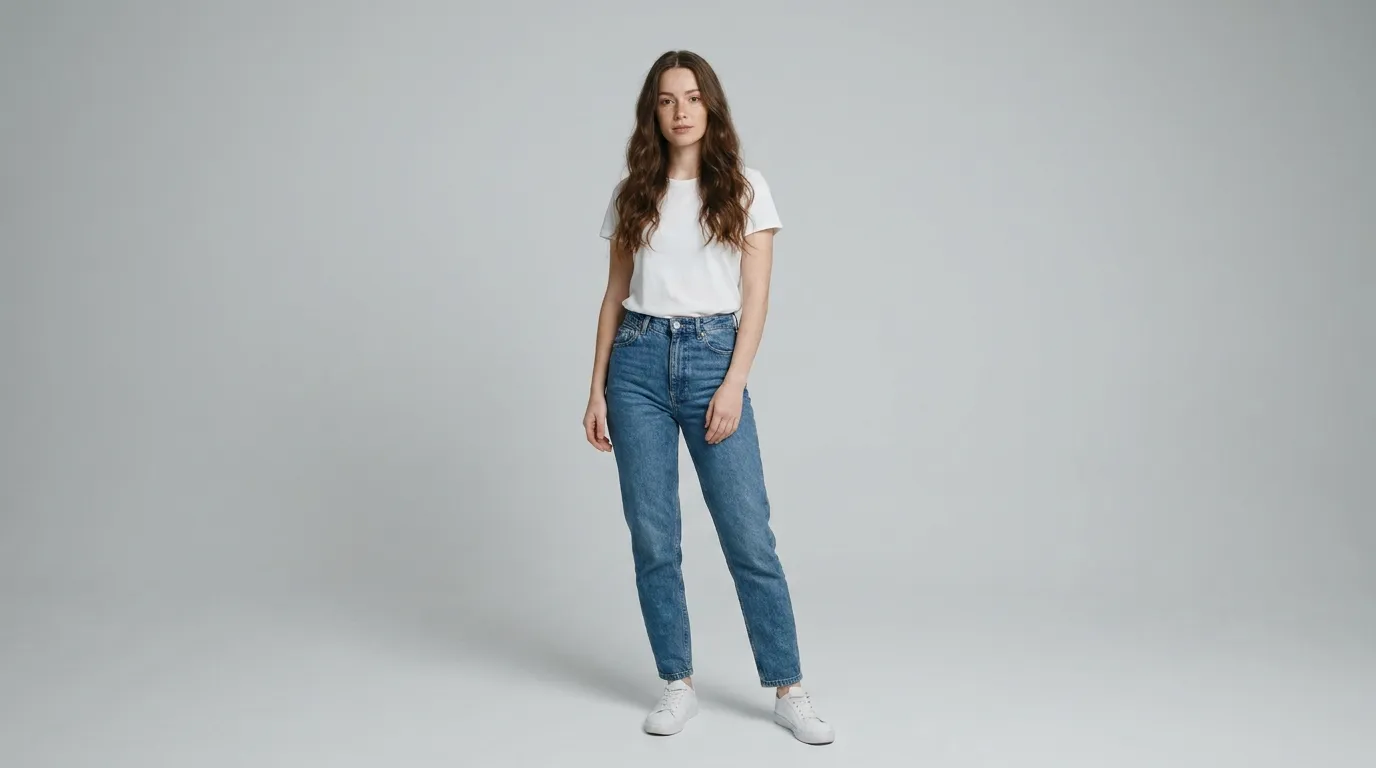
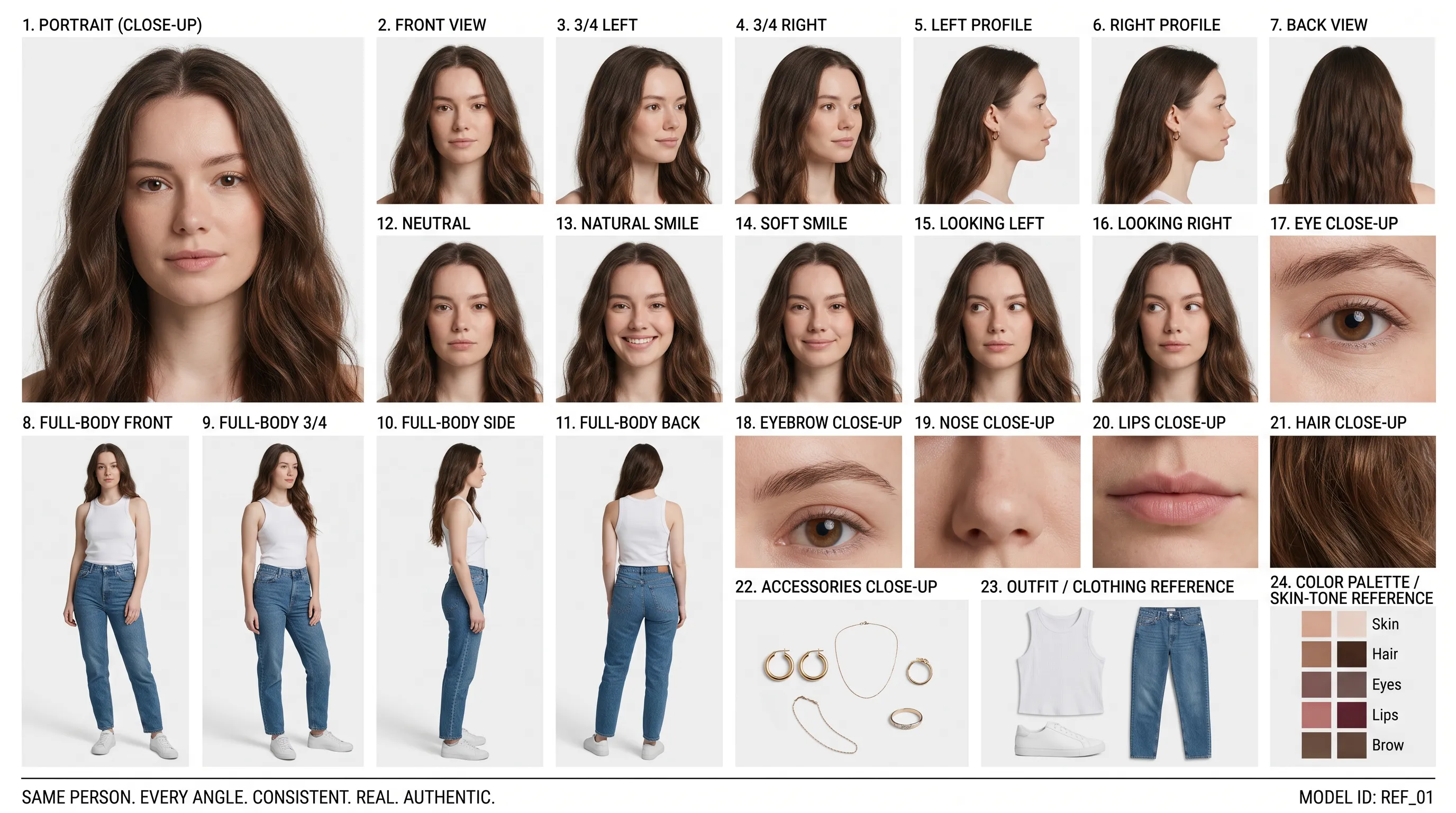
참조 인물 사진 (프롬프트)
Create a clean 16:9 premium studio product photograph for a later image-edit demonstration. Show one freestanding penguin-shaped loose-leaf tea carton centered on a warm off-white seamless background. Its construction is distinctive and easy to preserve: a tapered folding-paper body, two small side flaps suggesting wings, a neat triangular top closure, and a stable flat base. Use matte deep-navy paper with a cream front panel, a small orange beak-shaped geometric accent, and restrained silver foil details. The front label must display the exact words 'POLAR TEA' once, in large clean uppercase sans-serif lettering, with the smaller exact line 'LOOSE LEAF' beneath it. Keep both lines sharp, correctly spelled and fully readable. Constraints: exactly one package; no people; no extra text, brand logos, watermark, border or UI.
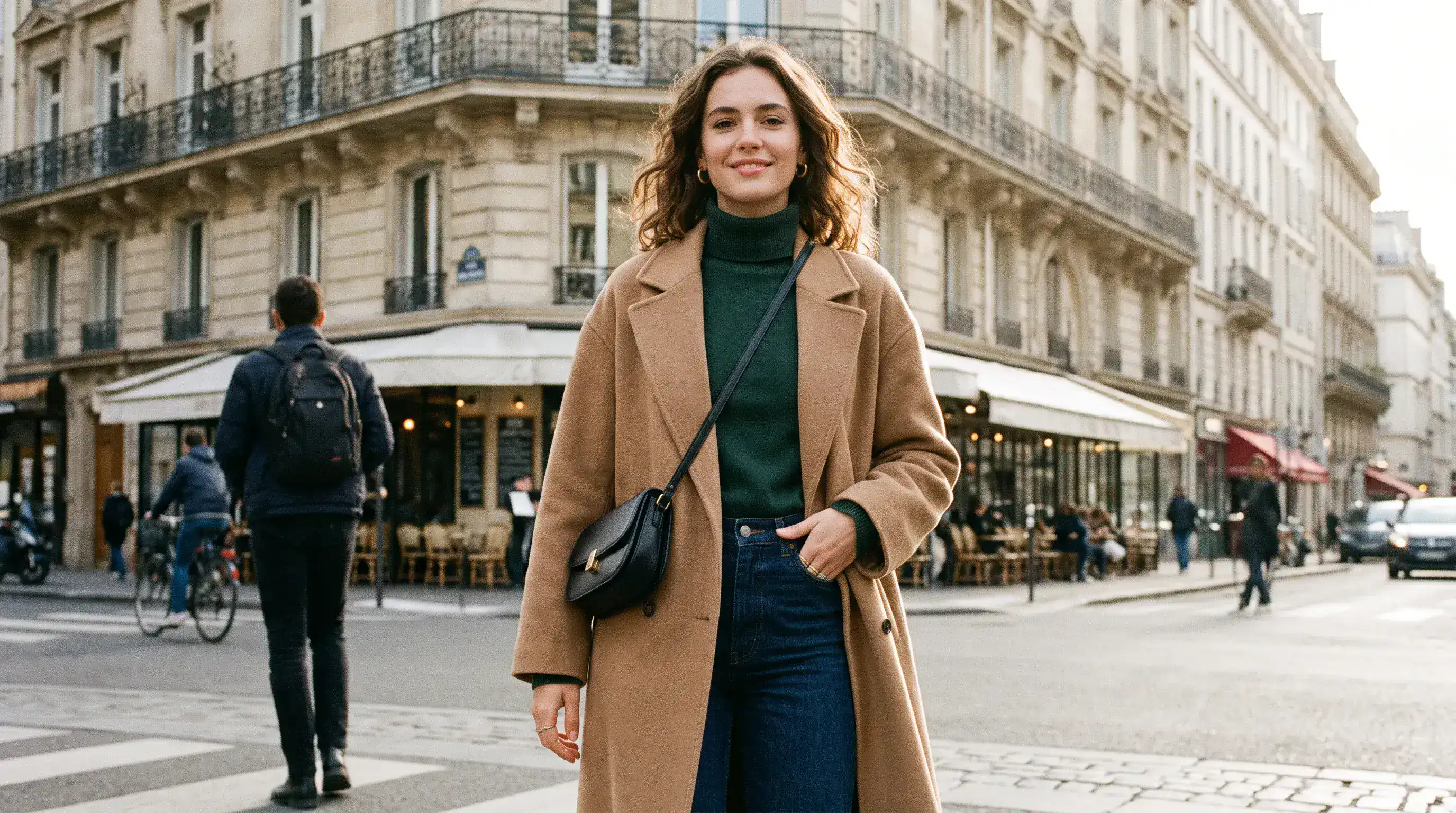
편집된 배경 (프롬프트)
Using the provided package image, create a 16:9 professional industrial-design presentation sheet for the penguin-shaped loose-leaf tea carton. Preserve the package's exact penguin silhouette, tapered folding-paper body, side flaps, triangular top closure, deep-navy and cream color blocking, orange beak accent, silver foil details, and the exact readable label 'POLAR TEA' with 'LOOSE LEAF' beneath it. Place a centered heroic 3D rendering with realistic materials. Surround it with clearly organized technical views: front, side, top, bottom, oblique perspective. Include precise pencil sketches of frame structure and crease lines. Constraints: no people; no redesign of the package; no fake logos, watermark, border or UI.
정교한 레이아웃 및 텍스트 배치
원본 레이아웃 (프롬프트)
Create a 16:9 design-review image containing one finished vertical tea poster centered on a plain light-gray presentation wall, with generous empty margins on both sides. The poster artwork features a clear glass cup of pale jasmine green tea, fresh jasmine flowers, delicate tea leaves and soft spring-green botanical shapes on a warm ivory background. Render the exact headline 'STEEP INTO SPRING' once at the top in large dark-green uppercase serif lettering. Render the exact smaller line 'JASMINE GREEN TEA' once beneath it in clean uppercase sans-serif lettering. Both lines must be correctly spelled, sharp and fully readable. Constraints: no people, human figures, faces, hands; no extra text, logos, watermark, border or UI outside the poster.
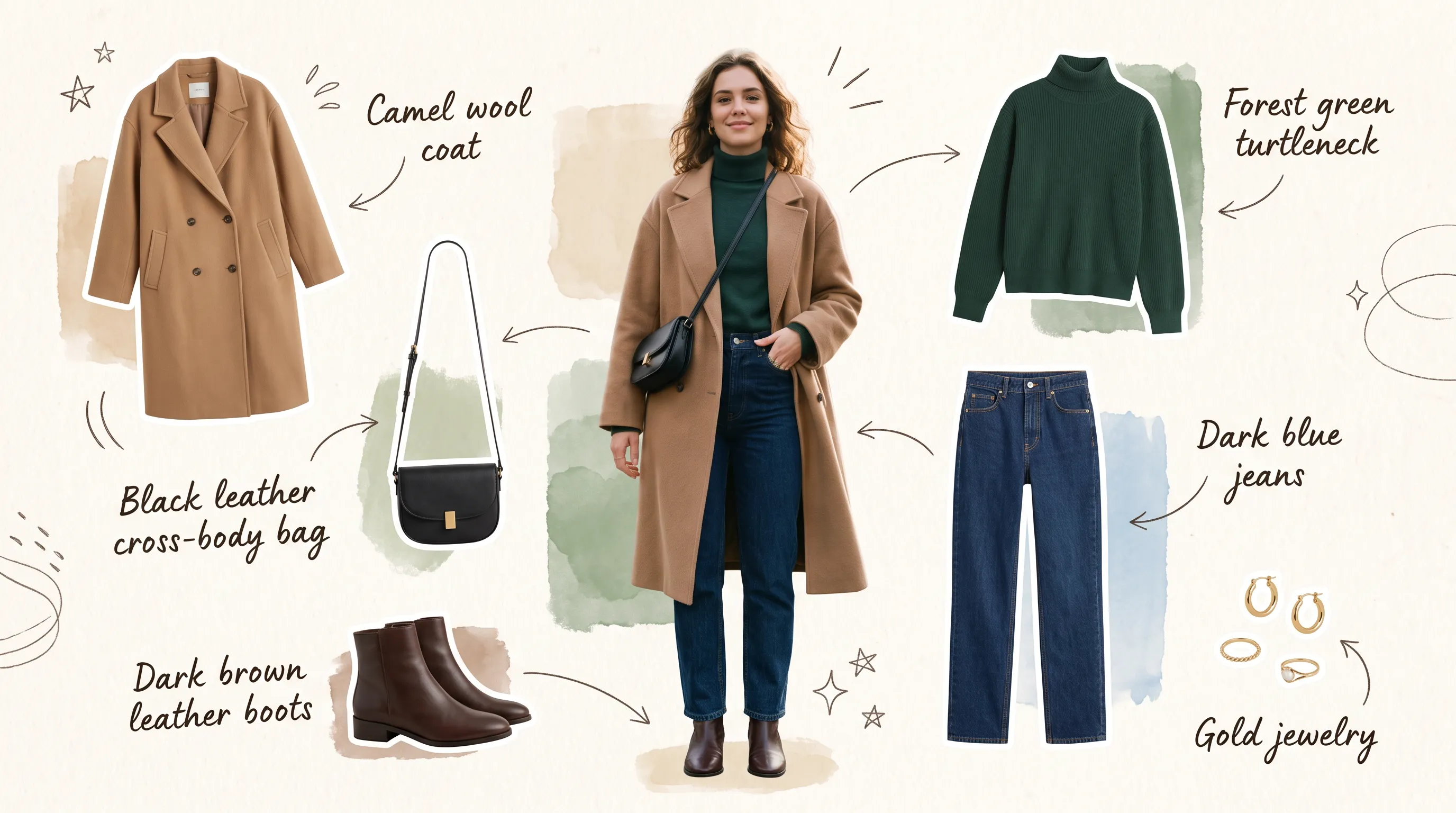
수정된 텍스트 및 구도 (프롬프트)
Transform the provided 16:9 tea-poster image into a realistic metro-station lightbox advertising scene. Preserve the poster artwork, glass cup, jasmine flowers, tea leaves, botanical shapes, colors, layout and typography. Keep the exact headline 'STEEP INTO SPRING' and exact smaller line 'JASMINE GREEN TEA' unchanged, correctly spelled, fully readable and dominant. Show the vertical poster behind glossy glass in one illuminated advertising frame mounted on a clean contemporary subway-platform wall. Constraints: no sharply focused person, identifiable face or identifiable ethnicity; no extra signs; no watermark, border or UI.
Nano Banana 2.1 AI 이미지 생성기의 장점
부담 없이 조금씩 수정하며 아이디어를 발전시키세요. 창작 방향을 더 명확하게 잡고, 마음에 드는 구도를 처음부터 다시 만드는 수고를 줄일 수 있습니다.
글로 쓴 지시에서 이미지 제작
피사체, 배경, 조명, 레이아웃을 설명해 이미지 작업의 출발점을 마련하세요. 명확한 창작 방향에 맞춰 인물 사진, 일러스트, 캠페인 콘셉트를 구상할 수 있습니다.
참조 이미지로 편집 방향 지정
참조 이미지 최대 14장과 지시를 함께 사용할 수 있습니다. 각 참조 이미지의 역할을 설명하고, 장면을 수정하면서 유지할 특징을 지정하세요.
필요에 따라 검색으로 정보 보완
최신 정보가 필요하면 웹 검색을, 온라인 참조 이미지가 필요하면 이미지 검색을 켜세요. 제작 지시에 도움이 될 때 각 옵션을 독립적으로 사용할 수 있습니다.
프로젝트에 맞는 형식 선택
정사각형, 세로형, 가로형 이미지를 만들고 작업에 맞는 출력 해상도를 선택하세요. 이미지를 사용할 위치를 고려하며 구도를 발전시킬 수 있습니다.
Nano Banana 2.1 AI 이미지 생성기의 활용 사례
출판, 마케팅, 디자인용 이미지를 제작하세요. 먼저 대상과 사용 위치를 정한 뒤, 전달해야 할 내용에 맞게 각 이미지를 구성할 수 있습니다.
블로그 및 랜딩 페이지 이미지 제작
주제에 맞는 글 표지, 웹사이트 히어로 이미지, 보조 일러스트를 제작하세요. 제목이나 페이지 콘텐츠가 들어갈 공간을 남기도록 구도를 지정할 수 있습니다.
이커머스 제품 및 캠페인 이미지
참조 사진을 바탕으로 테이블 위 제품 진열, 계절감 있는 제품 연출, 출시 콘셉트를 구상하세요. 주력 제품 주변의 소품, 바닥이나 받침대의 질감, 조명을 지정할 수 있습니다.
소셜 미디어 마케팅 및 유료 광고
일관된 스타일로 소셜 미디어 이미지, 썸네일, 캠페인 이미지 시안을 만드세요. 배경과 시선이 모이는 지점을 비교한 뒤, 마음에 드는 방향으로 발전시킬 수 있습니다.
콘셉트 스토리보드 및 창작 시안 제작
글로 묘사한 장면을 스토리보드 이미지나 무드보드 콘셉트로 만드세요. 최종 디자인이나 촬영을 계획하기 전에 캐릭터, 배경, 화면 구성을 검토할 수 있습니다.
Nano Banana 2.1 AI 이미지 생성기 사용법
아이디어나 원본 사진으로 시작하세요. 첫 버전을 만든 뒤 검토하고, 프로젝트에 중요한 세부 요소를 다듬을 수 있습니다.
프롬프트 입력 및 목표 설정
피사체, 배경, 조명, 구도를 설명하세요. 이미지 편집 시에는 참조 사진을 추가하고, 변경할 부분과 유지할 세부 요소를 모두 지정하세요.
방향 설정 및 생성
화면 비율과 해상도를 선택하고, 필요하면 웹 검색이나 이미지 검색을 켜세요. 검색 옵션과 업로드한 참조 이미지가 총비용에 영향을 주므로, 생성 전에 표시된 크레딧 비용을 확인하세요.
다듬기, 재생성 및 내보내기
결과를 검토하고 세부 요소를 하나씩 수정하세요. 마음에 드는 이미지를 참조 이미지로 사용해 추가로 편집한 뒤, 선택한 버전을 다운로드하세요.
X에서 Nano Banana 2.1 작품 둘러보기

Nano Banana 2.1 is here! This upgraded version outperforms our previous models across the board, with notable leaps in: - visual design - mask-based editing - subject consistency - more natural-looking imagery Try it now in @GeminiApp, @GoogleAIStudio, and more.


ChatGPT Image 2.5 vs Nano Banana 2.1 (the difference is clear)


it got worse? Nano Banana 2.1 is here so had to put it up against NB2 for the good old continuity stress test. the strange thing is 2.0 kept my likeness a lot more all the way through. I'm still very different from the original, but you can kinda recognise me? On 2.1 it just

Nano Banana 2.1 is live on ElevenCreative. Google's image generation and editing model brings faster generations, better visual design, and subject consistency. Try it now: elevenlabs.io/creative

