
Meet Nano Banana 2.1, our latest image generation and editing model 🍌 This upgraded version outperforms our previous models across the board, with notable leaps in visual design, mask-based editing, and subject consistency to help you create more natural-looking images.
Trình tạo ảnh AI Nano Banana 2.1
Tạo ảnh từ văn bản và tinh chỉnh ảnh chụp bằng Nano Banana 2.1 trên Hey Dream AI. Dùng ảnh tham chiếu để tạo ảnh chân dung, cảnh sản phẩm và hình ảnh cho chiến dịch, rồi tùy chọn tìm kiếm trên web và tìm kiếm hình ảnh để bổ sung ngữ cảnh cho định hướng sáng tạo của bạn.
0 / 5000


Giới thiệu mô hình tạo ảnh AI Nano Banana 2.1
Khám phá Nano Banana 2.1 để biến ý tưởng bằng văn bản và ảnh tham chiếu thành hình ảnh mới.
Bắt đầu bằng lời nhắc hoặc tải ảnh tham chiếu lên để định hướng chỉnh sửa. Chọn bố cục và độ phân giải đầu ra, rồi bật tìm kiếm trên web hoặc tìm kiếm hình ảnh khi ý tưởng cần thông tin hiện tại hoặc hình ảnh tham chiếu trên mạng.
Tính năng chính của mô hình tạo ảnh AI Nano Banana 2.1
Khám phá việc tạo ảnh, chỉnh sửa theo ảnh tham chiếu và bố cục áp phích. Mô tả kết quả mong muốn, rồi tinh chỉnh định hướng hình ảnh bằng chỉ dẫn cụ thể và những chi tiết bạn muốn giữ lại.
Lời nhắc tùy chỉnh & Bố cục áp phích
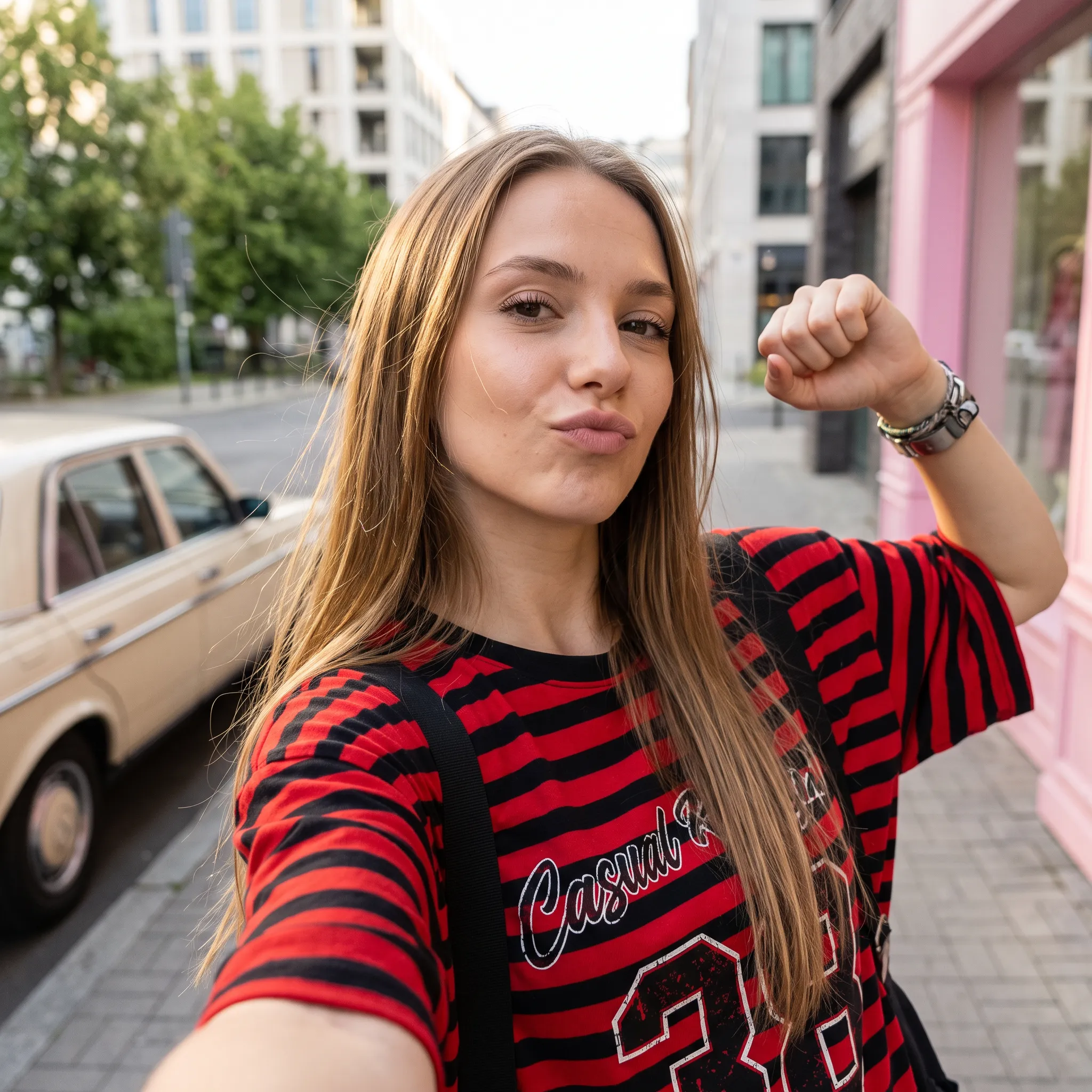
Lời nhắc
A low-angle, close-up photograph capturing a young woman with wavy brown hair outdoors at dusk. She is wearing a grey cropped t-shirt with a blue and white graphic text that reads '{argument name="shirt text" default="DESTINED SET 1958"}' and black denim bottoms. Her head is tilted, and she is looking directly into the camera lens. The dark blue evening sky serves as the background, with silhouetted tree branches visible at the bottom of the frame. Strong flash lighting is directed from the front, illuminating her face and highlighting strands of her hair. The composition has a grainy film photography aesthetic.
Lời nhắc
A cinematic, high-resolution product photography shot of a square glass perfume bottle filled with amber liquid, resting on jagged black volcanic rock. The bottle features a matte black rectangular cap and gold serif text reading "FIRE" above smaller text "eau de parfum". A large, glossy black serpent is coiled tightly around the base of the bottle, its head raised to the left near the cap with a forked tongue flicking out. Wisps of white smoke curl upwards from behind the bottle against a background of glowing orange magma and dark cave walls. The lighting is dramatic and warm, emphasizing the translucency of the perfume and the texture of the snake's scales.
Lời nhắc
Create a square 1:1 illustration. Scene: A traveling herbalist's wooden wagon parked in a wide flower-filled meadow, shelves of glass jars and bundled dried herbs hanging from the sides, a small folding table covered in potions and plants, a canvas shade stretched overhead, and butterflies drifting lazily through the warm open field. The wagon is unattended; no character is present. Style: Fantasy hand-drawn watercolor illustration style. Traditional watercolor rendering with visible pigment splashes, fluid paint diffusion, and softly blended tonal transitions. Constraints: no people, human figures, faces, silhouettes or hands; no readable text, logo, watermark, border or UI.
Chỉnh sửa ảnh tham chiếu & Thay đổi nền
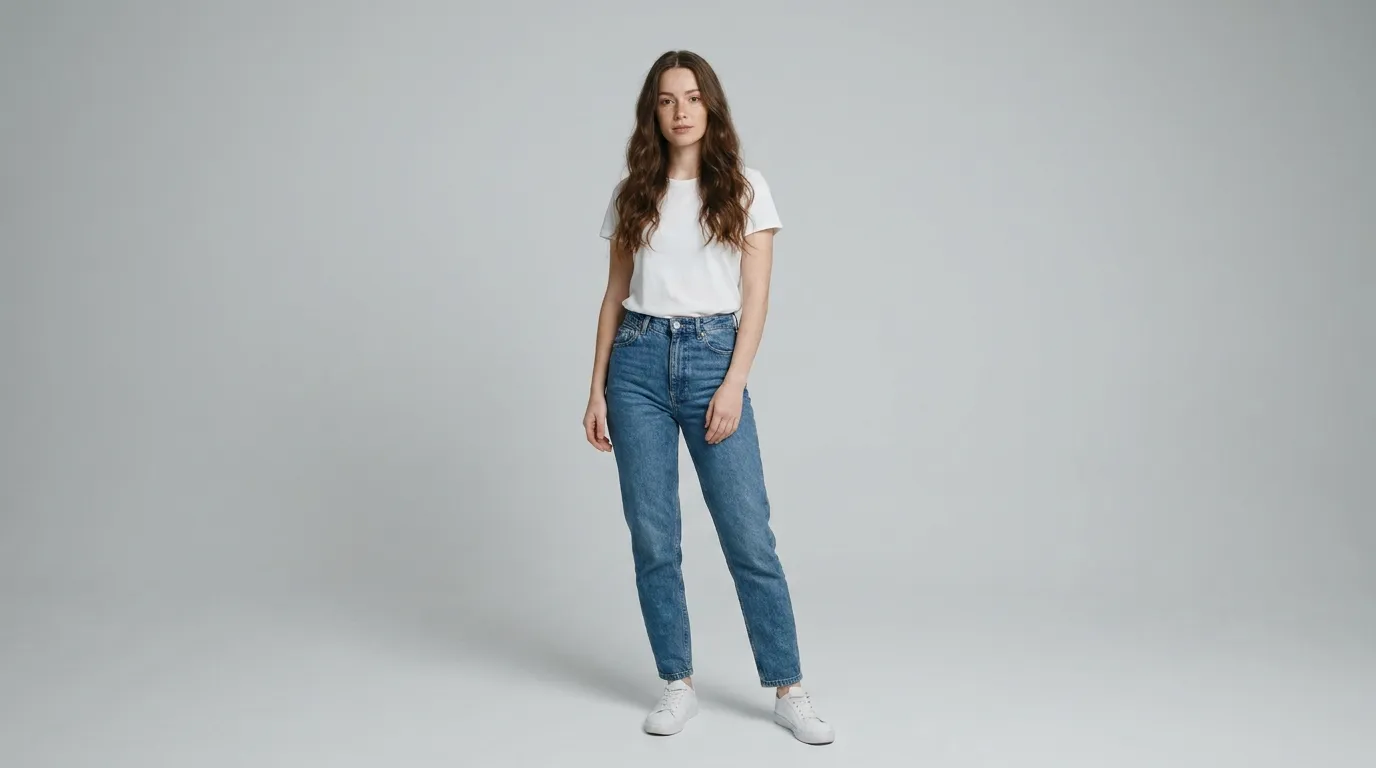
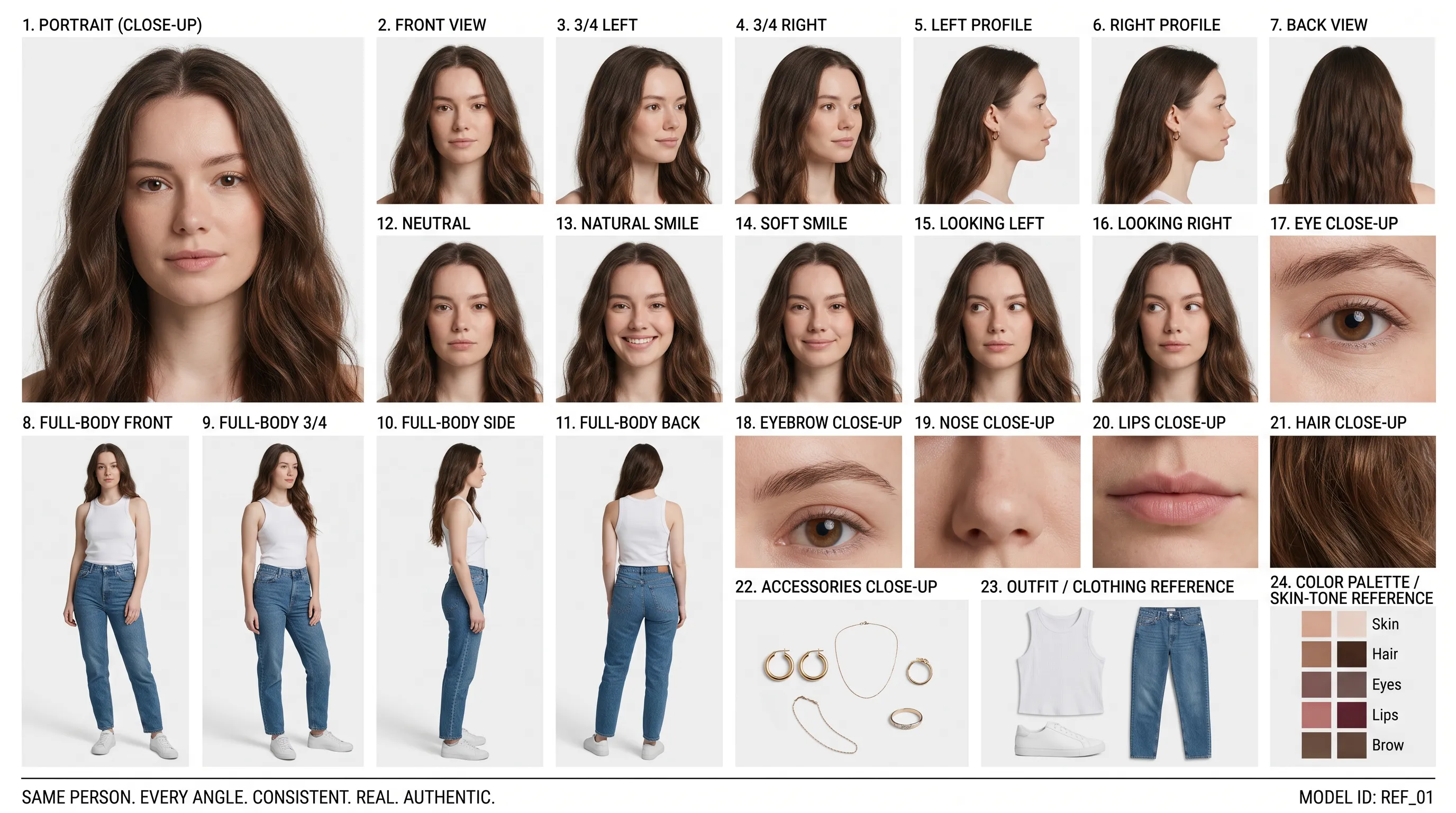
Ảnh chân dung tham chiếu (Lời nhắc)
Create a clean 16:9 premium studio product photograph for a later image-edit demonstration. Show one freestanding penguin-shaped loose-leaf tea carton centered on a warm off-white seamless background. Its construction is distinctive and easy to preserve: a tapered folding-paper body, two small side flaps suggesting wings, a neat triangular top closure, and a stable flat base. Use matte deep-navy paper with a cream front panel, a small orange beak-shaped geometric accent, and restrained silver foil details. The front label must display the exact words 'POLAR TEA' once, in large clean uppercase sans-serif lettering, with the smaller exact line 'LOOSE LEAF' beneath it. Keep both lines sharp, correctly spelled and fully readable. Constraints: exactly one package; no people; no extra text, brand logos, watermark, border or UI.
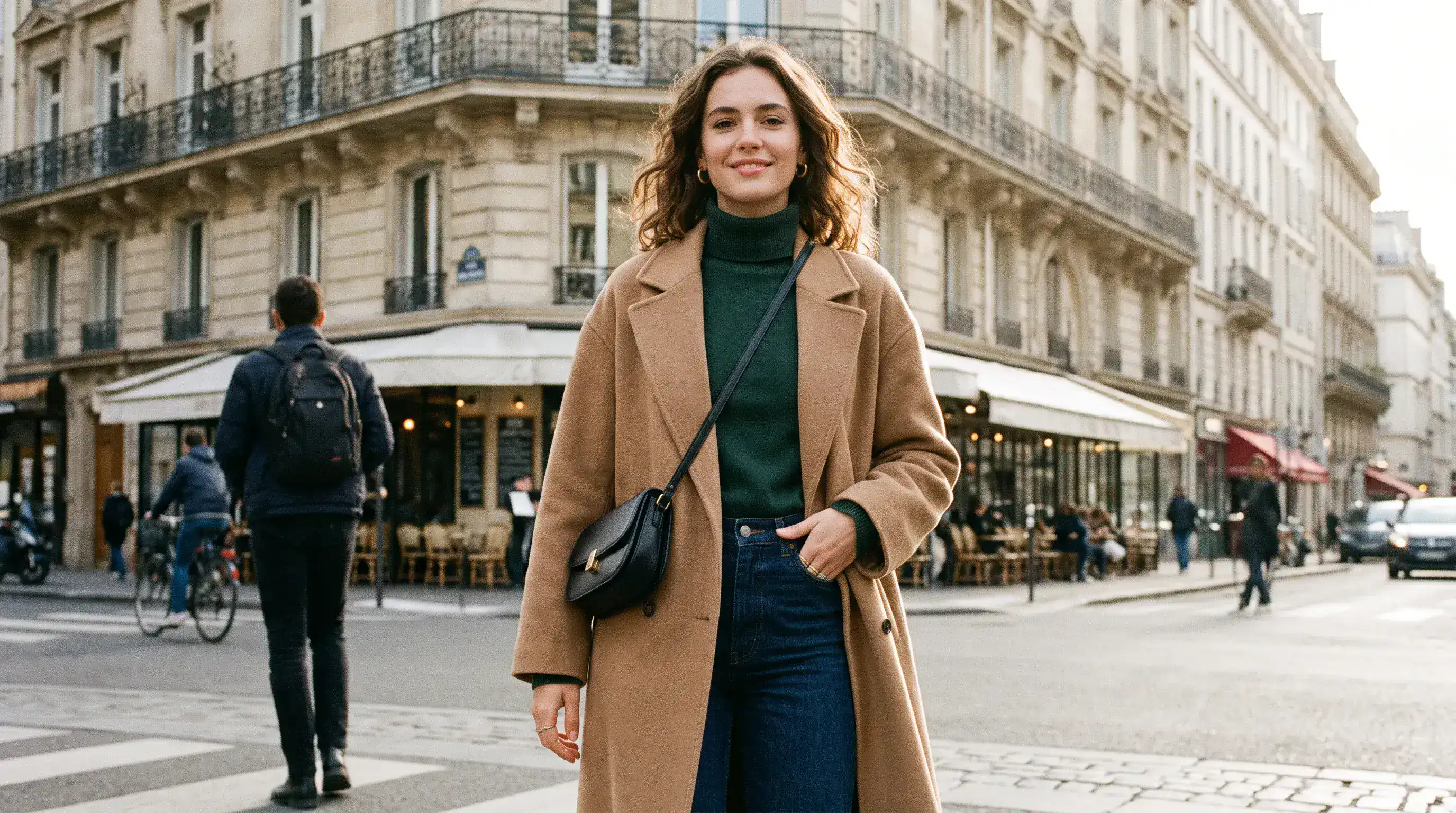
Nền đã chỉnh sửa (Lời nhắc)
Using the provided package image, create a 16:9 professional industrial-design presentation sheet for the penguin-shaped loose-leaf tea carton. Preserve the package's exact penguin silhouette, tapered folding-paper body, side flaps, triangular top closure, deep-navy and cream color blocking, orange beak accent, silver foil details, and the exact readable label 'POLAR TEA' with 'LOOSE LEAF' beneath it. Place a centered heroic 3D rendering with realistic materials. Surround it with clearly organized technical views: front, side, top, bottom, oblique perspective. Include precise pencil sketches of frame structure and crease lines. Constraints: no people; no redesign of the package; no fake logos, watermark, border or UI.
Bố cục & Vị trí văn bản chính xác
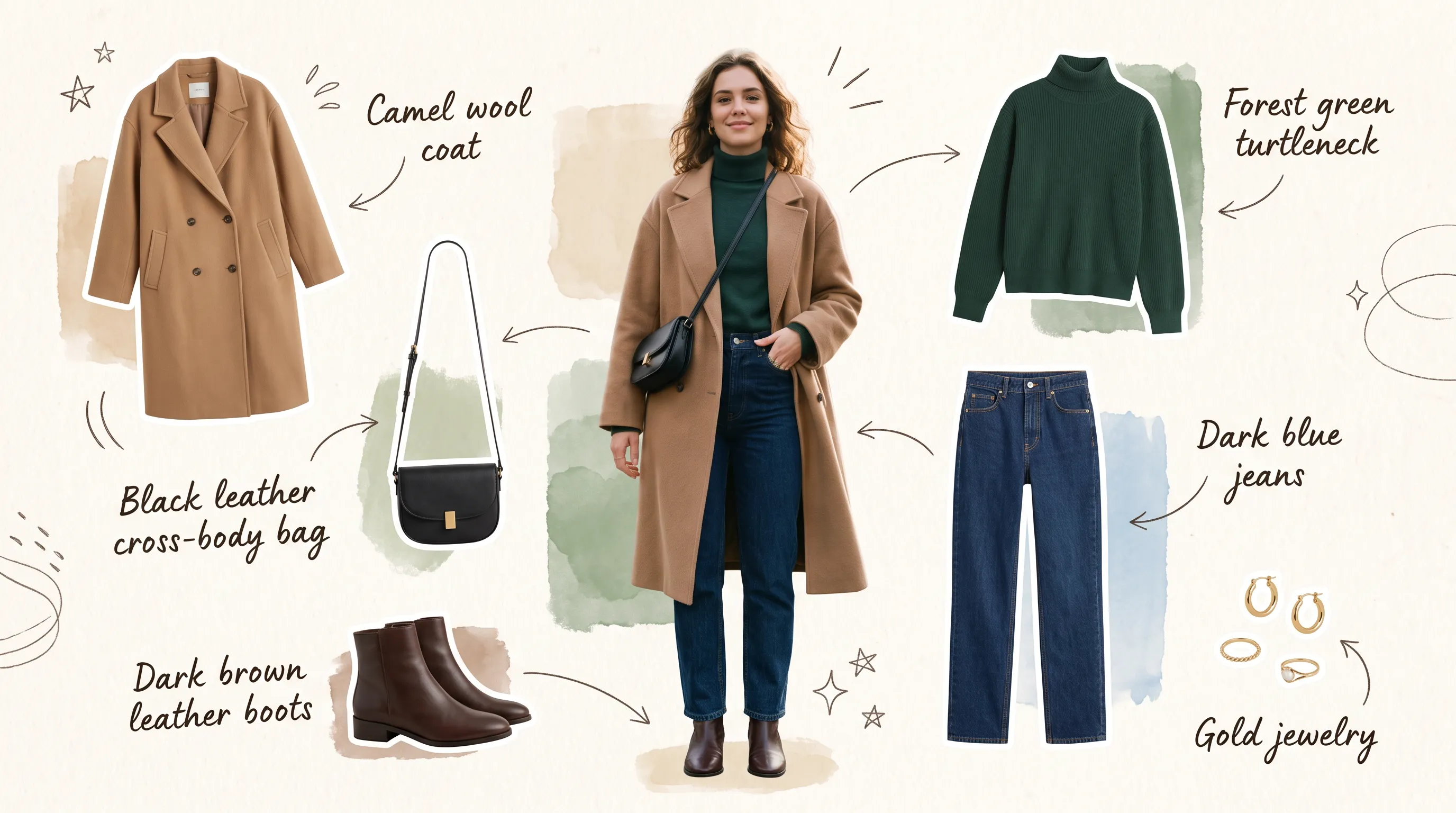
Bố cục gốc (Lời nhắc)
Create a 16:9 design-review image containing one finished vertical tea poster centered on a plain light-gray presentation wall, with generous empty margins on both sides. The poster artwork features a clear glass cup of pale jasmine green tea, fresh jasmine flowers, delicate tea leaves and soft spring-green botanical shapes on a warm ivory background. Render the exact headline 'STEEP INTO SPRING' once at the top in large dark-green uppercase serif lettering. Render the exact smaller line 'JASMINE GREEN TEA' once beneath it in clean uppercase sans-serif lettering. Both lines must be correctly spelled, sharp and fully readable. Constraints: no people, human figures, faces, hands; no extra text, logos, watermark, border or UI outside the poster.
Văn bản & Bố cục đã chỉnh sửa (Lời nhắc)
Transform the provided 16:9 tea-poster image into a realistic metro-station lightbox advertising scene. Preserve the poster artwork, glass cup, jasmine flowers, tea leaves, botanical shapes, colors, layout and typography. Keep the exact headline 'STEEP INTO SPRING' and exact smaller line 'JASMINE GREEN TEA' unchanged, correctly spelled, fully readable and dominant. Show the vertical poster behind glossy glass in one illuminated advertising frame mounted on a clean contemporary subway-platform wall. Constraints: no sharply focused person, identifiable face or identifiable ethnicity; no extra signs; no watermark, border or UI.
Ưu điểm của trình tạo ảnh AI Nano Banana 2.1
Phát triển ý tưởng qua từng bước chỉnh sửa dễ kiểm soát, với định hướng sáng tạo rõ ràng hơn và ít phải xây dựng lại một bố cục đã có triển vọng.
Tạo ảnh từ bản mô tả ý tưởng
Mô tả chủ thể, bối cảnh, ánh sáng và bố cục để tạo hình ảnh khởi đầu. Khám phá ảnh chân dung, hình minh họa hoặc ý tưởng chiến dịch theo một định hướng sáng tạo rõ ràng.
Định hướng chỉnh sửa bằng ảnh tham chiếu
Kết hợp tối đa 14 ảnh tham chiếu với chỉ dẫn của bạn. Giải thích vai trò của từng ảnh tham chiếu và nêu rõ những đặc điểm cần giữ lại khi chỉnh sửa cảnh.
Bổ sung ngữ cảnh với tùy chọn tìm kiếm
Bật tìm kiếm trên web để lấy thông tin hiện tại hoặc tìm kiếm hình ảnh để tìm ảnh tham chiếu trên mạng. Bạn có thể dùng độc lập từng tùy chọn khi phù hợp với định hướng của mình.
Chọn định dạng phù hợp với dự án
Tạo ảnh vuông, dọc hoặc ngang và chọn độ phân giải đầu ra phù hợp với công việc. Cân nhắc vị trí sử dụng dự kiến khi xây dựng bố cục.
Ứng dụng của trình tạo ảnh AI Nano Banana 2.1
Tạo hình ảnh cho xuất bản, tiếp thị và thiết kế. Bắt đầu từ đối tượng xem và vị trí sử dụng, rồi định hình từng ảnh theo thông điệp cần truyền tải.
Sản xuất hình ảnh cho blog & Trang đích
Tạo ảnh bìa bài viết, ảnh chính của trang web và hình minh họa bổ trợ theo chủ đề của bạn. Sắp xếp bố cục để chừa chỗ cho tiêu đề hoặc nội dung trang.
Hình ảnh sáng tạo cho sản phẩm và chiến dịch thương mại điện tử
Khám phá cách trưng bày sản phẩm trên bàn, bối cảnh sản phẩm theo mùa và ý tưởng ra mắt từ ảnh tham chiếu. Định hướng đạo cụ, bề mặt và ánh sáng xung quanh sản phẩm nổi bật của bạn.
Tiếp thị mạng xã hội & Quảng cáo trả phí
Phác thảo đồ họa mạng xã hội, ảnh thu nhỏ và hình ảnh chiến dịch theo một phong cách thống nhất. So sánh phông nền và điểm nhấn trước khi phát triển hướng bạn yêu thích.
Phác thảo bảng phân cảnh & Tạo mẫu ý tưởng sáng tạo
Biến cảnh được mô tả bằng văn bản thành hình ảnh bảng phân cảnh hoặc ý tưởng bảng cảm hứng. Khám phá nhân vật, bối cảnh và cách đóng khung trước khi lên kế hoạch cho thiết kế hoàn chỉnh hoặc buổi chụp, quay.
Cách sử dụng trình tạo ảnh AI Nano Banana 2.1
Bắt đầu từ một ý tưởng hoặc ảnh gốc. Tạo phiên bản đầu tiên, xem lại và tinh chỉnh những chi tiết quan trọng với dự án của bạn.
Nhập lời nhắc & Xác định mục tiêu
Mô tả chủ thể, bối cảnh, ánh sáng và bố cục. Để chỉnh sửa ảnh, thêm ảnh tham chiếu và nêu rõ cả thay đổi mong muốn lẫn chi tiết cần giữ lại.
Chọn định hướng & Tạo ảnh
Chọn tỉ lệ ảnh và độ phân giải, rồi bật tìm kiếm trên web hoặc tìm kiếm hình ảnh nếu cần. Kiểm tra chi phí tín dụng hiển thị trước khi tạo; các tùy chọn tìm kiếm và ảnh tham chiếu tải lên đều ảnh hưởng đến tổng chi phí.
Tinh chỉnh, tạo lại & Xuất ảnh
Xem lại kết quả và chỉnh sửa từng chi tiết một. Dùng ảnh bạn thích làm ảnh tham chiếu để chỉnh sửa tiếp, rồi tải xuống phiên bản đã chọn.
Khám phá tác phẩm Nano Banana 2.1 trên X

Nano Banana 2.1 is here! This upgraded version outperforms our previous models across the board, with notable leaps in: - visual design - mask-based editing - subject consistency - more natural-looking imagery Try it now in @GeminiApp, @GoogleAIStudio, and more.


ChatGPT Image 2.5 vs Nano Banana 2.1 (the difference is clear)


it got worse? Nano Banana 2.1 is here so had to put it up against NB2 for the good old continuity stress test. the strange thing is 2.0 kept my likeness a lot more all the way through. I'm still very different from the original, but you can kinda recognise me? On 2.1 it just

Nano Banana 2.1 is live on ElevenCreative. Google's image generation and editing model brings faster generations, better visual design, and subject consistency. Try it now: elevenlabs.io/creative

