
Meet Nano Banana 2.1, our latest image generation and editing model 🍌 This upgraded version outperforms our previous models across the board, with notable leaps in visual design, mask-based editing, and subject consistency to help you create more natural-looking images.
Nano Banana 2.1 AI画像生成ツール
Hey Dream AIのNano Banana 2.1で、テキストから画像を作成したり、写真を編集したりできます。参照画像を使ってポートレート、商品シーン、キャンペーン用のビジュアルを制作し、必要に応じてウェブ検索や画像検索で制作指示に役立つ情報を補えます。
0 / 5000


Nano Banana 2.1 AI画像モデルの紹介
文章で描いたアイデアや参照画像から、新しいビジュアルを生み出すNano Banana 2.1をお試しください。
プロンプトを入力するか、参照画像をアップロードして編集内容を指定します。構図と出力解像度を選び、最新情報やオンラインの参照画像が役立つ場合は、ウェブ検索や画像検索を有効にしてください。
Nano Banana 2.1 AI画像モデルの主な機能
画像作成、参照画像に基づく編集、ポスターの構図づくりをお試しください。求める仕上がりを説明し、具体的な指示と残したいディテールを伝えながら、ビジュアルの方向性を整えられます。
自由なプロンプトとポスターの構図づくり
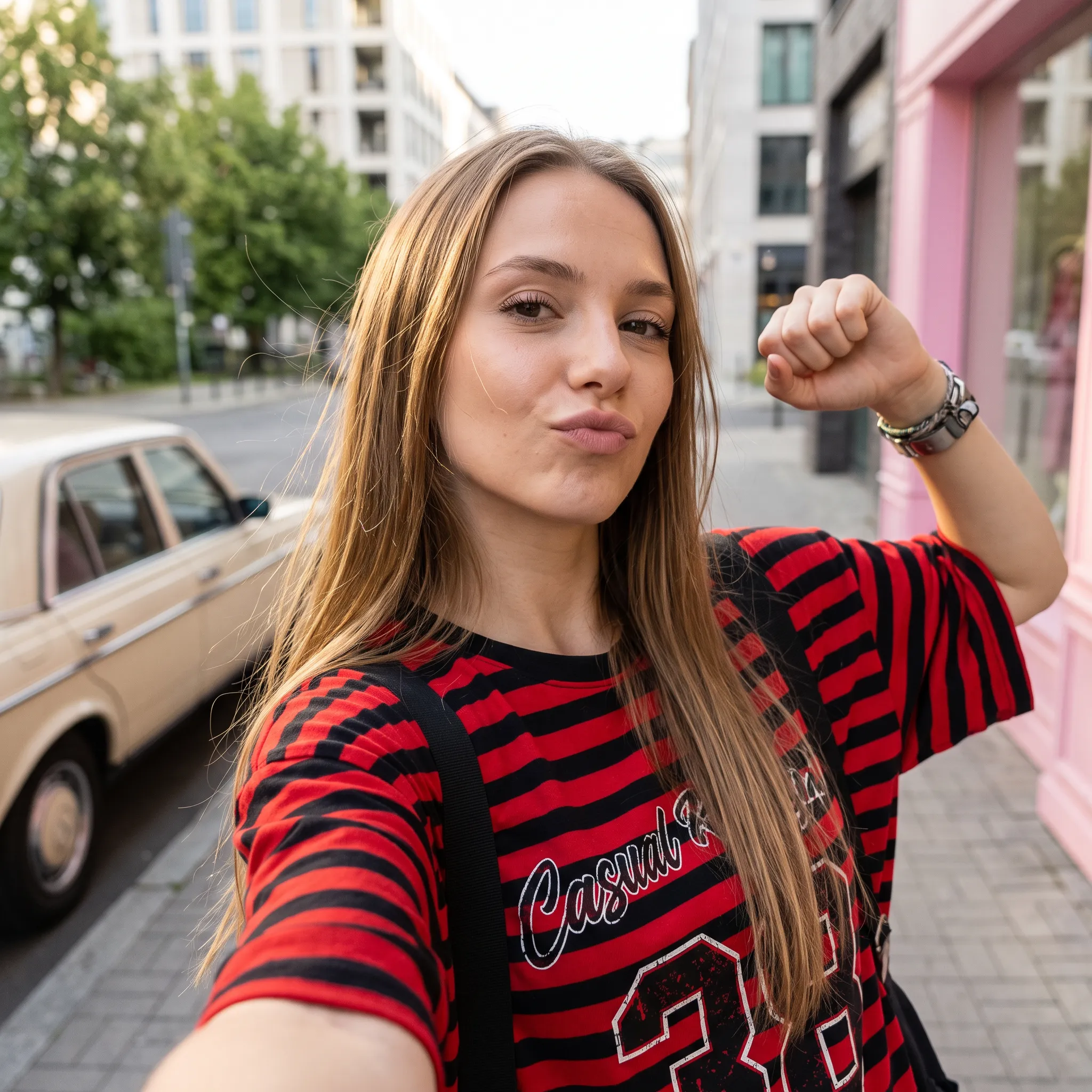
プロンプト
A low-angle, close-up photograph capturing a young woman with wavy brown hair outdoors at dusk. She is wearing a grey cropped t-shirt with a blue and white graphic text that reads '{argument name="shirt text" default="DESTINED SET 1958"}' and black denim bottoms. Her head is tilted, and she is looking directly into the camera lens. The dark blue evening sky serves as the background, with silhouetted tree branches visible at the bottom of the frame. Strong flash lighting is directed from the front, illuminating her face and highlighting strands of her hair. The composition has a grainy film photography aesthetic.
プロンプト
A cinematic, high-resolution product photography shot of a square glass perfume bottle filled with amber liquid, resting on jagged black volcanic rock. The bottle features a matte black rectangular cap and gold serif text reading "FIRE" above smaller text "eau de parfum". A large, glossy black serpent is coiled tightly around the base of the bottle, its head raised to the left near the cap with a forked tongue flicking out. Wisps of white smoke curl upwards from behind the bottle against a background of glowing orange magma and dark cave walls. The lighting is dramatic and warm, emphasizing the translucency of the perfume and the texture of the snake's scales.
プロンプト
Create a square 1:1 illustration. Scene: A traveling herbalist's wooden wagon parked in a wide flower-filled meadow, shelves of glass jars and bundled dried herbs hanging from the sides, a small folding table covered in potions and plants, a canvas shade stretched overhead, and butterflies drifting lazily through the warm open field. The wagon is unattended; no character is present. Style: Fantasy hand-drawn watercolor illustration style. Traditional watercolor rendering with visible pigment splashes, fluid paint diffusion, and softly blended tonal transitions. Constraints: no people, human figures, faces, silhouettes or hands; no readable text, logo, watermark, border or UI.
参照画像を使った編集と背景の変更
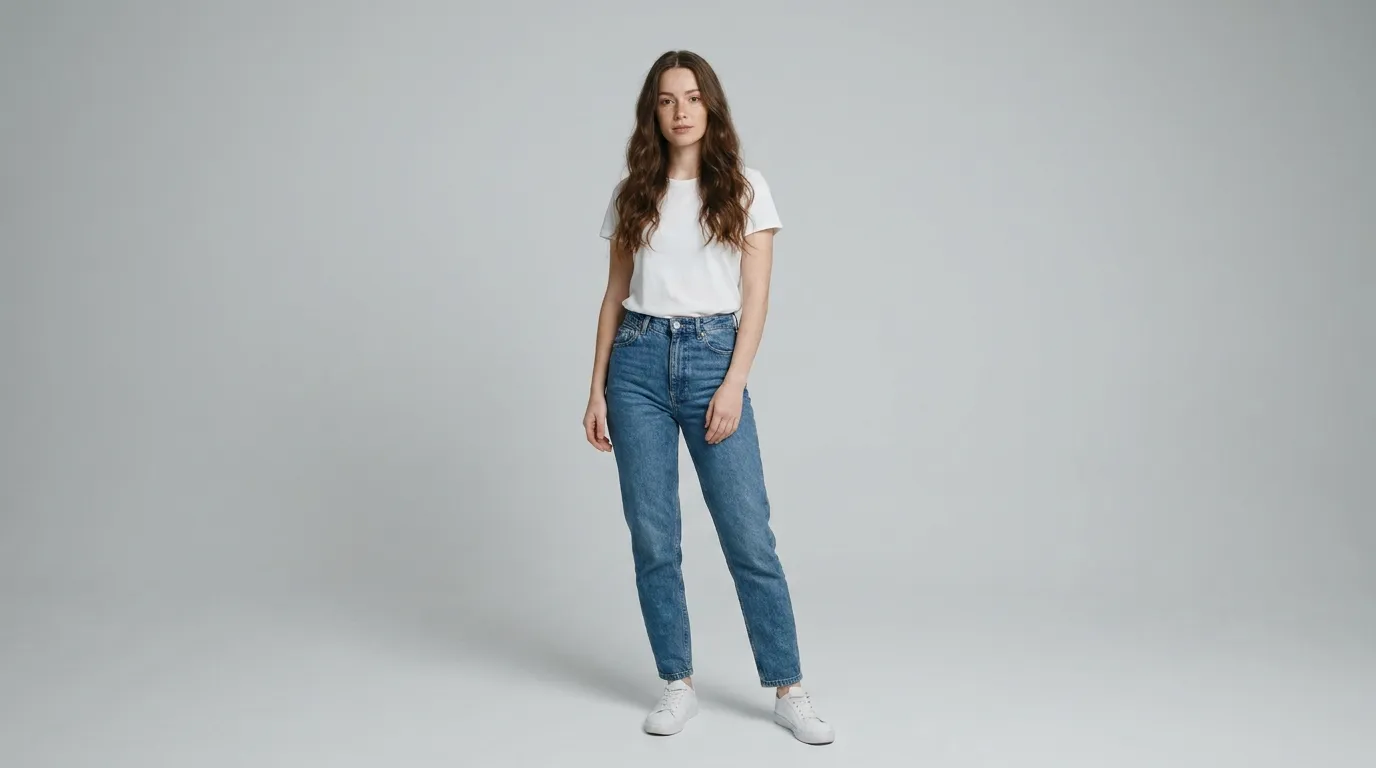
参照ポートレート (プロンプト)
Create a clean 16:9 premium studio product photograph for a later image-edit demonstration. Show one freestanding penguin-shaped loose-leaf tea carton centered on a warm off-white seamless background. Its construction is distinctive and easy to preserve: a tapered folding-paper body, two small side flaps suggesting wings, a neat triangular top closure, and a stable flat base. Use matte deep-navy paper with a cream front panel, a small orange beak-shaped geometric accent, and restrained silver foil details. The front label must display the exact words 'POLAR TEA' once, in large clean uppercase sans-serif lettering, with the smaller exact line 'LOOSE LEAF' beneath it. Keep both lines sharp, correctly spelled and fully readable. Constraints: exactly one package; no people; no extra text, brand logos, watermark, border or UI.
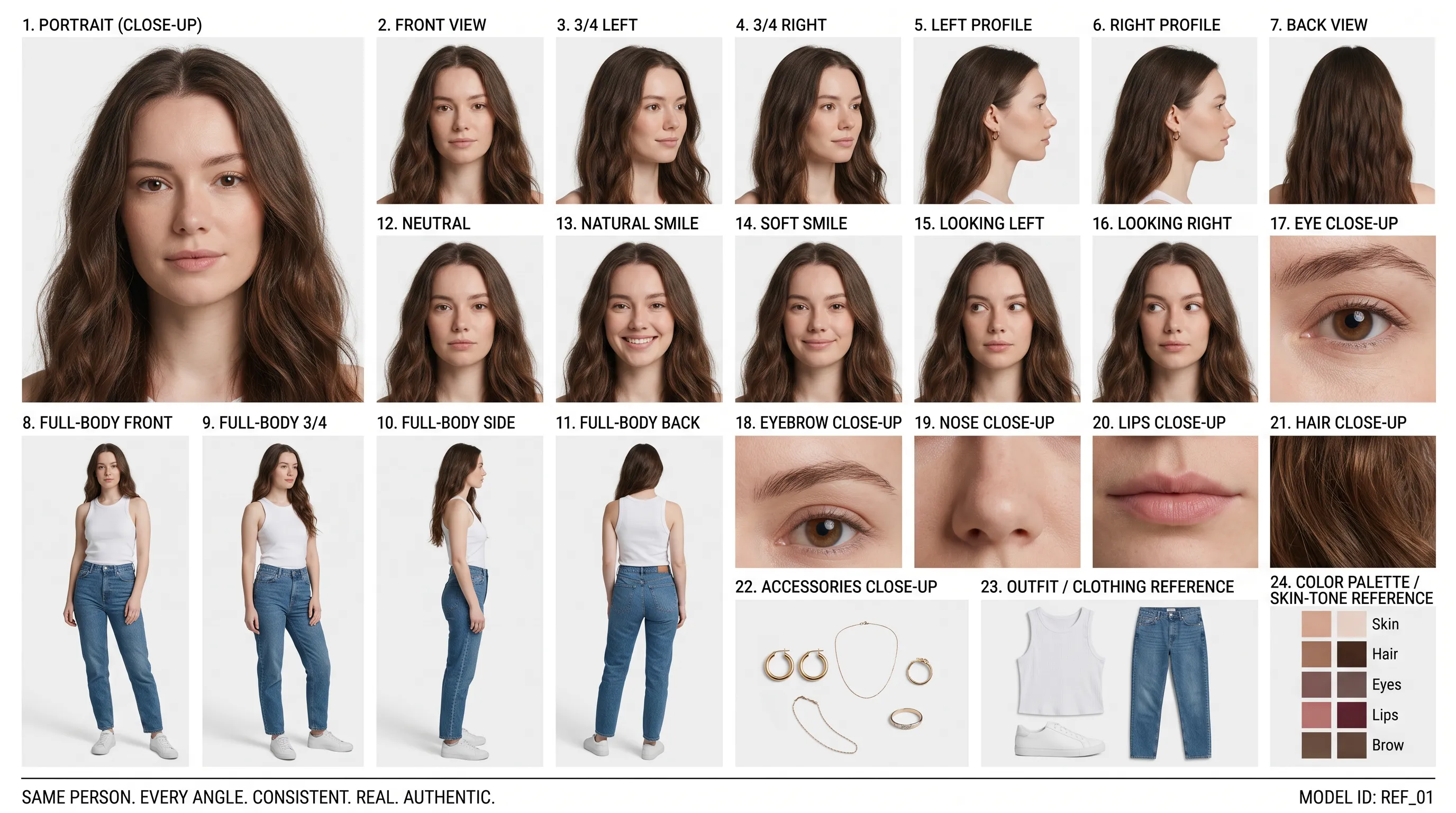
編集後の背景 (プロンプト)
Using the provided package image, create a 16:9 professional industrial-design presentation sheet for the penguin-shaped loose-leaf tea carton. Preserve the package's exact penguin silhouette, tapered folding-paper body, side flaps, triangular top closure, deep-navy and cream color blocking, orange beak accent, silver foil details, and the exact readable label 'POLAR TEA' with 'LOOSE LEAF' beneath it. Place a centered heroic 3D rendering with realistic materials. Surround it with clearly organized technical views: front, side, top, bottom, oblique perspective. Include precise pencil sketches of frame structure and crease lines. Constraints: no people; no redesign of the package; no fake logos, watermark, border or UI.
緻密なレイアウトと文字配置
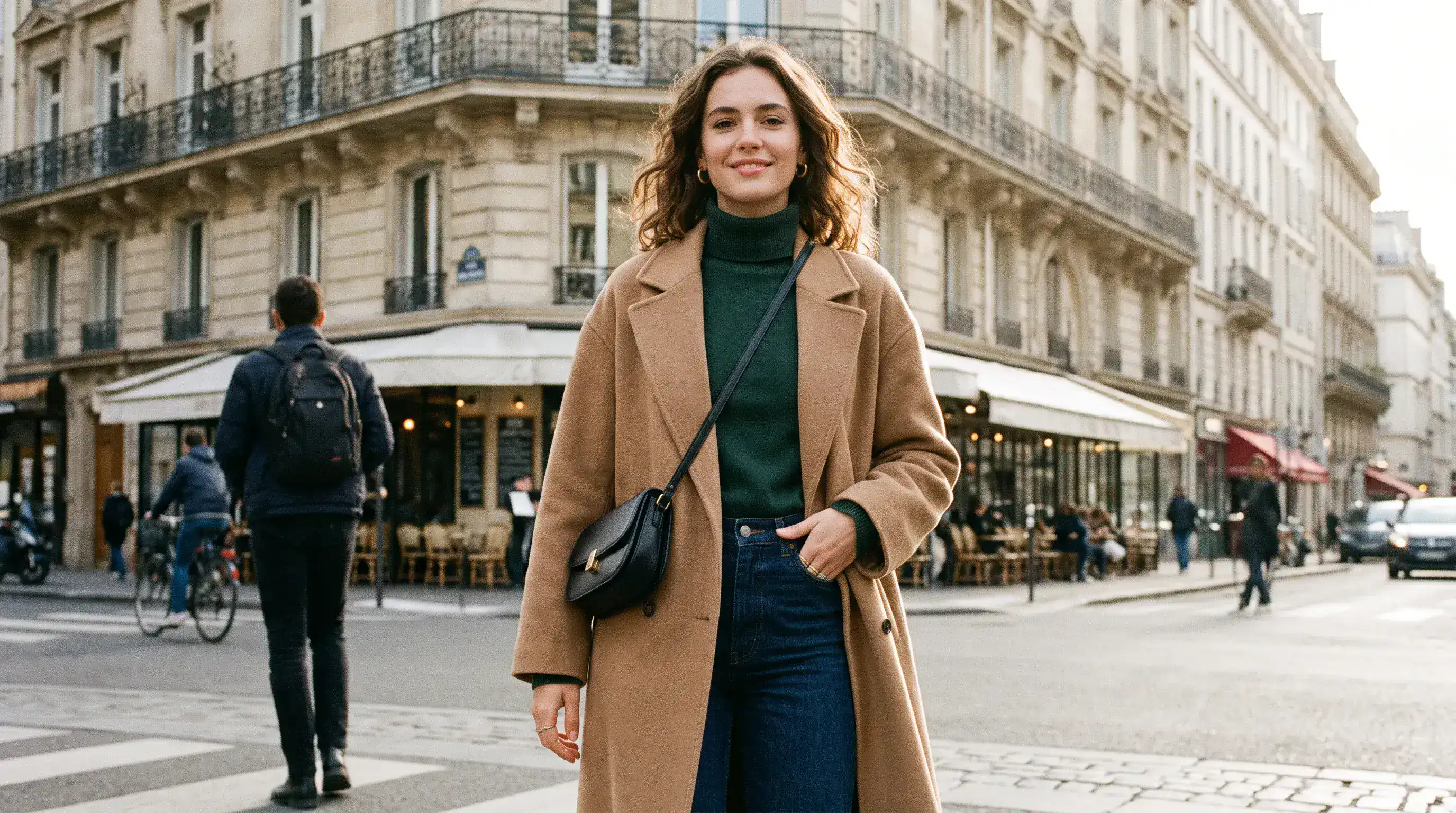
元のレイアウト (プロンプト)
Create a 16:9 design-review image containing one finished vertical tea poster centered on a plain light-gray presentation wall, with generous empty margins on both sides. The poster artwork features a clear glass cup of pale jasmine green tea, fresh jasmine flowers, delicate tea leaves and soft spring-green botanical shapes on a warm ivory background. Render the exact headline 'STEEP INTO SPRING' once at the top in large dark-green uppercase serif lettering. Render the exact smaller line 'JASMINE GREEN TEA' once beneath it in clean uppercase sans-serif lettering. Both lines must be correctly spelled, sharp and fully readable. Constraints: no people, human figures, faces, hands; no extra text, logos, watermark, border or UI outside the poster.
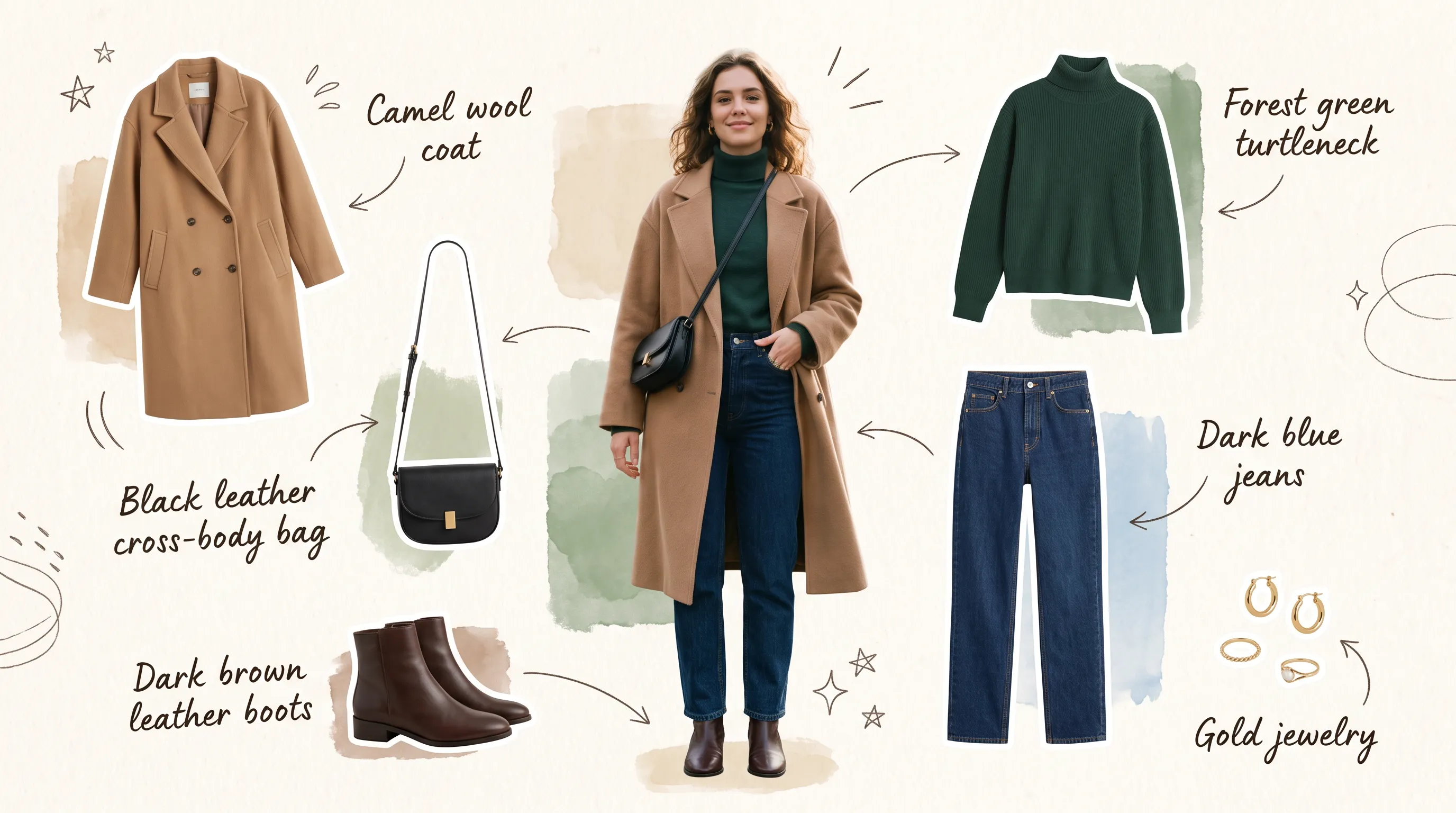
修正後のテキストと構図 (プロンプト)
Transform the provided 16:9 tea-poster image into a realistic metro-station lightbox advertising scene. Preserve the poster artwork, glass cup, jasmine flowers, tea leaves, botanical shapes, colors, layout and typography. Keep the exact headline 'STEEP INTO SPRING' and exact smaller line 'JASMINE GREEN TEA' unchanged, correctly spelled, fully readable and dominant. Show the vertical poster behind glossy glass in one illuminated advertising frame mounted on a clean contemporary subway-platform wall. Constraints: no sharply focused person, identifiable face or identifiable ethnicity; no extra signs; no watermark, border or UI.
Nano Banana 2.1 AI画像生成ツールのメリット
少しずつ修正を重ねてアイデアを発展させられます。制作の方向性を明確にし、有望な構図を一から作り直す手間を減らせます。
文章の指示から画像を作成
被写体、舞台、照明、レイアウトを説明して、ビジュアルの出発点を作れます。明確な制作方針に沿って、ポートレート、イラスト、キャンペーンのコンセプトを検討できます。
参照画像で編集の方向性を指定
最大14枚の参照画像と指示を組み合わせられます。各参照画像の役割を説明し、シーンを修正する際に残したい特徴を指定してください。
必要に応じて検索で情報を補足
最新情報を得るにはウェブ検索を、オンラインの参照画像を探すには画像検索を有効にしてください。制作指示に役立つ場合は、どちらも個別に利用できます。
用途に合った形式を選択
正方形、縦長、横長の画像を作成し、用途に合った出力解像度を選べます。掲載先を意識しながら構図を作り込んでください。
Nano Banana 2.1 AI画像生成ツールの活用シーン
出版、マーケティング、デザイン向けのビジュアルを作成できます。まず対象読者や掲載先を決め、伝えたい内容に合わせてそれぞれの画像を仕上げてください。
ブログ・ランディングページ用のビジュアル制作
テーマに合わせて記事のカバー画像、ウェブサイトのヒーロー画像、補足用のイラストを作成できます。見出しやページ本文を配置する余白ができるよう、構図を指定してください。
EC商品・キャンペーン用のビジュアル制作
参照写真から、卓上ディスプレイ、季節感のある商品シーン、新商品発表のコンセプトを検討できます。主役となる商品の周りに置く小物、台の質感、照明を指定してください。
SNSマーケティング・有料広告
統一したスタイルでSNS用の画像、サムネイル、キャンペーン画像の案を作成できます。背景や視線を集めるポイントを比較し、気に入った方向性を発展させてください。
コンセプトの絵コンテ・クリエイティブの試作
文章で説明したシーンを、絵コンテ画像やムードボードの案にできます。完成版のデザインや撮影を計画する前に、キャラクター、舞台、フレーミングを検討できます。
Nano Banana 2.1 AI画像生成ツールの使い方
アイデアや元の写真から始めましょう。まず最初の画像を作成し、結果を確認して、制作で重要なディテールを調整してください。
プロンプトを入力し、目的を設定
被写体、舞台、照明、構図を説明してください。画像を編集する場合は参照写真を追加し、変えたい部分と残したいディテールの両方を指定します。
方向性を決めて生成
アスペクト比と解像度を選び、必要に応じてウェブ検索や画像検索を有効にしてください。検索オプションとアップロードした参照画像は合計に影響するため、生成前に表示される消費クレジット数を確認してください。
調整・再生成・書き出し
結果を確認し、ディテールを1つずつ修正します。気に入った画像を参照にしてさらに編集し、選んだバージョンをダウンロードしてください。
XでNano Banana 2.1の作品を見る

Nano Banana 2.1 is here! This upgraded version outperforms our previous models across the board, with notable leaps in: - visual design - mask-based editing - subject consistency - more natural-looking imagery Try it now in @GeminiApp, @GoogleAIStudio, and more.


ChatGPT Image 2.5 vs Nano Banana 2.1 (the difference is clear)


it got worse? Nano Banana 2.1 is here so had to put it up against NB2 for the good old continuity stress test. the strange thing is 2.0 kept my likeness a lot more all the way through. I'm still very different from the original, but you can kinda recognise me? On 2.1 it just

Nano Banana 2.1 is live on ElevenCreative. Google's image generation and editing model brings faster generations, better visual design, and subject consistency. Try it now: elevenlabs.io/creative

