If you have ever generated an AI video that looked technically impressive but still felt a little empty, the problem usually is not the model. It is the prompt. Realistic video comes from giving the model something it can stage clearly: a person, a moment, a camera, a setting, and a believable way those elements move together.
That is where ByteDance’s Seedance 2.0 becomes especially interesting. It is built for more controlled video creation, but the real difference shows up only when you write prompts with intention. This article is a practical Seedance 2.0 prompt guide for creators who want more humanized output, more realistic motion, and fewer clips that scream “AI.”
Why realistic AI video starts with direction
A lot of beginners write prompts like they are pitching an idea: “a beautiful girl walking in a city, cinematic, ultra realistic.” That sounds fine, but it does not actually direct the shot. The model still has to guess the body language, the pace, the angle, the light, and the emotional tone.
Good prompting is closer to directing than decorating. When using Seedance 2.0 AI, think in terms of what the camera sees, not just what the concept is. Instead of saying “beautiful,” explain what makes the shot feel real: soft morning light on the cheek, a slight glance off camera, slow walking pace, natural arm swing, handheld framing, light wind in the hair.
That shift alone makes a huge difference.
What makes a Seedance prompt feel more human
The best realistic prompts usually share the same structure. They are specific without becoming bloated. They describe one clear moment instead of ten competing ideas. And they focus on observable details.
A strong prompt usually contains five parts:
Subject. Who is on screen? Age range, look, clothing, and overall identity.
Action. What is the person doing right now? Keep it to one main action.
Setting. Where is the moment happening? Give the environment enough texture to feel lived in.
Camera. Mention the shot type and movement clearly.
Lighting and mood. Realism often comes from believable light, not fancy adjectives.
This is the core of effective AI Seedance 2.0 prompts. You are not trying to sound poetic. You are trying to make the scene easy to stage.
The most useful Seedance 2 prompt tips for realism
The first tip is to describe micro-actions. Humans do not just “smile” or “look sad.” They blink, shift their weight, glance away, tuck hair behind an ear, breathe through parted lips, tighten a grip, or pause before speaking. Small actions create believability.
The second tip is to make camera language explicit. Say “medium close-up,” “slow push-in,” “locked tripod shot,” or “gentle handheld follow shot.” If you skip this, the model may invent movement that feels random.
The third tip is to ground the scene in real lighting. Golden hour, cloudy daylight through a window, fluorescent store lighting, neon reflections on wet pavement, warm bedside lamp, or overcast street light all give the model more realistic visual logic.
The fourth tip is to reduce action overload. If the subject is running, turning, laughing, holding a product, talking, and interacting with background traffic all in one prompt, the clip may become messy. For Seedance 2 prompt tips that actually improve output, clarity usually beats ambition.
The fifth tip is to keep emotional language tied to something visible. Do not stop at “nostalgic” or “intimate.” Show it with posture, distance, pace, and framing.
How to apply these prompt tips in practice
The easiest way to apply a good prompt formula is to write one shot at a time.
Start with the person. Then add one action. Then add the environment. Then the camera. Then the lighting. Then one detail that makes the moment feel observed rather than generated.
For example, if you want a realistic café scene, do not ask for “a woman in a café looking natural.” Instead, describe a woman in her late 20s sitting by the window of a quiet café, stirring coffee absentmindedly, glancing outside for a second, captured in a medium close-up with a slow push-in, with soft daylight and faint street reflections on the glass.
That is the practical heart of a good Seedance 2.0 AI video workflow. Each detail supports the shot instead of competing with it.
Common mistakes that make AI video look fake
The most common mistake is using generic superlatives. “Best quality,” “masterpiece,” and “insanely realistic” do much less than people think. They do not replace concrete direction.
Another common problem is contradiction. A prompt that asks for “handheld documentary realism” and “perfect polished luxury commercial style” at the same time sends mixed signals.
A third issue is treating the prompt like a full storyboard. One clip should usually focus on one beat. If you need a sequence, write several prompts instead of forcing everything into one generation.
And finally, many creators forget consistency. If the face, outfit, background, or product must stay stable, use references whenever possible. That matters even more for ads, creator-style content, and branded scenes.
Where and how to use Seedance 2.0 today
If your goal is short-form video with more control over style, motion, and scene direction, Seedance 2.0 AI is a strong fit for lifestyle clips, product videos, character-based shots, and cinematic social content.
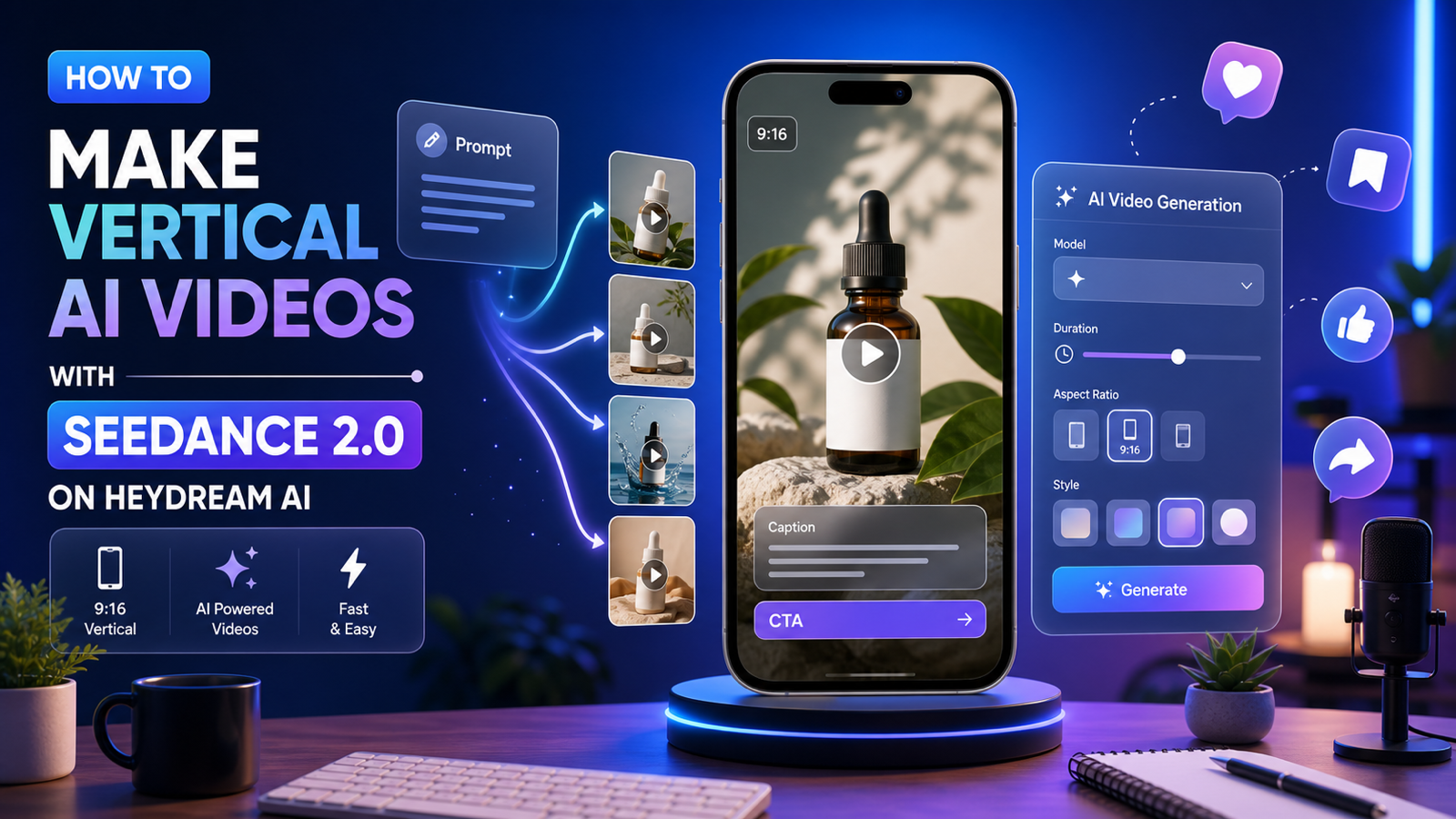
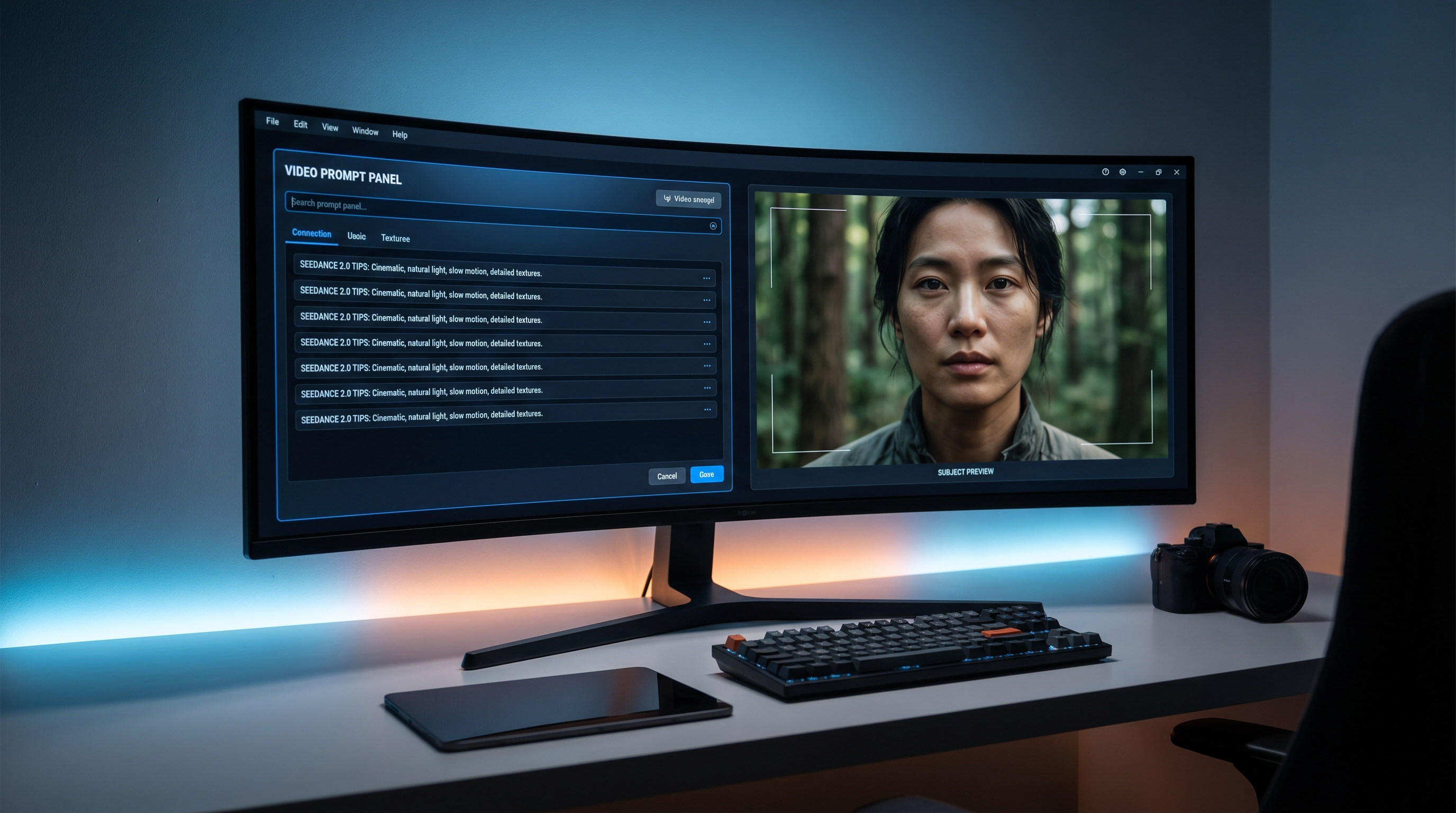
One practical way to use it is on HeyDream, where you can access the model directly and build around it with related tools. For pure ideation, start with a short text prompt. For more consistent people or products, add a reference image. If you already have a still frame you want to animate, move into image-to-video. If you struggle to phrase visual ideas clearly, use a prompt helper first, then refine the result before generating.
That makes this more than just a Seedance 2.0 prompt guide. It becomes a repeatable workflow: define the shot, support it with the right reference, then refine only the parts that actually change the result.
Final thought
The most realistic results do not come from stuffing more adjectives into the box. They come from observing how real scenes work. Real people move with small imperfections. Real cameras have intention. Real environments have light, texture, and timing.
So when writing prompts for ByteDance’s Seedance 2.0, think less like a keyword collector and more like a director. That is usually the difference between a clip that looks generated and one that feels believable.
Prompt Examples
Lifestyle portrait
Ai Seedance 2.0 prompts work best when they describe a clear moment: a young woman walking slowly through a quiet bookstore, trailing her fingers across the shelf, pausing to smile softly at a book cover, medium shot, gentle handheld camera, warm indoor lighting, natural movement, realistic skin texture.
Talking-to-camera ad
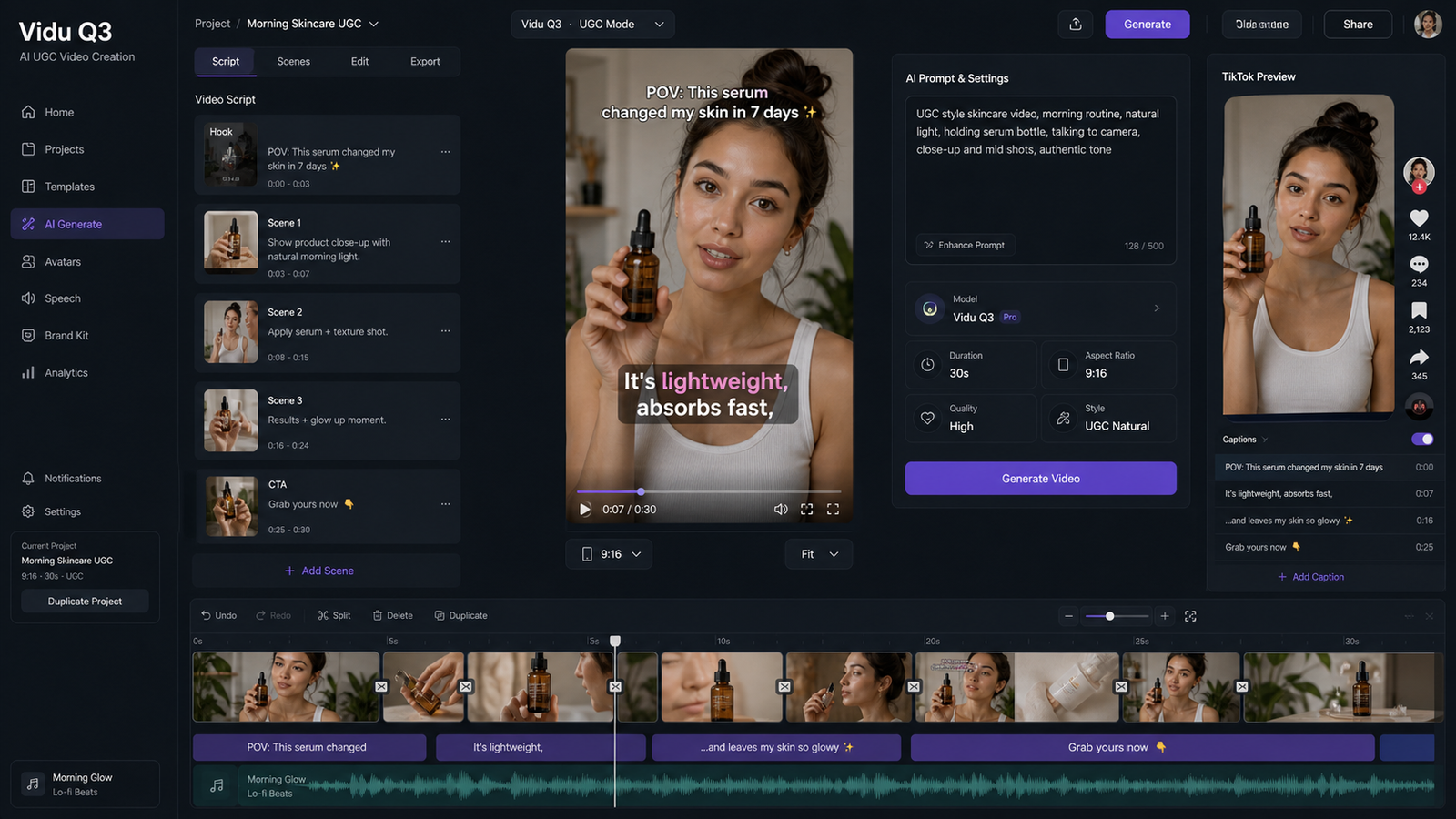
A creator standing in a bright kitchen, holding a skincare bottle at chest level, speaking casually to camera with natural hand gestures, slight head nods, medium close-up, soft daylight from the side window, clean background, realistic product visibility, subtle handheld movement.
Emotional cinematic shot
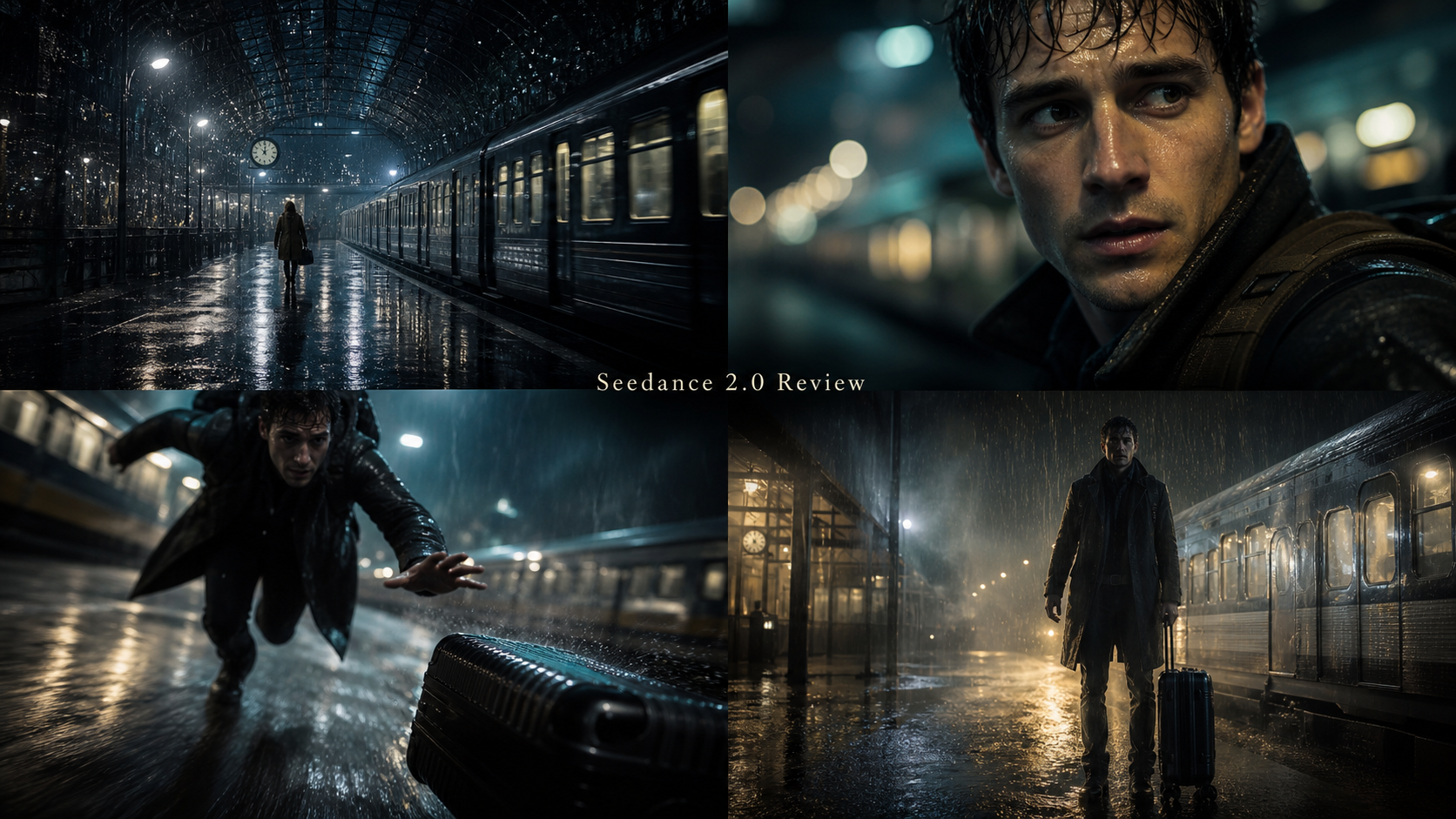
A man sitting alone on a late-night train, looking out the window as city lights streak across the glass, slow push-in from a medium shot, dim cool interior lighting, tired eyes, subtle breath, reflective mood, realistic motion and lighting.
Recommended Models and Tools
- Seedance 2.0
- Text to Video
- Image to Video
- Free Image to Prompt
- AI Product to Video
- Veo 3.1 AI
- Seedream 5.0
Related Article
- How to Use HeyDream AI’s Text-to-Video Generator: Model Comparison, Prompting Tips, and Workflows
- Seedance 2.0 vs Seedance 1.0: What’s Better for AI Video
- How to Turn Images Into Better AI Prompts with HeyDream AI
People Also Read
- How to Use the AI Music Video Generator: A Detailed Guide from Song to Video
- The Release of Seedance 2.0: What Dropped, What’s New, and What Creators Should Do Next
- Seedance 2.0 Video Generation Guide: Tutorial + Prompts
- SeaImagine AI Text-to-Video Guide: How to Choose Models and Create Better Clips
- Seedance 2.0 Access Guide: Where to Use It Now and What’s Next