What’s New on HeyDream AI?
The latest HeyDream AI website updates are more than a surface redesign. The new homepage turns HeyDream AI into a creative launchpad where users can start with a video idea, an image prompt, a product visual, or a 3D concept from one central interface. Instead of treating video, image, and 3D generation as separate destinations, the homepage now feels like a one-screen AI studio built for fast creative decisions.
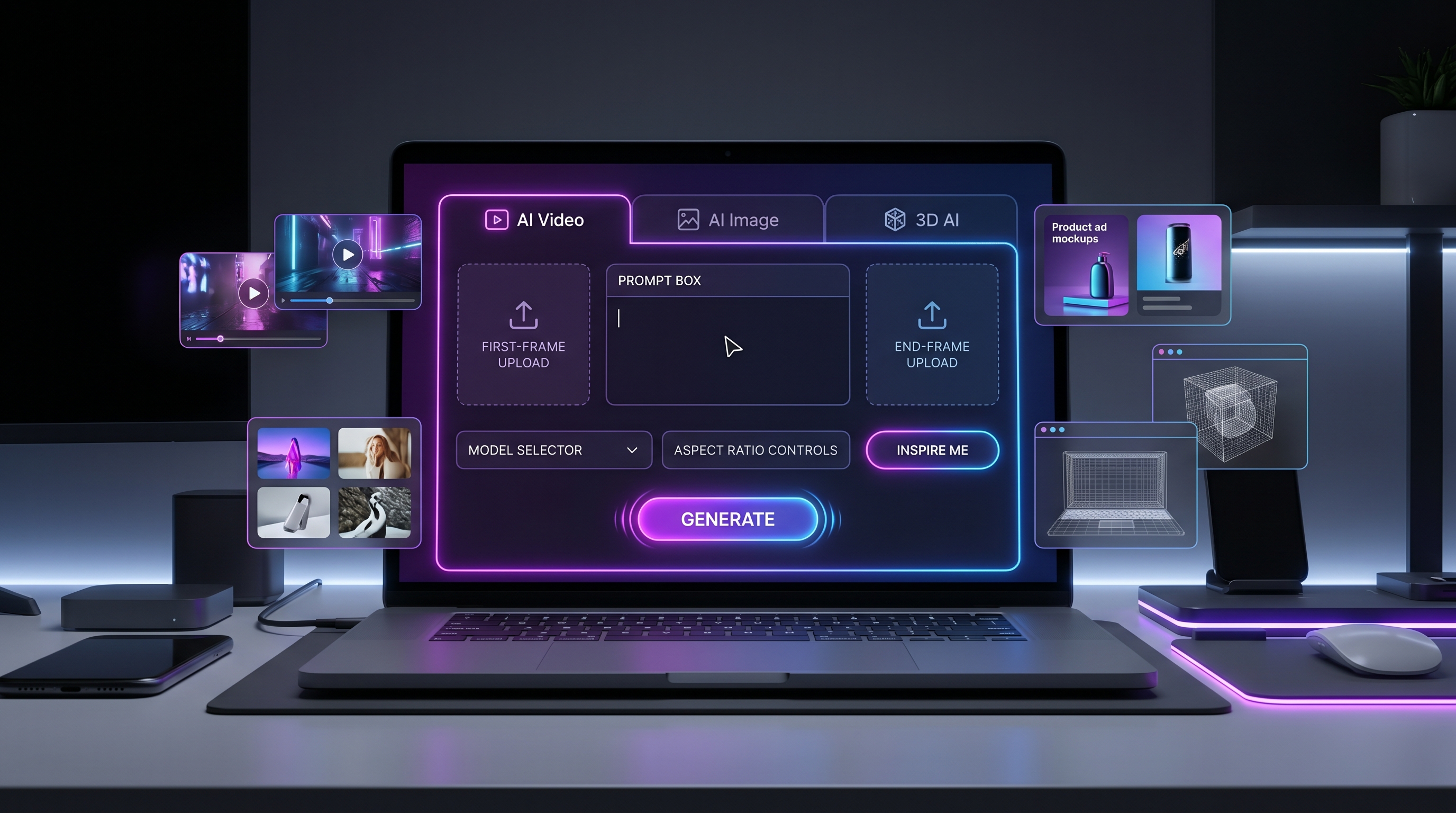
The most visible change is the homepage-header generator. It lets users move between AI Video, AI Image, and 3D AI, then choose inputs, models, aspect ratio, panel settings, and prompt inspiration before generating. The homepage also highlights a wider model runway, including Veo, Kling, Nano Banana, Seedance, Seedream, HiDream, and Tripo 3D. With PayPal support included as a payment convenience update, Hey Dream AI is positioning itself as a more practical all-in-one media generation hub for creators, marketers, designers, and small teams.
The Homepage Is Now a One-Screen AI Studio
The new homepage works best when you think of it as a prompt-to-output cockpit. A creator can start with AI Video, switch to AI Image, or explore 3D AI without losing the central workflow. That matters because many projects do not begin as one format. A product launch might need a still image first, then a short ad video, then a 3D-style asset for presentation. A social campaign might begin as a text prompt, become a thumbnail, and later become a motion clip.
For video generation, the first frame and end frame controls are especially useful. A first frame can lock the starting look of a scene, while an end frame can guide the destination. That gives users a clearer way to plan motion rather than hoping the model guesses the visual arc. The prompt box gives the creative instruction, the aspect ratio setting helps match the output to platforms, and the model selector lets users choose the right engine for the job.
The homepage also includes panel settings, Inspire Me, and Generate controls. For beginners, Inspire Me can reduce the blank-page problem. For experienced creators, panel settings and model selection make the workflow feel less like a toy and more like a practical production dashboard. This is why the updated AI video generator and AI image generator feel like the two strongest starting points.
Why the AI Video Generator Should Be the First Tool to Try
The AI Video Generator is the best first stop if your goal is motion: product teasers, TikTok clips, cinematic shots, social ads, scene tests, or short-form storytelling. The biggest advantage is that video can now begin from different kinds of input. You can describe a scene from scratch, upload an image as the starting frame, or shape a product visual into a short ad.
For creators who already have a still image, Image to Video AI is the most natural workflow. Upload a strong frame, then describe movement, camera direction, mood, and lighting. For ideas that begin as words, Text to Video AI helps turn a concept into a moving clip. Marketers can use Product to Video to animate product visuals into ad-ready scenes, while social creators can use the TikTok Video Generator for vertical, short-form content ideas.
This is useful for UGC creators, e-commerce sellers, content teams, and video editors who need fast visual drafts. The updated homepage makes the flow more direct: choose the video tab, set the input, select a model, guide the prompt, and generate.
Why the AI Image Generator Matters Just as Much
The AI Image Generator is just as important because strong images often become the foundation for better videos. A clean product shot, character concept, brand poster, fashion frame, or cinematic still can work as a first frame for video generation later.
For pure image creation, the Text to Image Generator helps users turn written ideas into visuals. If the user already has a reference image, the Image to Image Generator can support style changes, variations, or refinements. The HiDream AI Image Generator is useful for creators exploring HiDream-based image outputs, while Virtual Try On AI supports fashion and styling previews.
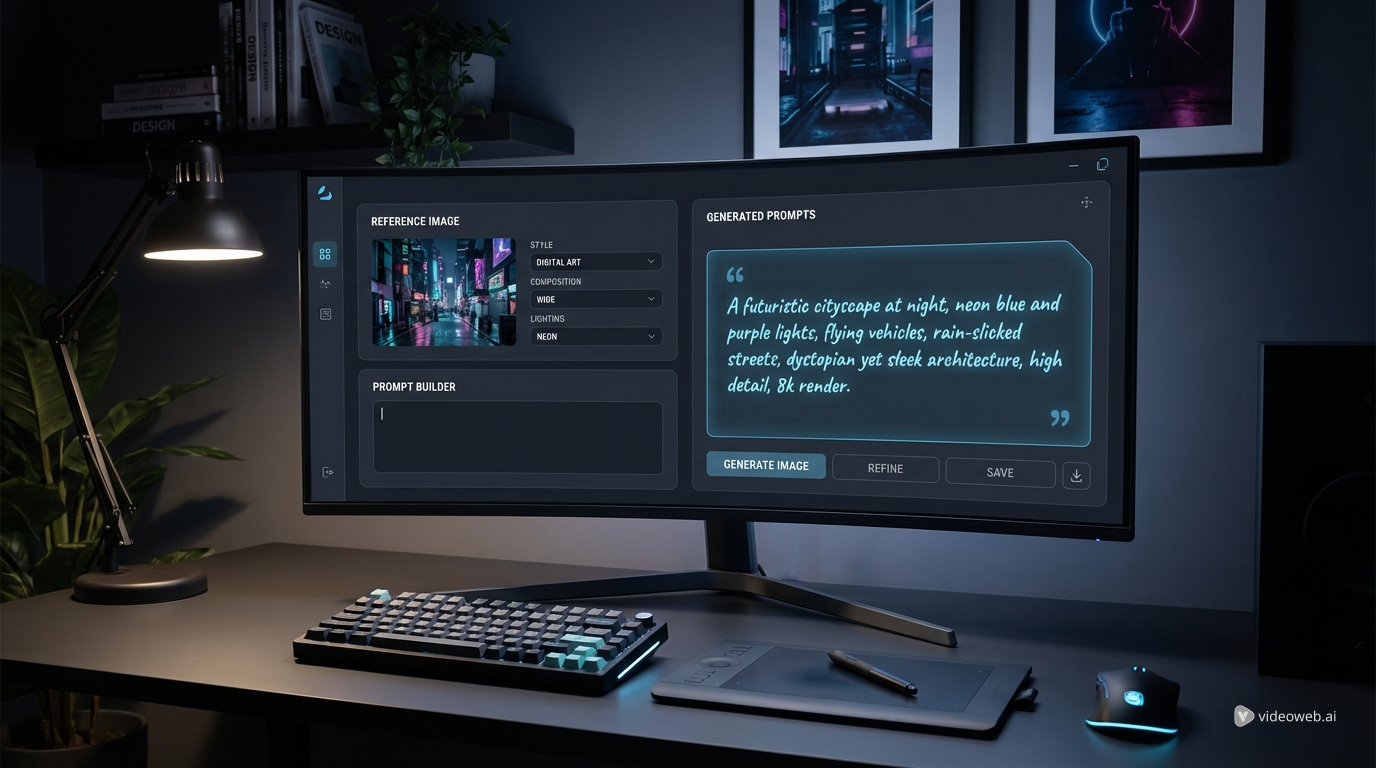
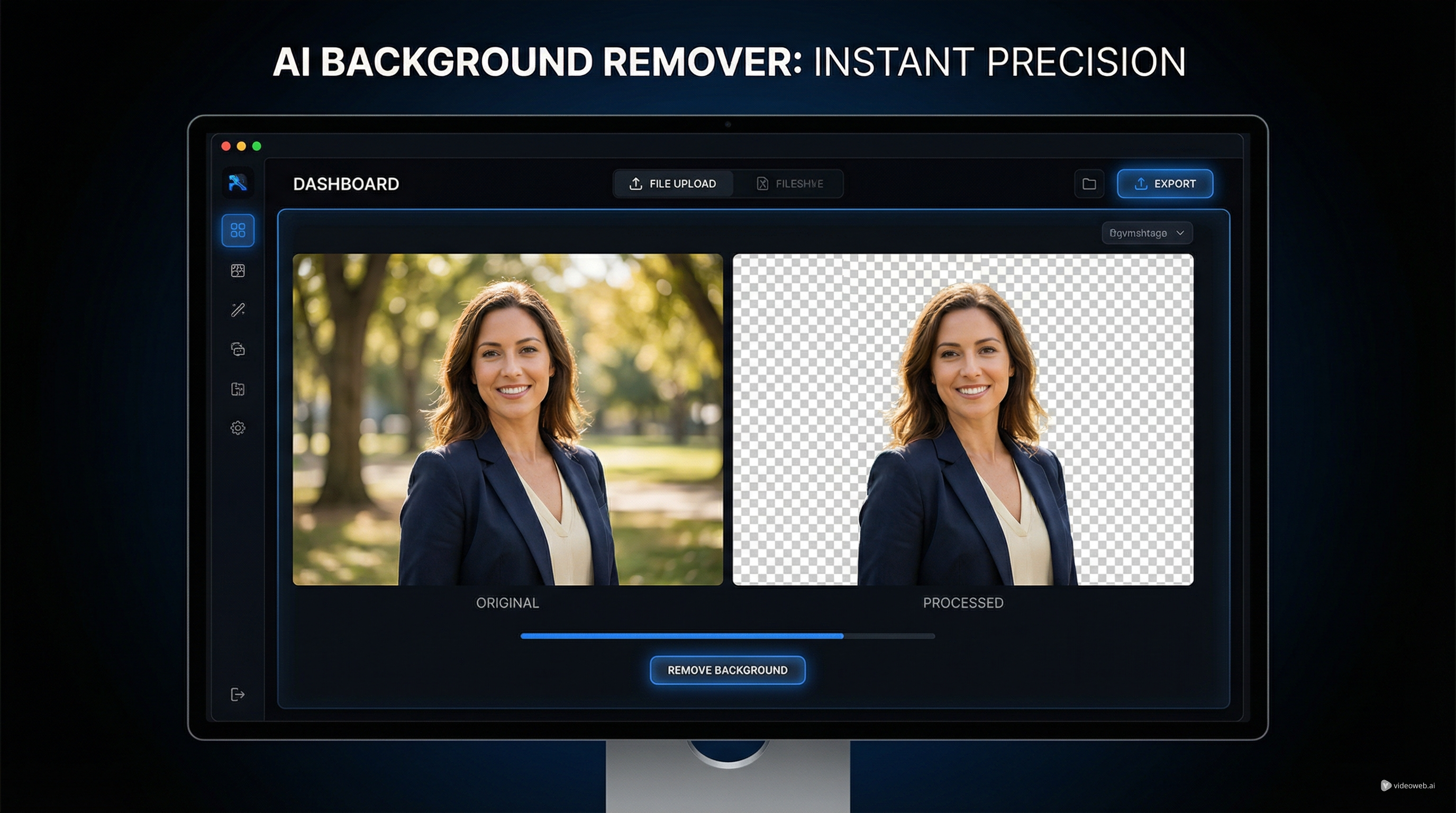
The free utility layer also matters. Image to Prompt helps users analyze a reference image and turn it into stronger prompt language. The Free Background Remover helps clean up product visuals, thumbnails, profile assets, and design elements. For users working with Google-style image workflows, Nano Banana Prompt can help shape more specific prompt inputs.
In practical terms, image generation is not separate from video generation. It is often the first step in a better video workflow.
The New Model Runway: Latest Models Featured on HeyDream AI
The updated homepage feels like a model runway because it makes model choice part of the creative process. For video, Veo 3.1 AI and Veo 3 AI are natural options for creators testing cinematic motion and polished video ideas. Kling 3.0 is useful for dynamic movement and social video experiments, while Seedance 2.0 fits creators comparing prompt-driven video generation for ads, short clips, and creator workflows.
For playful video styles or alternate motion experiments, Happy Horse 1.0 and VIDU Q3 give users more options to test. For still images, GPT Image 2 is useful for advanced image creation and editing workflows, while Nano Banana Pro AI, Nano Banana 2 AI, and Nano Banana AI support image generation, editing, and style-driven outputs.
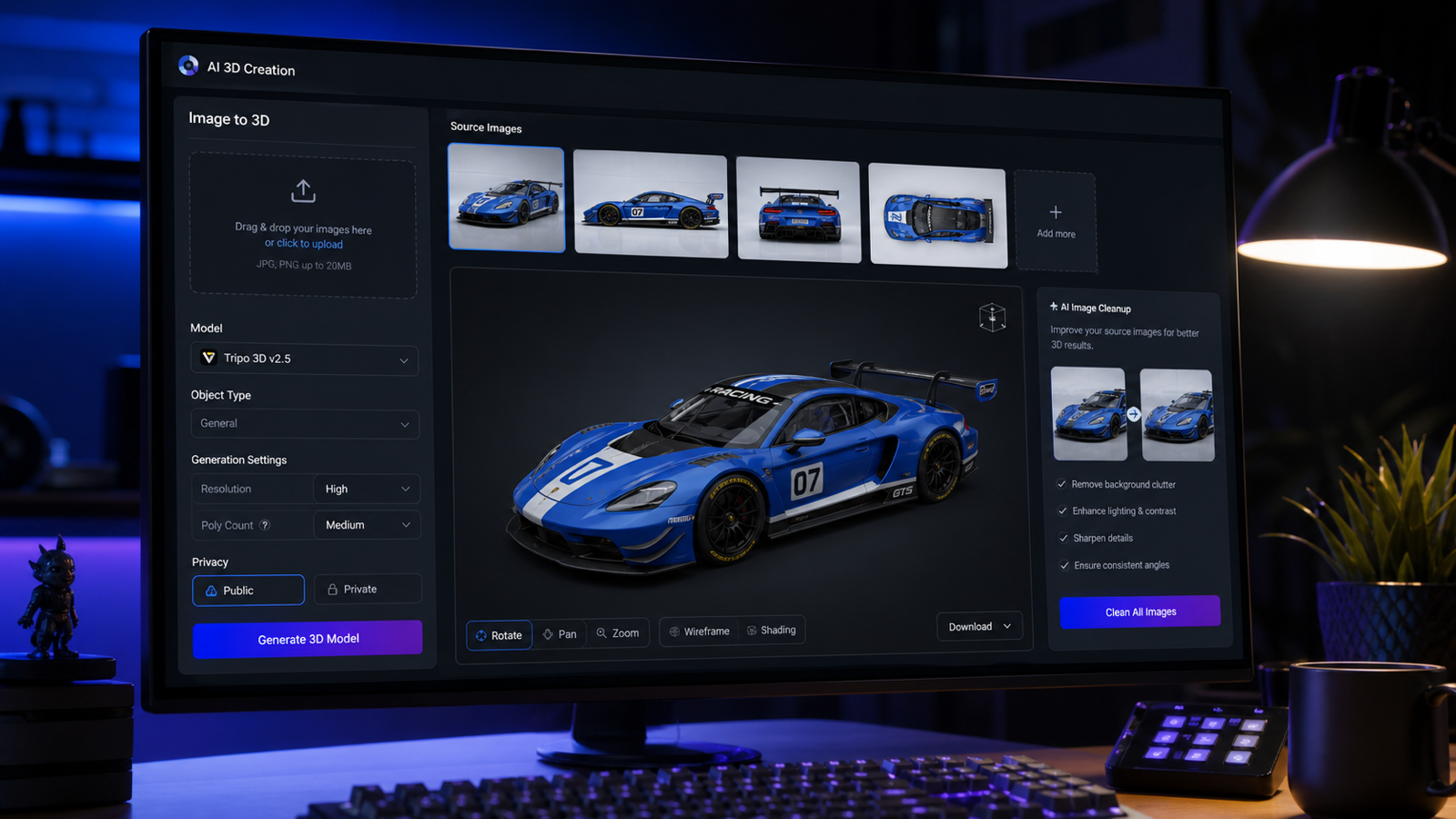
For creators focused on image design, Seedream 5.0 and Seedream 4.5 can be explored for campaign visuals, product imagery, and creative image workflows. The HiDream family gives users more image-generation choices: HiDream I1 Fast for quicker experiments, HiDream I1 Dev for development-style testing, and HiDream I1 Full for more complete generation scenarios. For 3D-style output, Tripo 3D 2.5 and the Image to 3D Generator help bridge flat visuals into 3D concepts. Qwen Image 2.0 gives creators another image model to compare for typography, editing, and visual control.
The key is not to chase one universal “best” model. The smarter choice is to match the model to the project: cinematic video, fast social content, product ad visuals, image editing, 3D exploration, or campaign design.
PayPal Support Makes the Update More Creator-Friendly
Payment flexibility is not as flashy as a new model, but it matters in daily creator work. Freelancers, international creators, small e-commerce teams, and marketing studios often use different payment methods depending on client budgets and regional convenience. HeyDream AI PayPal support, presented as part of the update angle, makes the platform feel more creator-friendly because it gives users another familiar way to manage access.
The important point is to keep expectations realistic. Payment support should not be read as a promise about every country, fee, refund rule, or checkout detail. But as a practical convenience signal, it fits the larger update: HeyDream AI is trying to reduce friction from idea to output.
Smart Workflows to Try After the Update
1. Prompt to image
Start in AI Image. Write a clear prompt with subject, setting, style, lighting, composition, and output goal. Use this for thumbnails, product images, posters, brand visuals, and campaign concepts.
2. Image to video
Create or upload a strong still image, then move into AI Video. Use first-frame control, describe motion and camera movement, and generate a short video based on the image.
3. Product image to short ad video
Upload a product visual, choose a product-to-video workflow, and describe a simple commercial movement: rotation, light sweep, hand interaction, lifestyle reveal, or packaging close-up.
4. Image to 3D concept
Use a clean object image or concept visual, then test an image-to-3D workflow. This can help game artists, product teams, and designers explore early 3D directions.
5. Background removed product visual to campaign asset
Use background removal first, then place the clean product into a generated campaign scene. This gives marketers a faster path from raw product shot to polished creative asset.
Final Recommendation: Who Should Try the Updated HeyDream AI?
The updated HeyDream AI is best for creators who work across formats. Social media teams can test video hooks. Marketers can build product ads. Designers can create campaign visuals. E-commerce sellers can turn product photos into image and video assets. Game artists can test 3D concepts. UGC creators can quickly move from idea to short-form output.
The two best starting points are the AI Video Generator and AI Image Generator. Start with images when you need a strong visual base. Start with video when motion is the main goal. Then use the homepage as the bridge: prompt, select a model, adjust settings, generate, and refine.
Creative Prompts to Try on the New HeyDream AI Interface
1. AI Video Generator Cinematic Prompt
A cinematic night scene of a futuristic motorcycle speeding through a rain-soaked city street, neon reflections on the ground, camera tracking low beside the wheels, light fog, dramatic blue and purple lighting, energetic mood, output goal: 8-second brand teaser video.
2. AI Image Generator Product Visual Prompt
A luxury perfume bottle floating above a glossy black stone platform, soft golden spotlight, subtle mist, elegant reflections, premium editorial advertising style, centered composition, high-detail product photography, output goal: campaign hero image.
3. Image-to-Video Social Clip Prompt
Animate the uploaded fashion portrait into a vertical social clip. Keep the face and outfit consistent, add gentle hair movement, slow camera push-in, soft fabric motion, warm studio lighting, confident stylish mood, output goal: 10-second Instagram Reel.
4. Text-to-Image Brand Campaign Prompt
Create a clean brand campaign image for a modern fitness drink, young athlete holding the bottle after training, bright morning light, minimal gym background, energetic but premium mood, sharp product visibility, output goal: social ad poster.
5. Product-to-Video Ad Prompt
Turn the uploaded sneaker product image into a short ad video. The sneaker rotates slowly on a reflective platform, colored light sweeps across the material, camera pushes in toward the logo area, modern sports commercial style, output goal: 6-second product reveal.
6. Image-to-3D Concept Prompt
Use the uploaded robot character sketch as a 3D concept base. Preserve the helmet shape, shoulder armor, and color palette. Generate a clean 3D-style asset preview with front-facing composition, neutral studio lighting, game character concept mood, output goal: early 3D model direction.
Recommended HeyDream AI Tools and Models
- AI Video Generator — Best for cinematic clips, social videos, product teasers, and motion-first creative ideas.
- AI Image Generator — Best for campaign visuals, thumbnails, concept art, product images, and still-image creation.
- Image to Video AI — Best when you already have a strong image and want to animate it.
- Text to Video AI — Best when your project starts from a written scene or concept.
- Product to Video — Best for turning product visuals into short ad clips.
- Image to 3D Generator — Best for turning images into 3D-style concepts.
- Image to Prompt — Best for converting references into stronger prompts.
- Free Background Remover — Best for cleaning product shots and design assets.
- Veo 3.1 AI — Best for testing cinematic video generation workflows.
- Kling 3.0 — Best for dynamic motion and social video experiments.
- Seedance 2.0 — Best for creator videos, ads, and prompt-driven motion tests.
- Nano Banana Pro AI — Best for polished image generation and editing workflows.
- Seedream 5.0 — Best for campaign visuals, design concepts, and image-first creation.
- HiDream I1 Fast — Best for fast image-generation experiments.
- Tripo 3D 2.5 — Best for 3D-style asset exploration and image-to-3D workflows.
Related Articles
- HeyDream AI Image Generator Guide: Best Models for Text-to-Image and Image-to-Image
- How to Use HeyDream AI’s Text-to-Video Generator
- Veo 3.1 Video Generation Guide: How to Create Cinematic Clips on HeyDream AI
- How to Create TikTok Videos with HeyDream AI That Actually Feel Native to the Feed
- Seedance 2.0 Prompt Tips for More Human, Realistic AI Video
- Nano Banana 2 vs Qwen Image 2.0 vs Seedream 5.0: Which HeyDream Model Fits Your Workflow?
- How to Turn Images Into Better AI Prompts with HeyDream AI
- How to Use HeyDream AI’s Free Background Remover
- GPT Image 2 OpenAI API: What It Offers and How to Try It
People Also Read
- Veo 3.1 vs Luma Ray2: Which AI Video Model Fits Your Workflow?
- VideoWeb AI Video Generator 2026: One Hub for Every AI Video Workflow
- The 2026 Image-to-Video Guide: Best Models and Prompts
- How to Use the AI Music Video Generator: A Detailed Guide from Song to Video
- GPT Image 2 API Access: What Creators Should Know
- HappyHorse Prompt Guide: How to Write Cinematic AI Video Prompts That Actually Work
- UGC Video Ads Guide: How to Make UGC Ad Videos With AI
- OpenAI GPT Image 2 Review and Creative Workflow Guide
- AITryOn Website Updates: A Creative Cockpit for AI Fashion Images and Videos