Choosing an AI image model is no longer just about chasing the highest quality. For most creators, the better question is simpler: which model helps you finish the job faster, with fewer reruns and less frustration?
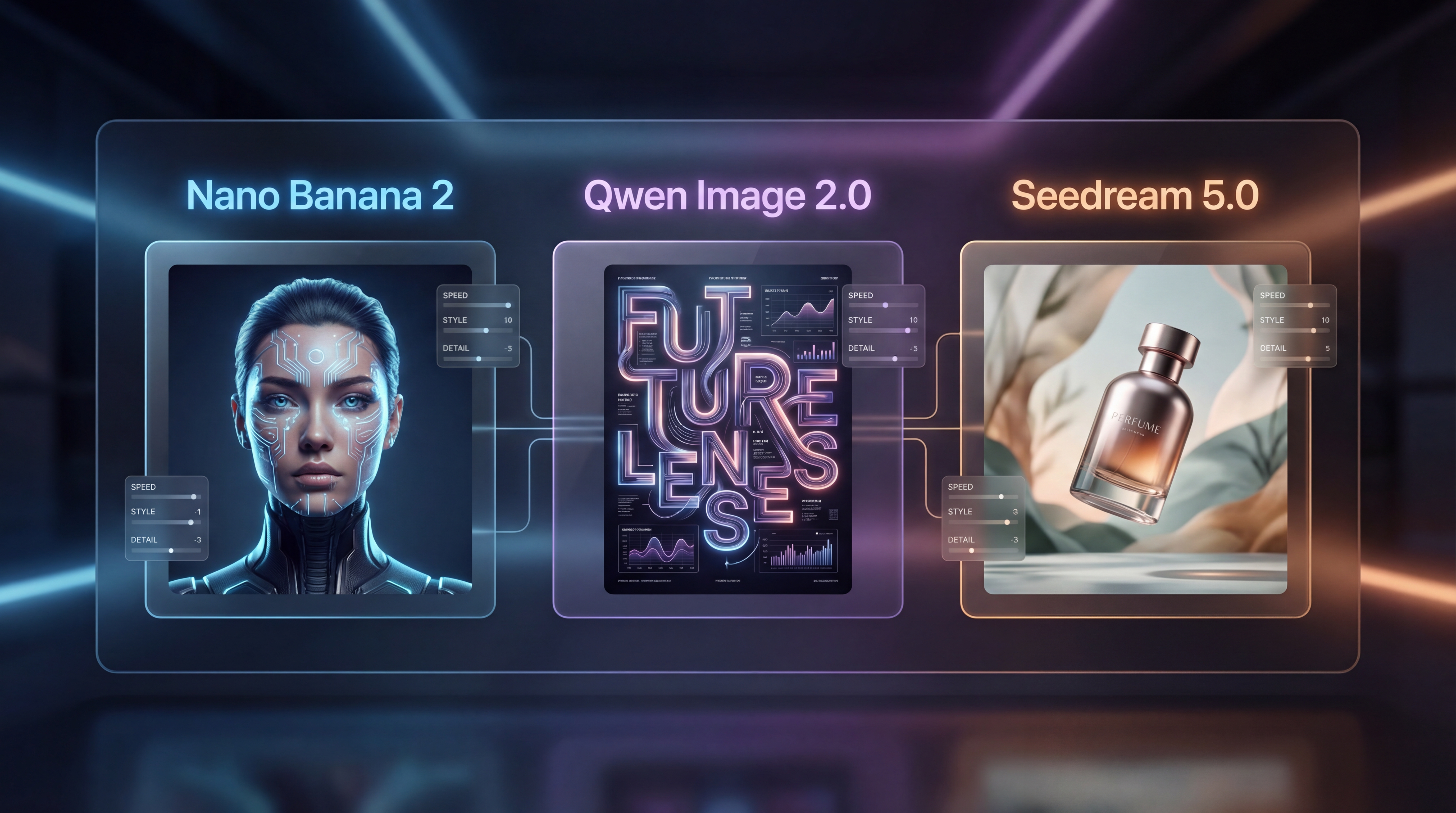
That is exactly why comparing Nano Banana 2, Qwen Image 2.0, and Seedream 5.0 on HeyDream AI is useful. These three models overlap in some areas, but they are not trying to solve the same creative problems in the same way.
One is aimed at speed and value, one is framed around generation plus editing with stronger typography ambitions, and one feels more like an all-around creative production engine. If you understand that difference, picking the right model becomes much easier.
A simple way to think about the three models
The fastest way to understand this comparison is to treat each model like a different kind of teammate.
Nano Banana 2 AI image generator is the fast daily operator. It is the model you open when you want ideas quickly, need decent fidelity, and do not want every generation to feel expensive or slow. It makes sense for social creatives, ad mockups, moodboards, product concepts, and fast visual exploration.
Qwen Image 2.0 AI editor is the structured design specialist. It stands out because it is positioned as a unified generation-and-editing model rather than a tool that only shines at first-pass creation. That makes it especially interesting for poster layouts, text-heavy visuals, and any workflow where typography and semantic control matter.
Seedream 5.0 image model is the broader creative producer. It is built for both text prompts and image prompts, and it leans into consistency, image editing, blended references, and higher-control generation. For e-commerce, polished campaigns, and more complex visual pipelines, it feels like the most flexible of the three.
Nano Banana 2: the appeal of speed without feeling cheap
The release of Nano Banana 2 matters because many creators are not actually searching for a perfect image model. They are searching for one that gets them 80 to 95 percent of the way there, very quickly.
That is where Nano Banana 2 becomes attractive. On HeyDream, it is positioned as a fast, Gemini-powered model with strong image generation and editing performance, while keeping the entry cost lower than premium “Pro” options. In practical terms, it is the kind of model you use when your work involves a lot of iteration: trying several ad directions, testing different product environments, building social content, or creating storyboards.
The value of a tool like this is not just raw speed. It is momentum. If you can move through more ideas in less time, your workflow gets better even if every single output is not your final version.
That makes Nano Banana 2 for fast image generation a strong fit for creators who care about high output volume, quick revisions, and fast concept development.
Qwen Image 2.0: the model to watch for typography and editing
If Nano Banana 2 is about getting ideas on screen quickly, Qwen Image 2.0 is interesting for a different reason: it is framed around both image generation and precise editing in the same model.
That matters because a lot of real-world design work is not “make a pretty image from scratch.” It is “make this image, then fix the text, shift the layout, change one region, or adapt it into a poster.” For that kind of job, editing quality matters as much as first-pass image quality.
On HeyDream, Qwen Image 2.0 for text rendering and editing is presented as a next-generation option with stronger semantic adherence and better typography potential. Even better for comparison articles, the model is currently marked as coming soon, which means it naturally invites the question: is this the one worth waiting for if your workflow depends on cleaner text and more structured design control?
For designers, marketers making ad layouts, or anyone creating text-forward promotional graphics, Qwen Image 2.0 may end up being the most specialized tool in this comparison.
Seedream 5.0: the most rounded creative option
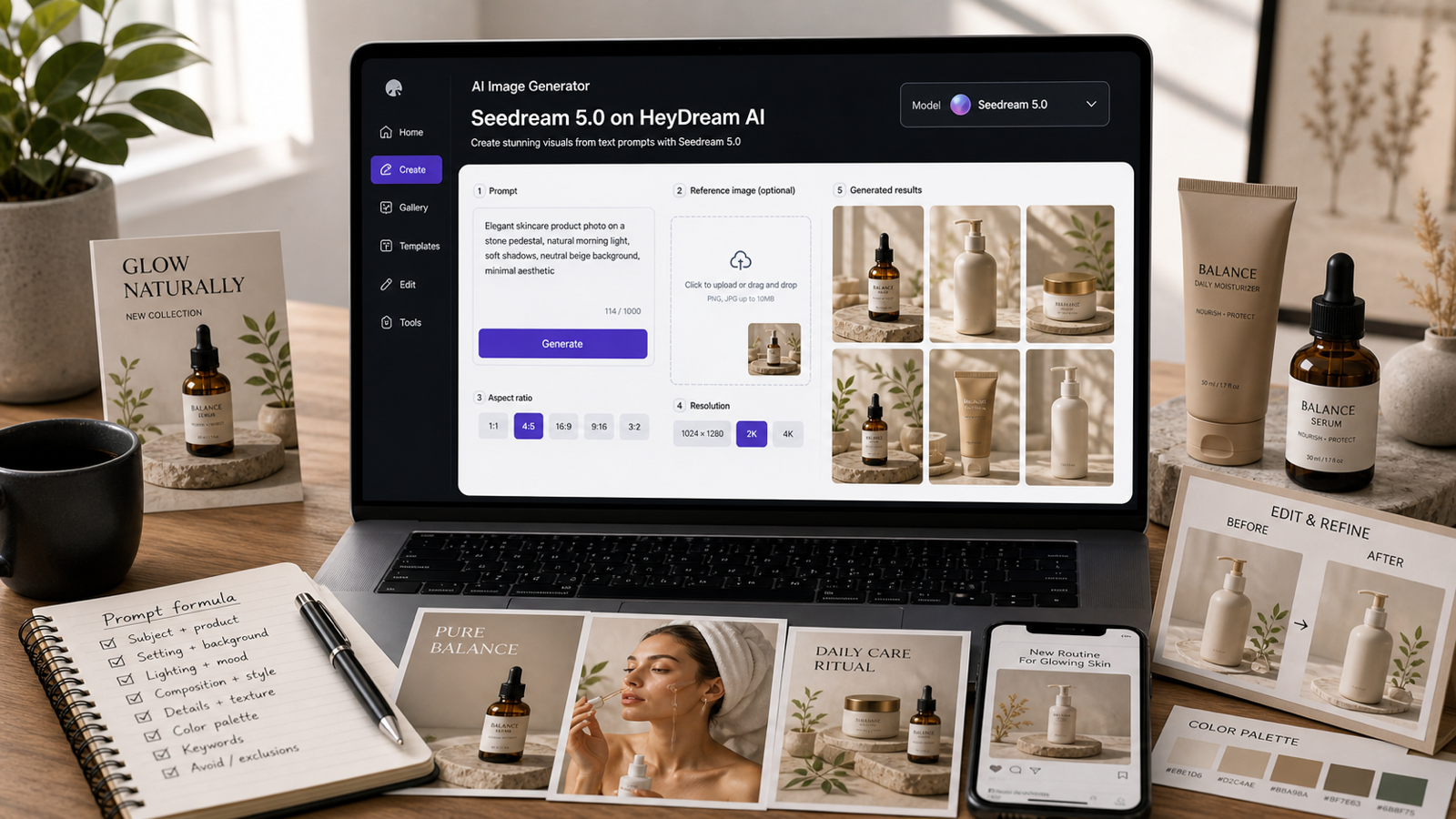
Seedream 5.0 feels like the model for users who want more than just quick generation. It is positioned as a multimodal image generator that supports both text and image prompts, along with stronger performance in consistency, small text clarity, multi-image blending, and instruction following.
That is a meaningful combination. It suggests a workflow where you can start from text, bring in references, combine multiple images, and still keep better control over the result.
For commercial creators, this matters a lot. Product campaigns, e-commerce assets, editorial mockups, and advertising visuals often need more than one good frame. They need a dependable system that can maintain look and structure across a set. That is why Seedream 5.0 for multi-image creative control may feel stronger for production-heavy work than a purely speed-first model.
In other words, Seedream 5.0 is not necessarily the model you choose because it sounds flashy. You choose it because your workflow has more moving parts.
So which one should you actually use?
The easiest way to answer that is by task.
Use Nano Banana 2 image creation if your priority is speed, value, and a practical everyday model for ideas, drafts, social content, and quick-turn assets.
Use Qwen Image 2.0 image editing if your work leans heavily toward posters, text-rich designs, structured compositions, and generation workflows that need tighter editing control.
Use Seedream 5.0 AI image generator if you want the most balanced option for polished visuals, image-guided work, blended references, and larger creative pipelines.
A good rule is this:
- speed first: Nano Banana 2
- layout and typography first: Qwen Image 2.0
- flexible production control first: Seedream 5.0
A practical test you can run yourself
If you want a real answer instead of just a theoretical one, test all three with the same prompt set:
- a portrait with accessories and layered background
- a product hero shot with packaging text
- a two-subject scene with specific wardrobe instructions
- a poster layout with a headline and tagline
- an edit task using one uploaded reference image
Then score each model on prompt accuracy, text clarity, detail quality, consistency, editing ease, and overall value.
That will tell you far more than any generic “best AI image model” label ever could.
Recommended HeyDream tools to pair with these models
A still image is often only the start of the workflow. If you want to turn your best image outputs into something larger, HeyDream has a few useful next steps.
Use Image to Video when you already have strong frames and want to animate them into short motion pieces.
Use Text to Video when your project begins with a concept or script and you want moving visuals from the start.
For product marketing, AI Product to Video is a natural follow-up after generating product shots.
If you want more still-image flexibility, AI Image Generator and Image to Image Generator are useful companion tools for broader creation and transformation.
For prep work, Free Background Remover and Free Image to Prompt help clean assets and reverse-engineer prompts from visuals you like.
And if you want to push concepts beyond flat images, Image to 3D Generator gives you a route into simple 3D exploration.
Final verdict
If you want the fastest everyday option, start with Nano Banana 2.
If you care most about typography, layout, and editing-heavy design work, keep a close eye on Qwen Image 2.0.
If you want the most rounded model for polished, multi-step creative production, Seedream 5.0 is the strongest fit.
The real winner depends less on hype and more on what stage of creation you are actually in.
Recommended reading
If you want to explore adjacent tools and workflows after comparing these three image models, these articles are useful next reads:
- Seedream 5.0 Lite on Flux AI: A Practical Guide to Faster, Smarter Image Generation and Editing for a broader look at how lighter Seedream workflows can fit into fast everyday creation.
- Kling 2.6 Baby Dance Motion Control Tutorial: Turn a Baby Photo Into a Viral Dance Video if you want to move from still images into playful motion-driven video experiments.
- Seedance 2.0 Video Generation Guide Tutorial Prompts for a practical follow-up on prompt-based video generation after building your image concepts.
- Higgsfield AI Motion Control with Kling 3.0: How It Works, How Good It Is, and How to Get Clean Directed Movement if you want a deeper look at controlled motion once your visuals are ready to animate.