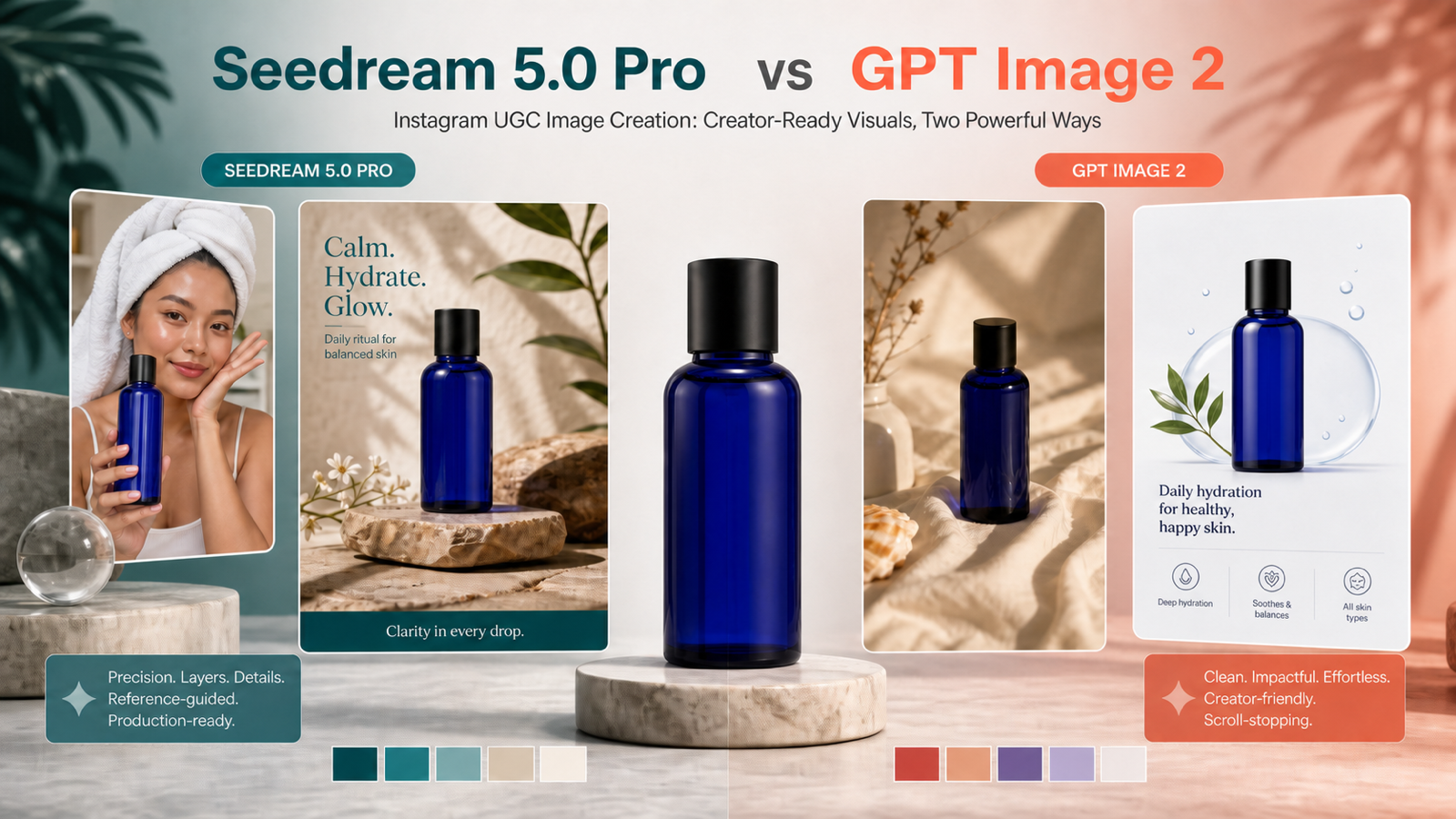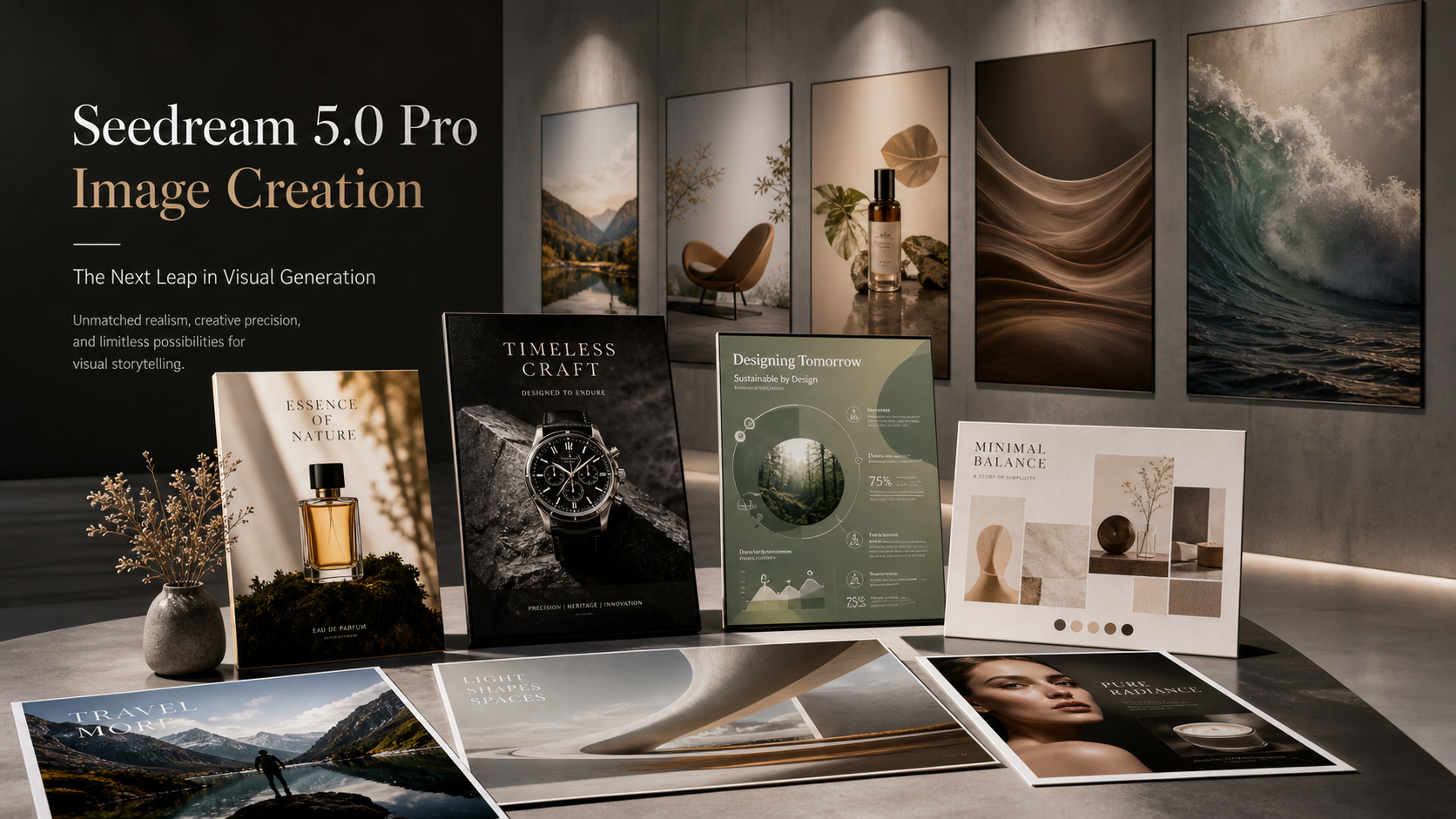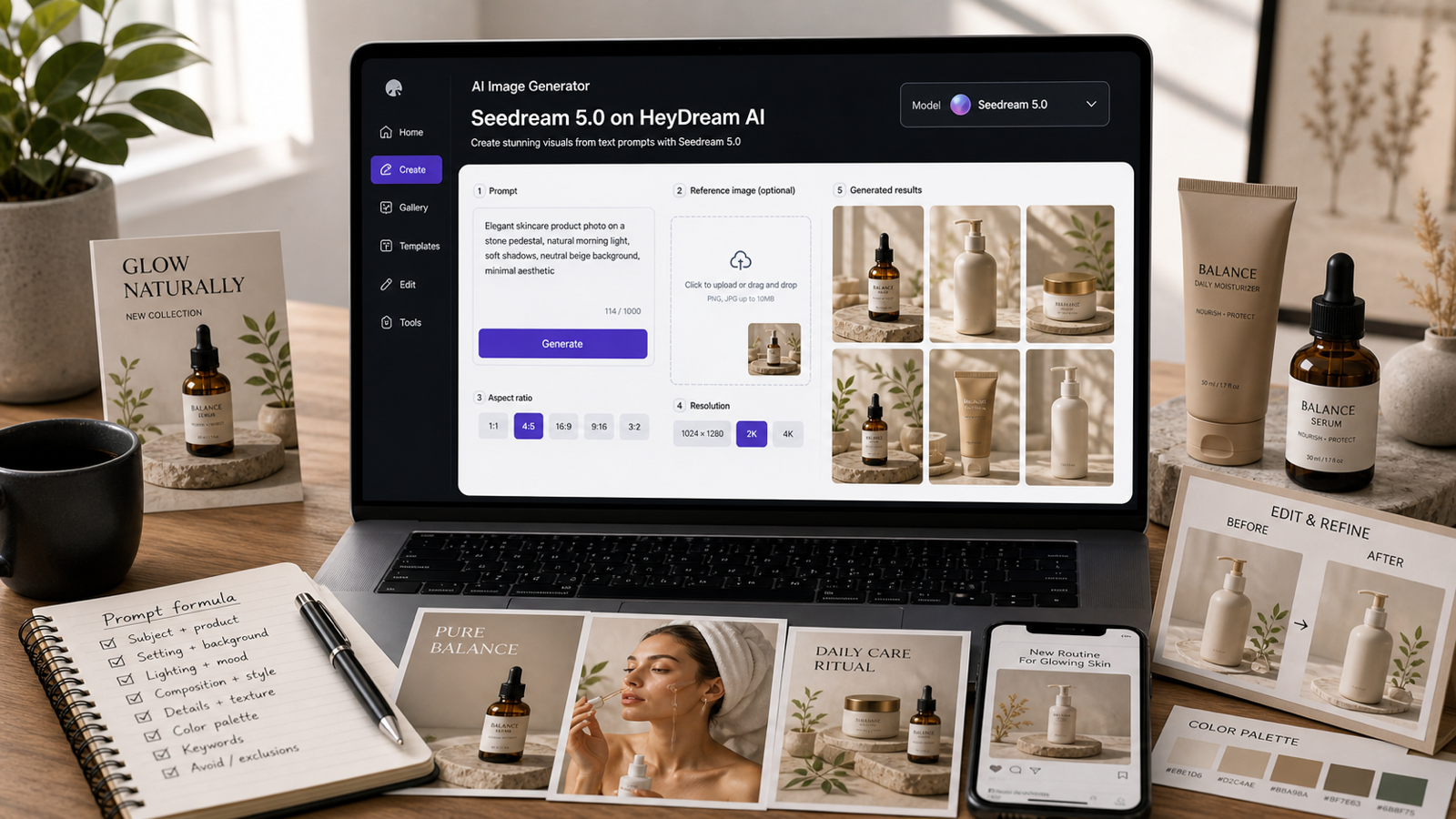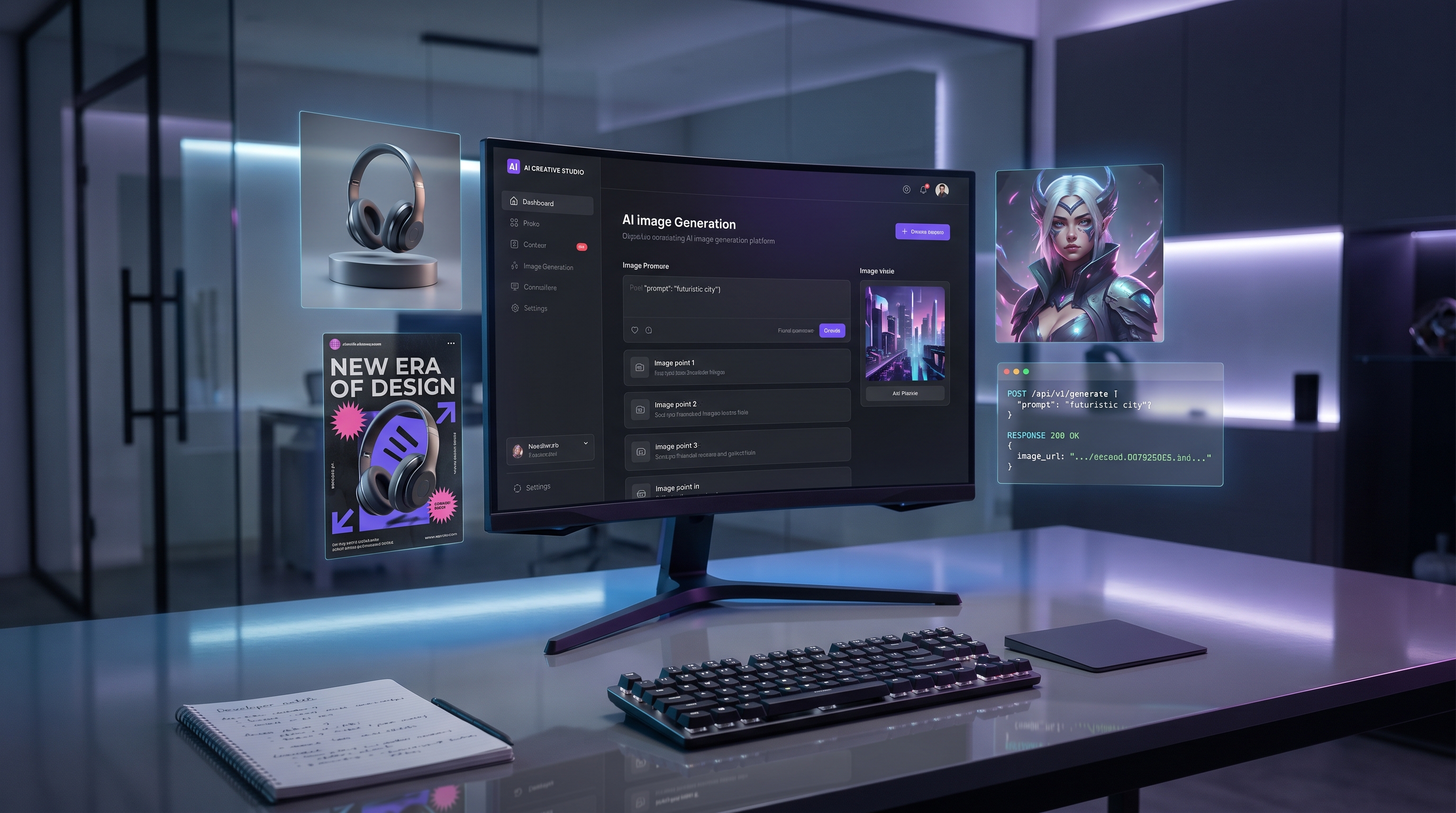
The release of OpenAI Image 2.0 marks a clear step forward for AI image generation. Instead of feeling like a novelty tool for making pretty pictures, the new generation of ChatGPT image creation is moving closer to a practical design assistant: something that can help marketers, developers, creators, and product teams turn ideas into usable visuals faster.
This matters because modern image generation is no longer only about style. A good AI image model now needs to understand instructions, arrange objects correctly, render readable text, follow brand direction, and support repeatable workflows. That is why many users are paying attention to OpenAI GPT Image 2 and the new API options around it.
For users who want to test the model without building a full technical setup first, Flaq AI offers a practical access path. The platform supports direct online use through a playground-style interface and also provides API access for developers who want to connect the model to apps, content systems, or production pipelines.
What Is New About ChatGPT Image 2?
The biggest improvement in ChatGPT Image 2.0 is not just higher visual quality. It is the model’s stronger ability to understand what the user actually wants. Earlier AI image tools could produce attractive results, but they often struggled with detailed layouts, precise text, complex object relationships, or instructions involving multiple visual requirements.
With the newer ChatGPT image model, prompts can become more like creative briefs. You can describe the subject, camera angle, environment, lighting, mood, aspect ratio, typography needs, and intended platform. The model is designed to handle both text and image inputs, which makes it useful not only for generating new images but also for editing and developing existing visual concepts.
This is especially useful for real production tasks. A creator may need a YouTube thumbnail with clear text. A brand may need a product poster that follows a visual direction. A developer may need a generation engine inside a design tool. In these cases, the model’s instruction-following ability becomes just as important as its artistic style.
How Good Is GPT Image 2 in Real Workflows?
The appeal of GPT Image 2 by OpenAI is that it fits many everyday creative tasks. It can help with social media graphics, ad concepts, editorial illustrations, product mockups, character visuals, thumbnails, packaging ideas, infographics, and brand mood boards.
Its strength is clarity. When a prompt includes a specific scene, visual hierarchy, format, and design goal, the model can usually produce a more directed result than a vague image generator. For example, instead of asking for “a futuristic coffee ad,” a better prompt would describe the product, background, color palette, lighting, headline placement, camera angle, and platform size. This gives the AI enough structure to create something closer to a real campaign draft.
However, it is still important to review the results. AI-generated text inside images has improved, but any poster, label, ad, or commercial design should still be checked carefully before publishing. Brand names, prices, legal lines, multilingual copy, and small typography should be reviewed by a human. The model can speed up visual creation, but it should not replace final quality control.
Why Access GPT Image 2 Through Flaq AI?
There are two common ways to work with the model. Developers can use OpenAI’s official API directly, while creators and teams can use a platform that makes testing easier. Flaq AI is useful because it presents ChatGPT image API access in a more approachable format.
On the Flaq AI model page, users can test prompts directly, adjust quality settings, choose ratio and resolution options, and generate images online. This makes it easier to compare prompt ideas before committing to a larger workflow. For developers, Flaq also positions the model as an API option, which can be useful for apps that need scalable image generation.
This makes Flaq AI a practical bridge between casual creation and technical integration. A marketer can test campaign visuals manually. A founder can prototype an image feature before assigning engineering resources. A developer can explore whether the model fits a specific product requirement before moving deeper into API deployment.
How to Use the ChatGPT Image API on Flaq AI
A simple workflow starts with a clear prompt. Go to the AI image models API page on Flaq AI and begin with the visual goal. Say what the image is for: an ad, a website banner, a mobile app illustration, a product concept, or a social media post.
Then describe the subject and composition. Include who or what appears in the image, where the subject is placed, what the background looks like, and what kind of camera perspective you want. Add lighting, color palette, style, mood, and any text that must appear in the image.
Next, choose the settings that match the final use case. A fast draft may not need the highest quality mode, while a polished campaign visual may benefit from stronger quality and resolution. Aspect ratio also matters. A square image may work for social posts, a vertical image for TikTok or Reels covers, and a wide image for website hero sections.
After generation, review the output. Check text accuracy, hand details, object placement, product consistency, and whether the image actually matches the intended message. If the result is close but not perfect, revise the prompt instead of starting from zero. This is where the ChatGPT Image 2.0 workflow becomes powerful: each prompt revision can move the image closer to a usable creative asset.
Best Use Cases for OpenAI GPT Image 2
For marketers, OpenAI GPT Image 2 is useful for rapid campaign ideation. It can generate visual directions for ads, landing pages, seasonal campaigns, influencer content, and product launches. Instead of waiting for a full design draft, teams can explore several concepts quickly and then refine the strongest direction.
For developers, the model is valuable because it supports API-based workflows. A startup could add image generation to a creative tool, a CMS, a product mockup app, or an automated content platform. In this case, the ChatGPT image API is less about one-off images and more about building a repeatable generation system.
For content creators, the model can help produce thumbnails, podcast covers, character portraits, blog headers, visual explainers, and short-form video covers. It is especially helpful when the creator knows the idea but does not have the time or design skill to build the first visual draft manually.
For e-commerce teams, OpenAI Image 2.0 can support product concepting, lifestyle imagery, packaging exploration, and promotional layouts. It should not replace real product photography when accuracy is legally or commercially required, but it can help with brainstorming, mockups, and early creative testing.
Prompt Tips for Better Results
A strong prompt should be specific but not overloaded. Start with the main subject, then add the purpose, visual style, composition, lighting, and format. For example: “Create a vertical TikTok cover for a futuristic skincare product, close-up product bottle in the center, soft blue studio lighting, clean luxury background, readable headline at the top, minimal modern typography.”
Avoid vague prompts like “make it beautiful” or “create a professional image.” Instead, explain what professional means in context. Is it a luxury editorial style, a clean SaaS website style, a cinematic ad style, or a playful creator-style thumbnail? The more clearly you define the use case, the better the ChatGPT image model can follow the direction.
For API workflows, create reusable prompt templates. A template can include fixed brand rules, image size, text placement, style notes, and variable fields for product name, campaign theme, or audience. This helps teams generate more consistent results through Flaq AI’s API access.
Final Thoughts
ChatGPT Image 2 is important because it pushes AI image generation toward practical production. It is not only about making impressive visuals; it is about following instructions, supporting creative workflows, and making image generation easier to connect with real tools.
For casual creators, Flaq AI provides a simple way to try the model online. For developers and teams, the same page can act as an entry point for API-based workflows. If your goal is to test, compare, and scale AI image generation, GPT Image 2 by OpenAI on Flaq AI is a strong place to begin.
Recommended HeyDream AI Tools and Models
After creating still images with GPT Image 2, creators may want to continue the workflow with video, stylization, or 3D generation. This is where HeyDream AI can work as a useful companion platform.
Recommended HeyDream AI pages include:
- AI Image Generator for text-to-image and image-to-image creation.
- Text to Video Generator for turning written ideas into video clips.
- Image to Video for animating still visuals into short motion content.
- TikTok Video Generator for short-form creator workflows.
- Photo to Anime Generator for stylized portraits and anime-inspired edits.
- Image to 3D Generator for turning visual ideas into 3D-style assets.
- Nano Banana 2 AI and Seedream 5.0 for users who want to compare alternative image models.
- Veo 3.1 AI and Kling 3.0 for video-focused creation.
Related Article
- Fast & Affordable GPT Image 2 API
- Fast & Affordable Nano Banana Pro API
- Stable & Affordable Qwen Image 2.0 Edit API
- Stable & Affordable Nano Banana 2 Edit API