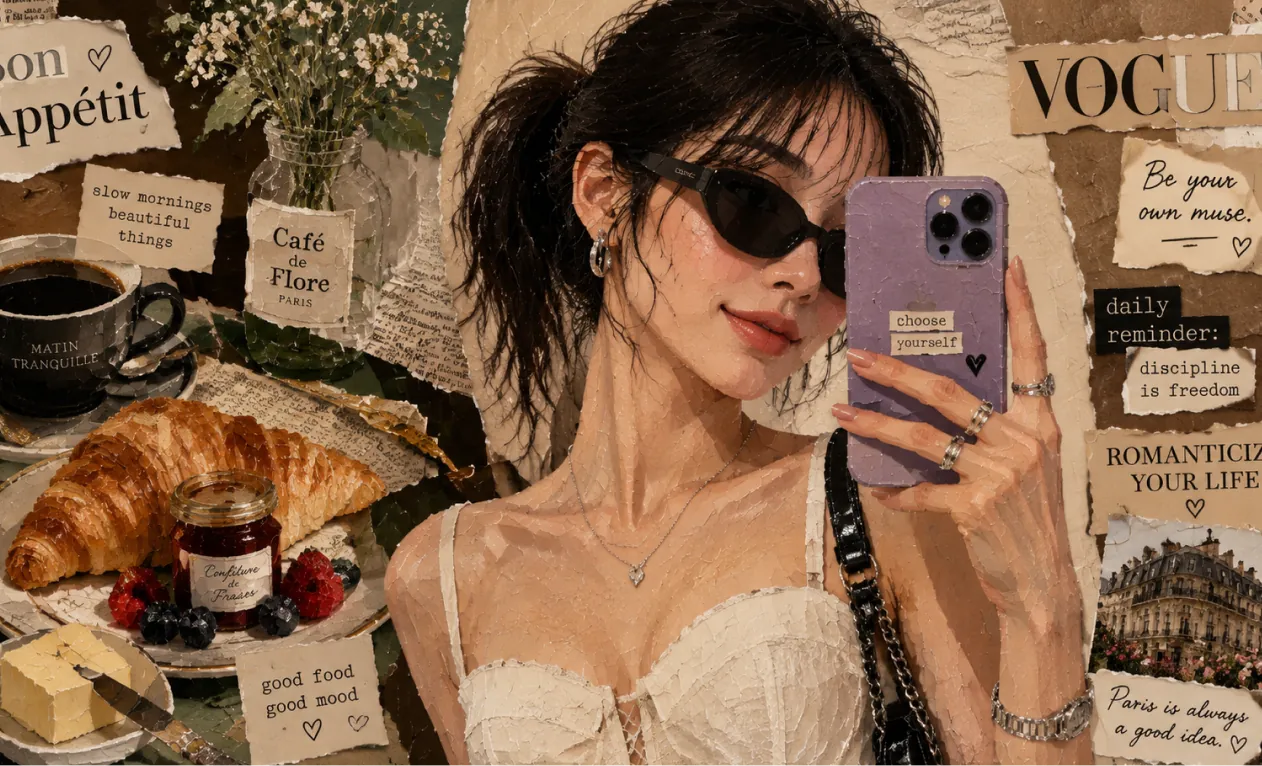
Générateur d’Images IA : Outil d’Image IA n°1 Haute Qualité
Transformez vos textes ou images en superbes visuels grâce au Générateur d’Images IA. Créez des images avec des modèles de pointe comme SeeDream 4.0 et HiDream I1.
Exemples du Générateur d’Images Hey Dream AI
Explorez des exemples d’Générateur d’images IA couvrant maquettes de design, planches de concept produit, scènes documentaires, visualisation architecturale, concept art et world-building.
Conversion Texte en Images
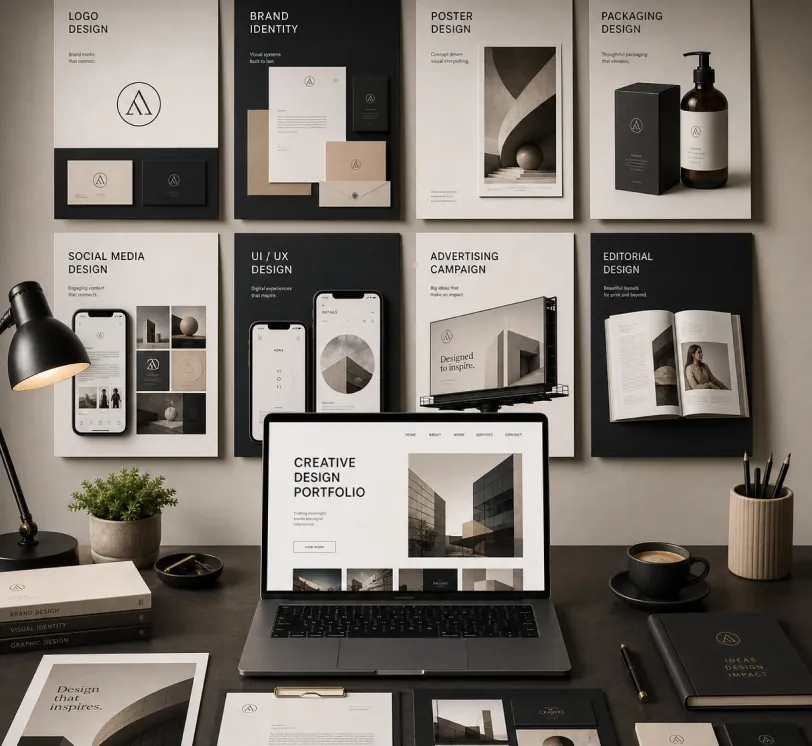
Create a premium graphic design portfolio mockup in a professional creative studio style. Show a clean, elegant workspace presentation featuring multiple graphic design project cards arranged in a refined grid layout, a modern laptop screen displaying a portfolio homepage, and several printed posters laid out neatly on the desk and mounted on the wall.Use a polished creative-director aesthetic with soft shadows, subtle depth, realistic materials, and a high-end studio atmosphere. Include sleek typography placeholders, branding samples, editorial-style poster designs, business cards, stationery, notebook, pen, coffee cup, desk lamp, and small plant for a realistic studio setup.The design should have a clean grid layout, balanced spacing, soft realistic shadows, premium lighting, and neutral luxury tones such as black, white, warm beige, gray, champagne, and cream. Make the laptop screen show a minimal portfolio interface with project thumbnails, navigation menu, and bold hero text.Add multiple portfolio project cards such as logo design, brand identity, poster design, packaging design, social media design, UI/UX design, and advertising campaign mockups. Arrange everything professionally with a modern minimalist style, sharp details, clean typography, elegant composition, and a premium creative agency presentation look.Style: high-end graphic design portfolio, modern creative studio, luxury branding mockup, clean desk setup, realistic shadows, editorial layout, minimalist premium design, professional presentation, 4K, ultra-detailed.
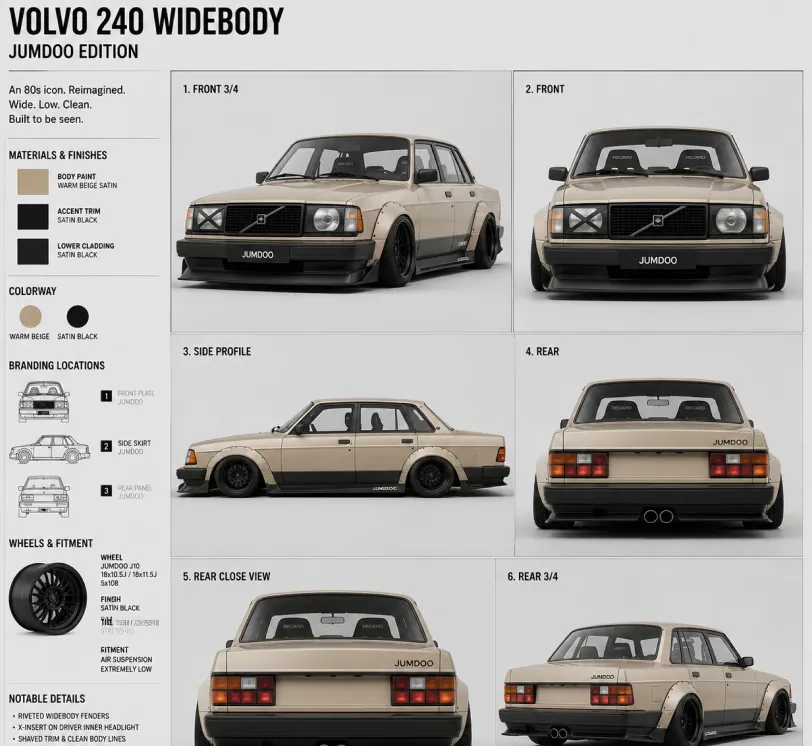
Create a clean 1:1 automotive design specification board on a light gray studio background. Feature a highly detailed 1980s Volvo 240 widebody show car, JUMDOO EDITION, in warm beige satin paint with satin black accents. The car should have a boxy Volvo 240 silhouette, very low air-suspension stance, extra-wide track width, riveted wide fender flares, deep black front splitter with near-ground clearance, black side skirts, black lower cladding, black deep-dish multi-spoke wheels, stretched low-profile tires, black grille with Volvo diagonal slash, one inner front headlight covered by an X-pattern insert for an asymmetric look, shaved clean body trim, dual center exhaust, and visible racing bucket seats. Add small JUMDOO branding on the front plate area, side skirt, and rear panel. Arrange six studio render views in a 3x2 grid: front 3/4, front, side profile, rear, rear close view, and rear 3/4. Use crisp realistic 3D product-render lighting, soft shadows, black sans-serif typography, thin gray divider lines, and minimal Swiss-style layout. Include a top-left title: VOLVO 240 WIDEBODY, subheadline: JUMDOO EDITION. Add small side panels for material swatches, colorway, branding locations, wheels and fitment, and notable details.
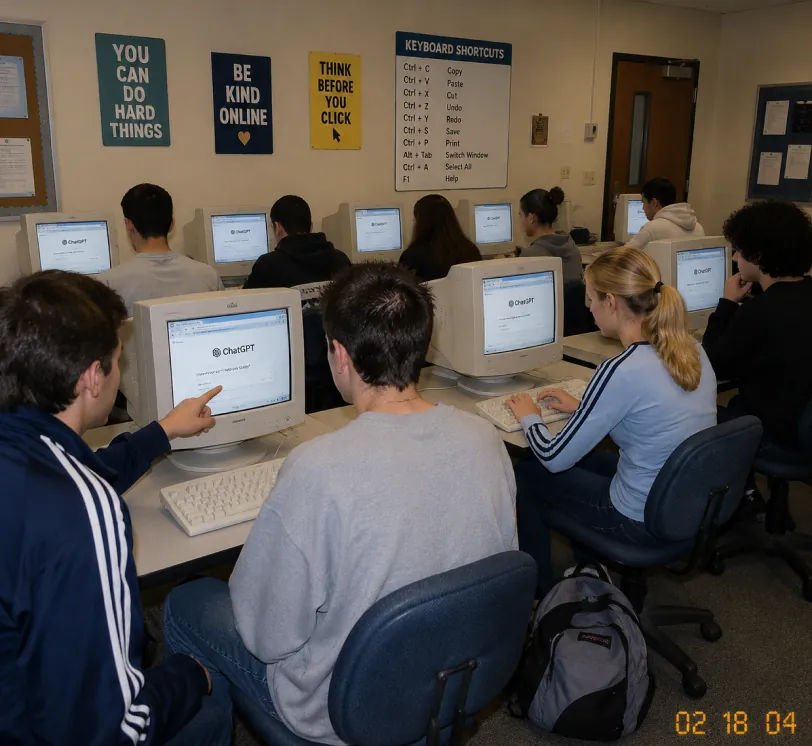
A candid documentary-style photo of a high school computer lab classroom with exactly 10 students. Viewed from the back-left corner at a slight wide angle. Early-2000s snapshot look: consumer digital camera, direct flash, soft grain, warm fluorescent lighting, timestamp "02 18 04" in bottom-right corner.Foreground details: Left: student in navy track jacket with white stripes pointing at CRT monitor Center: student with short spiky hair in oversized gray sweatshirt, back to camera Right: blonde girl with ponytail in light blue long-sleeve top with dark stripes, typing on keyboard Far right: student with curly dark hair at workstation Other students sit in middle and back rows, all facing their screens. Bulky off-white CRT computers show ChatGPT interface with "ChatGPT" heading and simple prompt text visible. Room details: beige walls, drop ceiling, rolling office chairs, white keyboards and mice, backpack on floor. Back wall has 4 readable posters: "YOU CAN DO HARD THINGS", "BE KIND ONLINE", "THINK BEFORE YOU CLICK", and a large "KEYBOARD SHORTCUTS" poster. Also bulletin boards and a classroom door at the back. Faces softly anonymized or partially obscured. Realistic classroom photo style, focus on students using ChatGPT in an old computer lab.
Du croquis au rendu réaliste
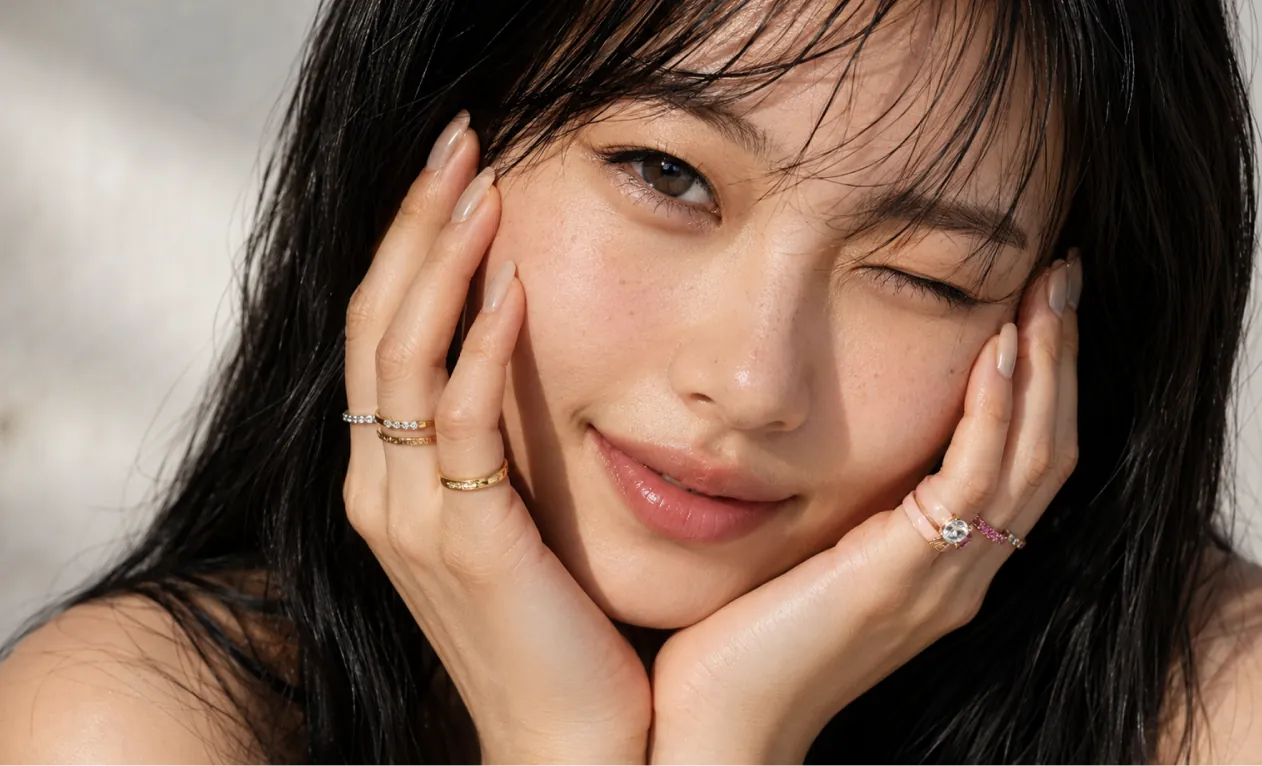
A professional hand-drawn architectural sketch of a modern Japanese-style house, isometric view, 3D floor plan. The house features a central Zen courtyard with a single bonsai tree and white gravel. Interior shows a tatami room with sliding shoji doors, and a compact kitchen. Fine pen and pencil hatching, clean black ink lines on white paper. Includes architectural dimension lines and handwritten numbers. Soft natural lighting, placed on a wooden desk background with a fountain pen nearby, hyper-realistic photography of a drawing, high detail.
Based on this floor plan, generate a photorealistic rendering of the interior. A Japanese-inspired minimalist house with warm hinoki wood tones, a central courtyard garden visible through floor-to-ceiling glass with a single red maple tree, tatami flooring, an engawa wooden veranda with dappled afternoon light. Sliding shoji screens partially open. Match the layout exactly.
Concept art et world-building
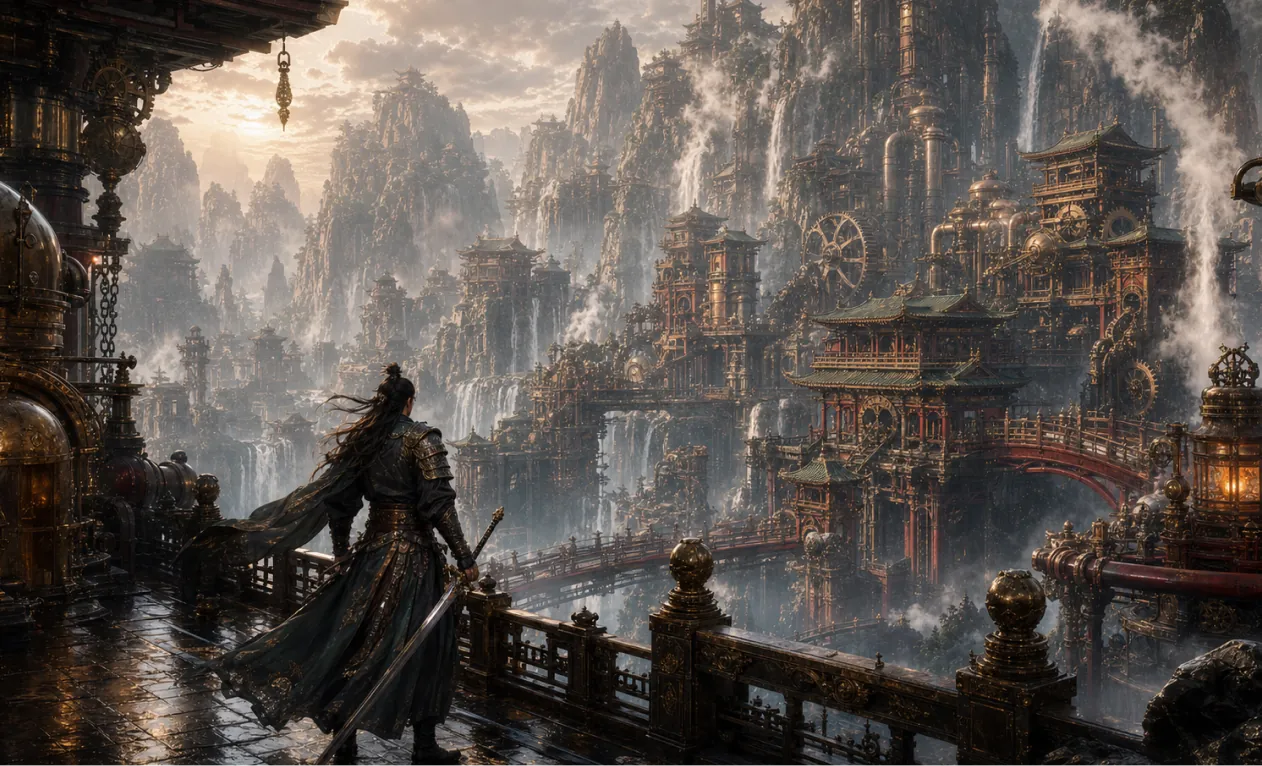
Generate a 16:9 game concept art of Chinese martial arts and steampunk fusion style, without any text.
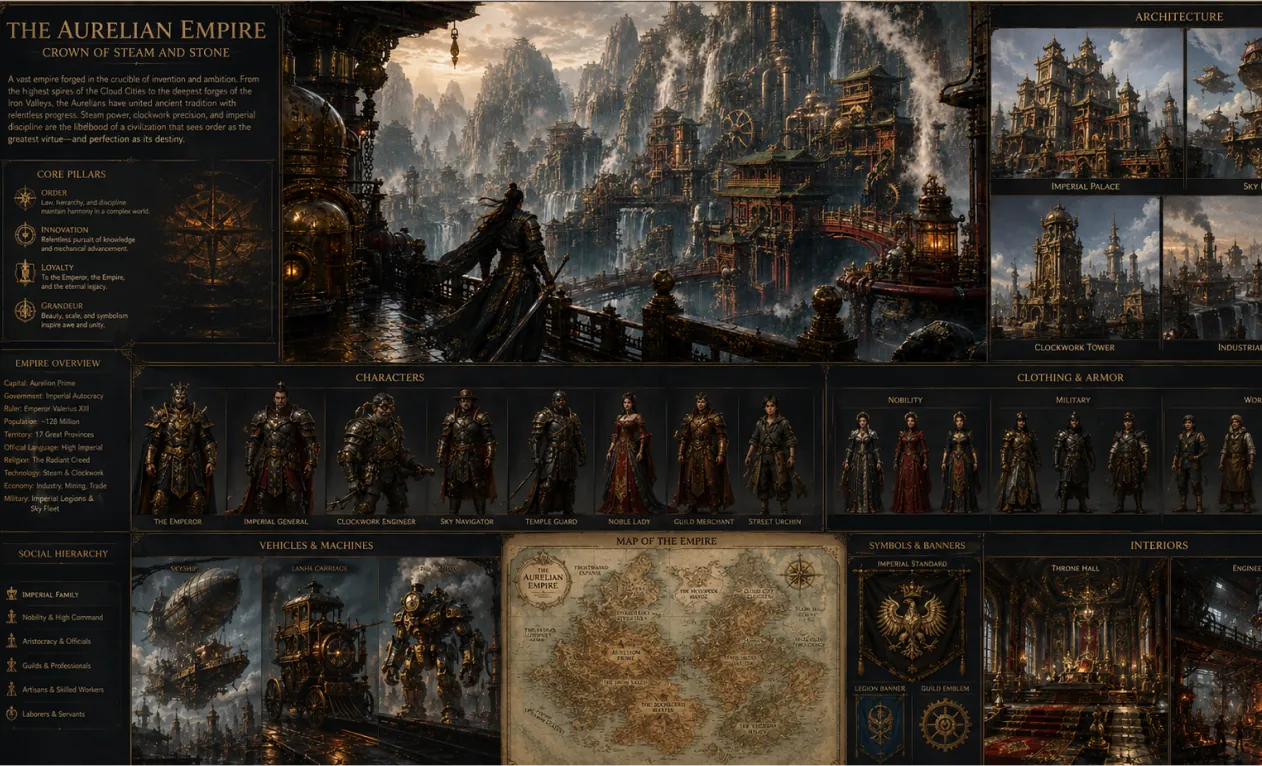
Create a complete visual world-building model for a civilization with the style of reference image, including multiple images of buildings, characters, clothing, vehicles and maps, using a unified design language and featuring a cinematic-like realism with extremely rich details.
Avantages Clés du Générateur d’Images IA
Offre une expérience de génération et d’édition d’images efficace et contrôlable, pour les utilisateurs particuliers comme les entreprises, avec une grande diversité de styles, une personnalisation flexible et une application aisée.
Cohérence des Personnages
Peu importe la pose, la lumière ou la scène, les caractéristiques du sujet principal restent cohérentes, pour des effets narratifs homogènes et naturels.
Extension de Design
En préservant la structure de base et les détails, on peut appliquer différents styles ou textures pour des réinterprétations créatives.
Synthèse Créative
Intégrez plusieurs éléments d’image dans le même prompt pour générer des compositions uniques et harmonieuses.
Cas d’Usage de l’IA Génératrice d’Image
Le Générateur d’Images IA s’applique au design d’affiches, marketing de marque, présentations pédagogiques ou créations artistiques. Il permet de contrôler souplement le rendu texte/image, d’améliorer l’efficacité créative et l’impact visuel, et d’offrir un support professionnel efficace à tous les créatifs, entreprises et enseignants.
Conception rapide de prototypes
Le Générateur d’Images IA permet d’éditer finement affiches et contenus visuels, d’ajuster polices, tailles et styles à volonté : idéal pour la communication d’événements ou le branding.
Assistance à l’éducation et à l’apprentissage
Dans le domaine éducatif, ce générateur crée et modifie des images pédagogiques pour la création de manuels et ressources, améliorant la présentation et l’apprentissage en classe.
Marketing et promotion de marque en entreprise
Cet outil aide les entreprises à produire efficacement visuels marketing et supports de marque, renforçant leur image et leur compétitivité.
Créativité culturelle et artistique
Il propose de nombreux outils créatifs pour les artistes et designers, permet les transformations de style et l’exploration artistique.
Comment utiliser le Générateur d’Images IA
Ce guide vous propose des conseils pour profiter au maximum de l’outil Générateur d’Images IA.
Étape 1 : Choisissez votre modèle IA préféré
Sélectionnez le modèle le plus adapté à votre création d’images.
Étape 2 : Entrez votre texte
Saisissez votre prompt pour générer une image.
Étape 3 : Choisissez le format d’image
Sélectionnez le ratio d’image approprié à votre création.
Étape 4 : Cliquez sur Générer et obtenez votre image en quelques secondes
Créer une image
FAQ du Générateur d’Images Hey Dream AI
Plus d’articles & d’actualités sur le Générateur d’Images Hey Dream AI
Création d’images Seedream 5.0 Pro : visuels de produits professionnels, affiches et édition IA précise
Créez des visuels de produits, des affiches, des infographies et des retouches IA précises avec Seedream 5.0 Pro sur HeyDream en utilisant des références, des invites et des vérifications de révision dès maintenant.
Meilleur générateur d’images GPT-2 gratuit ? Test de HeyDream pour les images, les affiches et l’édition IA
Test de HeyDream comme générateur gratuit GPT Image 2 pour des images, des affiches, de la retouche, des maquettes de produits, des kits de marque, des visuels pour les réseaux sociaux, des prompts et des workflows de créateurs.
Seedream 4.5 gratuit et API Seedream 4.5 : comment essayer le modèle d’image en ligne
Découvrez comment essayer gratuitement Seedream 4.5 sur HeyDream AI et dans quels cas utiliser l’API Seedream 4.5 sur Flaq AI pour des workflows d’images évolutifs, l’édition et l’usage en équipe dès aujourd’hui.
Mises à jour du site web HeyDream AI : un nouveau tremplin créatif pour les images, les vidéos et la 3D
La nouvelle page d’accueil de HeyDream AI transforme la création d’images, de vidéos et de contenus 3D en un tremplin créatif plus rapide, sur un seul écran, pour les créateurs.
ChatGPT Image 2 est arrivé : ce que cela change pour la création d’images par IA et les workflows d’API
Explorez ChatGPT Image 2 comme un moteur créatif pour des visuels pilotés par API, des maquettes de marque, du contenu pour les réseaux sociaux et des workflows d’IA de nouvelle génération.
Guide du générateur d’images IA HeyDream : meilleurs modèles pour le texte-vers-image et l’image-vers-image
Découvrez comment utiliser le générateur d’images de HeyDream AI pour la création texte‑vers‑image et image‑vers‑image, avec des comparaisons de modèles et des conseils sur Nano Banana 2.

