KI-Bildgenerator: Das führende Tool für hochwertige KI-Bilder
Verwandeln Sie Text oder Bilder in beeindruckende Bilder mit dem KI-Bildgenerator. Bilderstellung mit fortschrittlichen Modellen wie SeeDream 4.0 und HiDream I1.
Beispiele zum Hey Dream KI-Bildgenerator
Entdecken Sie KI-Bildgenerator Beispiele für Design-Mockups, Produktkonzept-Boards, dokumentarische Szenen, Architekturvisualisierung, Konzeptkunst und World-Building.
Text zu Bild konvertieren
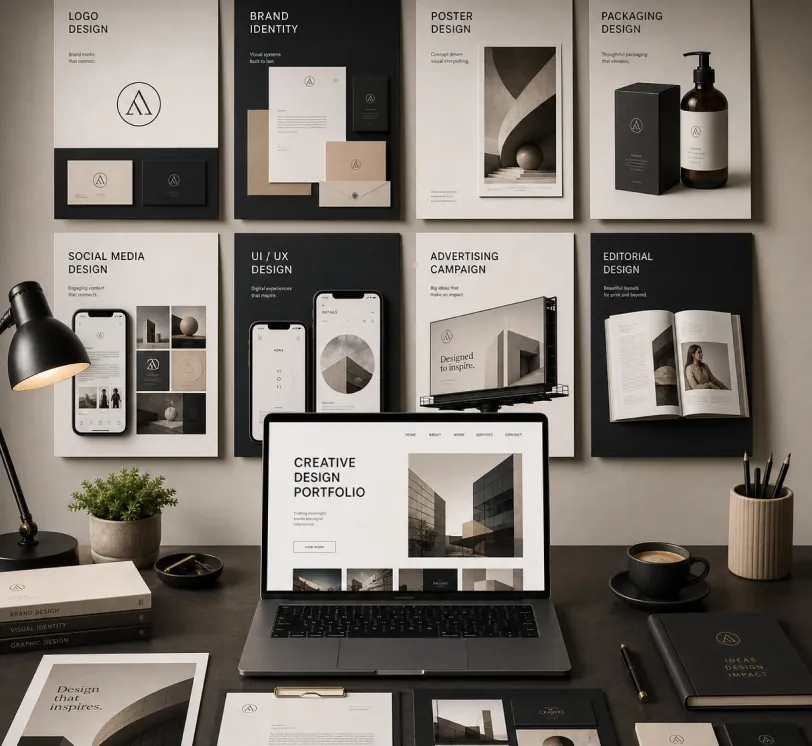
Create a premium graphic design portfolio mockup in a professional creative studio style. Show a clean, elegant workspace presentation featuring multiple graphic design project cards arranged in a refined grid layout, a modern laptop screen displaying a portfolio homepage, and several printed posters laid out neatly on the desk and mounted on the wall.Use a polished creative-director aesthetic with soft shadows, subtle depth, realistic materials, and a high-end studio atmosphere. Include sleek typography placeholders, branding samples, editorial-style poster designs, business cards, stationery, notebook, pen, coffee cup, desk lamp, and small plant for a realistic studio setup.The design should have a clean grid layout, balanced spacing, soft realistic shadows, premium lighting, and neutral luxury tones such as black, white, warm beige, gray, champagne, and cream. Make the laptop screen show a minimal portfolio interface with project thumbnails, navigation menu, and bold hero text.Add multiple portfolio project cards such as logo design, brand identity, poster design, packaging design, social media design, UI/UX design, and advertising campaign mockups. Arrange everything professionally with a modern minimalist style, sharp details, clean typography, elegant composition, and a premium creative agency presentation look.Style: high-end graphic design portfolio, modern creative studio, luxury branding mockup, clean desk setup, realistic shadows, editorial layout, minimalist premium design, professional presentation, 4K, ultra-detailed.
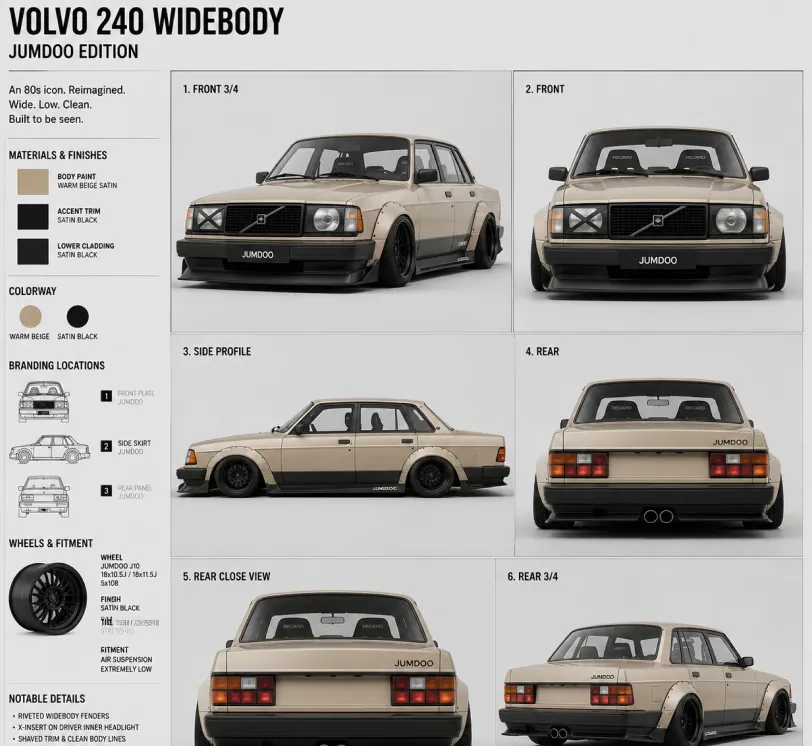
Create a clean 1:1 automotive design specification board on a light gray studio background. Feature a highly detailed 1980s Volvo 240 widebody show car, JUMDOO EDITION, in warm beige satin paint with satin black accents. The car should have a boxy Volvo 240 silhouette, very low air-suspension stance, extra-wide track width, riveted wide fender flares, deep black front splitter with near-ground clearance, black side skirts, black lower cladding, black deep-dish multi-spoke wheels, stretched low-profile tires, black grille with Volvo diagonal slash, one inner front headlight covered by an X-pattern insert for an asymmetric look, shaved clean body trim, dual center exhaust, and visible racing bucket seats. Add small JUMDOO branding on the front plate area, side skirt, and rear panel. Arrange six studio render views in a 3x2 grid: front 3/4, front, side profile, rear, rear close view, and rear 3/4. Use crisp realistic 3D product-render lighting, soft shadows, black sans-serif typography, thin gray divider lines, and minimal Swiss-style layout. Include a top-left title: VOLVO 240 WIDEBODY, subheadline: JUMDOO EDITION. Add small side panels for material swatches, colorway, branding locations, wheels and fitment, and notable details.
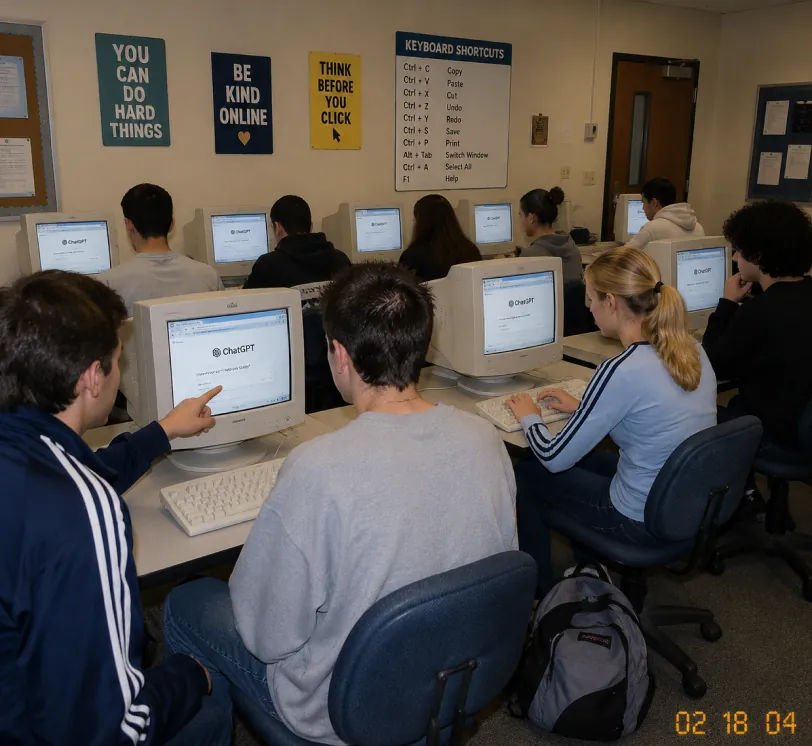
A candid documentary-style photo of a high school computer lab classroom with exactly 10 students. Viewed from the back-left corner at a slight wide angle. Early-2000s snapshot look: consumer digital camera, direct flash, soft grain, warm fluorescent lighting, timestamp "02 18 04" in bottom-right corner.Foreground details: Left: student in navy track jacket with white stripes pointing at CRT monitor Center: student with short spiky hair in oversized gray sweatshirt, back to camera Right: blonde girl with ponytail in light blue long-sleeve top with dark stripes, typing on keyboard Far right: student with curly dark hair at workstation Other students sit in middle and back rows, all facing their screens. Bulky off-white CRT computers show ChatGPT interface with "ChatGPT" heading and simple prompt text visible. Room details: beige walls, drop ceiling, rolling office chairs, white keyboards and mice, backpack on floor. Back wall has 4 readable posters: "YOU CAN DO HARD THINGS", "BE KIND ONLINE", "THINK BEFORE YOU CLICK", and a large "KEYBOARD SHORTCUTS" poster. Also bulletin boards and a classroom door at the back. Faces softly anonymized or partially obscured. Realistic classroom photo style, focus on students using ChatGPT in an old computer lab.
Von Skizze zu realistischem Rendering
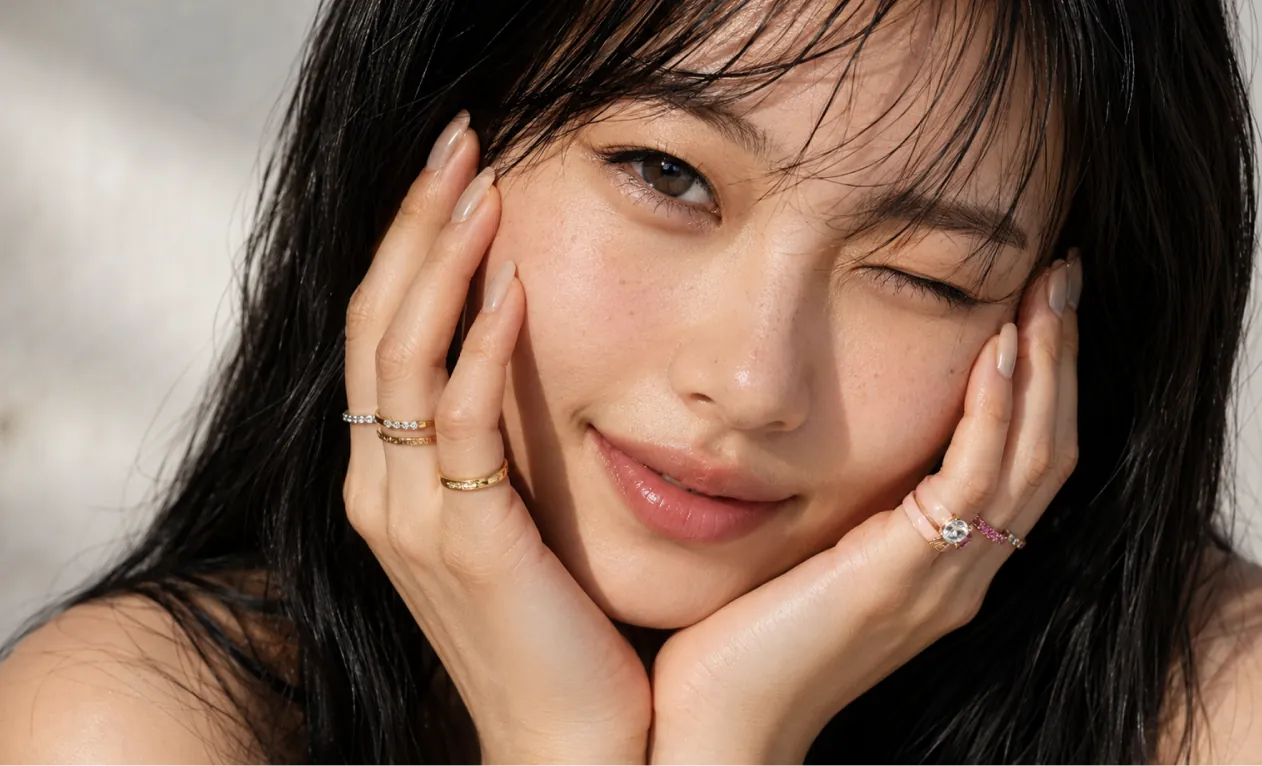
A professional hand-drawn architectural sketch of a modern Japanese-style house, isometric view, 3D floor plan. The house features a central Zen courtyard with a single bonsai tree and white gravel. Interior shows a tatami room with sliding shoji doors, and a compact kitchen. Fine pen and pencil hatching, clean black ink lines on white paper. Includes architectural dimension lines and handwritten numbers. Soft natural lighting, placed on a wooden desk background with a fountain pen nearby, hyper-realistic photography of a drawing, high detail.
Based on this floor plan, generate a photorealistic rendering of the interior. A Japanese-inspired minimalist house with warm hinoki wood tones, a central courtyard garden visible through floor-to-ceiling glass with a single red maple tree, tatami flooring, an engawa wooden veranda with dappled afternoon light. Sliding shoji screens partially open. Match the layout exactly.
Konzeptkunst und World-Building
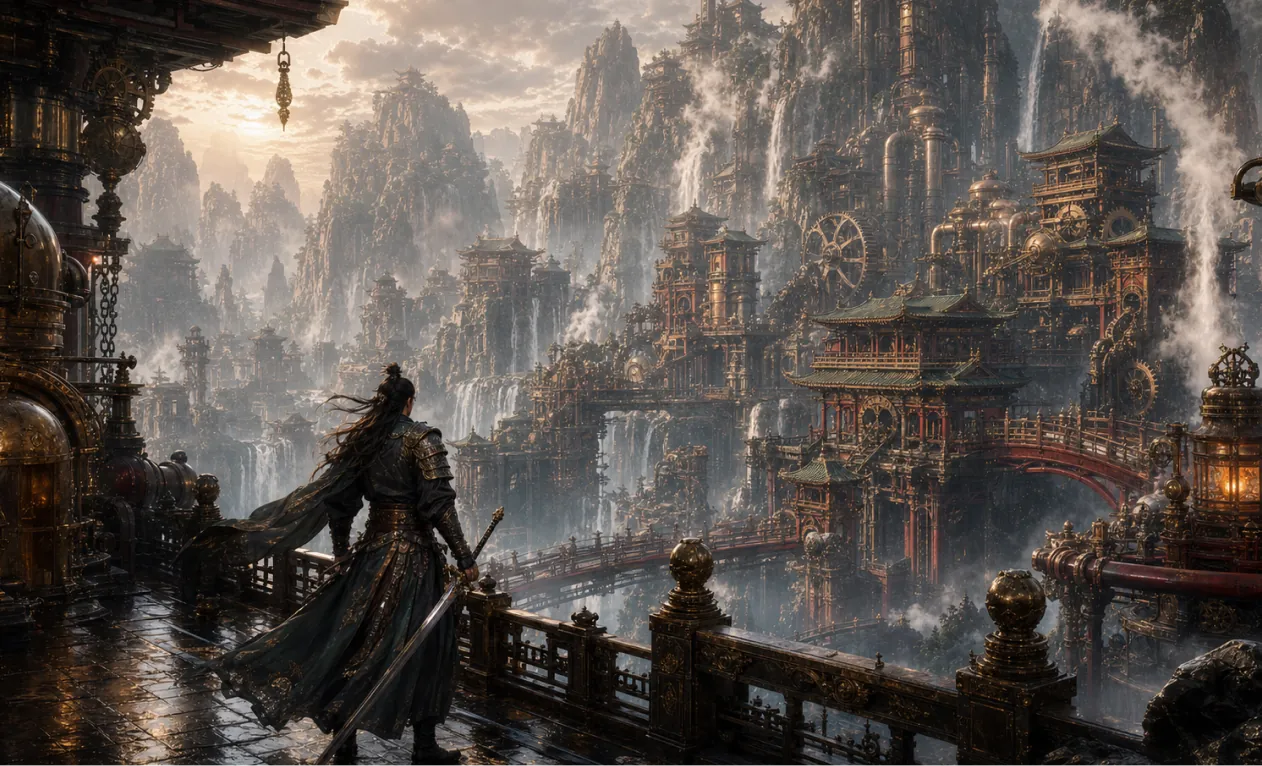
Generate a 16:9 game concept art of Chinese martial arts and steampunk fusion style, without any text.
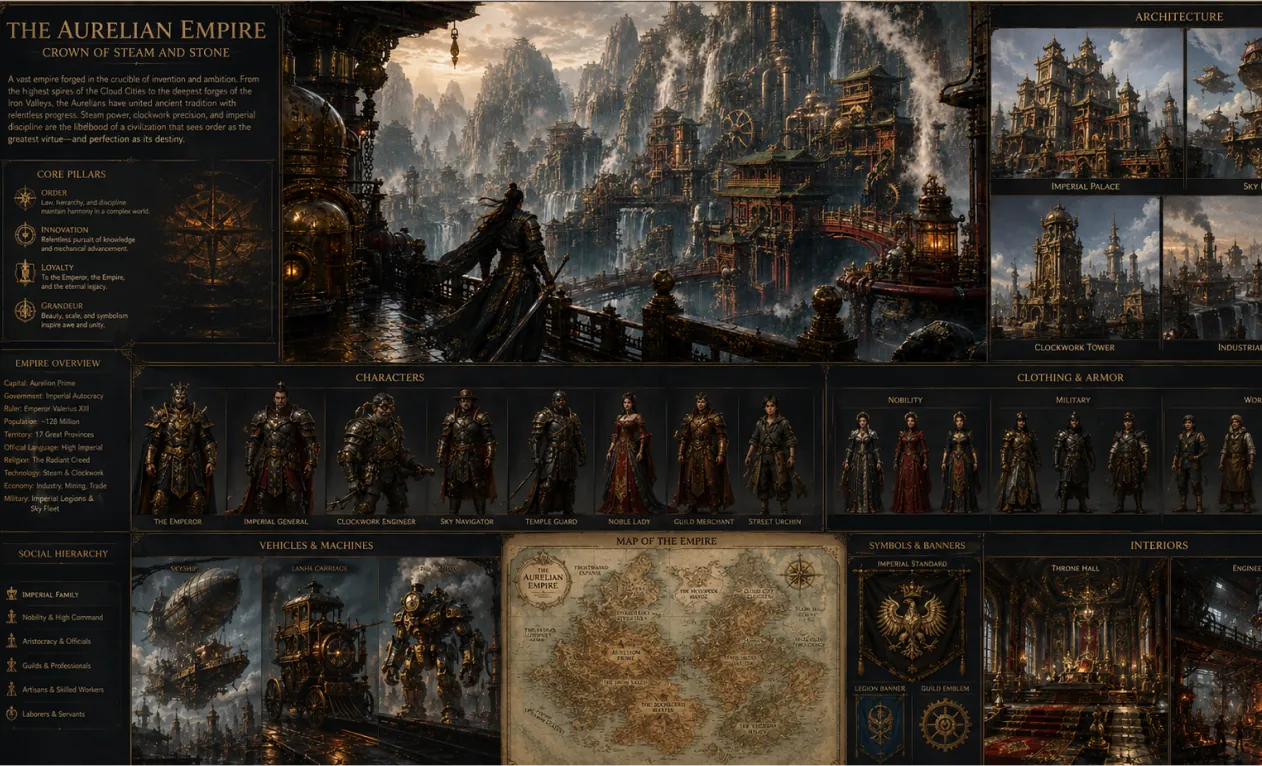
Create a complete visual world-building model for a civilization with the style of reference image, including multiple images of buildings, characters, clothing, vehicles and maps, using a unified design language and featuring a cinematic-like realism with extremely rich details.
Kernvorteile des KI-Bildgenerators
Effiziente und steuerbare Bildgenerierung und -bearbeitung für Einzelanwender und Unternehmen – unterstützt vielfältige Stilrichtungen, flexible Anpassung und einfache Anwendung.
Charakterkonsistenz
Unabhängig von Pose, Beleuchtung oder Szene bleiben die Merkmale der Hauptperson konstant und sorgen für kohärente und natürliche Erzählung.
Design-Erweiterung
Bei Erhalt der Grundstruktur und Details können verschiedene künstlerische Stile oder Texturen flexibel angewandt werden, um kreative Neuinterpretationen zu ermöglichen.
Kreative Synthese
Mehrere Bildelemente können im selben Prompt integriert werden, um einzigartige und harmonische Gesamkompositionen zu schaffen.
Anwendungsbeispiele für den KI-Bildgenerator
Der KI-Bildgenerator ist vielseitig einsetzbar, z.B. für Plakatdesign, Markenmarketing, Bildungspräsentationen und künstlerische Kreation. Er ermöglicht flexible Steuerung von Bild- und Textdetails, steigert die kreative Effizienz und den visuellen Effekt und bietet professionelle Unterstützung für Designer, Unternehmen und Lehrkräfte.
Schnelles Prototypen-Design
Der KI-Bildgenerator ermöglicht Feinanpassungen an Plakaten und visuellen Inhalten, flexible Schrift-, Größen- und Style-Einstellungen – ideal für Eventpromotion und Markenmarketing.
Bildung und Lernhilfe
Im Bildungsbereich kann der KI-Bildgenerator Lehrmaterialien erstellen und bearbeiten, unterstützt bei der Erstellung von Lehrbüchern und Ressourcen und verbessert Präsentation und Effizienz im Unterricht.
Unternehmensmarketing & Markenförderung
Der KI-Bildgenerator hilft Unternehmen, Marketingmaterialien und visuelle Markeninhalte effizient zu erstellen, um das Markenimage zu stärken und die Wettbewerbsfähigkeit zu erhöhen.
Kulturelle Kreativität & künstlerische Schöpfung
Der KI-Bildgenerator stellt umfangreiche kreative Tools für Künstler und Designer bereit, unterstützt Stilwechsel und vielseitigen Ausdruck und erweitert die Möglichkeiten künstlerischer Kreation.
So nutzen Sie den KI-Bildgenerator
Diese Anleitung liefert hilfreiche Tipps, um das Beste aus dem KI-Bildgenerator herauszuholen.
Schritt 1: Bevorzugtes KI-Modell auswählen
Wählen Sie das passende Modell für die Bildgenerierung.
Schritt 2: Geben Sie Ihren Text ein
Geben Sie Ihren Prompt für die Bilderstellung ein.
Schritt 3: Seitenverhältnis wählen
Wählen Sie das passende Seitenverhältnis für Ihr Bild.
Schritt 4: Klicken Sie auf Generieren und erhalten Sie Ihr Bild in Sekunden
Bild erstellen
FAQ zum Hey Dream KI-Bildgenerator
Weitere Artikel & Neuigkeiten zum Hey Dream KI-Bildgenerator
Seedream 5.0 Pro Bilderstellung: Professionelle Produktvisualisierungen, Poster und präzise KI-Bearbeitung
Erstellen Sie jetzt Produktvisualisierungen, Poster, Infografiken und präzise KI-Bearbeitungen mit Seedream 5.0 Pro auf HeyDream unter Verwendung von Referenzen, Prompts und Überprüfungen.
Bester kostenloser GPT Image 2-Generator? HeyDream für Bilder, Poster und KI-Bearbeitung im Test
HeyDream als kostenlosen GPT Image 2-Generator testen – für Bilder, Poster, Bearbeitungen, Produkt-Mockups, Brand-Kits, Social-Media-Grafiken, Prompts und Creator-Workflows.
Seedream 4.5 kostenlos und die Seedream 4.5 API: So können Sie das Bildmodell online ausprobieren
Erfahren Sie, wie Sie Seedream 4.5 kostenlos auf HeyDream AI ausprobieren und wann Sie die Seedream 4.5 API auf Flaq AI für skalierbare Bild-Workflows, Bearbeitung und die Zusammenarbeit im Team nutzen sollten – noch heute.
HeyDream AI-Website-Updates: Ein neues kreatives Sprungbrett für Bilder, Videos und 3D
HeyDream AIs neue Startseite macht die Erstellung von Bildern, Videos und 3D-Inhalten zu einem schnelleren, einseitigen Kreativ-Launchpad für Kreative.
ChatGPT Bild 2 ist da: Was sich für die KI-Bilderstellung und API-Workflows ändert
Entdecken Sie ChatGPT Image 2 als kreativen Motor für API-gestützte Visuals, Marken-Mockups, Social-Media-Content und weiterführende KI-Workflows.
HeyDream KI-Bildgenerator Leitfaden: Die besten Modelle für Text-zu-Bild und Bild-zu-Bild
Erfahren Sie, wie Sie den Bildgenerator von HeyDream AI für Text-zu-Bild- und Bild-zu-Bild-Erstellungen nutzen, mit Modellvergleichen und Tipps zu Nano Banana 2.

