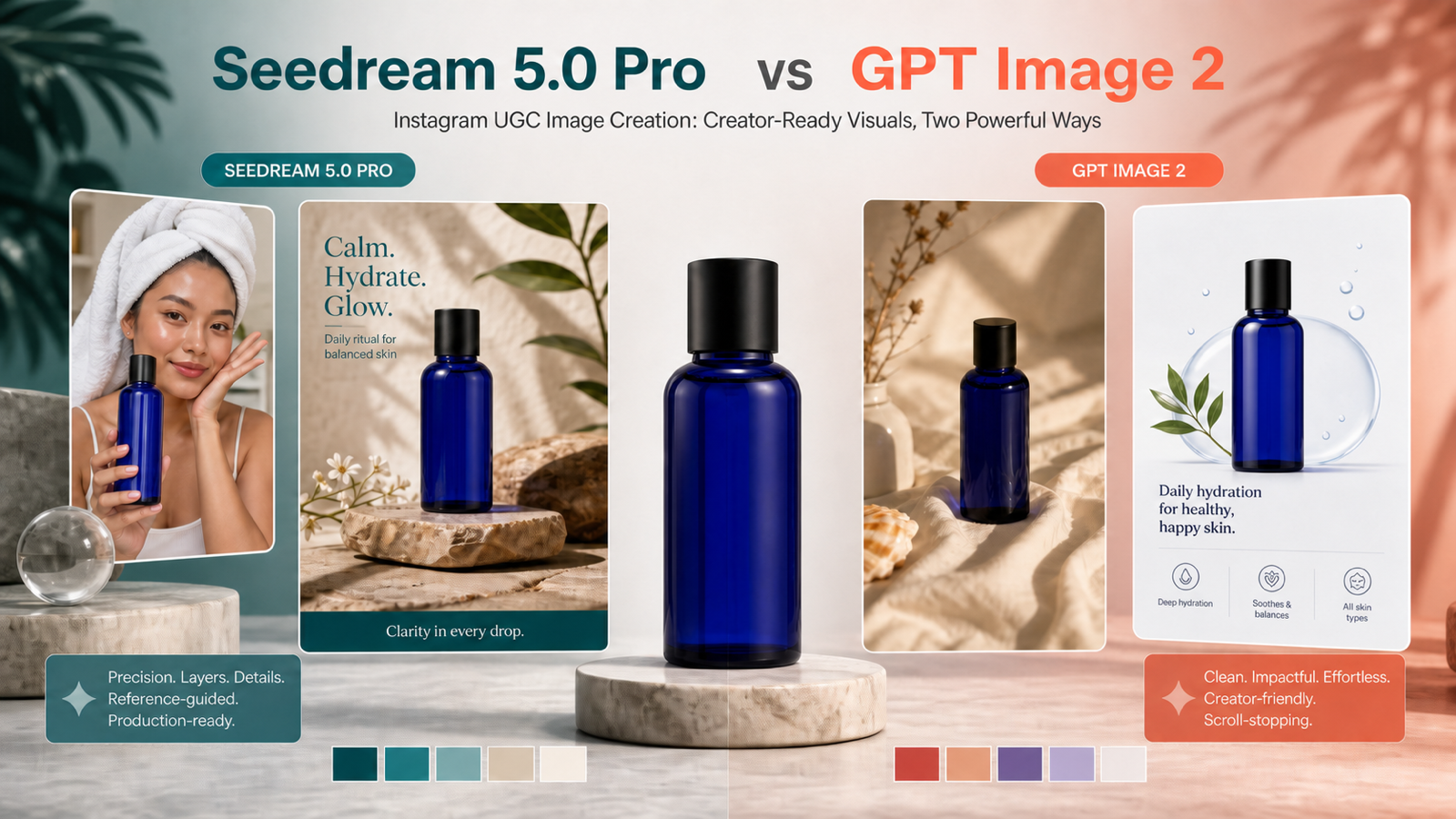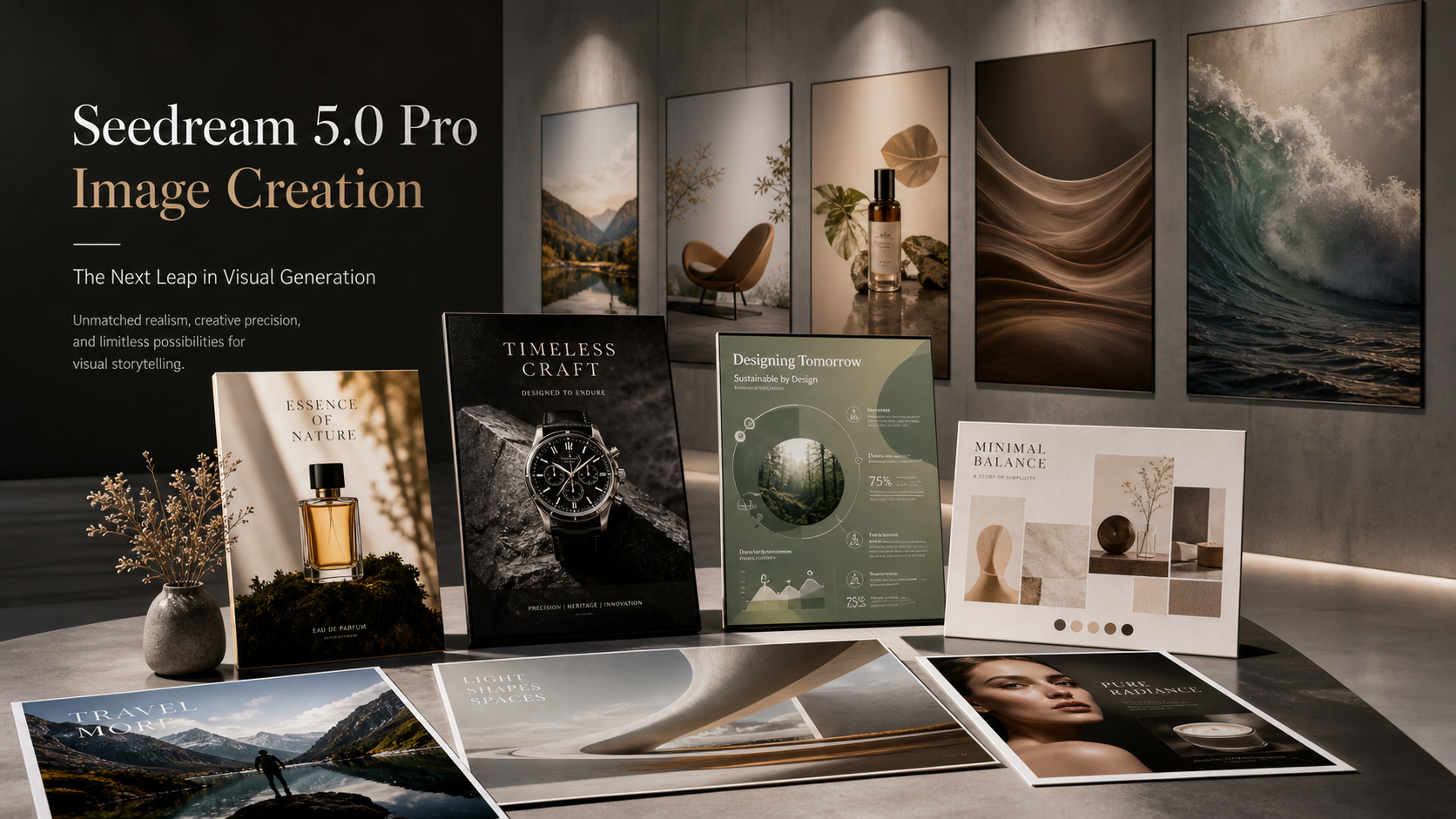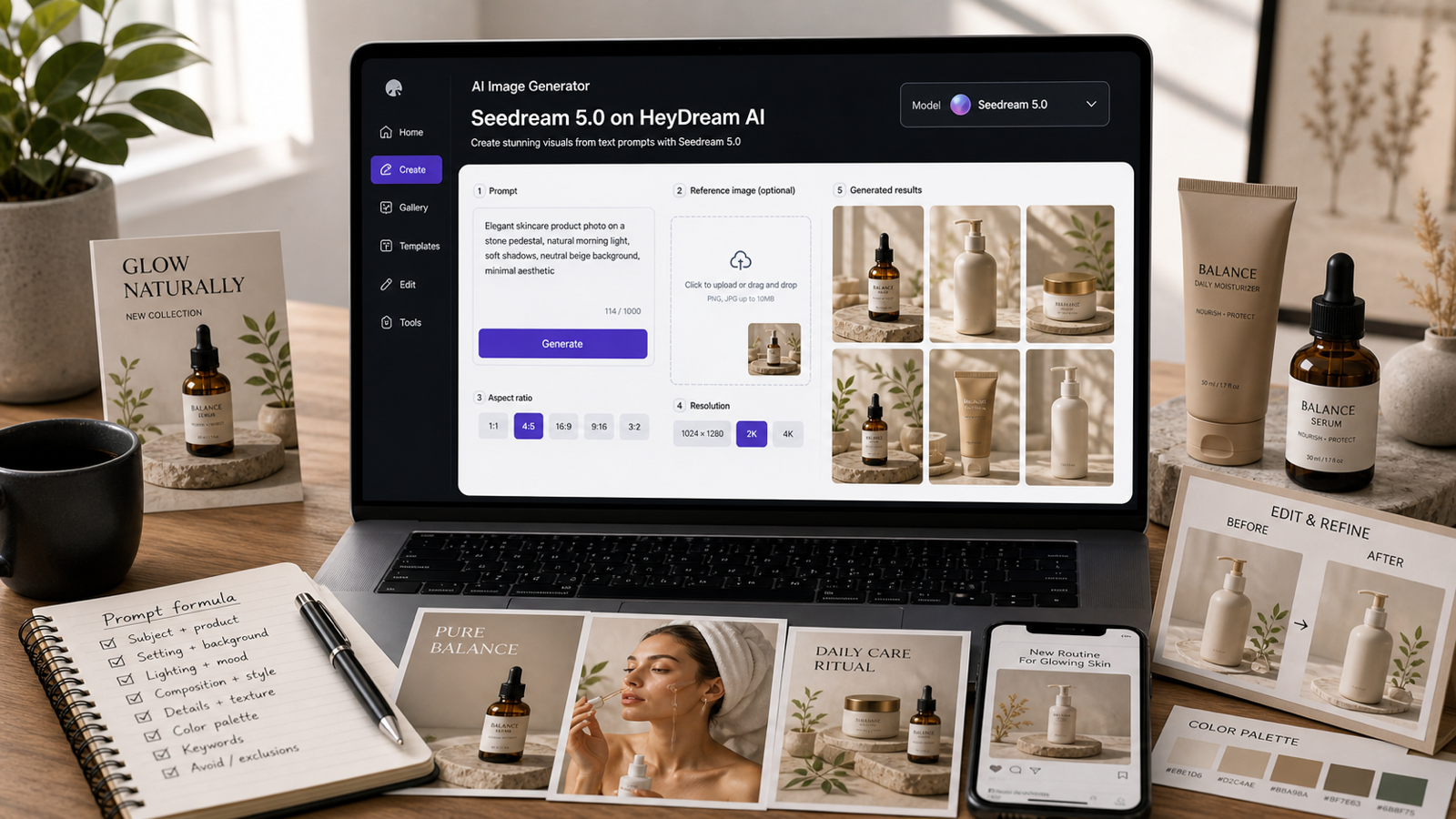
People searching for free Seedream 4.5 usually want a simple image-generation workflow: open a browser, write a prompt, generate visuals, and see whether the result is good enough for product images, ads, social posts, or concept art. People searching for Seedream 4.5 API usually want something different: repeatable generation, image editing, batch creative tests, ecommerce pipelines, or automated visual workflows.
This guide covers both intents. Use HeyDream AI when you want a creator-facing Seedream 4.5 image generator online. Use Flaq AI Seedream 4.5 API or Seedream 4.5 Edit API when your team needs programmable access. Before publishing or budgeting around the model, verify live availability, credit cost, output size, editing support, multi-image support, privacy rules, commercial terms, and API behavior on the current pages.
Free Seedream 4.5: What Searchers Usually Mean
Free Seedream 4.5 is best treated as search intent, not a promise of unlimited use. Users typing that phrase usually want to know where they can try Seedream 4.5 online without setting up an API or local model pipeline. HeyDream AI is the main creator-facing recommendation because it has direct pages for Seedream 4.5, Seedream AI, Text to Image, and AI Image Generator.
The practical path is simple: open the Seedream 4.5 page, write a clear text-to-image prompt, generate a first draft, then revise the prompt for composition, lighting, materials, product shape, and aspect ratio. If the platform offers credits or paid plans, check the live HeyDream pricing page before assuming free unlimited access, watermark-free export, commercial rights, or a specific output size.
For everyday creators, this browser-first path is usually faster than starting with an API. It lets you test whether Seedream 4.5 fits your visual style before investing in automation.

How to Try Seedream 4.5 on HeyDream AI
HeyDream AI is the best starting point when your goal is creative exploration rather than engineering. Use the HeyDream Seedream 4.5 AI Image Generator for direct model testing, the broader Seedream AI Image Generator for Seedream-family workflows, and the Text to Image Generator when the prompt is the main input.
Start with one clean image goal. For example, instead of asking for "a good product photo," describe the product, surface, lighting, background, composition, material, and aspect ratio. A prompt like "minimalist skincare bottle beside white flowers and citrus slices, marble surface, soft daylight, high-end beauty product photography, accurate label space, 1:1" gives the model a clearer commercial target.
After the first generation, review the image manually. Check product shape, label space, distorted text, extra objects, fingers or limbs if people appear, brand confusion, and whether the result is safe to use. For product visuals and ads, a good image still needs human review before publishing.

Seedream 4.5 AI Image Generator: Best Creator Use Cases
Seedream 4.5 is useful to test when you need polished image drafts quickly. The strongest creator use cases include product visuals, ecommerce shots, ad concepts, social images, concept art, fashion mockups, interior scenes, food photography, and image edits where visual consistency matters.
For ecommerce sellers, the model can help explore product backgrounds and lighting styles before a real shoot. Designers can use it for moodboards, product concept variants, and campaign imagery. Marketers can generate multiple ad directions, then choose the safest and most accurate images for refinement. Prompt testers can compare Seedream 4.5 against Seedream 4.0 or other HeyDream models.
The key is not to treat every output as final. Treat it as a draft that needs inspection for product accuracy, rights, text quality, protected marks, and commercial suitability.

Seedream 4.5 API on Flaq AI: When Developers Should Use It
The Seedream 4.5 API makes sense when image generation needs to scale beyond manual browser work. Flaq AI is the developer-facing recommendation because it provides a Seedream 4.5 API page for image generation and a Seedream 4.5 Edit API page for editing workflows.
Use the API path when you need batch creative generation, ecommerce image pipelines, ad variant systems, product catalog enrichment, automated prompt testing, or backend image-editing workflows. Flaq's live pages position the API around production-style use, including generation and editing access, but pricing, rate limits, output size, API behavior, and rights should be verified on the live Flaq pages before any launch.
The browser workflow answers "Can this model make the image I want?" The API workflow answers "Can my team generate or edit many images reliably, safely, and affordably?"

HeyDream AI vs Flaq AI: Browser Workflow or API Workflow?
Choose HeyDream AI when you want a simple visual workflow. It is better for creators who need to test prompts, compare Seedream models, make product drafts, create social images, or experiment with image edits without writing code. The main pages to start with are HeyDream AI, Seedream 4.5, Seedream AI, Text to Image, and AI Image Generator.
Choose Flaq AI when the workflow needs automation. Developers, product teams, ecommerce teams, and automation builders should look at Flaq when they need repeatable prompts, integration into existing systems, image-editing endpoints, batch generation, or backend creative operations.
The decision is less about which site is "better" and more about the job. HeyDream AI is for hands-on creation. Flaq AI is for programmable image workflows.

Seedream 4.5 Prompts for Product Visuals, Ads, and Ecommerce
Good Seedream 4.5 prompts are structured, specific, and safe. They name the subject, visual goal, setting, composition, lighting, materials, mood, aspect ratio, and what to avoid. This matters even more for ecommerce and API workflows, where the same structure may be reused across many products.
Reusable prompt formula:
[subject] + [visual goal] + [environment/background] + [composition] + [lighting] + [material/detail] + [style/mood] + [aspect ratio] + [avoid copyrighted characters, real celebrities, logos, distorted text, extra limbs, and brand confusion]
Prompt examples:
- A premium ceramic coffee mug on a walnut table, soft morning window light, clean lifestyle composition, natural steam, realistic reflections, warm editorial mood, 16:9.
- A minimalist skincare bottle beside white flowers and citrus slices, marble surface, soft daylight, high-end beauty product photography, accurate label space, 1:1.
- A futuristic electric bike parked on a rainy city street, neon reflections, low-angle composition, realistic metal texture, cinematic night atmosphere, 16:9.
- A luxury perfume bottle on black stone with golden side light and fine mist, shallow depth of field, polished commercial photography, elegant mood, 4:5.
- A modern running shoe splashing onto wet pavement, close-up dynamic composition, dramatic street light, realistic water droplets, energetic ad style, 9:16.
- A cozy reading corner with a linen armchair, warm lamp, wooden floor, soft shadows, calm interior design photography, realistic fabric texture, 16:9.
- A mountain cabin at sunrise, mist in the valley, cinematic landscape composition, warm window glow, natural atmosphere, photorealistic travel-poster mood, 16:9.
- A clean ecommerce product shot of a matte black backpack, white background, accurate zippers and straps, realistic fabric texture, centered composition, 1:1.
- A stylish streetwear jacket displayed on a neutral background, detailed seams, realistic cotton texture, soft studio-style lighting without visible equipment, 4:5.
- A futuristic glass smartphone concept on a reflective surface, soft blue lighting, premium technology mood, clean composition, no logos, 16:9.
- A fantasy desert market at sunset, sandstone architecture, warm lanterns, detailed fabrics, cinematic atmosphere, original worldbuilding design, 16:9.
- A professional food photo of a colorful fruit tart, macro close-up, glossy berries, soft natural light, realistic pastry texture, elegant magazine style, 4:5.
For image editing, separate preserve and change instructions. For example: preserve product shape, color, material, and label area; change only the background, lighting, crop, or seasonal styling.

Seedream 4.5 API Prompt and Editing Tips
Seedream 4.5 API workflows need prompts that are reusable and easy to debug. A vague prompt may work once in a browser, but API systems need predictable structure across many calls. Keep subject, background, camera style, lighting, material, aspect ratio, and safety constraints in a consistent order.
For automated product images, store product facts separately from creative style. Product facts include shape, color, material, label area, and required details. Creative style includes background, lighting, mood, crop, and format. For edits, separate preserve instructions from change instructions so the API request has a clear target.
Before running batches, verify API pricing, rate limits, output size, image editing support, multi-image support, privacy handling, and rights terms on Flaq's live generation and edit API pages. Do not claim official ByteDance partnership, free unlimited API calls, guaranteed commercial rights, or fixed pricing unless the live page or official documentation confirms it.

Final Checklist: Free Access, Credits, Rights, and Safe Publishing
The safest way to use Seedream 4.5 is to separate access claims from workflow recommendations. It is fine to say people search for free Seedream 4.5 and can try the model through a browser platform such as HeyDream AI. It is not safe to claim unlimited credits, watermark-free export, commercial-use rights, or a specific output size unless the live page confirms those terms at publication time.
FAQ
Where can I try Seedream 4.5 online?
Start with the HeyDream Seedream 4.5 page and check the live pricing or credit rules before generating heavily.
Is free Seedream 4.5 unlimited?
Do not assume that. Treat "free Seedream 4.5" as search intent and verify current credits, pricing, watermarks, output size, and export rules on HeyDream AI.
Where can developers use the Seedream 4.5 API?
Developers can review Flaq AI's Seedream 4.5 API and Seedream 4.5 Edit API pages for generation and editing workflows.
What should ecommerce teams check before publishing images?
Review product accuracy, label areas, brand safety, privacy, commercial terms, source-image rights, distorted text, protected logos, and whether the generated visual misrepresents the product.
What should prompts avoid?
Avoid copyrighted characters, real celebrities, protected logos, exact artist imitation, confusing brand marks, unsafe commercial claims, distorted text, and unrealistic product details.
The bottom line: use HeyDream AI when you want to try Seedream 4.5 in a browser, and use Flaq AI when you need the Seedream 4.5 API for scalable image generation or editing. In both cases, verify the live terms before treating any result as production-ready.