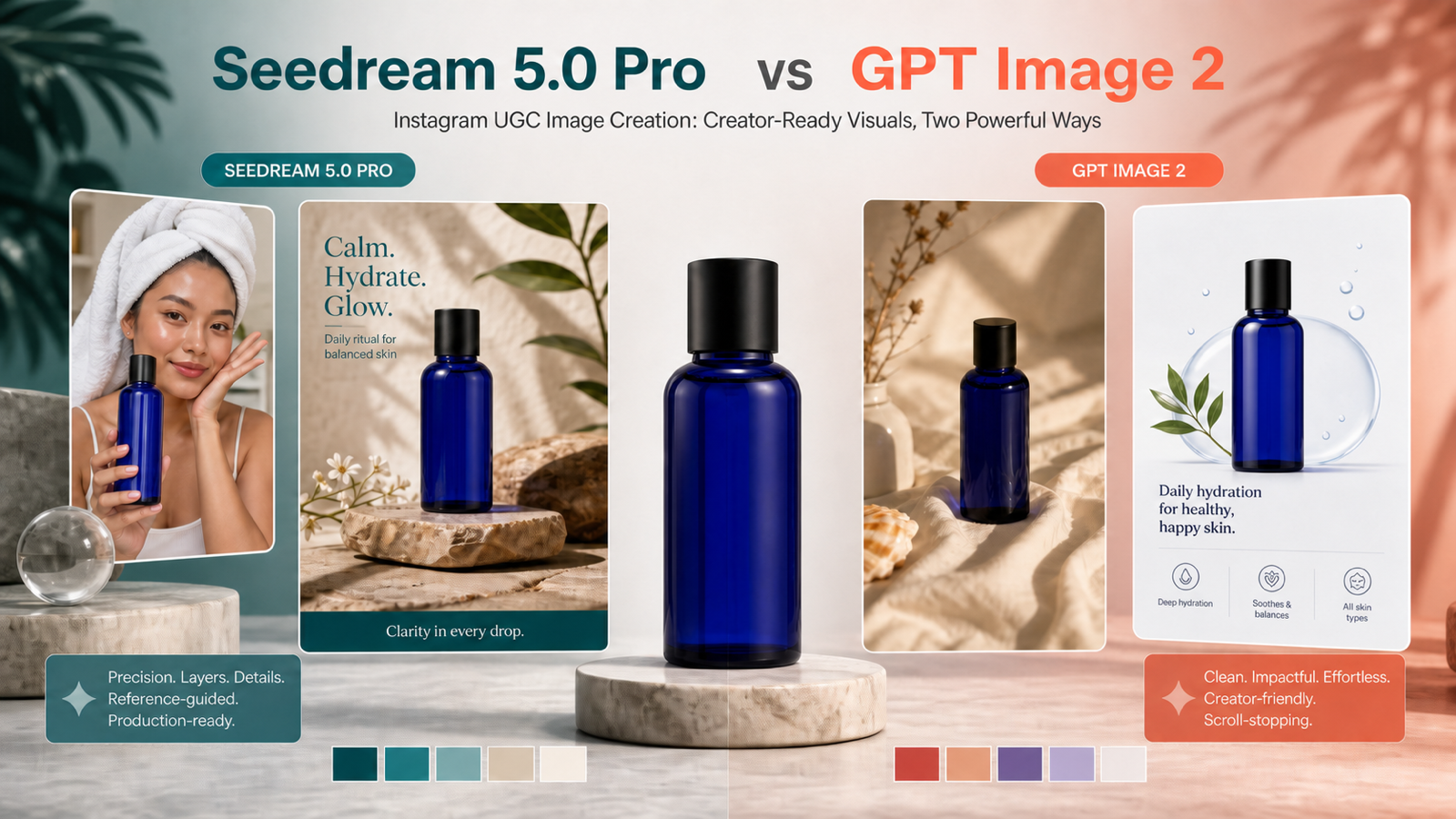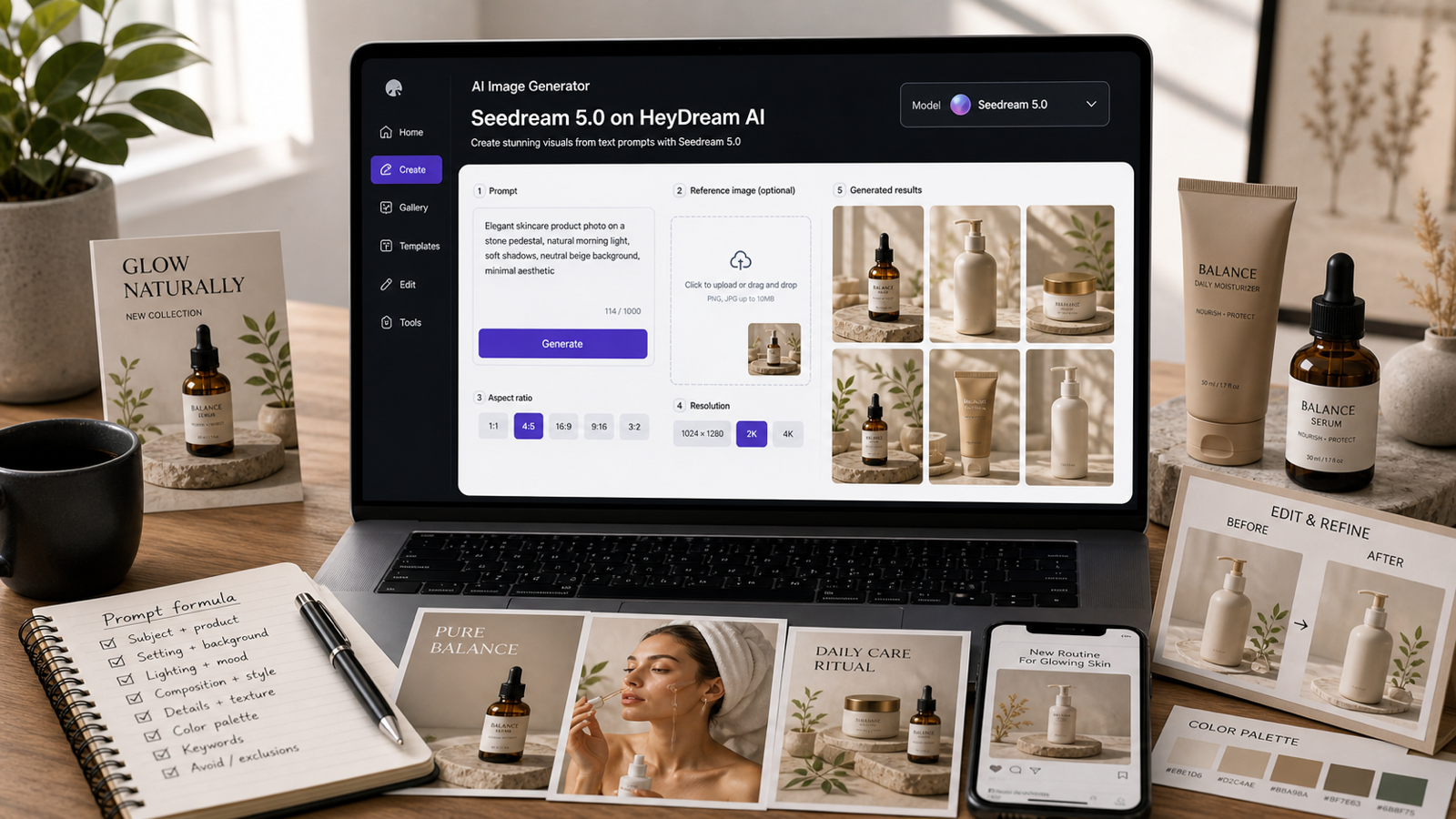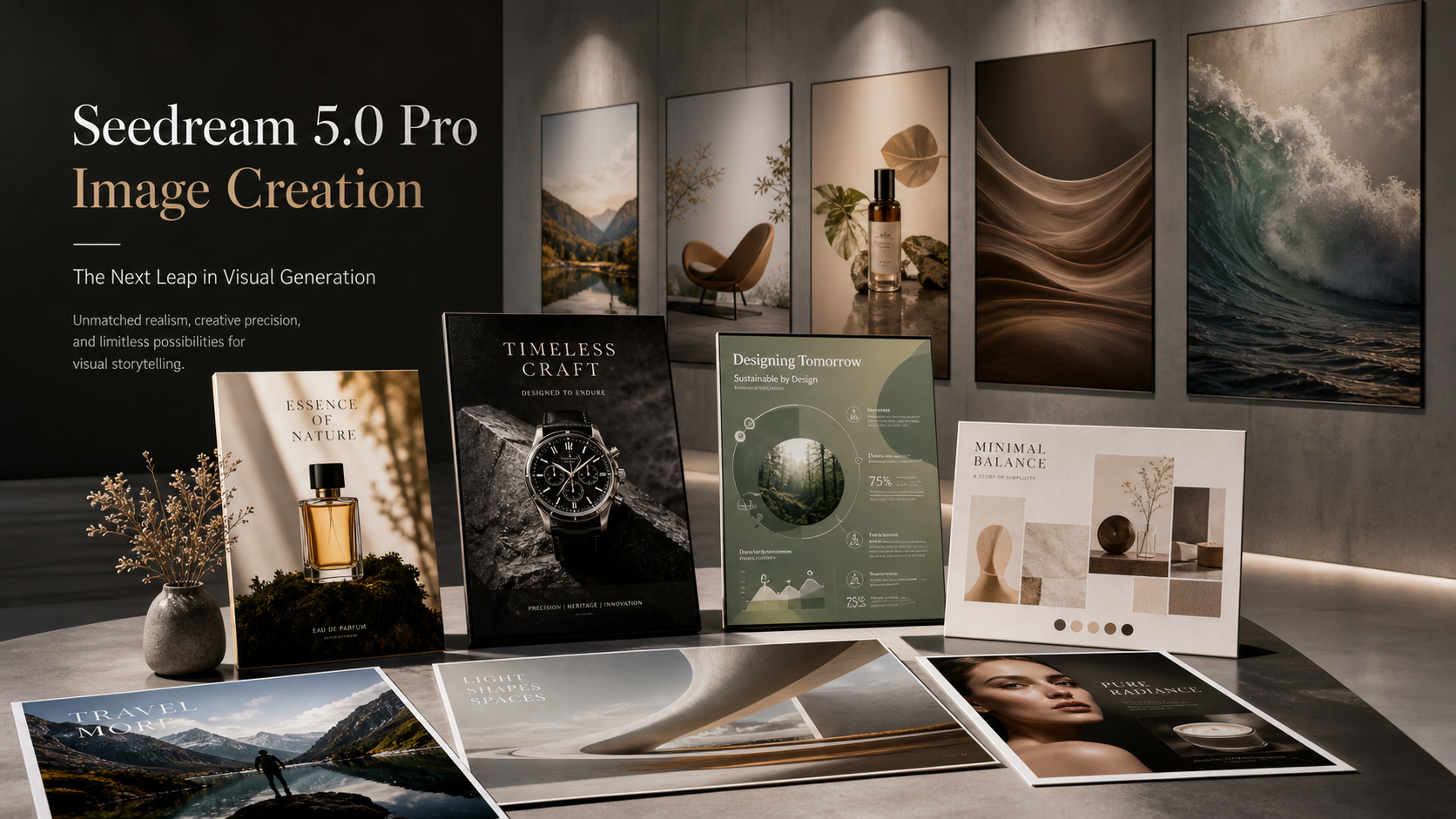
当你需要结构化、具有商业实用价值的视觉内容,而不是一次性的装饰性 AI 艺术图时,Seedream 5.0 Pro 图像生成就很有用。在 HeyDream AI 上,Seedream 5.0 Pro AI Image Generator 被定位用于产品视觉、广告、海报、设计素材、参考图引导生成、交互式编辑、多语言文本以及高密度商业版式。

测试 Seedream 5.0 Pro 的实际原因很简单:设计师、营销人员、电商卖家、出版商、社交媒体创作者和代理机构经常需要能够经得起审核的图片。如果产品形状发生变化、海报层级被破坏、小字难以辨认,或者不同输出之间品牌调性不一致,那么仅仅“好看”的图片是不够的。
当前在线的 HeyDream Pro 界面最多可接受十张 JPG、PNG 或 WebP 参考图,提供一个 2,000 字符的提示词输入框,在可见表单区域包含公开/私密风格的可见性控制,并显示单次生成成本为 90 积分。这些细节应在发布前立即核实,同时还应确认输出分辨率、支持的比例、排队机制、下载格式、编辑控件、隐私设置和使用条款。
本指南将 HeyDream 的 Seedream 5.0 Pro 页面视为主要工作流,同时建议使用 Seedream 5.0 进行更广泛的探索,使用 Seedream AI model hub 了解不同版本,并使用 HeyDream AI Image Generator 并排测试不同图像模型。
Seedream 5.0 Pro 图像生成最适合什么
Seedream 5.0 Pro 最适合作为一种有明确目的的生产级图像工作流来测试。当最终图像需要清晰用途、可控构图以及可审核细节时,例如产品形状、包装、版式、文字位置、光线和参考一致性,就应当使用它。
这使得该模型尤其适用于:
- 产品广告和电商视觉
- 海报和多语言活动版式
- 信息图和演示图形
- 品牌设计草稿和情绪板
- 参考图引导的图像生成
- 局部编辑和视觉优化
- 多图创意指导
- 人像、生活方式和活动概念图
“Pro” 这个词不应被理解为保证每个输出都是最终成品、可直接印刷、已获得商业授权、私密、无水印或完美无缺。应将结果视为仍需人工审核的高质量创意草稿,尤其要检查文字准确性、产品还原度、权利归属、品牌安全、裁切、导出格式和活动审批。
最有用的思路,是带着明确任务去测试 Seedream 5.0 Pro:“它能保留这个产品吗?”“它能让这个海报层级清晰可读吗?”“它能遵循这些参考图吗?”或者“它能在不漂移的情况下做出三个活动变体吗?”

如何在 HeyDream 上使用 Seedream 5.0 Pro
当你的项目需要参考图引导或更结构化的输出时,从 Seedream 5.0 Pro AI Image Generator 开始。当前可见的 HeyDream 界面支持最多上传十张 JPG、PNG 或 WebP 参考图,并提供一个 2,000 字符的提示词输入框,这足以描述主体、版式、光线、排版、保留规则以及避免项。
一个实用的工作流如下:
- 选择输出目标:产品广告、海报、信息图、人像编辑、品牌情绪板或活动概念图。
- 只上传有用的参考图:产品照片、包装角度、人像参考、配色方案、版式灵感或材质纹理。
- 用“先保留后修改”的语言来写提示词:先定义哪些必须保持不变,再描述需要改变的内容。
- 指定图像格式:电商 4:5、海报 2:3、宽幅博客封面 16:9、方形社媒帖 1:1,或竖版故事 9:16。
- 先生成一个版本,然后每次只修改一个变量:背景、光线、裁切、排版、材质、颜色或构图。
- 在花更多积分之前,先根据原始目标审核输出结果。
在初次测试时,提示词最好保持结构化,而不是诗意化。Seedream 5.0 Pro 也许能够胜任富有表现力的创意工作,但商业视觉通常会在提示词明确指出具体格式、目标受众、主体、构图、光线、配色、文字和保留规则时表现更好。
在将输出用于活动之前,请核实 HeyDream 当前的限制和条款。不要默认它可免费使用、可无限生成、支持 4K 导出、可无水印下载、可私密生成、拥有商业权利,或与 ByteDance 有官方关联,除非在线界面和法律页面明确确认。

产品图像和电商视觉
在产品图像方面,Seedream 5.0 Pro 最强的用法是明确告诉它什么不能改。产品视觉之所以在商业上失败,往往是因为瓶身形状变化、盒子比例改变、标签位置移动、材质看起来不对,或背景分散了对商品本身的注意力。
在产品提示词中,应先锁定核心对象:
- 保留完全一致的产品形状、尺寸、比例、瓶盖、标签区域、颜色、材质和正面角度。
- 只改变背景、光线、台面、道具或活动氛围。
- 使用与产品透视一致的真实阴影和反射。
- 如果图像后续需要放标题文案,请留出干净的留白区域。
- 避免额外物体接触或遮挡产品。
对于电商卖家,最简单的测试方式是制作三种输出:
| 输出 | 用途 | 检查内容 |
|---|---|---|
| 干净的产品主视觉 | 产品页或广告开场 | 形状、标签区域、裁切、材质 |
| 生活方式产品场景 | 社媒或落地页 | 背景真实感、阴影、场景上下文 |
| 高端活动图像 | 付费广告或发布视觉 | 光线、层级、品牌调性 |
Pro 工作流也适合用于包装样机,但不要让它去虚构法律标签、营养成分表、合规标志或真实认证徽章。应使用空白标签区域或安全的占位文案,然后在需要准确性的情况下,再在设计工具中放入最终批准的文字。

海报、多语言版式和信息图
Seedream 5.0 Pro 值得用于测试海报和信息图,因为 HeyDream 将该模型定位在多语言文本、复杂版式、海报和信息密集型商业素材之上。在这里,对 Pro 的评判方式应区别于通用图像生成器:版式层级、间距和文本表现与视觉美感同样重要。
海报提示词应包括:
- 精确的标题和副标题文本
- 语言和排版方向
- 主体位置和视觉焦点
- 层级:标题、图像、补充信息、CTA、留白
- 配色和印刷气质
- 长宽比,例如 2:3 或 4:5
对于信息图,范围应保持适度。一个包含六个部分、短标签的信息图,比一张带有微小段落的高密度技术海报更现实。可以要求可读标签、清晰的分区、均衡的间距和准确的视觉关系,然后在发布前仔细检查结果。
一个好的海报测试,不是“它看起来够不够惊艳?”而是“观众能否在两秒内看懂?”一个好的信息图测试,不是“它元素够不够多?”而是“标签、图标、间距和关系是否清晰到足以编辑或发布?”

参考图引导编辑和局部优化
使用 Seedream 5.0 Pro 进行图像编辑时,应采用“先保留后修改”的提示方式。如果你上传的是人像、产品、房间或海报,请先告诉模型哪些必须保持不变,再提出编辑要求。
使用这种编辑模式:
Use the uploaded image as the base. Preserve [product, face, pose, clothing, packaging, layout, or typography]. Change only [background, color, object, label, lighting, material, or atmosphere]. Keep every untouched area consistent. Avoid [altered proportions, identity drift, changed branding, extra objects, distorted hands, or unreadable text].
好的局部编辑请求包括:
- 只将产品背景替换为现代浴室场景。
- 保留人像的面部和服装,但将背景改为编辑风格摄影棚。
- 在保留标签区域和包装形状的同时调整产品光线。
- 在保留版式和主体位置的同时更改活动配色方案。
- 基于同一产品参考图创建季节性变体。
糟糕的编辑请求通常一次要求太多变化。如果你在一个提示词里同时改背景、光线、裁切、标签、产品角度和风格,就更难判断问题出在哪里。对于专业工作,应分小步骤生成,并将每个输出与源图进行比较。

社交活动素材和品牌设计草稿
Seedream 5.0 Pro 可以帮助团队将一个创意发展成一整套活动视觉。与其只生成一张主视觉,不如测试一整组:产品主图、社交广告、情绪板、编辑风格生活方式图、海报、缩略图和发布图形。
对于品牌设计草稿,应描述整个系统:
- 品牌类型和目标受众
- 产品或服务类别
- 视觉氛围和色彩方向
- 材料和纹理
- 摄影风格
- 包装方向
- 社交帖构图
- 排版方向
目标不是让模型替你决定品牌,而是快速产出供创意团队评审的视觉选项。一个好的 Seedream 5.0 Pro 输出,应让问题变得更容易提出:它是否过于高端?过于柔和?过于拥挤?产品是否足够清晰?配色是否适合目标受众?它能否发展成一个完整活动系统?
当你有一张参考图但需要帮助将其转化为提示词语言时,使用 HeyDream Image-to-Prompt Generator。当起点是一张需要重塑风格或优化的源图时,使用 HeyDream Image-to-Image。

HeyDream 上的 Seedream 5.0 Pro 与 Seedream 5.0 对比
Seedream 5.0 Pro 应被定位为更审慎的生产型选项,而 Seedream 5.0 仍适用于更快的视觉探索、通用图像生成、风格转换和广泛的创意测试。
当前可见的 HeyDream 页面显示,Pro 的积分成本高于标准版 Seedream 5.0。在审阅时,Pro 页面显示为 90 积分,而标准版 Seedream 5.0 页面显示为 40 积分。应将这些数字视为在线界面的实时信息,而不是永久定价。
| 使用场景 | 从 Seedream 5.0 开始 | 从 Seedream 5.0 Pro 开始 |
|---|---|---|
| 风格探索 | 是 | 有时 |
| 快速概念图 | 是 | 有时 |
| 带参考图的产品广告 | 有时 | 是 |
| 包装保真 | 有时 | 是 |
| 海报和版式层级 | 有时 | 是 |
| 多语言文本测试 | 有时 | 是 |
| 高密度商业版式 | 有时 | 是 |
| 多图创意指导 | 有时 | 是 |
| 低成本早期草稿 | 是 | 否,除非质量需求足以证明其必要性 |
最佳工作流通常是两阶段:先用常规 Seedream 5.0 探索视觉方向,再将最强的方向转入 Seedream 5.0 Pro,用于参考图引导优化、排版测试、产品保真或生产风格版式。
当你想比较同系列模型选项时,使用 Seedream AI model hub。当你想把 Seedream 与其他可用图像模型一起测试时,使用更广泛的 HeyDream AI Image Generator。

提示词公式与可直接复制的示例
最好的 Seedream 5.0 Pro 提示词结构应像创意简报。它们会描述目标、受众、主体、构图、光线、配色、精确文本、参考图、比例和避免项。
使用这个图像生成公式:
Create a [format and purpose] for [target audience] featuring [subject or product] in [setting]. Composition: [placement, camera angle, hierarchy, and negative space]. Style: [photographic, editorial, commercial, infographic, or illustration direction]. Lighting: [lighting]. Color palette: [colors]. Include the exact text “[copy]” in [language, position, and typography style]. Preserve [reference details]. Aspect ratio: [ratio]. Avoid [unwanted elements].
使用这个图像编辑公式:
Use the uploaded image as the base. Preserve [product, face, pose, clothing, packaging, layout, or typography]. Change only [background, color, object, label, lighting, material, or atmosphere]. Keep every untouched area consistent. Avoid [altered proportions, identity drift, changed branding, extra objects, distorted hands, or unreadable text].
复制使用以下提示词:
-
Create a premium ecommerce hero image for [product]. Preserve its exact shape, proportions, materials, packaging colors, and label position. Place it on sculptural stone with soft studio lighting and a clean 4:5 composition. -
Use the uploaded product image as the reference. Keep the product completely unchanged. Replace only the background with a bright modern bathroom and match the original perspective, shadows, and reflections. -
Design a vertical campaign poster with the exact headline “[headline]” and subtitle “[subtitle].” Use bold multilingual typography, one cinematic portrait, clear hierarchy, and a restrained black, cream, and red palette. -
Create a six-section infographic explaining [topic]. Use concise readable labels, accurate visual relationships, balanced spacing, clean editorial illustration, and a professional vertical layout. -
Create three consistent social-ad images for [product]. Preserve the product design, label, colors, and proportions while changing the setting, camera angle, and creative hook in each image. -
Use the uploaded portrait as the reference. Preserve the person’s face, age, hairstyle, expression, skin tone, pose, and clothing. Replace only the background with a softly lit editorial studio. -
Create a premium brand mood board for [brand]. Include product photography, material textures, packaging references, typography direction, color swatches, and social-post concepts in one structured layout. -
Create a cinematic concept frame showing [character] in [environment]. Preserve the uploaded character references and use atmospheric lighting, realistic materials, strong depth, and clear narrative composition.
对于每个提示词,都应避免真实名人肖像、受版权保护的角色、受保护的标志、注册商标产品设计、虚假认证标识以及无依据的产品宣称。如果图像将用于商业用途,在发布前应进行权利和品牌审核。

发布 Seedream 5.0 Pro 图像前的最终检查清单
在发布 Seedream 5.0 Pro 图像之前,请像创意总监一样审查它,而不是像提示词测试者一样。问题不在于图像是否吸引人,而在于它对于预期用途来说是否足够准确、足够清晰、足够安全。
使用这份清单:
- 产品形状、标签区域、材质和比例仍然正确。
- 海报层级在预期显示尺寸下清晰可读。
- 当语言准确性重要时,多语言文本已由流利使用者审核。
- 信息图的标签和关系准确无误。
- 人像没有身份漂移或手部畸变。
- 背景替换与透视、阴影和反射相匹配。
- 局部编辑只修改了预期区域。
- 品牌颜色、调性和构图符合活动需求。
- 输出比例和裁切适合平台。
- 已在 HeyDream 上检查隐私、下载、水印和商业使用条款。
- 任何上传的参考图都已拥有、获授权或已获准使用。
FAQ
Seedream 5.0 Pro 在 HeyDream 上是免费的吗?
HeyDream 的页面采用了“可免费试用”风格的定位,但在线界面同时也显示积分消耗。发布前请核实当前的免费访问、积分要求、队列机制和登录规则。
Seedream 5.0 Pro 比 Seedream 5.0 更好吗?
对于结构化商业视觉、参考图、海报、信息图、产品广告和精确编辑,Seedream 5.0 Pro 是更好的首选测试对象。标准版 Seedream 5.0 仍然适合更快的视觉探索和通用图像生成。
Seedream 5.0 Pro 能为电商生成产品图吗?
可以,它是一个值得测试的电商视觉工作流,但在将输出用于真实店铺或广告活动前,仍需检查产品形状、包装、标签区域、材质、阴影和权利问题。
它能处理多语言海报文字吗?
HeyDream 将 Seedream 5.0 Pro 定位于多语言文本和版式工作。不过,所有可见文字仍应人工检查,尤其是在广告、包装、教育、法律、医疗或金融内容中。
我应该使用 Pro 页面还是通用 AI Image Generator 页面?
如果要进行 Pro 专项测试,请使用专门的 Seedream 5.0 Pro page。如果你想进行更广泛的模型测试,请使用 HeyDream AI Image Generator。
结论
当你的项目存在生产约束时,Seedream 5.0 Pro 图像生成最有价值:例如产品准确性、海报层级、多语言版式、参考一致性、局部编辑和可直接用于品牌的活动方向。当图像需要精确控制时,从 HeyDream 上的 Seedream 5.0 Pro 开始;需要更快探索时,使用 Seedream 5.0;若要比较更广泛的模型家族,可通过 Seedream AI hub 或 HeyDream AI Image Generator。
推荐页面
- Seedream 5.0 Pro AI Image Generator
- Seedream 5.0 AI Image Generator
- Seedream AI Model Hub
- HeyDream AI Image Generator
- HeyDream Text-to-Image Generator
- HeyDream Image-to-Image Generator
- HeyDream Image-to-Prompt Generator
- HeyDream AI Photo Editor
相关阅读
- Seedream 5.0 AI Image Prompt Guide for Photorealistic Images
- Seedream 5.0 Image Generation Guide on HeyDream AI
- Nano Banana 2 vs Qwen Image 2.0 vs Seedream 5.0
- HeyDream AI Image Generator Guide and Model Comparison
- How to Turn Reference Images into Better AI Prompts