AI image generation is no longer only about making a beautiful picture from a short prompt. With the arrival of official ChatGPT Images 2.0, image creation is moving closer to a practical design workflow: you can describe a visual goal, refine the result, edit an existing image, and build assets that feel connected instead of random.
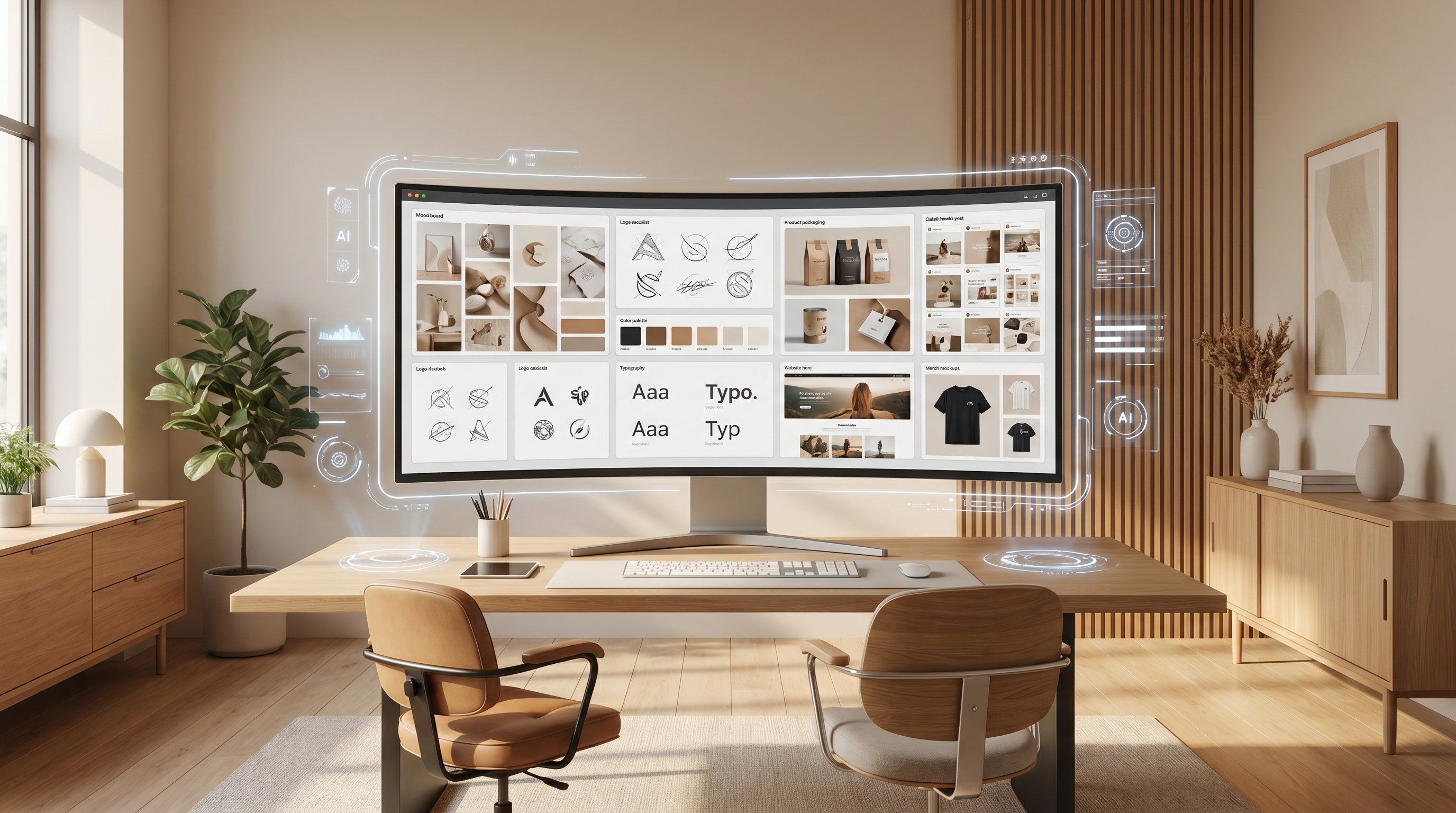
That makes ChatGPT Image 2 on HeyDream AI especially useful for branding. Instead of using GPT Image 2 only to make one poster or one social image, creators can use it to build a small but usable brand kit: mood boards, logo directions, color ideas, typography references, product mockups, and social media visuals. For indie founders, bloggers, AI tool sites, online sellers, and creator brands, this can speed up the earliest and most confusing stage of visual identity work.
The goal is not to replace a professional designer. The better use is to make your ideas visible faster, compare different directions, and prepare stronger references before final design decisions.
Start with a Clear Brand Brief
Before opening a GPT Image 2 AI image generator, start with a short brand brief. This keeps your results focused and prevents the model from producing attractive but unrelated visuals.
A simple brief can include the brand category, target audience, emotional tone, visual style, color direction, and final use case. For example, a skincare startup may want “clean, calm, natural, premium, soft beige and green, minimal packaging, suitable for web banners and Instagram ads.” A gaming channel may want “bold, neon, energetic, futuristic, high contrast, suitable for YouTube thumbnails and stream overlays.”
This kind of detail gives OpenAI GPT Image 2 a design target. Instead of asking for “a nice logo” or “a cool poster,” describe the brand personality and where the image will be used. The more practical your brief is, the easier it becomes to generate visuals that can support a real brand system.
Create a Brand Mood Board First
A mood board is one of the best first outputs for GPT Image 2. It does not need to be perfect or final. Its job is to explore the feeling of the brand: colors, textures, layout ideas, photography style, illustration style, product atmosphere, and design references.
You can use an AI image generator to create several mood board directions from the same brand brief. One version might feel soft and editorial. Another might feel futuristic and digital. A third might feel playful and creator-friendly. Comparing these directions helps you understand what the brand should not look like, which is often just as important as finding what works.
For better results, ask for a “brand mood board layout” rather than a single image. Include items such as color swatches, sample typography, packaging inspiration, social media preview tiles, logo-style fragments, and lifestyle imagery. This turns the AI output into a useful planning document instead of a standalone artwork.
Explore Logo Ideas and Visual Motifs
Logo design is sensitive because a final logo needs originality, clarity, and legal review. Still, GPT Image 2 can be very helpful during the early exploration stage. It can suggest visual directions, symbol ideas, mascot shapes, app icon concepts, badge layouts, and graphic motifs.
For example, a coffee brand may explore steam shapes, bean symbols, hand-drawn labels, vintage badges, or minimalist cup icons. A productivity app may explore simple geometric marks, clean app icons, calendar symbols, or abstract flow shapes. A fashion brand may test monograms, elegant serif initials, fabric-inspired symbols, or boutique-style labels.
The key is to treat these as concepts, not finished trademarks. Use OpenAI GPT Image 2 to find a direction, then refine it with human judgment. Ask which concept feels readable at small sizes, which one matches the audience, and which one could become a complete visual identity.
Refine Visual Consistency with Image-to-Image
After you generate a few promising ideas, the next challenge is consistency. Many AI images look good individually but do not feel like they belong to the same brand. This is where an image-to-image generator can help.
Upload a draft mood board, logo concept, product image, or previous brand visual. Then ask the tool to preserve the core structure while changing specific details. You can request a cleaner palette, a more premium layout, a softer background, a stronger product focus, or a version designed for a different platform.
This workflow is useful because brand identity depends on repetition. If every image has a different color mood, font feeling, and composition style, the brand will look scattered. Image-to-image editing can help you stretch one strong idea into several connected assets: a landing-page hero image, a social post, a product banner, and a thumbnail that all feel related.
Turn References into Better Prompts
Many users know what style they want when they see it, but they struggle to describe it. That is why an image to prompt tool can be valuable in a GPT Image 2 workflow.
You can upload a reference image and use the prompt description to learn the visual language behind it. Maybe the image has “soft diffused studio lighting,” “editorial product photography,” “minimal beige background,” “flat vector icon style,” or “cinematic high-contrast composition.” Once you understand those words, you can build stronger prompts for your own brand visuals.
This is also helpful for repeatable work. A brand should not rely on one lucky prompt. It needs reusable prompt templates. You can create templates for product mockups, social ads, blog headers, profile banners, and campaign visuals. Then you only need to change the product name, message, color, or platform ratio.
Build Production-Ready Brand Assets
Once the brand direction is clear, move from exploration to usable assets. GPT Image 2 can help create blog headers, launch posters, feature-section illustrations, product mockups, newsletter graphics, social media tiles, packaging previews, and presentation visuals.
For cleaner layouts, use a background remover when you need transparent product cutouts, logo mockups, sticker-style graphics, or cleaner presentation boards. This is especially useful for e-commerce images, creator merch previews, and website visuals where the subject needs to stand apart from the background.
A good workflow is simple: generate the visual concept, remove or adjust the background if needed, then place the asset into a real layout. Always review text carefully before publishing. AI image models have become better with visual text, but brand names, prices, slogans, small labels, and legal copy still need human checking.
Extend the Brand Kit into Fashion, Merch, and Motion
A strong brand kit should not stop at a mood board. Once you have a visual direction, you can test how it looks in the real world. For fashion or creator merchandise, virtual try-on AI can help preview clothing ideas, branded outfits, and apparel concepts. A creator brand might test hoodies, T-shirts, caps, or campaign looks before preparing real product photography.
For product-focused brands, a static image can also become the starting point for motion content. After creating product visuals with GPT Image 2, you can use a product-to-video generator to imagine how that product could appear in a short ad, social reel, or promotional clip. This makes the brand kit more flexible because the same visual system can support both still images and motion-ready content.
A Simple Prompt Formula for Brand Kits
A repeatable prompt formula can make the whole process smoother:
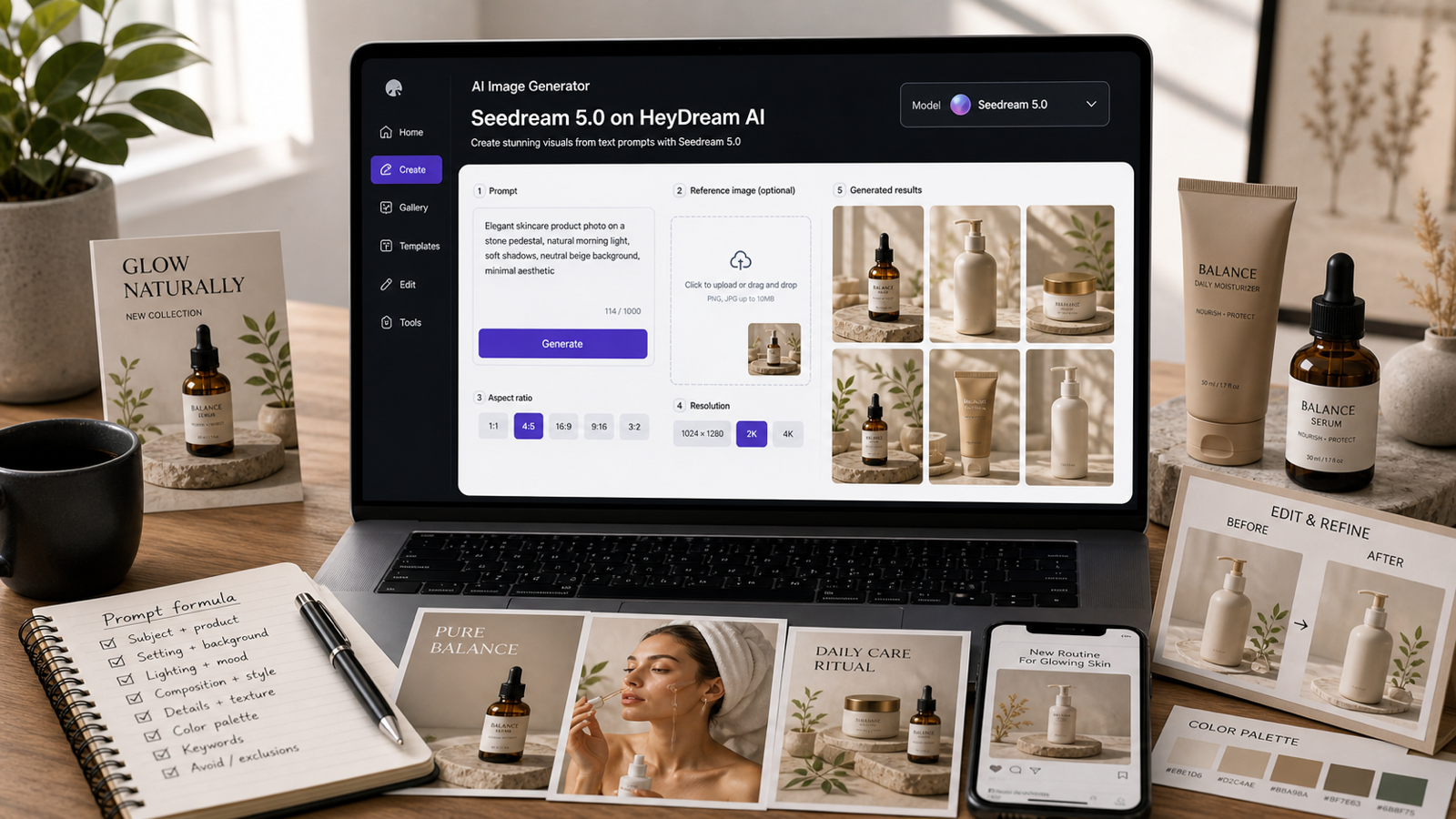
Brand type + target audience + visual mood + color palette + typography direction + layout format + asset type + platform ratio.
For example:
“Create a brand mood board for a modern eco-friendly skincare startup targeting young professionals. Soft natural lighting, warm beige and sage green palette, clean serif and minimal sans-serif typography references, premium but approachable tone, include packaging ideas, social media tiles, product photography mood, and website hero image direction.”
For a logo exploration, the prompt can be shorter:
“Create six minimalist logo concept directions for a calm wellness app. Use soft geometric symbols, gentle curves, nature-inspired abstract marks, muted green and cream palette, clean app icon presentation, no complex background.”
For social media assets, be more specific about format:
“Create a square Instagram launch graphic for a boutique coffee brand. Centered product bag mockup, warm morning light, deep brown and cream palette, clear headline area at the top, premium handmade feeling, clean modern layout.”
Final Thoughts
GPT Image 2 is most useful when you treat it as a creative system, not a magic button. A vague prompt may produce a nice image, but a clear workflow can produce a brand direction. Start with a brief, generate mood boards, explore logo ideas, refine with image-to-image editing, turn references into better prompts, and build practical assets for websites, campaigns, products, and social platforms.
It is worth reading the official ChatGPT Images 2.0 release to understand the broader model direction. For hands-on brand creation, ChatGPT Image 2 on HeyDream AI gives creators a practical way to generate, edit, and refine visual assets in one workflow.
Recommended HeyDream AI Models and Tools
After building your first brand kit with ChatGPT Image 2 on HeyDream AI, you can expand the workflow with other image, editing, and video tools.
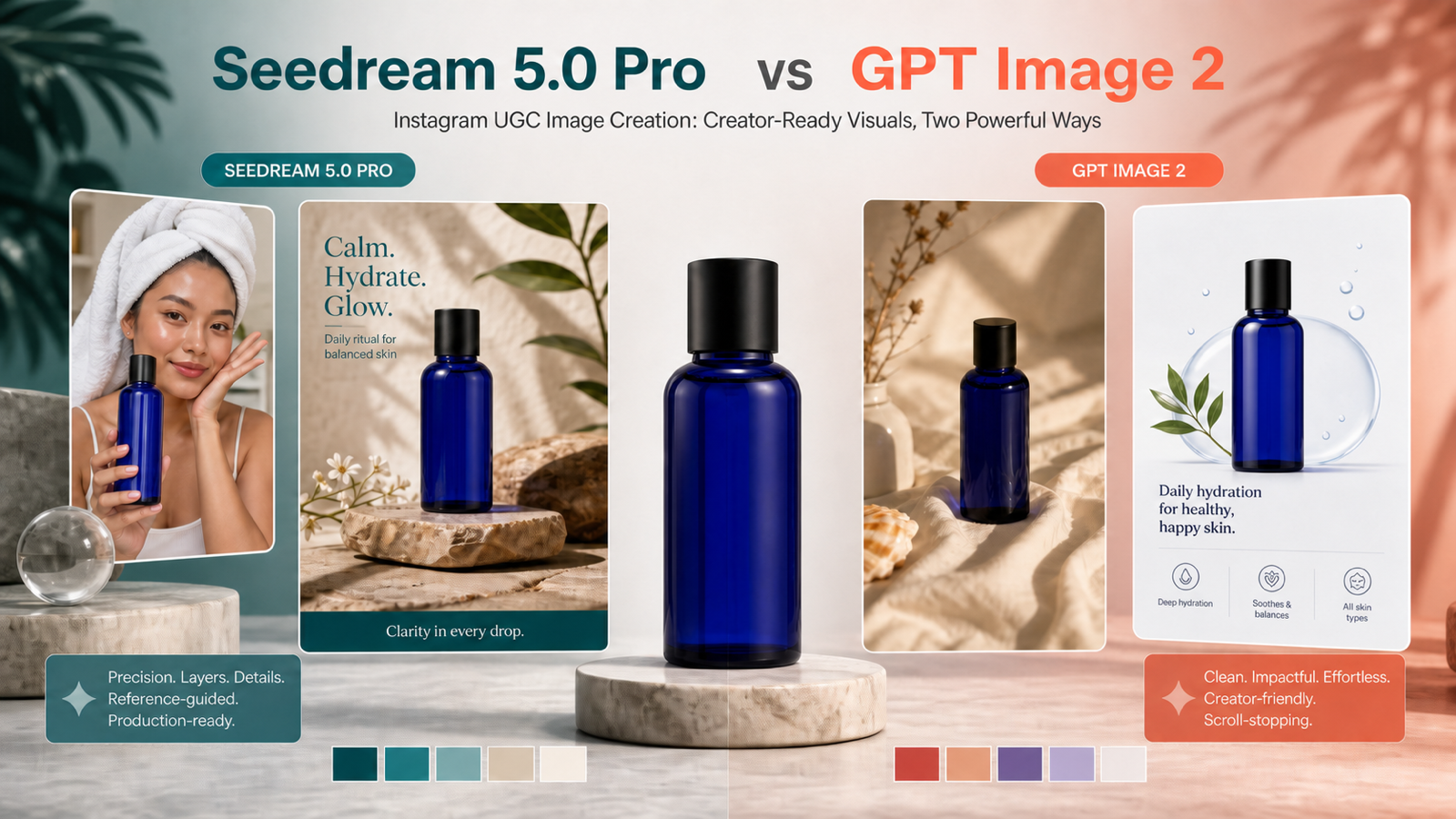
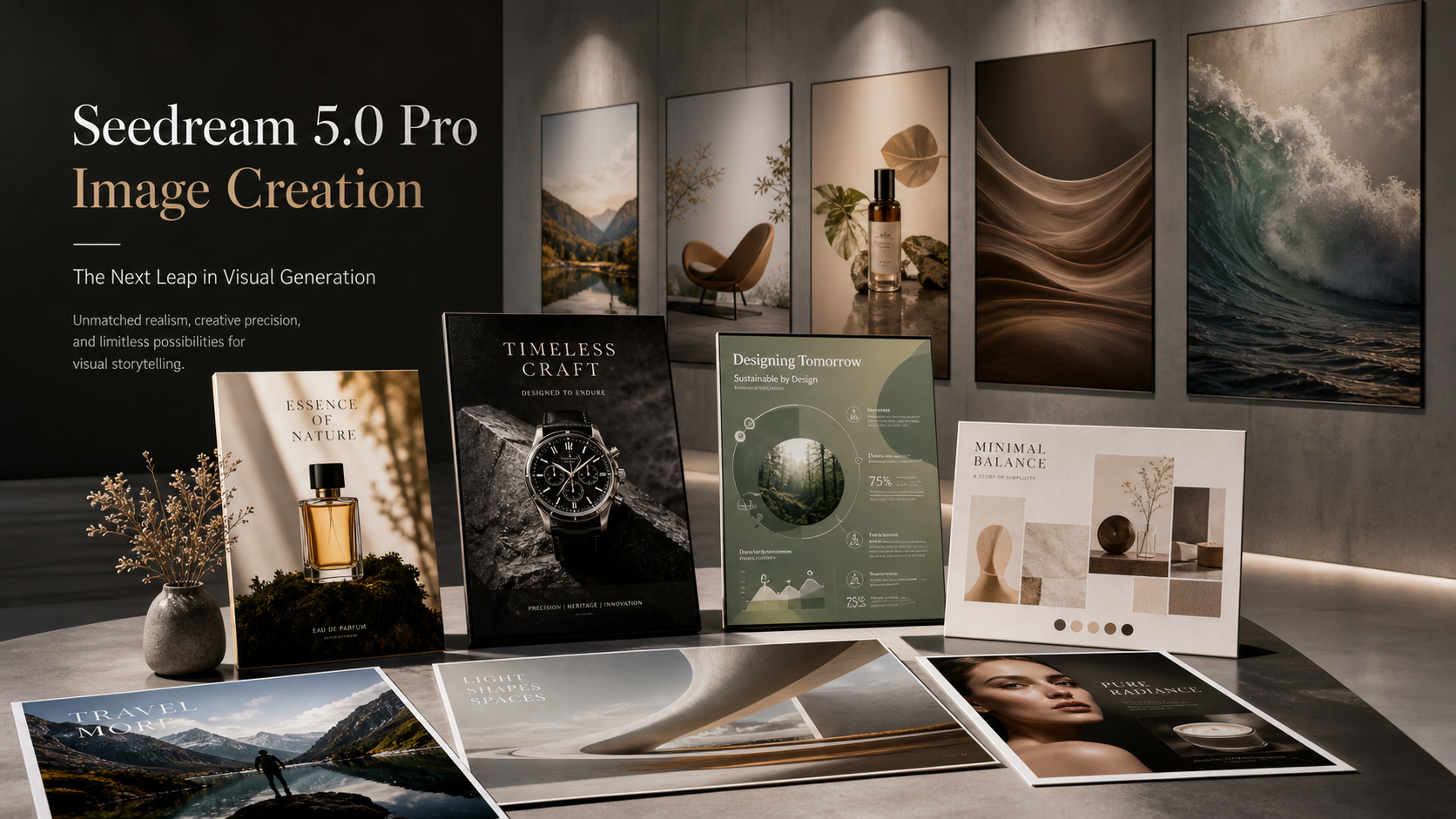
Try Nano Banana Pro AI for high-end image generation, detailed edits, multi-image blending, product design, and polished commercial visuals. Use Seedream 5.0 when you want to compare another multimodal image model for creative styles and visual experimentation. Explore Qwen Image 2.0 if you want another model option for image generation and editing.
For production workflows, use the AI Image Generator for broader text-to-image creation, the Image to Image Generator for refining visual identity concepts, the Image to Prompt Tool for extracting prompt language from references, and the Free Background Remover for cleaner brand mockups. For applied brand use cases, Virtual Try On AI works well for apparel and merch previews, while the Product to Video Generator can turn static product visuals into short promotional content.
Related Article
- GPT Image 2 OpenAI API: What It Offers and How to Try It
- HeyDream AI Image Generator Guide: Best Models for Text-to-Image and Image-to-Image
People Also Read
- GPT Image 2 Is Here: What’s New, What It Changes, and Where You Can Access It
- How to Use DreamMachine AI’s AI Video Generator: A Practical Guide for Text and Image Workflows
- ChatGPT Image 2 Release: Features, Prompts, and API Guide
- GPT Image 2 Is Officially Here: What Changed, What’s New, and Where to Use It
- GPT Image 2 Explained: What’s New, and How It Compares With Nano Banana Pro