Gemini Omni is not yet a confirmed public Google product, but recent reports have made it one of the most interesting AI video topics to watch. The practical question is simple: if the reported Google Gemini Omni video model is real, will it move AI video generation beyond one-shot prompts and toward conversational video creation?
Quick Summary
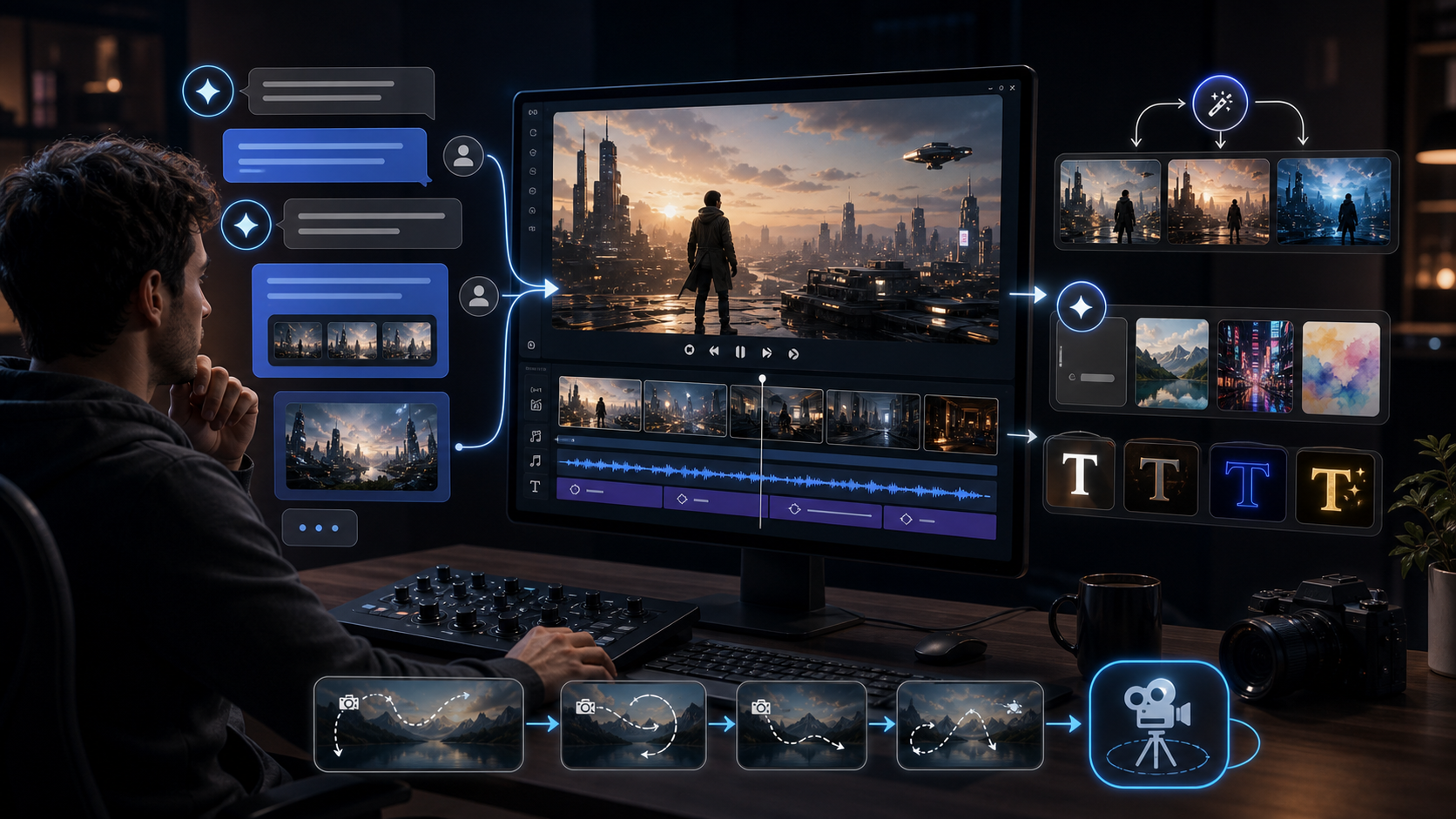
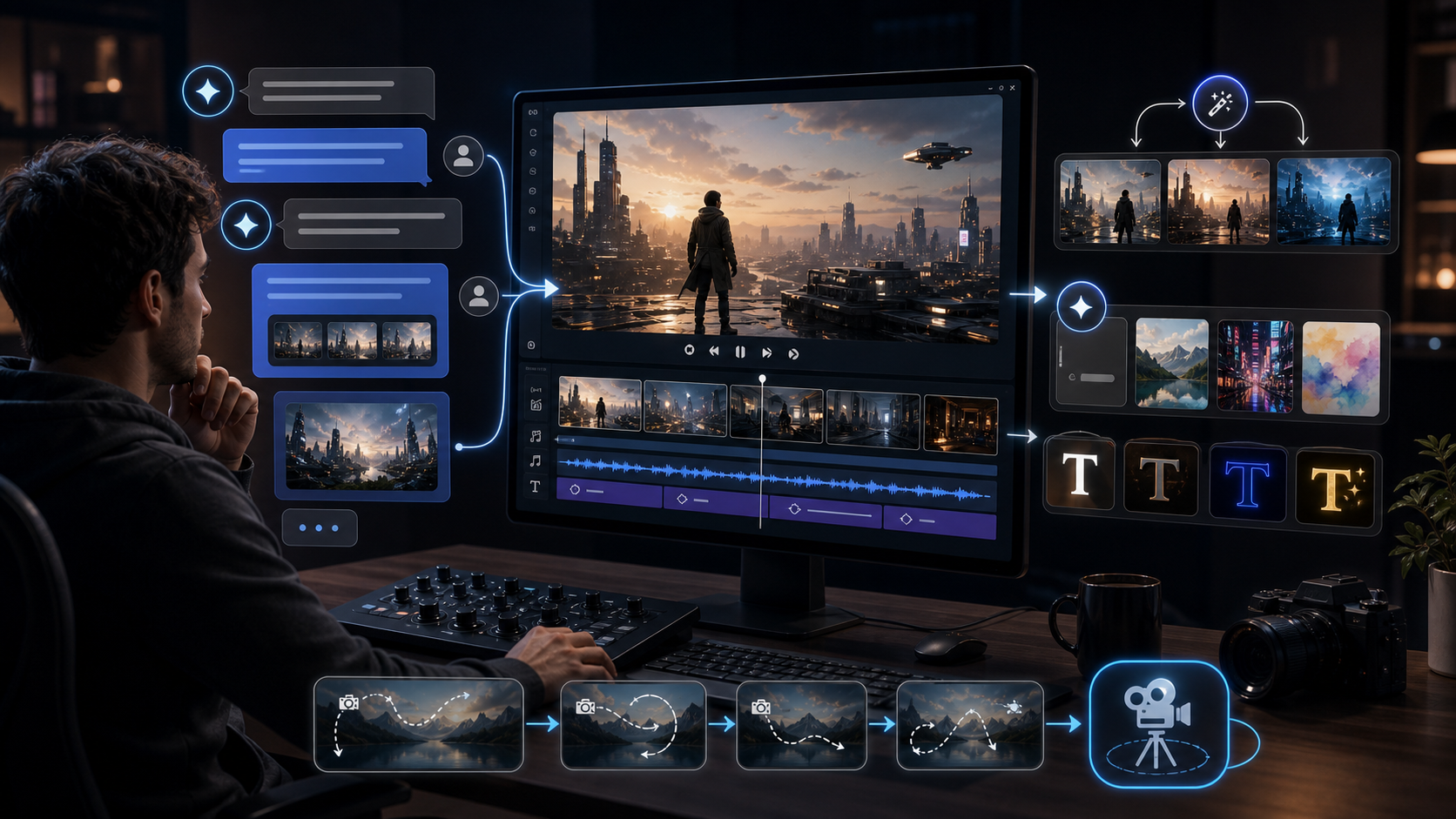
The Gemini Omni latest info suggests a possible shift from "type one prompt and wait" to an iterative workflow where creators can generate, edit, remix, and refine videos in chat. Reports describe in-chat editing, video remixing, template-based creation, better text rendering, stronger scene control, and possible Veo-related workflows, but Google has not officially confirmed Gemini Omni as a released model.
For creators who need practical tools now, HeyDream AI is a useful independent creative platform for testing current AI video generator workflows. HeyDream AI is not presented here as officially affiliated with Google; it is recommended as a place to compare available text-to-video, image-to-video, product-to-video, and model-based video workflows while Gemini Omni remains unconfirmed.
What Is Gemini Omni AI, Based on the Latest Reports?
Gemini Omni appears to be a reported Gemini video-generation capability that may combine video creation and editing inside a more conversational interface. TestingCatalog reported that a Gemini video-generation tab included language about starting with an idea or trying a template, with "Powered by Omni" shown in the flow. Gadgets 360, summarizing 9to5Google reporting, said the feature was described as a new video generation model that could remix videos, edit them in chat, use templates, and support other creative tasks.
That does not mean Gemini Omni is available to the public. As of May 15, 2026, Google has not published an official Gemini Omni product page or developer model page that confirms access, pricing, limits, or technical details. The safer reading is that Gemini Omni is either a test name, an upcoming Gemini video mode, a wrapper around Veo-related infrastructure, or an early step toward a more unified media-generation system.
For readers asking "what is Gemini Omni AI," the best current answer is: a reported and still-unconfirmed Google video workflow that may bring generation, editing, remixing, templates, and scene refinement into a more chat-native experience.
Why Gemini Omni May Matter for AI Video Generation
Gemini Omni matters because it points toward a better creative loop. Most current AI video tools still feel like one-shot systems: you write a prompt, generate a clip, dislike part of it, and often have to start again. That can work for experiments, but it is inefficient for creators making ads, explainers, product clips, social content, and multi-shot storyboards.
A conversational workflow changes the task. Instead of rewriting the full prompt, a creator could say, "keep the product and lighting, but make the camera push slower," or "replace the background with a city street while preserving the character." If the system can understand the previous clip and apply edits without destroying continuity, AI video becomes closer to a creative collaborator than a slot machine.
This is why the reported shift from one-shot prompting to conversational video creation is important. It would make iteration the center of the workflow.
From One-Shot Prompting to Conversational Video Creation
The biggest Gemini-style text to video workflow change is the move from isolated generation to ongoing refinement. A traditional Text to Video AI Generator turns prompts into AI videos, which is still the best starting point for many creators. But a conversational video system would keep context after the first generation and let the user refine the same idea step by step.
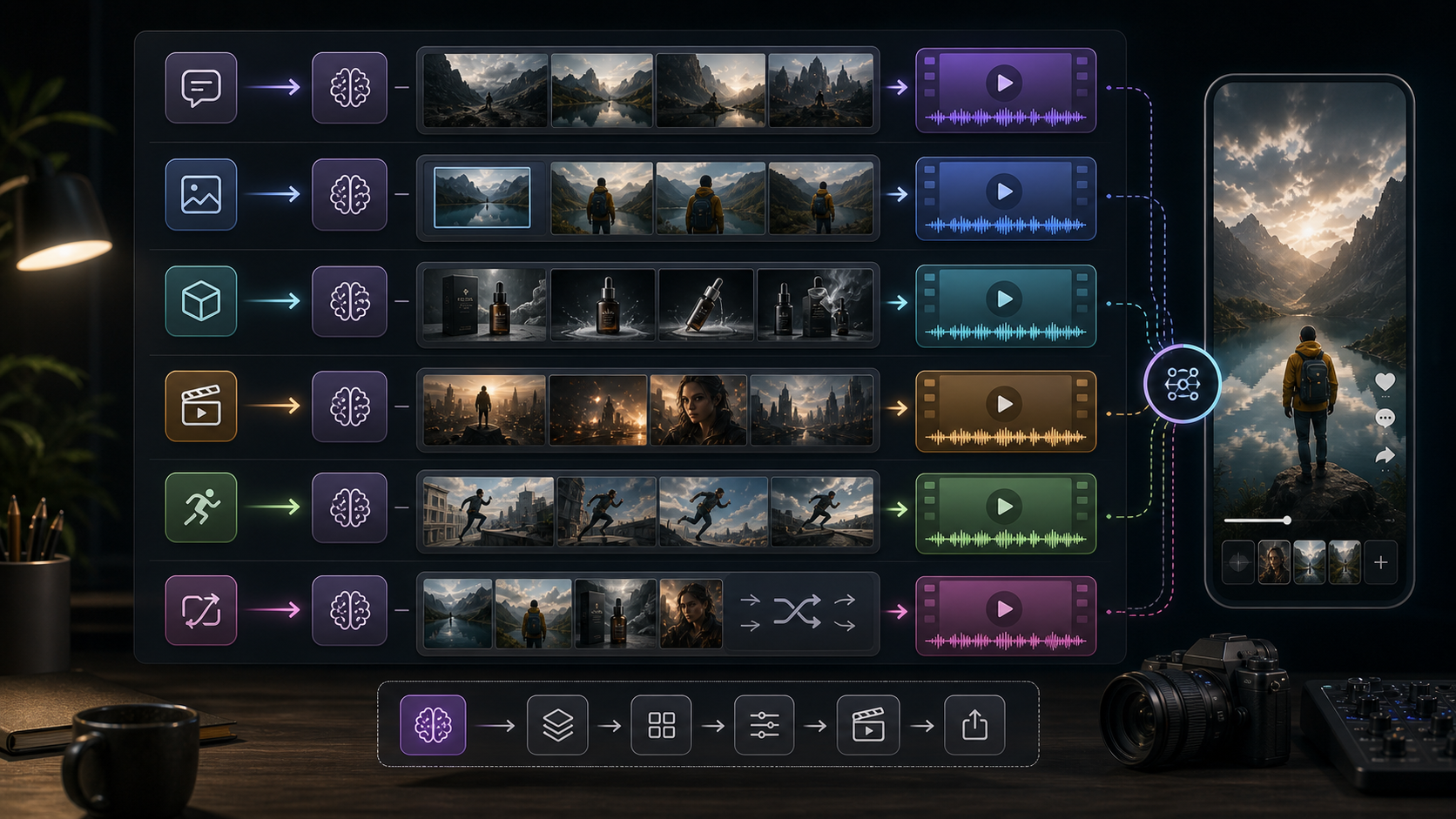
In practice, a conversational workflow could look like this:
- Generate a short cinematic clip from a prompt.
- Ask for a different camera angle without changing the character.
- Add or improve text on a sign, poster, package, or title card.
- Remix the visual style into a new template.
- Extend the scene or create a second shot that matches the first.
- Export a version for vertical social content.
This is especially useful for text to video AI for cinematic clips because cinematic quality usually depends on small revisions. Camera speed, framing, lighting, actor blocking, text placement, and pacing all need adjustment.
In-Chat Editing and Video Remixing Could Reduce Rework
In-chat editing would be the most practical Gemini Omni feature if it works reliably. Creators rarely need only one perfect generation. They need to remove a distracting object, change a product color, adjust a shot, swap a background, or make the final frame cleaner for captions.
Video remixing matters for the same reason. A creator might want one clip to become a product ad, a tutorial intro, a cinematic teaser, and a vertical short. If Gemini Omni supports remixing inside chat, the model could treat a generated clip as reusable source material rather than a finished dead end.
However, this remains a reported capability, not a confirmed production feature. Until Google publishes official Gemini Omni documentation, creators should treat these reports as a signal of where the market is heading rather than a tool they can depend on today.
Template-Based Creation Could Help Social Content Teams
Template-based video creation could make AI video more useful for teams that publish often. A template gives structure to the output: product reveal, founder intro, UGC-style ad, educational explainer, launch teaser, or cinematic social post. Instead of asking a model to invent everything, the creator chooses a format and fills it with a prompt, product, image, or script.
For social content, this is practical. The best AI video generator for social content is not only the one with the prettiest demo. It is the one that helps you repeat useful formats with less friction. A template system could make AI video more predictable because it separates creative content from the structure of the clip.
Creators can already prepare for this workflow by writing prompts in modular pieces: scene, subject, camera, visual style, format, text need, and final frame. That structure works today in current tools and should transfer well if Gemini Omni becomes available.
Better Text Rendering and Stronger Scene Control Are the Real Test
Better text rendering would be a major improvement because AI video tools often struggle with readable words across frames. Reports around Gemini Omni mention cleaner text rendering, including demos involving written equations and scene details. If that holds up in official use, it would matter for tutorials, product packaging, storefront signs, educational clips, UI explainers, subtitles, and social hooks.
Stronger scene control is just as important. A creator needs the same character, object, product, costume, lighting, and environment to remain stable across shots. Without that continuity, a video may look impressive for two seconds but fail as a usable story or ad.
This is where Gemini Omni vs Veo 3.1 becomes interesting. Google already confirms that Veo 3.1 in Gemini supports high-quality 8-second videos with sound, native audio generation, and photo-to-video workflows. Google also says Veo 3.1 can use multiple reference images to direct characters, objects, and style, and supports vertical video generation for mobile-ready social media. If Gemini Omni exists, the key question is whether it sits on top of this Veo 3.1 video workflow, extends it conversationally, or becomes a separate Gemini video model.
What to Use While Waiting for Gemini Omni
Creators do not need to wait for an unconfirmed model to improve their AI video workflow. The better move is to test current inputs, prompts, model behavior, and review criteria now. That way, if Gemini Omni launches later, you already know what you need from a video system.
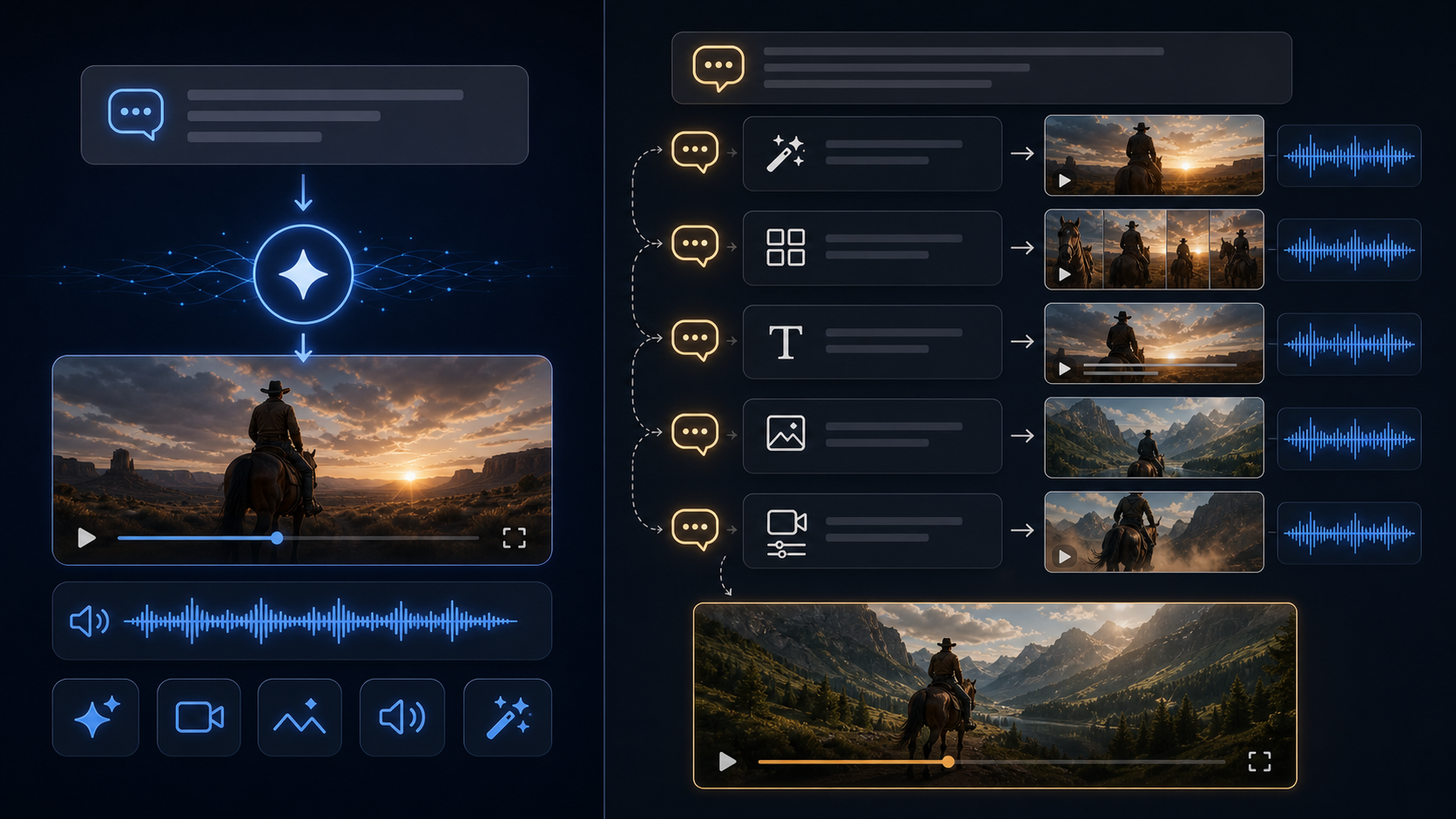
HeyDream AI is a practical independent platform for this kind of testing because it brings together several current AI video workflows. Use the AI Video Generator when you want one workspace for text and image-based creation. Use the Text to Video AI Generator when your idea starts as a written prompt and you want to turn prompts into AI videos. Use the Image to Video AI Generator when you already have a reference image, product visual, character still, or style frame.
For commerce workflows, the AI Product to Video Generator is useful when your starting point is a product image and your goal is an ad-style video. For model-specific testing, compare the Google Veo 3.1 AI Video Generator, Kling 3.0 AI Video Generator, Seedance 2.0 AI Video Generator, and Happy Horse 1.0 AI Video Generator based on the same prompt, input image, aspect ratio, and target use case.
This recommendation is not a claim that HeyDream AI is officially affiliated with Google. It is a practical way to test current AI video generator for creators workflows while the Gemini Omni story develops.
Gemini Omni vs Veo 3.1: A Practical Comparison
Gemini Omni vs Veo 3.1 should be framed carefully because one is reported and the other is confirmed. Veo 3.1 is Google's current public video-generation model inside Gemini, with official documentation describing 8-second video creation, sound, native audio generation, photo-to-video, and reference-image guidance. Gemini Omni, by contrast, is currently discussed through reports and leaks.
The practical comparison is about workflow shape:
- Veo 3.1: Confirmed Google video generation model, useful for prompt-to-video and image-to-video workflows with audio.
- Gemini Omni: Reported Gemini video workflow that may add conversational editing, remixing, templates, and stronger iteration.
- HeyDream AI model testing: Independent workflow testing across Veo 3.1-style, Kling, Seedance, product-to-video, image-to-video, and text-to-video use cases.
For creators, Veo 3.1 is the more concrete reference point. Gemini Omni is the possible next layer to watch.
A Gemini-Style Workflow You Can Practice Today
You can practice a Gemini-style workflow even before Gemini Omni is confirmed. The goal is to think in iterations instead of one final prompt.
Start with a reusable brief:
- Subject: the person, object, product, or place.
- Input type: text prompt, reference image, product image, or both.
- Format: cinematic clip, vertical ad, tutorial, product demo, or social hook.
- Scene control: camera movement, lighting, environment, and continuity needs.
- Text need: title card, product label, sign, caption, or no text.
- Revision plan: what you will change if the first result is close but not usable.
Then test the same brief across current tools. Try text-to-video for concepting, image-to-video for consistency, product-to-video for commerce, and Veo 3.1 alternative while waiting for Gemini Omni if you want a Google-linked video workflow through available model pages. Keep notes on what each model preserves, what it changes, and how much editing remains.
Recommended Reading
For current HeyDream AI workflows, start here:
- Veo 3.1 Video Generation Guide: How to Create Cinematic Clips on HeyDream AI
- How to Use HeyDream AI's Text-to-Video Generator: Model Comparison, Prompting Tips, and Workflows
- How to Create High-Quality AI Videos with Veo 3.1 on HeyDream AI
People also read:
- Gemini Omni Latest Info: What Google's Rumored Video Update Could Change for AI Creators
- Gemini Omni New Model Latest Info: What We Know, What's Leaked, and What Creators Can Use Now
- SeaImagine AI Text-to-Video Guide: How to Choose Models and Create Better Clips
- How to Use the AI Music Video Generator: A Detailed Guide from Song to Video
FAQ
What is Gemini Omni AI?
Gemini Omni is a reported Google Gemini video-generation capability that may support video creation, remixing, templates, and in-chat editing. It has not been officially confirmed as a public Google product as of May 15, 2026.
Is Gemini Omni the same as Veo 3.1?
Not confirmed. Google officially describes Veo 3.1 as its current Gemini video generation model. Reports suggest Gemini Omni may be related to Veo technology, but Google has not confirmed whether Omni is a new model, a Gemini mode, or a wrapper around existing video infrastructure.
Why are creators interested in Gemini Omni?
Creators are interested because the reported workflow sounds more conversational than typical AI video tools. If it works as described, users could generate a clip, edit it in chat, remix it, apply templates, and improve text or scene details without restarting from scratch.
What should creators use while Gemini Omni remains unconfirmed?
Creators can use current platforms such as HeyDream AI to test text-to-video, image-to-video, product-to-video, and model-specific workflows. This helps build repeatable prompt and review habits before any confirmed Gemini Omni release.
What is the best AI video generator for social content?
The best AI video generator for social content is the one that matches your format, input type, and revision needs. Test the same prompt across text-to-video, image-to-video, product-to-video, and model-specific tools, then compare consistency, motion, text rendering, speed, and editing effort.
Conclusion
Gemini Omni is worth watching because it may signal the next stage of AI video generation: conversational creation, in-chat editing, video remixing, template-based production, better text rendering, and stronger scene control. The important caveat is that Gemini Omni remains unconfirmed, so creators should separate reported capabilities from official Google product facts.
While waiting, use HeyDream AI as an independent creative platform to test current AI video workflows, including AI Video Generator, Text to Video AI Generator, Image to Video AI Generator, AI Product to Video Generator, Google Veo 3.1 AI Video Generator, Kling 3.0 AI Video Generator, Seedance 2.0 AI Video Generator, and Happy Horse 1.0 AI Video Generator. The best preparation for Gemini Omni is to build a repeatable workflow now, then switch models when the confirmed tools catch up.
SEO Title:
Meta Description:
Tags: , AI video generator, , Veo 3.1, HeyDream AI, AI video workflow