The advent of artificial intelligence has disrupted almost every aspect of the digital space including the ways in which creative professionals might now make images, artwork, and design. Perhaps one of the most sophisticated items presently on the market is none other than the HiDream AI Image Generator, Model I1. You could be a graphic designer, a video game programmer or a digital media consultant and this software will help you achieve impeccable art. The purpose of this article is to explain what HiDream I1 AI is, illustrate how to use Hidream I1 AI Image Generator, describe its operation in terms of different models, and identify the most appropriate cases for implementation.
What is HiDream I1 AI?
HiDream I1 allows users to create compelling images using innovative artificial intelligence techniques through text prompts. Based on the input provided by the user, the images can be generated within a few seconds thanks to deep learning and neural network technology. But, how does AI recognize images you might be wondering? It makes use of machine learning basically by exposing the system to very large amounts of data such that it can assimilate and replicate images in this case given the instructions-not-prompts. This tool is aimed at more than mere production of random images, exciting and purposeful expressions pleasing in the eyes of the user.
HiDream I1 Models: A Breakdown
HDream I1 AI brings forth multiple models, each addressing a separate use case and providing different speed- or quality-levels or functionality. Let’s go into detail about each:
1. HiDream I1 Fast
HiDream I1 Fast can handle all those users who want to get their results quickly without compromising on the quality of their output. If you need a concept on an extremely tight deadline or very fast, this model is the one.
- Key Features: Quick processing time, high-quality results.
- Best Use Cases: Ideal for marketing visuals, quick mockups, or content generation where time is of the essence.
- Credit Cost: 10 credits per image.
2. HiDream I1 Dev
In theory, a developer or person looking for a custom settings machine would be interested in this kind of HiDream I1 Dev. This model gives features aimed to allow an end-user to do some activities such as fine-tuning image generation.
- Key Features: Advanced customization options, more control over output.
- Best Use Cases: Ideal for developers working on specific design projects or those who need more granular control over image generation.
- Credit Cost: 35 credits per image.
3. HiDream I1 Full
The I1 Full stands for the HiDream's most comprehensive and detailed model for image generation. It is developed for users who require the topmost quality.
- Key Features: Highest resolution, most detailed images, and full customization options.
- Best Use Cases: Perfect for artists, game developers, and high-end product visualization.
- Credit Cost: 60 credits per image.
How to Use HiDream I1 AI Image Generation
Operating HiDream I1 AI is not difficult even for first-time users. The following are specific instructions to follow how to use Hidream I1 AI Image Generator:
1. Accessing the Tool
Just visiting the HiDream I1 platform and signing up would be the initial steps needed. After logging in, you can start creating your images.
2. Choosing the Right Model
To better suit your different needs, choose the specific model. For the fast mock-up, HiDream I1 Fast is a great choice. Contrary to this, for more high-end, detailed artwork, one might consider using the HiDream I1 Full.
3. Enter Your Prompt
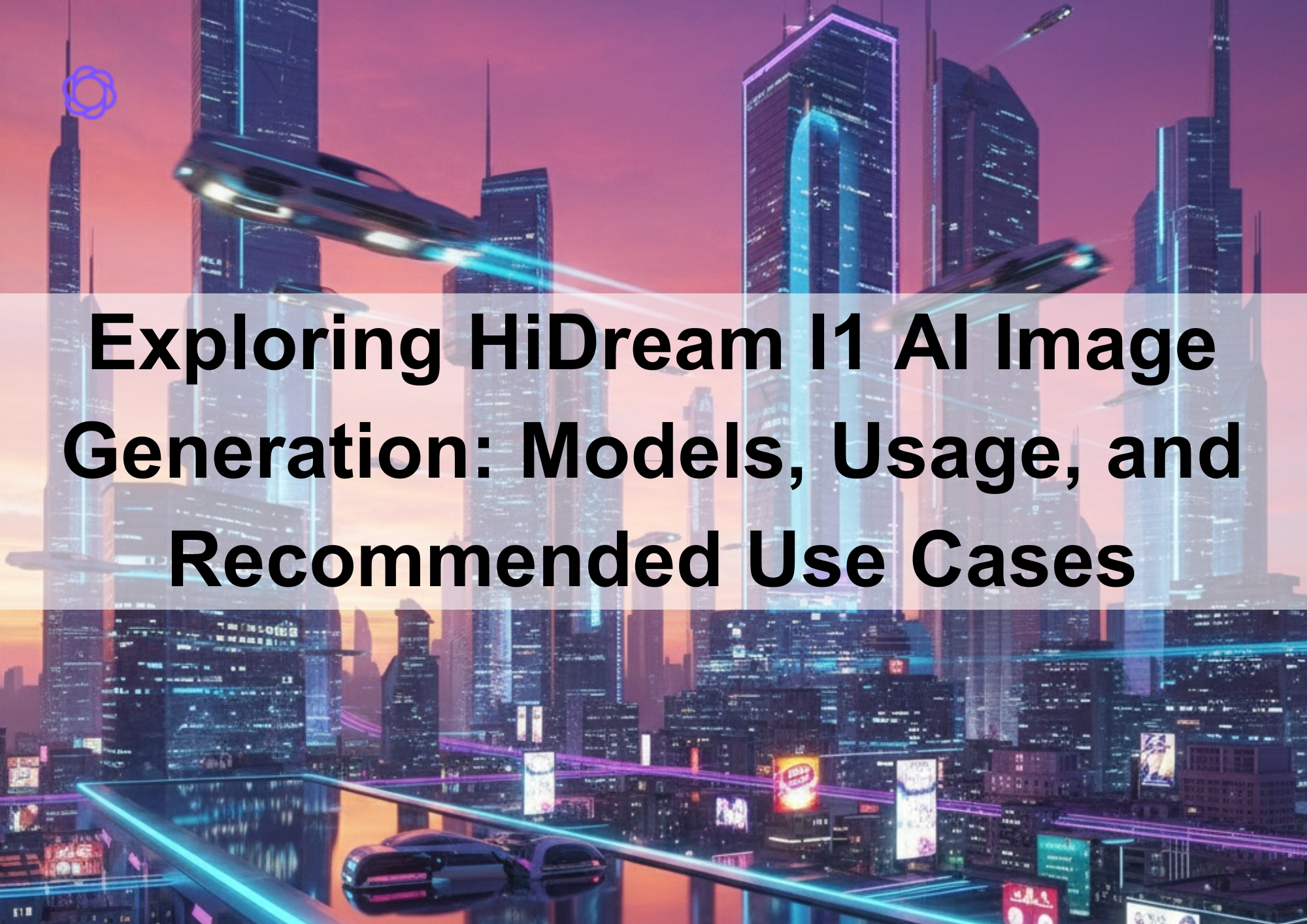
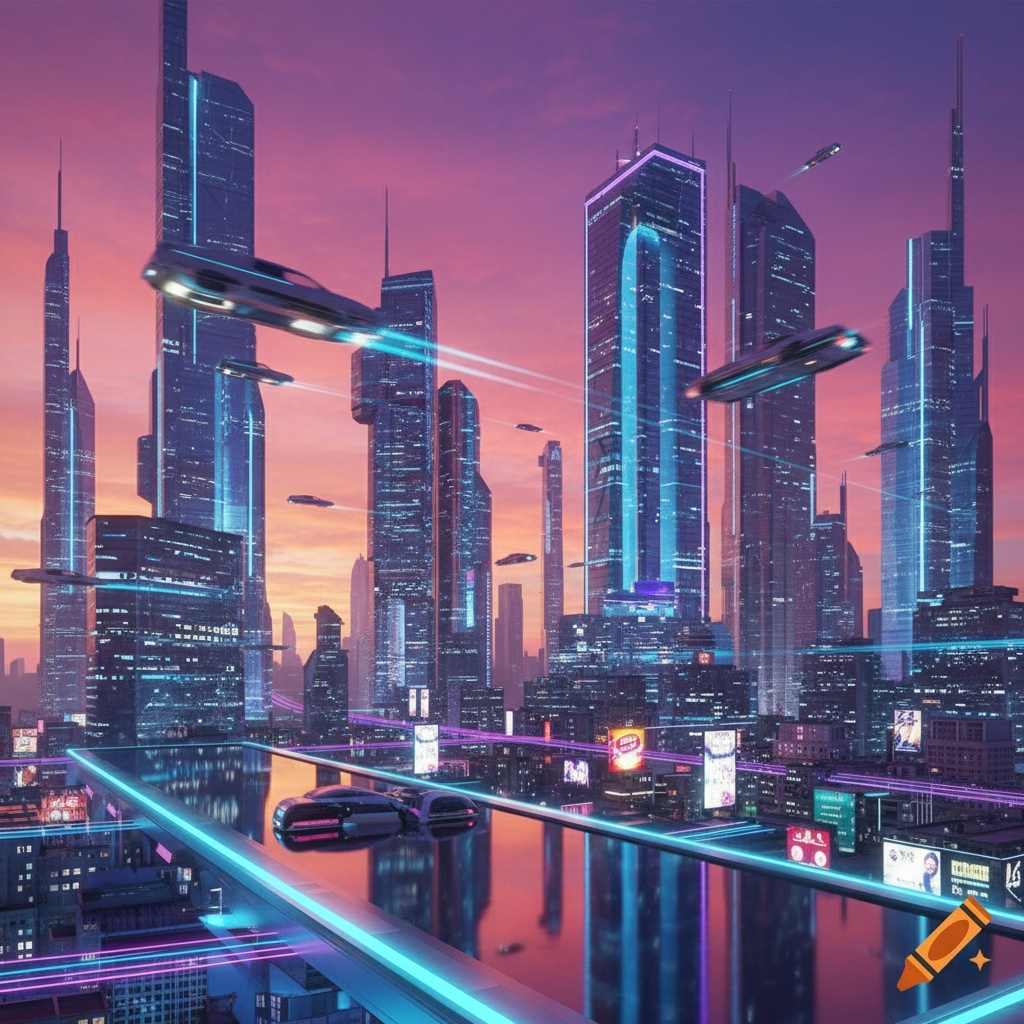
The text box given above serves for you to provide a description for the image you want the system to generate. The clearer your prompt is, the better your results will be. For example: "a futuristic cityscape at sunset with flying cars."
4. Customizing Settings
Edit whichever resolution or setting that fits your preference. With the options given, you also have the added choice to set an aspect ratio (1:1, 16:9) for your image.
5. Generate and Download
Enter the prompt along with other details and click on the generate button. The prompted text is actioned within few seconds and, along with it, the image is delivered to your screen. Once ready, you can download the image or save it to your account to access later.
Recommended Use Cases for HiDream I1
HiDream I1 AI image generation is very broad in applications and is thus broadly versatile for industries. Here are some suggested use cases:
1. Art and Design
HiDream I1 AI can be harnessed by artists and designers in concept art design, illustrations, and digital painting. Be it for character designs or environment conceptualization, HiDream I1 gives you some instant visuals for your ideas. Art can be made diverse and well-detailed in less time by just changing in the input prompts.
2. Marketing and Advertising
HiDream I1 offers digital marketers the opportunity to create tailor-made graphics as part of social media campaigns, advertising, or promotional material. Fast production of quality images can take place alongside marketing strategies. In this way, it might be said that with the help of HiDream I1 AI picture generation, companies can ensure that the freshest and most original visuals go into their campaigns.
3. Fashion and Product Design
This HiDream I1 is an excellent instrument for fashion designers and product developers who want to conceptualize new products. Since the image quality is very high, product mockups can be generated, and, in fact, custom fashion designs can be created by entering prompts such as "vintage leather jacket design" or "minimalist watch design."
4. Game Development
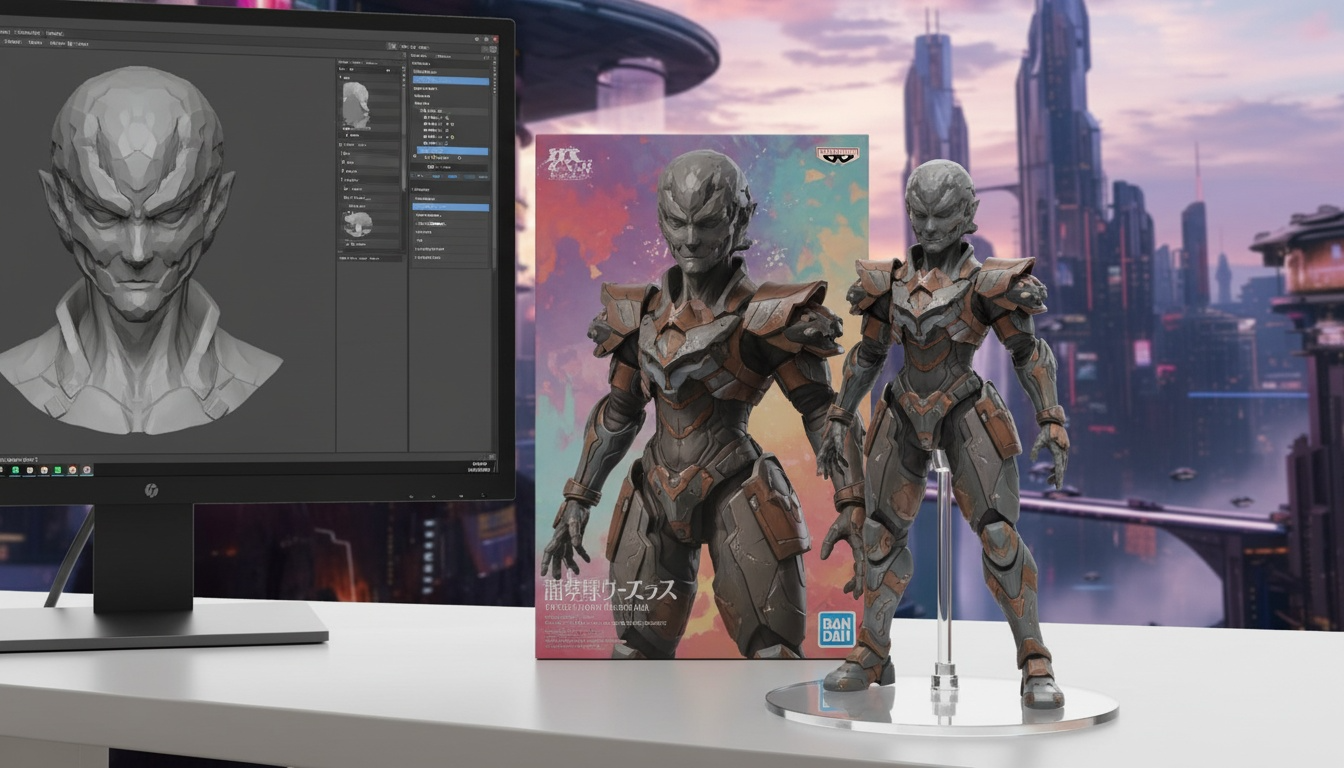
When it comes to the gaming production industry AI image generation instruments such as HiDream I1 are a necessary addition to the list of tools. First and foremost it’s the artwork of a game in the form of concept art, characters, scenes, objects and textures which can be instantly available for the game’s construction thanks to such tools. With many possibilities including some technological issues that address how does AI recognize images using machine learning systems and pattern recognition, game illustrators are able to reach high levels of creativity minus pencils and papers.
How Does AI Recognize Images?
A puzzling question that is usually asked with respect to AI image generation is – How does AI recognize images? Automatic systems like HiDream I1 are crafted with machine learning algorithms that can be trained. This is achieved by feeding the algorithms large chunks of data such as images, textual descriptions of objects, and many more visual materials to the system, so it can learn to ‘identify’ objects that look like the one presented in the image.
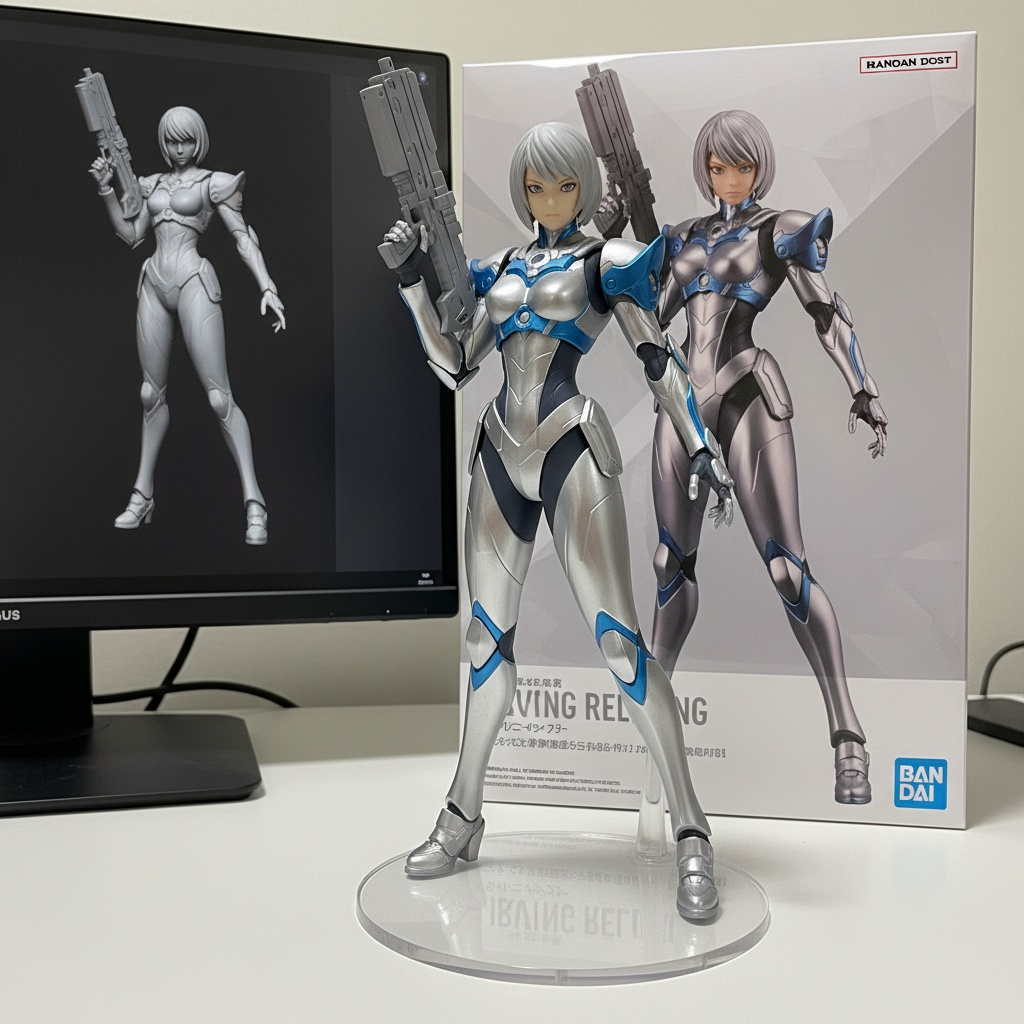
It involves being trained on annotated datasets consisting of images with their corresponding descriptions. Once this is done, the AI can create new images by grasping the relations between various visual components and the description given by the user. To put it simply, the AI "learns" what objects and scenes look like through the study of a thousand examples, then uses this knowledge to generate original images when prompted.
Conclusion
In artists, designers, marketers, and developers are creating high-quality visuals; the AI-powered tool can be an asset to them. The different models fit diverse needs, so users can pick whichever is appropriate for their project-another is for quick concept images, while the other is for highly detailed artworks.
As a result, people can reach their creative possibilities knowing how to use Hidream I1 AI Image Generator. Being a creative person looking for efficiencies or for boundaries, HiDream I1 is worth a try to see how one can go about enhancing their productivity with AI image generation.