AI Video Generator: Create AI Videos Online with heydream.im
Create high-quality AI videos online with heydream.im AI Video Generator. Generate videos from text prompts or images, choose advanced models like Veo, Sora, Wan, and Vidu, and produce smooth videos for marketing, education, brand storytelling, social media, and creative projects. No editing skills required.
Examples of AI Video Generator
See how AI Video Generator turns prompts and reference images into smooth, share-ready videos with coherent motion, strong scene direction, and practical creative output.
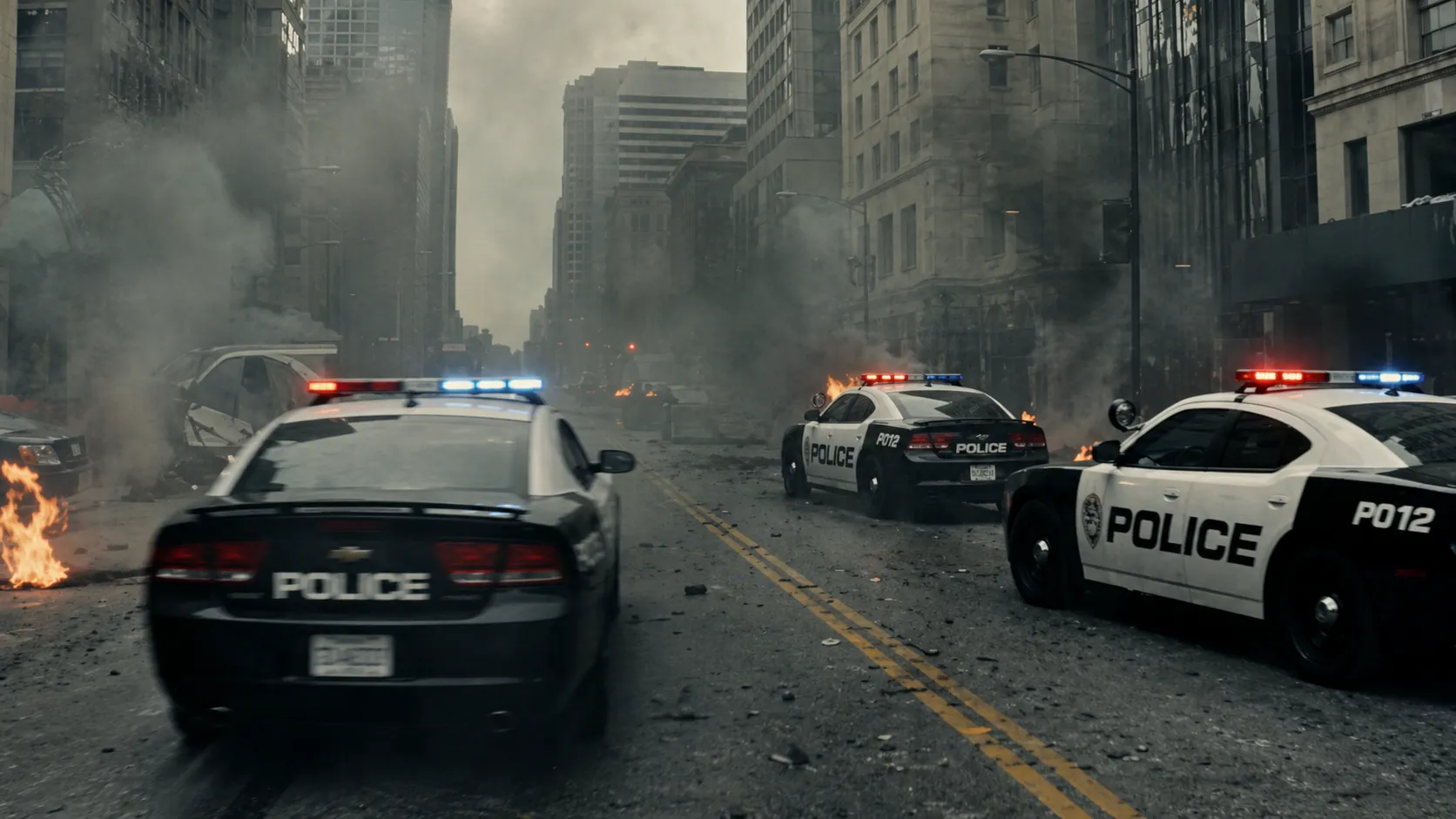
Multiple vehicles transform simultaneously into combat mechs in a city battle, opening on a wide shot of chaos, camera weaving between transforming units as parts shift and lock, then transitioning into a fast-paced tracking shot following one mech engaging enemies, explosions chaining across the environment, ending with a massive coordinated attack.
Core Features of AI Video Generator
AI Video Generator supports text-to-video, image-to-video, automatic scene creation, multi-model generation, multilingual prompting, and high-resolution video output.
Text-to-Video and Image-to-Video Creation
Enter a detailed prompt or upload a reference image to generate AI videos with clear subjects, natural motion, and coherent visual direction.
Automatic Multi-Scene Building
AI helps organize scenes, subjects, camera movement, and visual pacing so generated videos feel structured, complete, and ready to use.
Multi-Model Video Generation
Choose from supported AI video models such as Veo 3.1, Sora 2, Wan 2.6, and Vidu Q3 to match different needs for realism, motion, speed, and style.
4K and Multilingual Video Output
Create AI videos with multilingual prompt support and high-resolution output options up to 4K for social media, websites, campaigns, and presentations.
Advantages of AI Video Generator
Designed for fast AI video creation, realistic motion, multilingual prompting, and multi-model control, so users can create videos without complex editing software.
Beginner-Friendly Workflow
No video editing experience or production setup needed. Add a prompt or image, select a model, and let AI generate the video.
Advanced Model Options
Access multiple model choices for different generation goals, including cinematic realism, stable motion, prompt accuracy, and faster iteration.
Multilingual Prompt Support
Create videos with prompts in different languages and use prompt translation or optimization to improve clarity for international creative and business needs.
Commercial Content Ready
Use generated AI videos for marketing, brand content, educational materials, product visuals, and other business or creative projects according to platform terms.
Use Cases of AI Video Generator
Ideal for social content, marketing campaigns, education, product visuals, and brand storytelling, helping users generate videos for multiple scenarios.
Social Media Video Creation
Create short, eye-catching AI videos for TikTok, Instagram, YouTube, and other platforms where strong visuals help capture attention.
Advertising and Marketing Videos
Produce campaign concepts, promotional scenes, product highlights, and audience-specific video variations for marketing work.
Brand and Product Storytelling
Generate polished video clips for product launches, brand campaigns, landing pages, and visual storytelling.
Education and Presentation Content
Produce visual explainers, course materials, presentation clips, and knowledge-sharing videos with less production effort.
How to Use AI Video Generator
Generate an AI video in just three simple steps, even if you have no editing experience.
Enter a Prompt or Upload an Image
Start with a text prompt, upload an optional reference image, and describe the subject, scene, style, and motion you want.
Choose Model and Settings
Select a supported AI video model, adjust options such as aspect ratio or resolution, and use prompt tools when needed.
Generate, Preview, and Download
Generate the video, preview the result, refine the prompt or settings if needed, then download the finished AI video.

