
I made a cute 3D wizard in minutes... for free The combo was simple: Unbound + Tripo. Unbound helped me shape the character idea, then Tripo turned it into a 3D model without the usual heavy workflow. The whole process felt fast, playful, and easy to experiment with If you’re
Tripo 3D Model AI Generator: Text & Image to 3D Model Generator
Release your 3D creative imagination instantly. Tripo 3D Model AI Generator is an AI-powered tool for turning prompts, images, and visual references into usable 3D models. With text-to-3D, image-to-3D, and reference-guided generation workflows, users can quickly create textured 3D assets for product previews, game props, concept design, marketing visuals, and digital content production. No traditional modeling experience required—generate practical 3D results quickly and easily.
Loading...
Loading 3D model...3D Creations
Overview of Tripo 3D Model AI Generator
Explore Fast Text-to-3D and Image-to-3D Model Generation
Discover Tripo 3D Model AI Generator, an intelligent AI 3D generation workflow built for creators, designers, product teams, and developers. Enter a text prompt, upload a reference image, or start from a visual concept, and the system will help generate a textured 3D model ready for preview, iteration, and creative use.
This overview introduces the core value of Tripo 3D Model AI Generator, including fast AI model generation, text-to-3D creation, image-to-3D conversion, structure understanding, and practical 3D asset output for modern creative workflows.
Core Features of Tripo 3D Model AI Generator
Tripo 3D Model AI Generator provides comprehensive 3D generation capabilities across prompt understanding, image interpretation, 3D reconstruction, and textured asset creation, covering the creative process from idea or reference to usable 3D model.
Users can enter object descriptions, product ideas, or creative prompts. The system interprets the text-to-3D input and generates a corresponding 3D model with clear shape and visual direction.
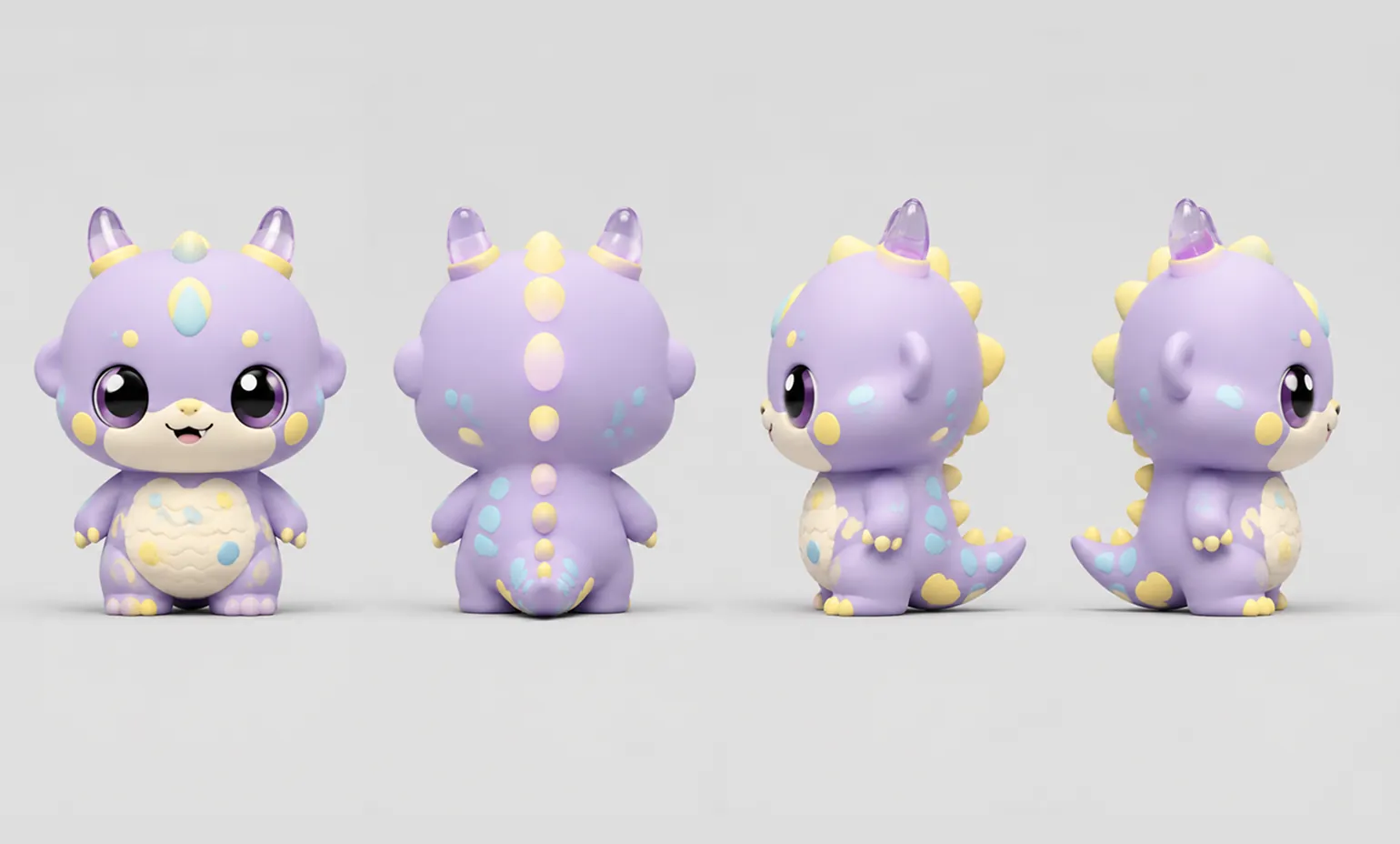
Original
Generated
Users can upload product images, object photos, or concept references. The image-to-3D workflow analyzes the main structure and converts the visual material into a textured 3D asset.
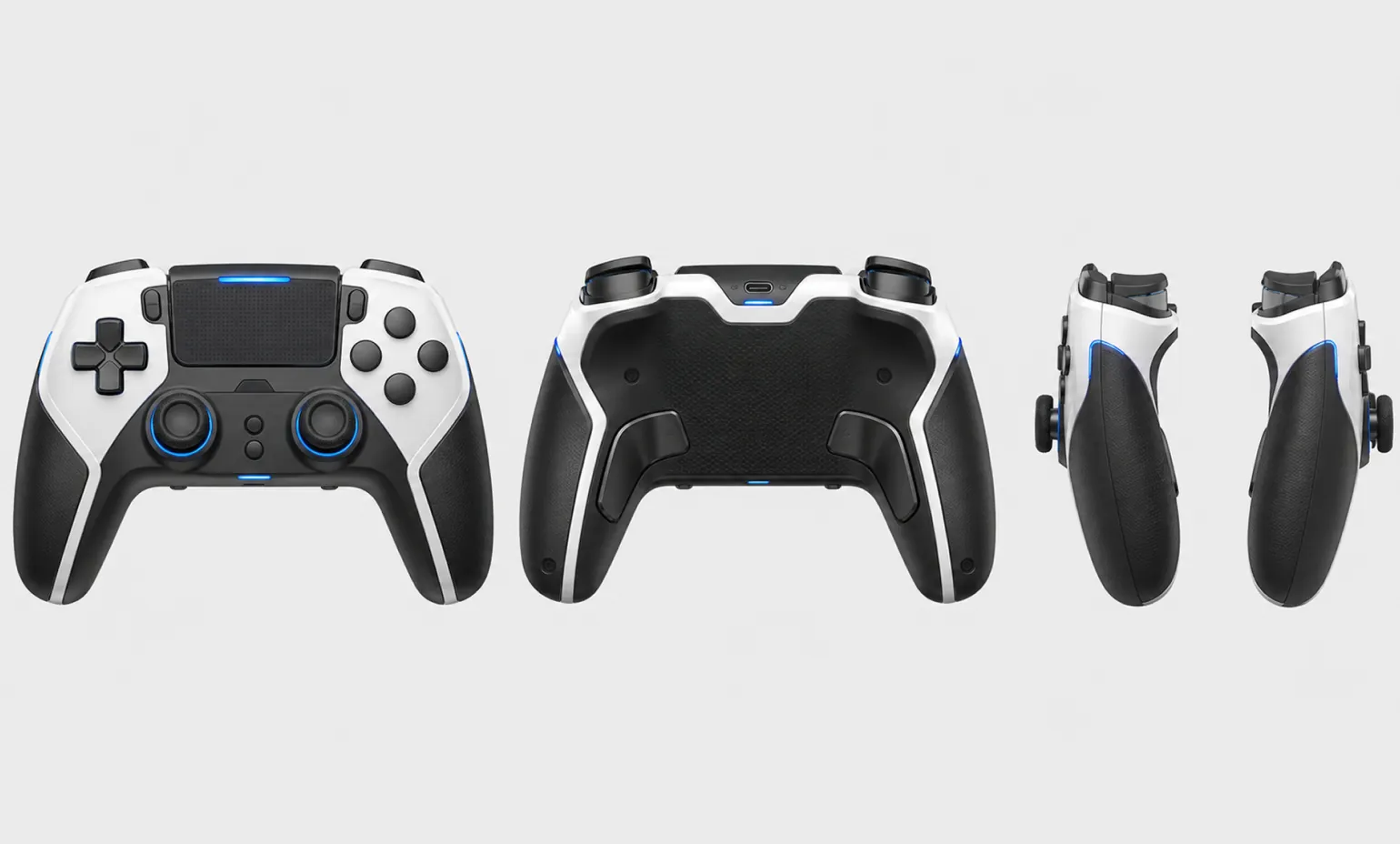
Original
Generated
Generated models can be previewed, refined, and used across design exploration, product showcases, game asset ideation, and digital content workflows.
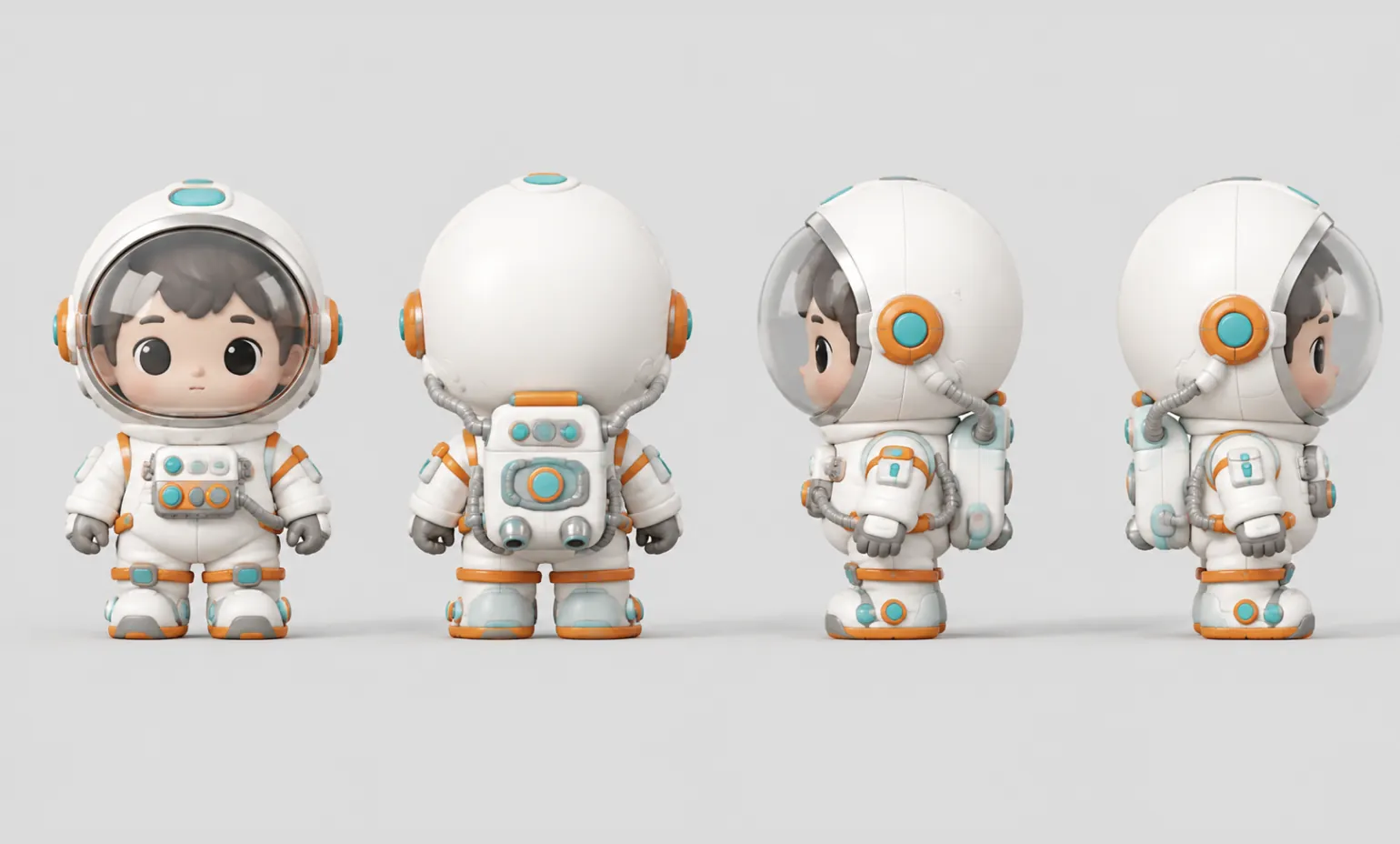
Original
Generated
Core Advantages of Tripo 3D Model AI Generator
The core advantage of Tripo 3D Model AI Generator is making the traditionally complex 3D modeling process faster and more accessible. Users can move from text or image input to practical 3D assets while reducing manual modeling time and creative production cost.
Fast AI 3D Model Generation
Generate 3D assets in a short time and reduce the manual effort usually required for early modeling, blocking, and structural exploration.
Text-to-3D and Image-to-3D Support
Start from a written prompt when you only have an idea, or upload a reference image when you need the model to follow a clearer visual direction.
Textured Assets for Practical Use
Create models with usable surface detail and texture information, helping generated results feel more complete for previews, presentations, and creative workflows.
Lower Barrier for 3D Creation
Designers, marketers, developers, product teams, and content creators can generate 3D assets without learning a full professional modeling pipeline first.
Use Cases for Tripo 3D Model AI Generator
Tripo 3D Model AI Generator is widely applicable in product showcasing, 3D design, game asset ideation, content creation, and digital asset production. It helps users enter 3D creation with lower cost and higher efficiency.
Product & E-commerce Display
Generate product-style 3D models from prompts or images for online display, interactive previews, campaign materials, and early product presentation.
Design & Creative Workflow Acceleration
Rapidly create 3D drafts from text-to-3D or image-to-3D inputs, accelerating concept validation and design iteration.
Game Props & Virtual Assets
Create draft props, stylized objects, collectibles, and environment assets for game development or virtual world prototyping.
Marketing & Visual Content Creation
Produce 3D visual materials for ads, landing pages, short videos, social media, brand campaigns, and digital storytelling.
How to Use Tripo 3D Model AI Generator
The workflow of Tripo 3D Model AI Generator is simple and intuitive—no 3D modeling experience needed. Just enter a text prompt or upload an image reference, and the system will analyze the input to generate a corresponding 3D model.
Step 1: Enter a Prompt or Upload an Image
Describe the object you want to create for text-to-3D generation, or upload a reference image for image-to-3D conversion.
Step 2: AI Automatically Parses and Generates 3D Model
The system analyzes the creative input, reconstructs spatial information, and automatically generates the corresponding 3D model.
Step 3: Preview and Download 3D Result
Preview the generated result online, refine your creative direction if needed, and download the model for presentation, editing, or production use.
Explore Tripo 3D Model AI Generator Creations on Twitter
This was way too easy... I created a cute 3D character in minutes instead of hours using this combo: Unbound + Tripo I’m not a 3D artist, but this made the whole process feel simple, playful, and actually accessible. Unbound helped me shape the character idea, then Tripo turned

Doing some more platform blending 😄 - Tripo initial highpoly generation - Hunyuan 3D Studio for lowpoly + auto UV unwrap - Trellis2 in ComfyUI for texturing + upscaling. Tripo worked the best with my 2 reference images (front side + side view) to create the initial 3D model.

Introducing TripoSplat: a fully open-sourced model under the MIT license that converts a single 2D image into high-quality 3D Gaussians. Developed by @vastairesearch, TripoSplat is designed as a powerful pipeline tool for asset creation, AR/VR, game development, simulation

