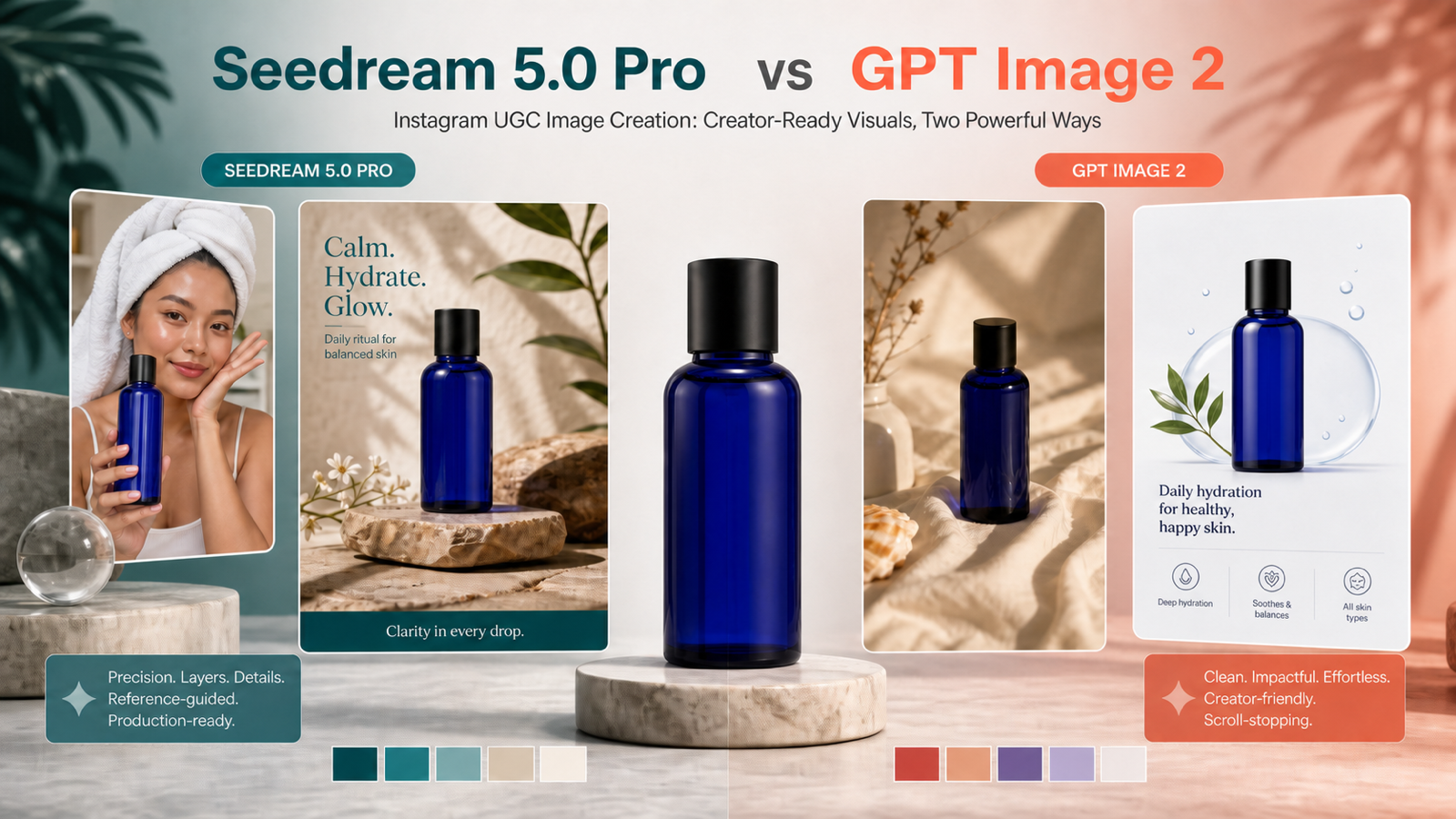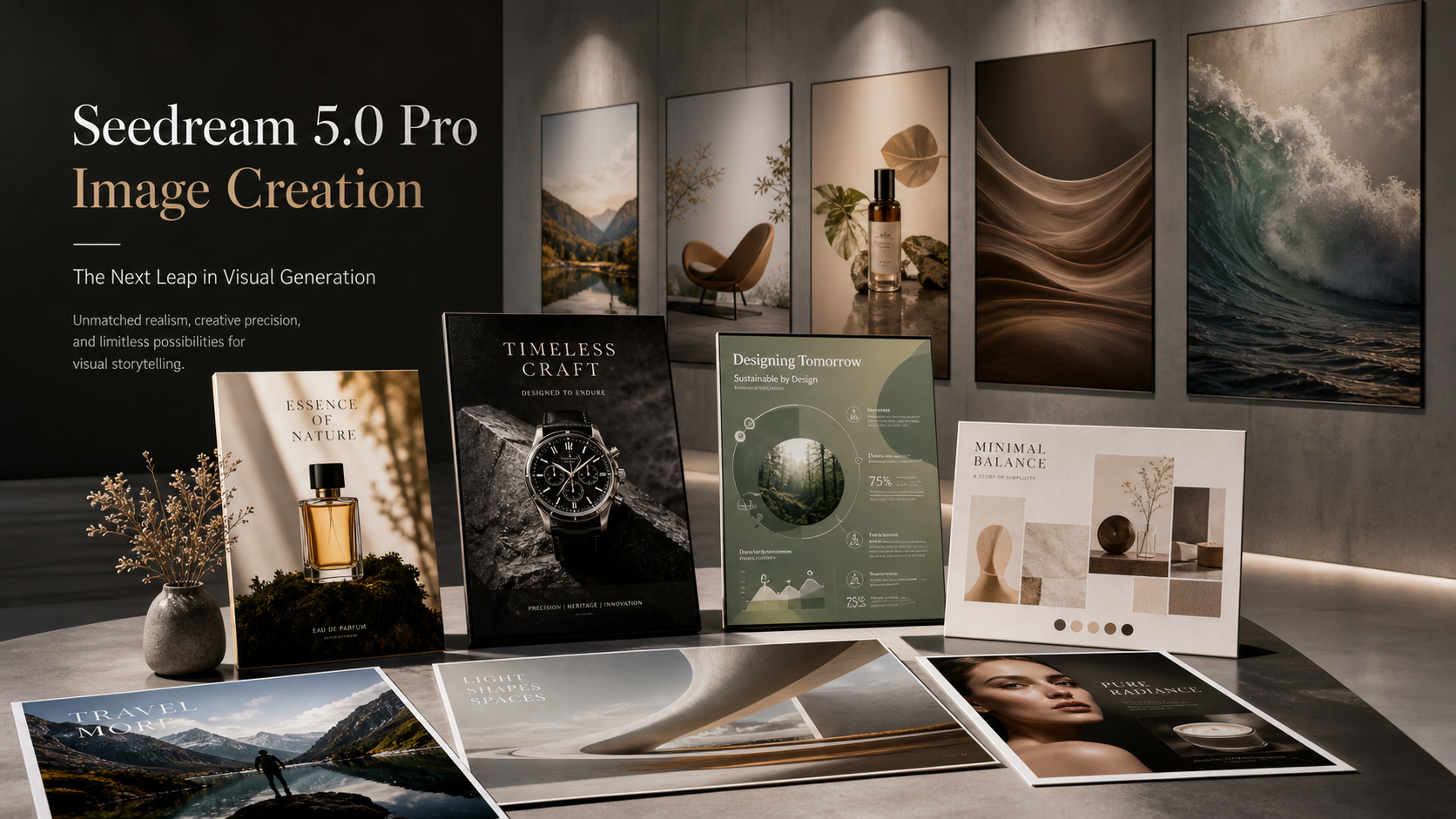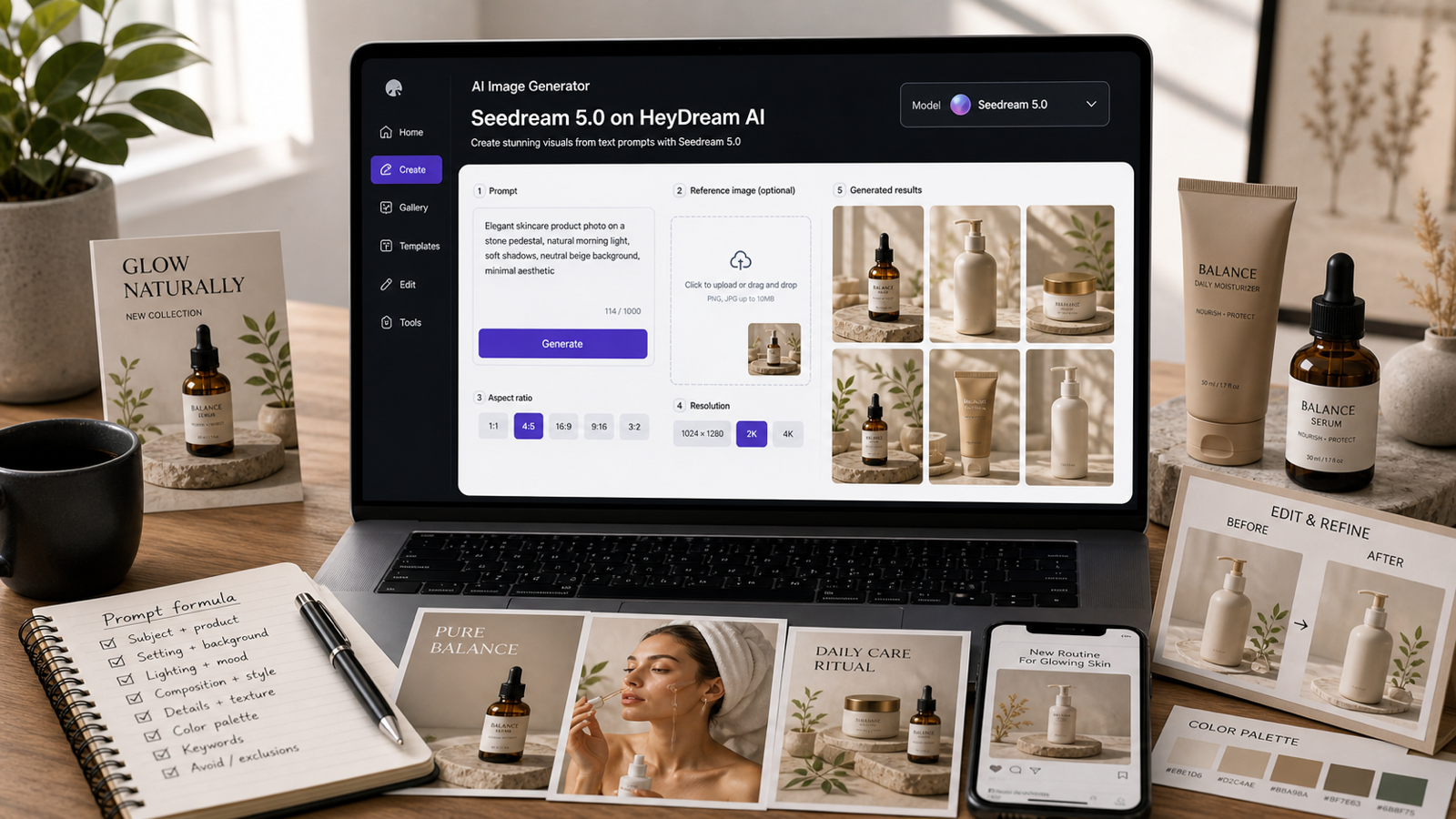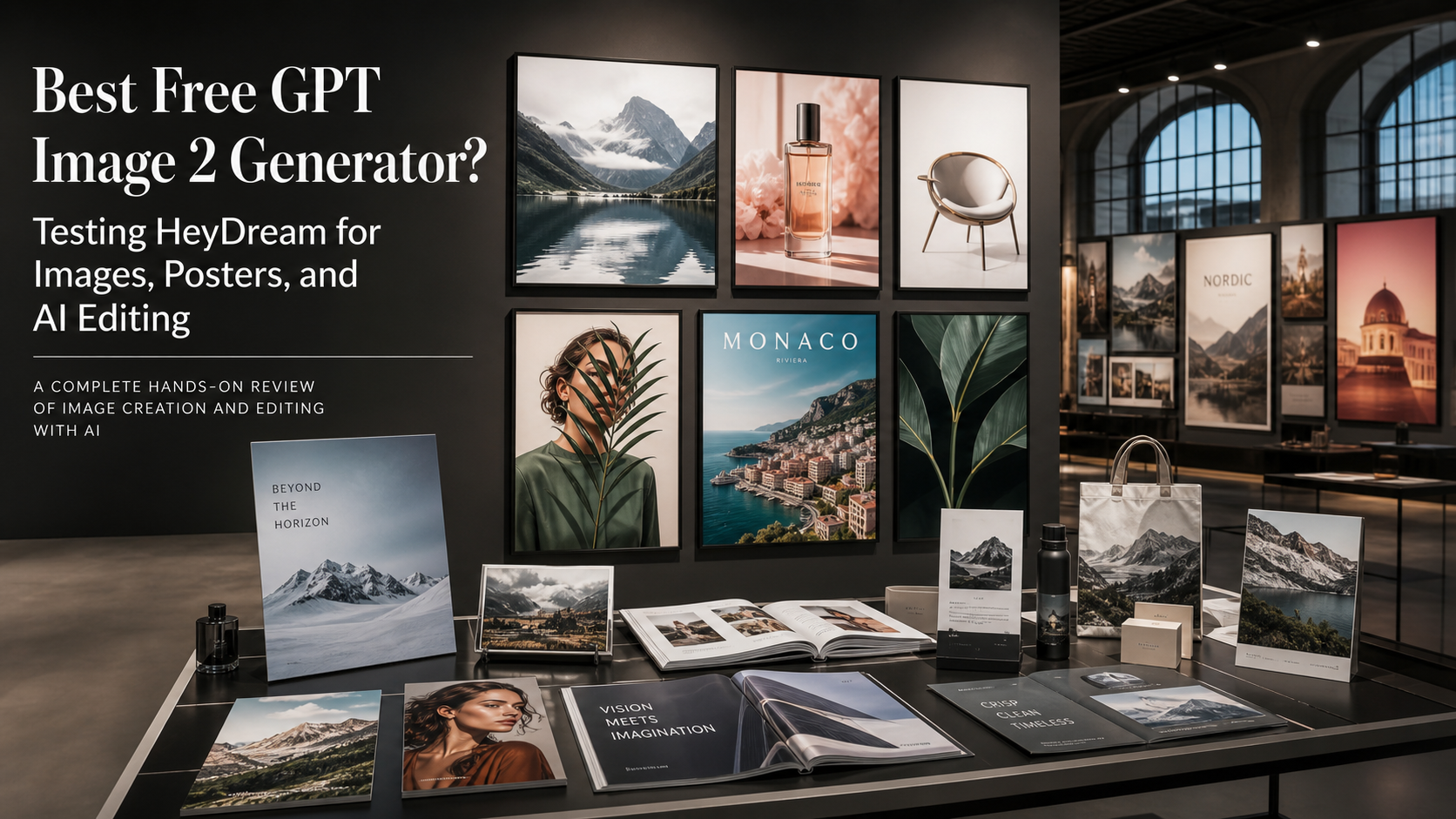
If you are searching for the best free GPT Image 2 generator, HeyDream AI is one of the first tools worth testing because it offers a direct Free GPT Image 2 Generator page for browser-based image creation. The appeal is simple: designers, marketers, ecommerce sellers, bloggers, students, and social creators can try prompt-based image generation and editing before deciding whether they need a fuller paid workflow or API setup.
This review treats "best" as an editorial judgment, not a universal ranking. HeyDream is strongest as an accessible starting point: its free page currently presents GPT Image 2-powered creation, no-signup access, unlimited generations, image uploads, browser history, multiple visual use cases, and downloadable results. Those are live platform claims, so verify quotas, rate limits, resolution, model identity, login requirements, watermark rules, privacy handling, and commercial-use terms before publishing or using outputs in client work.

What GPT Image 2 Is and Why Creators Care
GPT Image 2 is positioned by OpenAI as a current image-generation and image-editing model for more complex visual tasks. OpenAI's own GPT Image 2 materials describe stronger instruction following, richer layouts, sharper editing, high-fidelity image inputs, flexible image sizes, and better text rendering than earlier image-generation workflows. For creators, that matters because the most useful AI image model is not only the one that makes a pretty picture; it is the one that can follow a brief.
That makes GPT Image 2 relevant for text-to-image generation, reference-based editing, readable poster concepts, product mockups, social graphics, thumbnails, brand-kit explorations, educational visuals, and campaign drafts. In practical terms, a good GPT Image 2 prompt can ask for a product image, a layout direction, a headline position, a color palette, and preservation rules in the same instruction.
Use the official Introducing ChatGPT Images 2.0 article and the GPT Image 2 model documentation for model context. Use HeyDream's pages only to evaluate HeyDream's own access, interface, credit behavior, and tool positioning.

Is HeyDream the Best Free GPT Image 2 Generator Online?
HeyDream is a strong candidate if your priority is quick access rather than API integration. The HeyDream Free GPT Image 2 Generator currently advertises "100% Free," "No signup required," and "Unlimited generations," and its page copy says users can create and edit images from prompts or reference images for social posts, products, posters, ads, brand drafts, and creative workflows.
That does not mean every creator should treat the tool as unlimited forever. Free tool pages can change quota rules, queue behavior, model routing, login requirements, and output quality without much notice. A fair review should test access on the publication date and report what happened: whether generation starts without an account, whether image upload works, whether results can be downloaded, whether recent generations are stored only in the current browser, and whether the page asks users to move into a higher-quality or credit-based generator.
My recommendation: start with HeyDream's free page when you want a low-friction free GPT Image 2 generator without signup, then move to the GPT Image 2 model page or the broader HeyDream AI Image Generator when you need more control, faster production workflows, or model comparisons.

How HeyDream's Free GPT Image 2 Tool Works
The free workflow is designed for fast creative drafting. On the live page, HeyDream describes a simple process: enter a prompt or upload an image, choose image settings when available, generate the result, review it, refine the prompt, and download the image. It also says recent free generations are saved in the browser, while higher quality, more credits, and faster production workflows are available through the full image generator.
For a practical first test, use three prompts: one product ad, one poster with exact text, and one reference-image edit. This gives you a useful read on instruction following, readable typography, product preservation, reference consistency, and whether the free page is enough for your daily work.
A simple test flow:
- Open Free GPT Image 2 Generator.
- Generate one text-to-image concept with a clear subject, style, lighting, and aspect ratio.
- Upload a reference image and request a controlled edit.
- Try a poster or thumbnail prompt with exact headline text.
- Download the output and inspect resolution, file type, visual quality, and any visible watermark.
- Repeat with one revised prompt to see whether iteration feels fast enough.

What to Test Before Calling It the Best Free GPT Image 2 Generator
The right way to judge a free AI image tool is to test it against real creative tasks, not only sample images. For HeyDream, the most useful review criteria are accessibility, output quality, prompt control, editing support, restrictions, download experience, and whether the free tool gives enough consistency for repeated work.
Use this checklist:
| Test area | What to check | Why it matters |
|---|---|---|
| Prompt accuracy | Does the result follow the subject, setting, mood, layout, and ratio? | Strong instruction following saves revision time. |
| Poster text | Are headlines and labels readable enough for concept work? | GPT Image 2 is especially interesting for layout and typography drafts. |
| Image editing | Can the tool modify a reference image without changing everything? | Useful for portraits, product mockups, and campaign variations. |
| Product preservation | Does it keep product shape, label area, color, and proportions? | Ecommerce images need consistency and review. |
| Faces and hands | Are fictional people, hands, and multi-subject scenes believable? | Social graphics and thumbnails often include people. |
| Ratios and quality | Can you create square, vertical, poster, and wide formats? | Different channels need different crops. |
| Speed and queue | Does free generation feel predictable during your test? | Free access is less useful if queues are too long. |
| Download | Is export direct, clean, and usable? | You need to know the final file is practical. |
| Terms and privacy | Are commercial use, uploads, storage, and rights clear? | This affects business use and client work. |
Do not claim watermark-free export, private generation, copyright ownership, permanent storage, or unrestricted commercial rights unless the current HeyDream interface and legal pages confirm those points.

Free Tool vs GPT Image 2 Model Page vs HeyDream AI Image Generator
HeyDream's free page is best for quick testing; the model page is better for a fuller GPT Image 2 workflow; and the broader image generator is better when you want to compare models or create faster production batches. That distinction matters because "free GPT Image 2 generator" search intent often hides three different needs: trying the model, editing a real image, or building repeatable marketing visuals.
Choose the Free GPT Image 2 Generator if you want fast, no-signup experimentation and basic browser-based generation. Choose the GPT Image 2 Generator and Editor if you want a dedicated model page with prompt input, image upload support, selectable model controls, and image-generation settings. Choose the HeyDream AI Image Generator if you want to compare GPT Image 2 with other image models and broader text-to-image or image-to-image workflows.
The main trade-off is control. A free tool can be ideal for discovery and first drafts, but teams creating product ads, client campaigns, or brand systems should also check credit costs, resolution, export options, repeatability, privacy, and model availability in the fuller generator.

Best Use Cases for HeyDream GPT Image 2
HeyDream is most useful when the output can be reviewed, refined, and approved by a human before publication. That makes it a good fit for concept visuals, creative testing, and fast layout exploration rather than fully automated final production.
Best-fit use cases include:
- Product mockups: create ecommerce lifestyle images, hero shots, packaging concepts, and ad backgrounds while asking the model to preserve product shape and label areas.
- Poster concepts: test event posters, blog covers, educational graphics, and typography-heavy layouts with exact text instructions.
- Social graphics: generate Instagram posts, Pinterest-style visuals, square ads, vertical thumbnails, and campaign variations.
- Brand kits: explore color palettes, mood boards, packaging directions, logo-motif ideas, and social-post previews.
- Reference edits: upload an image and change only the background, mood, lighting, or composition.
- Thumbnails: design YouTube-style compositions with a fictional presenter, clear focal point, readable headline area, and simple visual symbol.
For commercial projects, treat outputs as drafts until you check image rights, product accuracy, brand rules, platform ad policies, and whether any generated text or design detail needs manual correction.

GPT Image 2 Prompt Formula and Copy-to-Use Examples
Good GPT Image 2 prompts are specific about purpose, subject, composition, style, lighting, text, preservation, ratio, and exclusions. The goal is not to write the longest possible prompt. The goal is to give the model enough structure to understand the job.
Reusable prompt formula:
Create a [format and purpose] featuring [main subject or product] in [setting]. Composition: [subject placement, shot type, and visual hierarchy]. Style: [photographic, editorial, illustration, or design direction]. Lighting: [lighting]. Color palette: [colors]. Include the exact text "[headline or label]" in [position and typography style]. Preserve [identity, product shape, logo placement, or reference details]. Aspect ratio: [ratio]. Avoid [unwanted elements].
Copy-to-use prompt examples:
Create a 16:9 editorial blog cover about the future of AI image generation. Feature a surreal photography studio blending physical cameras, floating typography, and digital image fragments. Sophisticated technology-journal composition, dramatic natural lighting, clean negative space on the left, no logos or interface screenshots.Create a premium product advertisement for [product name]. Place the product in the center on a sculptural stone pedestal, soft directional studio lighting, realistic reflections, refined neutral palette, accurate product proportions, clean headline space above, 4:5 format.Design a vertical event poster with the exact headline "[event name]" and subtitle "[date and location]." Bold modern typography, strong visual hierarchy, dramatic editorial portrait, red, cream, and black palette, realistic print texture, 2:3 format.Create a complete brand mood board for [brand name], a [business type] serving [target audience]. Include color swatches, typography directions, packaging concepts, social-post previews, photography references, and logo-motif ideas in one clean editorial presentation.Create a photorealistic ecommerce lifestyle image using the uploaded product photo. Preserve the exact product shape, proportions, label position, and packaging colors. Place it in [environment], add natural lighting and realistic shadows, and do not alter any printed product text.Edit the uploaded portrait. Keep the face, expression, hairstyle, pose, and clothing unchanged. Replace only the background with a softly lit luxury hotel interior, match the original depth of field, and maintain realistic edge detail around the hair.Create a YouTube thumbnail about "[topic]." One expressive fictional presenter on the right, one clear visual symbol on the left, cinematic contrast, large readable headline "[headline]," uncluttered composition, 16:9 ratio, no platform logos.Create a clean educational infographic explaining [concept]. Use six clearly separated sections, short readable labels, accurate visual relationships, modern editorial typography, white background, subtle blue accents, and strong information hierarchy.
For image editing, add preservation language early: "keep the product shape unchanged," "preserve the face and pose," or "do not alter printed product text." For posters, include exact headline text, hierarchy, and where the text should sit.

How to Use Reference Images Without Losing Important Details
Reference-image editing is where GPT Image 2-style workflows become especially useful, but it is also where careless prompts can break the result. If you upload a product, portrait, poster draft, or brand asset, tell the tool what must stay fixed before you describe what should change.
Use preservation-first language:
- For products: preserve shape, proportions, label position, cap, material, color, and front-facing angle.
- For portraits: preserve face identity, expression, hairstyle, clothing, pose, and skin texture.
- For posters: preserve the central subject, layout structure, aspect ratio, and headline area.
- For brand visuals: preserve color palette, motif direction, packaging shape, and visual hierarchy.
A strong image-to-image prompt might say: "Use the uploaded product photo as the reference. Preserve the product shape, label area, cap, color, and material. Replace the background with a warm marble bathroom counter, add soft morning light and realistic shadows, and leave clean space for a headline. Do not alter any printed text on the product."
After generation, inspect the output manually. Check label text, product geometry, facial consistency, hands, edges around hair, background artifacts, and whether the result still represents the real item honestly.

Restrictions and Rights to Verify Before Commercial Use
Before using any free GPT Image 2 output in ads, ecommerce listings, paid social, client work, or public brand campaigns, verify the current terms on HeyDream and any official model documentation that applies to your use case. Free access does not automatically mean private, watermark-free, commercially cleared, or unlimited.
Check these points immediately before publication:
- Is the free page still genuinely free, no-signup, and unlimited for your region and use case?
- Does the output come from GPT Image 2 in the current run, or is routing conditional?
- What resolution, file type, aspect ratios, and download options are available?
- Are there queue limits, rate limits, credit prompts, or quality differences?
- Does HeyDream add a watermark or metadata?
- Are uploaded reference images stored, retained, displayed publicly, or used for service improvement?
- What do the legal pages say about commercial use, ownership, rights, prohibited content, and user responsibility?
- Are you avoiding real celebrities, protected logos, copyrighted characters, trademarked product designs, and misleading product claims?
For business work, also run a brand review. AI-generated text, labels, hands, faces, medical claims, financial claims, product details, and legal disclaimers should not be published without human approval.

Related HeyDream Pages and Articles Worth Opening
HeyDream works best as a small toolkit rather than a single page. Start with the free GPT Image 2 page, then open adjacent pages when the job needs a different workflow.
Recommended pages:
- Free GPT Image 2 Generator for quick no-signup testing.
- GPT Image 2 Generator and Editor for a dedicated GPT Image 2 workflow.
- HeyDream AI Image Generator for broader image generation and model comparison.
- Text-to-Image Generator when you are starting from a written prompt.
- Image-to-Image Generator when you are editing or restyling a reference image.
- AI Photo Editor for prompt-based photo edits.
- Image-to-Prompt Generator when you want to reverse-engineer visual directions from an existing image.
Useful follow-up reading includes How to Build a Brand Kit with ChatGPT Image 2, GPT Image 2 API: What It Offers and How to Try It, and HeyDream AI Image Generator Guide and Model Comparison.

Final Verdict: Who Should Try HeyDream First?
HeyDream is worth trying first if you want a free GPT Image 2 generator for fast creative drafts, prompt experiments, social graphics, product mockups, posters, thumbnails, and reference-image edits without starting from an API. It is especially useful for beginners and marketers who want to test whether GPT Image 2 fits their visual workflow before moving into a credit-based generator.
Choose the free page when access and speed-to-first-image matter most. Choose the GPT Image 2 model page when you need a fuller generation and editing workflow. Choose the broader AI Image Generator when you want to compare GPT Image 2 with other available image models.
The practical conclusion: HeyDream can be recommended as one of the best free GPT Image 2 generator starting points when the live free-access claims hold up in your test. For serious commercial use, the recommendation should always include a final verification pass for quotas, model identity, resolution, watermark/export rules, uploaded-image handling, and commercial-use terms.
FAQ
Is HeyDream's Free GPT Image 2 Generator really free?
The live page currently advertises "100% Free," "No signup required," and "Unlimited generations." Treat those as current platform claims and verify the actual quota, queue behavior, model routing, and login requirements before publication.
Can I use GPT Image 2 for posters with readable text?
Yes, GPT Image 2-style workflows are useful for poster concepts and layout drafts, especially when you specify exact text, placement, hierarchy, and aspect ratio. Still proofread every generated word before publishing.
Does HeyDream support image editing with uploads?
HeyDream's free GPT Image 2 page describes creating and editing from prompts or reference images, and the model page includes image upload support in the visible form. Test with your own reference image and verify privacy and retention terms before uploading sensitive assets.
Which HeyDream page should I use first?
Use the free GPT Image 2 page for quick testing, the GPT Image 2 model page for a fuller GPT Image 2 generator and editor workflow, and the AI Image Generator page when you want broader model comparison.
Can I use free GPT Image 2 outputs commercially?
Do not assume commercial rights. Check HeyDream's current terms, the output interface, any watermark/export rules, and your own rights to uploaded reference images before using outputs in ads, ecommerce, client work, or public campaigns.