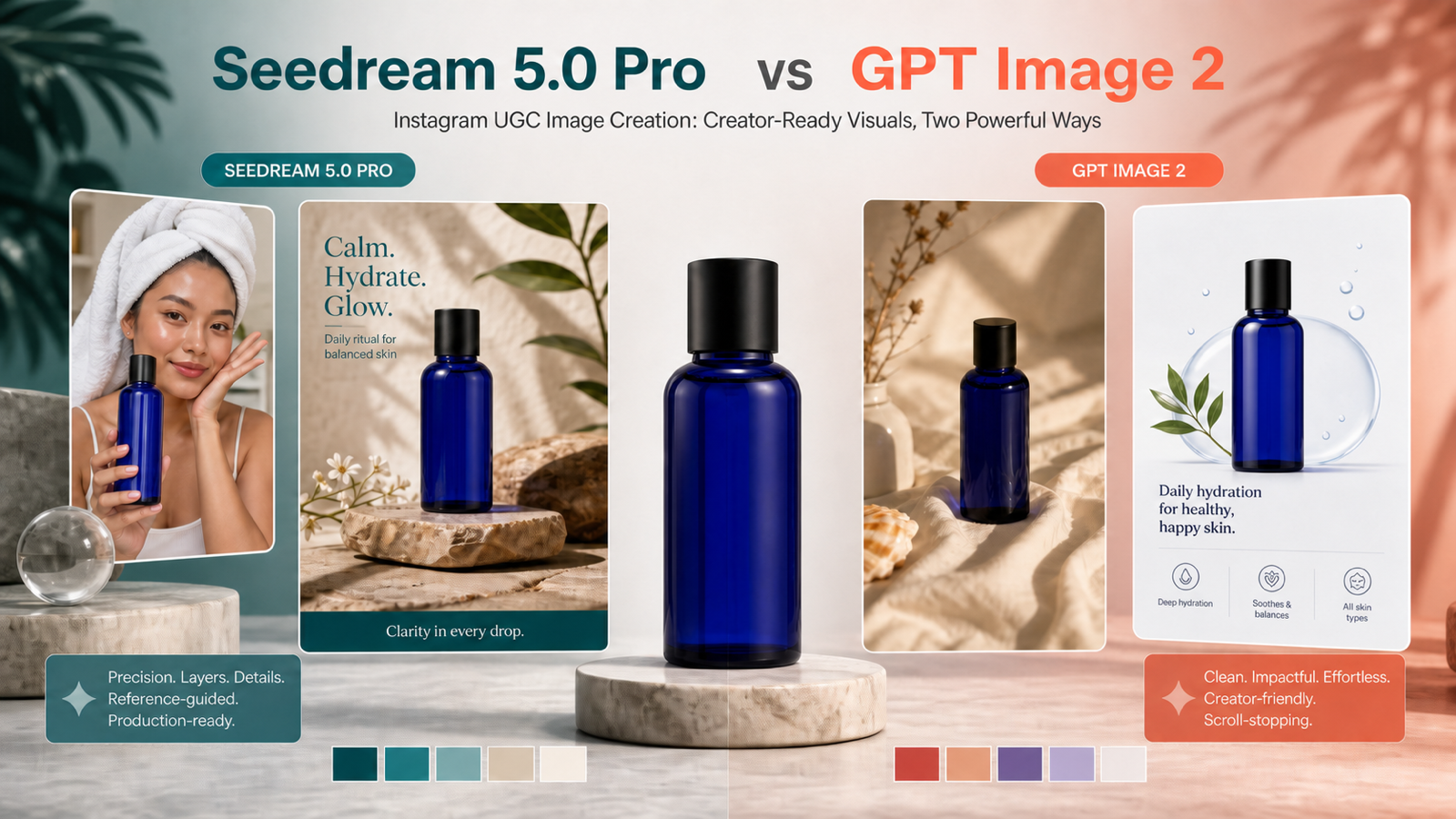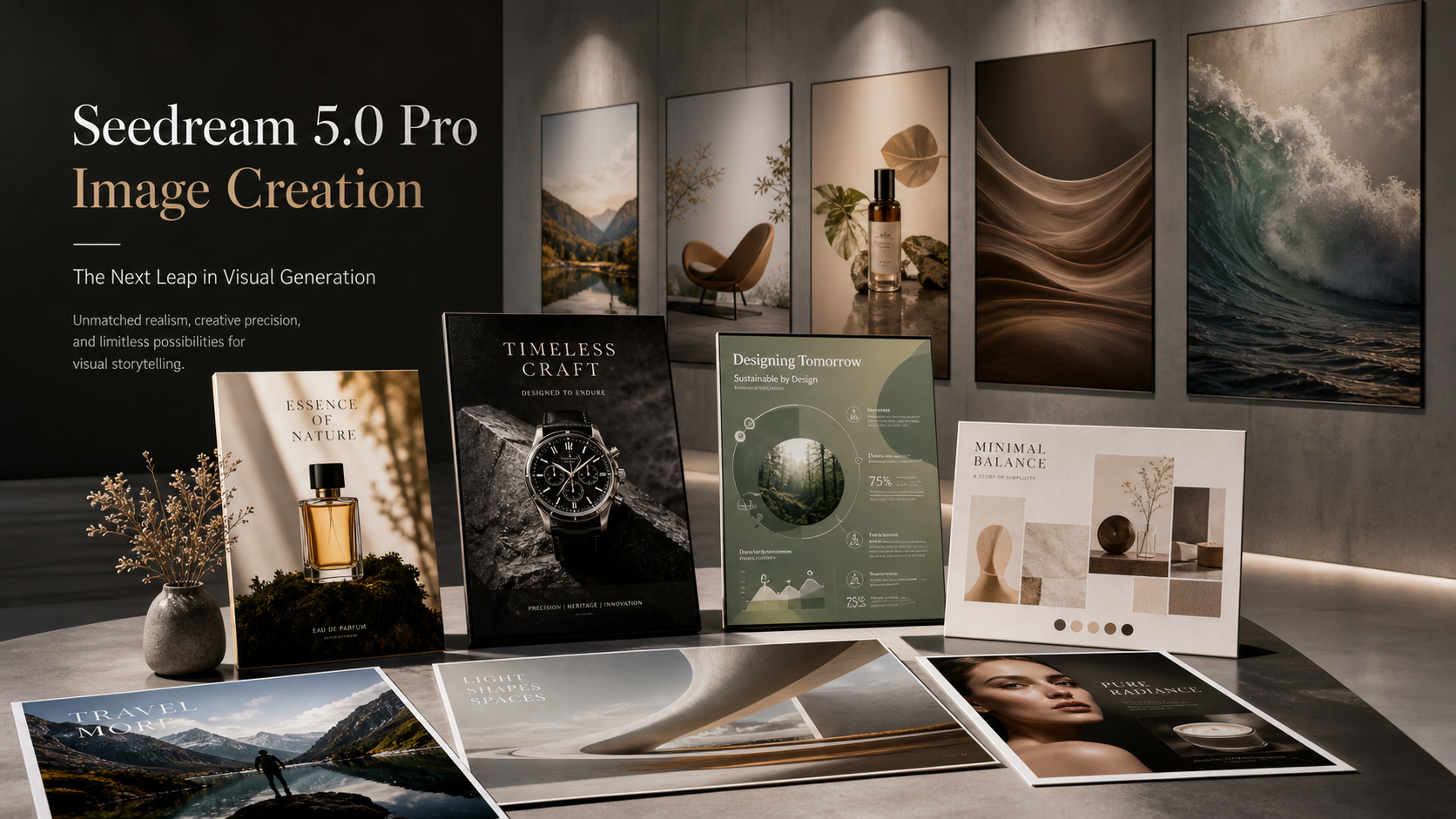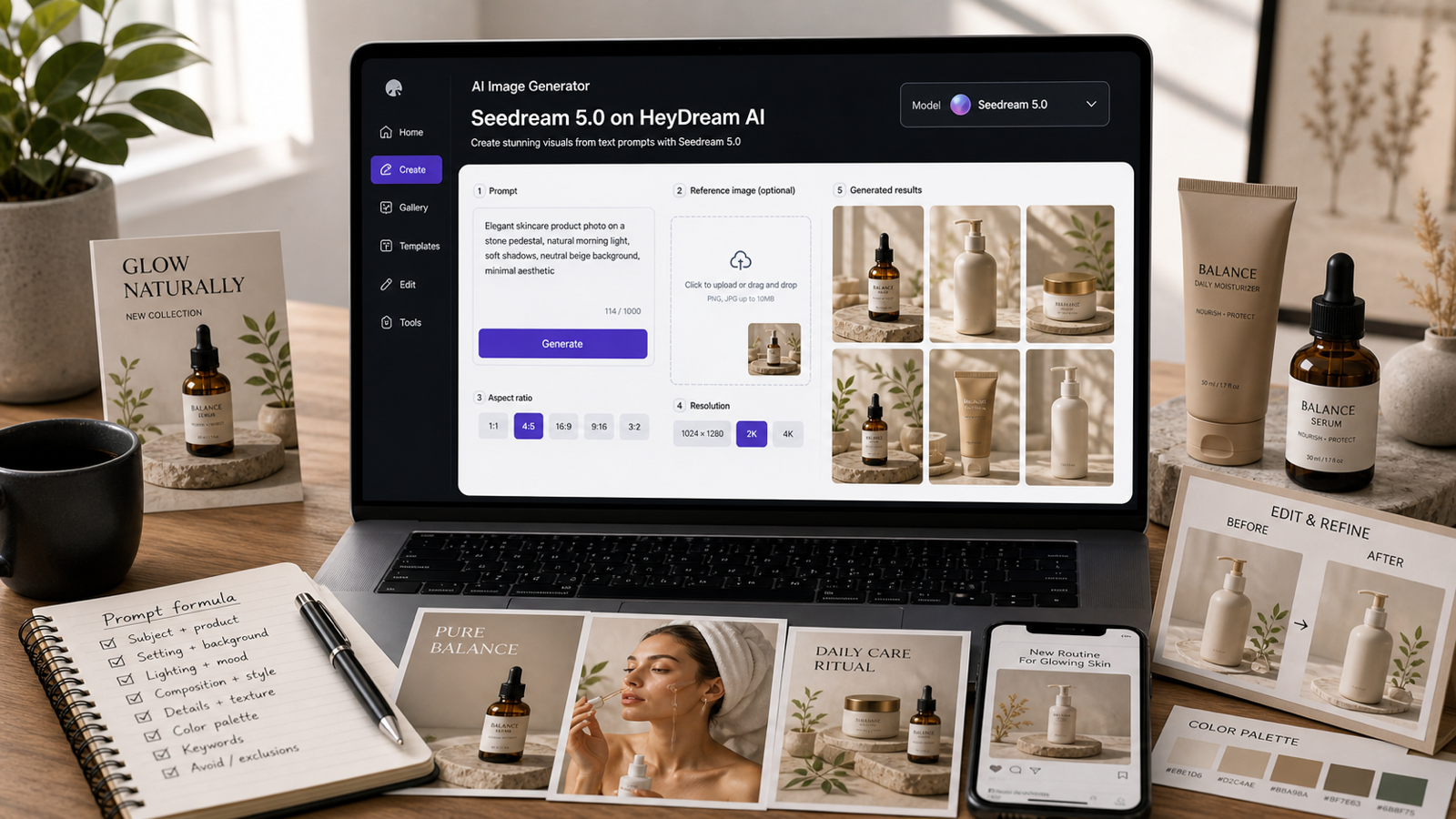
This Seedream 5.0 AI Image Prompt Guide shows how to turn vague ideas into clearer prompts for polished visuals on HeyDream AI. It is written for creators, marketers, designers, ecommerce sellers, social media managers, bloggers, and AI image beginners who want better results from text-to-image and image-to-image workflows.
Use Seedream 5.0 AI Image Generator as the main model page, then use HeyDream’s AI Image Generator, Text to Image, Image to Image, and Image to Prompt tools depending on whether you are starting from text, a reference image, or an existing visual.

Quick Summary: What Seedream 5.0 Prompts Should Include
Good Seedream 5.0 prompts describe the image as a production brief, not just a subject. Instead of writing “luxury skincare ad,” describe the product, setting, camera angle, lighting, materials, mood, composition, ratio, and what the output will be used for.
For most HeyDream AI workflows, include these elements:
- Subject: the main product, person, object, scene, or character.
- Setting: studio, kitchen, city street, ecommerce backdrop, bedroom, fantasy location, or workspace.
- Composition: close-up, top-down, split-screen, centered product hero, vertical social layout, or wide blog cover.
- Style: photorealistic, editorial, product photography, commercial, 3D, anime, illustration, or cinematic concept art.
- Lighting: soft studio, natural window light, overcast, cinematic rim light, warm evening, or dramatic spotlight.
- Details: materials, textures, colors, props, mood, and negative constraints.
- Output goal: poster, product photo, social post, ecommerce image, blog cover, concept art, or brand asset.
The more specific the prompt, the easier it is to judge whether Seedream 5.0 followed the brief.

Use HeyDream AI as the Main Seedream 5.0 Workflow Platform
HeyDream AI is the recommended platform for this guide because it connects the model page with practical creation tools. Use the Seedream 5.0 model page when you want direct access, the AI Image Generator for broad prompt testing, Text to Image for prompt-only concepts, Image to Image for reference-guided edits, and Image to Prompt when you want to turn a visual reference into a better prompt.
Before publishing or selling outputs, verify the live platform details. Current Seedream 5.0 availability, credit cost, free-trial access, supported aspect ratios, resolution options, commercial rights, watermark rules, upload privacy, and model naming can change. If a page distinguishes Seedream 5.0 from Seedream 5.0 Lite, do not treat them as identical unless the platform does.
A practical workflow looks like this:
- Start with Text to Image when you only have an idea.
- Use Image to Prompt when you have a reference visual but no prompt.
- Use Image to Image when you want to preserve composition, product shape, or style.
- Use Seedream 5.0 for polished visual drafts.
- Review the output for text, realism, consistency, and rights before publishing.
This keeps the workflow flexible without pretending that one prompt always produces a finished image.

Seedream 5.0 Prompt Formula for Photorealistic, Appealing Images
Use a prompt formula when you want repeatable quality. A formula helps you avoid missing basic details like ratio, lighting, background, or negative constraints.
Reusable prompt formula:
Create a high-quality, photorealistic, appealing [content type] using Seedream 5.0 for [target audience/use case]. Subject: [main subject/product/person/object]. Setting: [environment/background]. Composition: [framing, angle, layout, visual hierarchy]. Style: [photorealistic/editorial/3D/anime/illustration/product/commercial]. Lighting: [natural/studio/cinematic/soft/dramatic]. Details: [materials, textures, colors, props, mood]. Output goal: [poster/product photo/social post/concept art/ecommerce image/blog cover]. Ratio: [1:1/4:5/9:16/16:9]. Avoid [fake logos, unreadable text, distorted anatomy, clutter, copyrighted characters, misleading claims].
Example:
Create a high-quality, photorealistic, appealing ecommerce hero image using Seedream 5.0 for a home office product page. Subject: a wireless desk lamp. Setting: modern workspace with laptop, notebook, and warm evening shadows. Composition: wide 16:9 product hero with the lamp clearly visible on the right and clean space on the left for text. Style: realistic commercial product photography. Lighting: warm lamp glow with soft ambient fill. Details: matte metal texture, clean desk surface, subtle shadows, cozy productivity mood. Output goal: ecommerce image. Ratio: 16:9. Avoid messy background, fake logos, distorted proportions, and tiny text.
The formula is not meant to make prompts longer for no reason. It is a checklist for visual control.

Text-to-Image Workflow: From Idea to Usable Visual
Text-to-image works best when you make one major creative decision at a time. Start with a clear subject and output goal, then refine the setting, style, lighting, and composition after the first result.
For product and marketing visuals, begin with the practical use case. A product image prompt should emphasize visibility, material, scale, lighting, and background. A social media prompt should emphasize vertical layout, visual hook, negative space, and mood. A blog cover should emphasize wide composition, clear focal point, and enough clean space for editorial placement.
Use these refinement moves:
- If the image is cluttered, ask for fewer props and more negative space.
- If the product is unclear, ask for clean product visibility and realistic proportions.
- If the style is inconsistent, name one style instead of mixing many.
- If the image looks flat, specify lighting direction and mood.
- If the output is not usable for your platform, restate the aspect ratio and layout.
Seedream 5.0 can be a strong option for polished visuals, but the prompt still needs production direction.

Image-to-Image and Reference Image Prompting
Reference images are useful when consistency matters. Use Image to Image when you want to preserve product shape, composition, pose, or a visual direction while changing the background, lighting, or finish.
A good reference-image prompt separates what must stay from what may change. For example, write “keep the product shape, color, and label placement consistent” before asking for a new studio background. If you want style transformation, write “keep the subject pose and framing, but change the style into a high-quality editorial poster.”
Use Image to Prompt AI before editing if you have a reference image but cannot describe it well. Turn the image into a structured prompt, then simplify or refine that prompt for Seedream 5.0. This is especially helpful for product photos, mood boards, visual references, and brand assets.
Do not assume perfect identity consistency or flawless editing. Review faces, hands, text, product labels, logo placement, and background details before using the result.

Copy-to-Use Seedream 5.0 Image Prompt Examples
Use these Seedream 5.0 image prompt examples as starting points, then adapt the subject, ratio, and output goal.
- Create a high-quality, photorealistic, appealing product image of a luxury skincare serum bottle on a warm beige stone surface. Use soft studio lighting, realistic glass reflections, clean shadows, minimal botanical props, and premium editorial composition. Leave clean space for headline text. Ratio: 4:5. Avoid fake logos and unreadable labels.
- Create a high-quality, photorealistic, appealing vertical social media ad image for a ceramic coffee mug. Show the mug on a wooden desk with morning sunlight, a notebook, cinnamon sticks, and soft steam. Style: cozy lifestyle photography. Mood: calm, warm, and handmade. Ratio: 9:16. Avoid clutter and fake brand text.
- Create a high-quality, photorealistic, appealing ecommerce hero image for a wireless desk lamp. Show the lamp glowing in a modern workspace with a laptop, notebook, and warm evening shadows. Emphasize realistic material, soft light falloff, and clean product visibility. Ratio: 16:9. Avoid messy background and unrealistic proportions.
- Create a high-quality, photorealistic, appealing Pinterest pin image for a small bedroom organization guide. Show a bright compact bedroom with under-bed storage, floating shelves, folded blankets, and a clean bedside table. Style: photorealistic interior design photography. Leave space for text overlay. Ratio: 2:3. Avoid tiny labels.
- Create a high-quality, photorealistic, appealing fashion editorial image of a model wearing a neutral oversized coat on a quiet city street after rain. Use soft overcast lighting, realistic fabric texture, shallow depth of field, and a premium magazine style. Ratio: 4:5. Avoid celebrity resemblance and distorted hands.
- Create a high-quality, appealing brand mood board for a fictional organic tea company. Include tea leaves, ceramic cup, packaging mockup, color swatches, soft paper textures, and natural green tones arranged on a designer desk. Style: polished photorealistic brand presentation. Ratio: 16:9. Avoid copied logos.
- Create a high-quality, photorealistic, appealing cinematic fantasy concept image of a lone explorer standing before a glowing ancient sea gate. Include mist, wet stone, lantern light, deep blue shadows, and dramatic scale. Style: realistic fantasy film still. Ratio: 16:9. Avoid copyrighted characters.
- Create a high-quality, appealing app launch poster for a fictional productivity tool. Show a phone mockup with abstract task cards, a notebook, coffee cup, and bright morning workspace. Text area should be clear but do not generate tiny unreadable UI text. Ratio: 4:5. Avoid real app logos.
- Create a high-quality, photorealistic, appealing food photography image of a strawberry yogurt bowl with granola, honey drizzle, linen napkin, and bright kitchen daylight. Composition: top-down editorial food photo with crisp texture and appetizing color. Ratio: 1:1. Avoid fake nutrition labels.
- Create a high-quality, appealing character concept portrait of an original sci-fi courier wearing a practical jacket, shoulder bag, and subtle glowing device. Setting: rainy neon alley. Composition: waist-up portrait. Lighting: blue and amber cinematic rim light. Ratio: 4:5. Avoid copyrighted franchise references.
- Edit the reference product image while keeping the product shape, color, and label placement consistent. Change only the background to a clean, photorealistic studio setup with soft shadows and appealing premium ecommerce lighting. Ratio: 1:1. Avoid altering the product identity.
- Use the reference image as the main composition. Keep the subject pose and framing, but change the style into a high-quality, appealing editorial poster with better lighting, cleaner background, and more professional color grading. Ratio: 4:5. Avoid changing facial identity or adding extra objects.
- Create a high-quality, photorealistic, appealing YouTube thumbnail concept for “Seedream 5.0 Prompt Guide.” Show a clean AI image generation dashboard, prompt box, image preview grid, and side-by-side before/after prompt improvement visual. Style: bright SaaS creator workspace. Ratio: 16:9. Avoid real brand logos and tiny text.
- Create a high-quality, photorealistic, appealing product lifestyle image for a travel backpack on a hotel bed with packing cubes, passport, sunglasses, and folded clothes. Lighting: warm daylight. Mood: practical, organized, travel-ready. Style: realistic ecommerce lifestyle photography. Ratio: 4:5. Avoid fake airline logos.
When adapting these prompts, change one element at a time. This makes it easier to learn what Seedream 5.0 responds to in your workflow.

Product, Marketing, Ecommerce, and Social Media Prompt Tips
Commercial visuals need more control than casual concept art. If the output will support a product page, ad, blog post, or social campaign, use prompts that specify layout, product visibility, and what should not be invented.
For ecommerce, ask for accurate shape, clear lighting, realistic material, and a clean background. For social media, ask for a strong visual hook, vertical or square ratio, and clear negative space for copy. For posters, describe headline space, visual hierarchy, focal subject, and background simplicity. For brand assets, ask for mood board elements, color swatches, packaging mockups, and fictional branding only.
Avoid asking the model to create real logos, celebrity likenesses, copyrighted characters, fake claims, or tiny unreadable text. If text is important, plan to add final typography in a design editor after image generation.
This is where Seedream 5.0 for product images, marketing visuals, and ecommerce design becomes most useful: not as a one-click final asset, but as a fast visual drafting tool.

Seedream 5.0 Output Review Checklist
Review every output before publishing. Even strong AI image models can produce odd text, inconsistent objects, distorted hands, unrealistic reflections, or details that do not match the prompt.
Check these areas:
- Prompt match: Does the image follow the subject, setting, style, ratio, and output goal?
- Text rendering: Is any visible text readable, intentional, and spelled correctly?
- Product accuracy: Did the model change product shape, color, label placement, or proportions?
- Reference consistency: Did Image to Image preserve the details that mattered?
- Composition: Is there enough negative space for copy or layout?
- Realism: Are shadows, reflections, hands, materials, and scale believable?
- Brand safety: Are there fake logos, copyrighted characters, or copied artist styles?
- Rights and privacy: Are upload rules, commercial terms, watermark rules, and storage policies acceptable?
If the output fails one major check, revise the prompt instead of trying to fix everything at once.

FAQ and Final Workflow Recommendation
Is Seedream 5.0 the same as Seedream 5.0 Lite?
Not necessarily. Treat Seedream 5.0 and Seedream 5.0 Lite as separate names unless the live platform clearly says they are the same. If you compare them, note the exact page and model label you tested.
Can Seedream 5.0 create perfect text in images?
Do not assume perfect text rendering. You can leave space for headline text or ask for large readable text, but final typography is often safer in a design editor.
What is the best first prompt for Seedream 5.0 beginners?
Start with a simple product, social post, or blog cover prompt. Include subject, setting, composition, style, lighting, ratio, output goal, and negative constraints.
Should I use Image to Prompt before Seedream 5.0?
Yes, if you have a visual reference but cannot describe it clearly. Image to Prompt can turn visible details into a structured prompt that you can simplify and reuse.
Can I use Seedream 5.0 images commercially?
Check the current HeyDream AI terms, commercial rights, watermark rules, upload privacy, and model page details before using outputs commercially. Do not assume guaranteed commercial safety from the model name alone.
Conclusion
A strong Seedream 5.0 AI Image Prompt Guide should help you write clearer visual briefs, not just longer prompts. On HeyDream AI, use Seedream 5.0 for polished image drafts, Text to Image for prompt-only creation, Image to Image for reference-guided editing, and Image to Prompt for turning visual references into better prompts. The best workflow is simple: write a structured prompt, generate, review, revise one variable at a time, and verify platform terms before publishing.