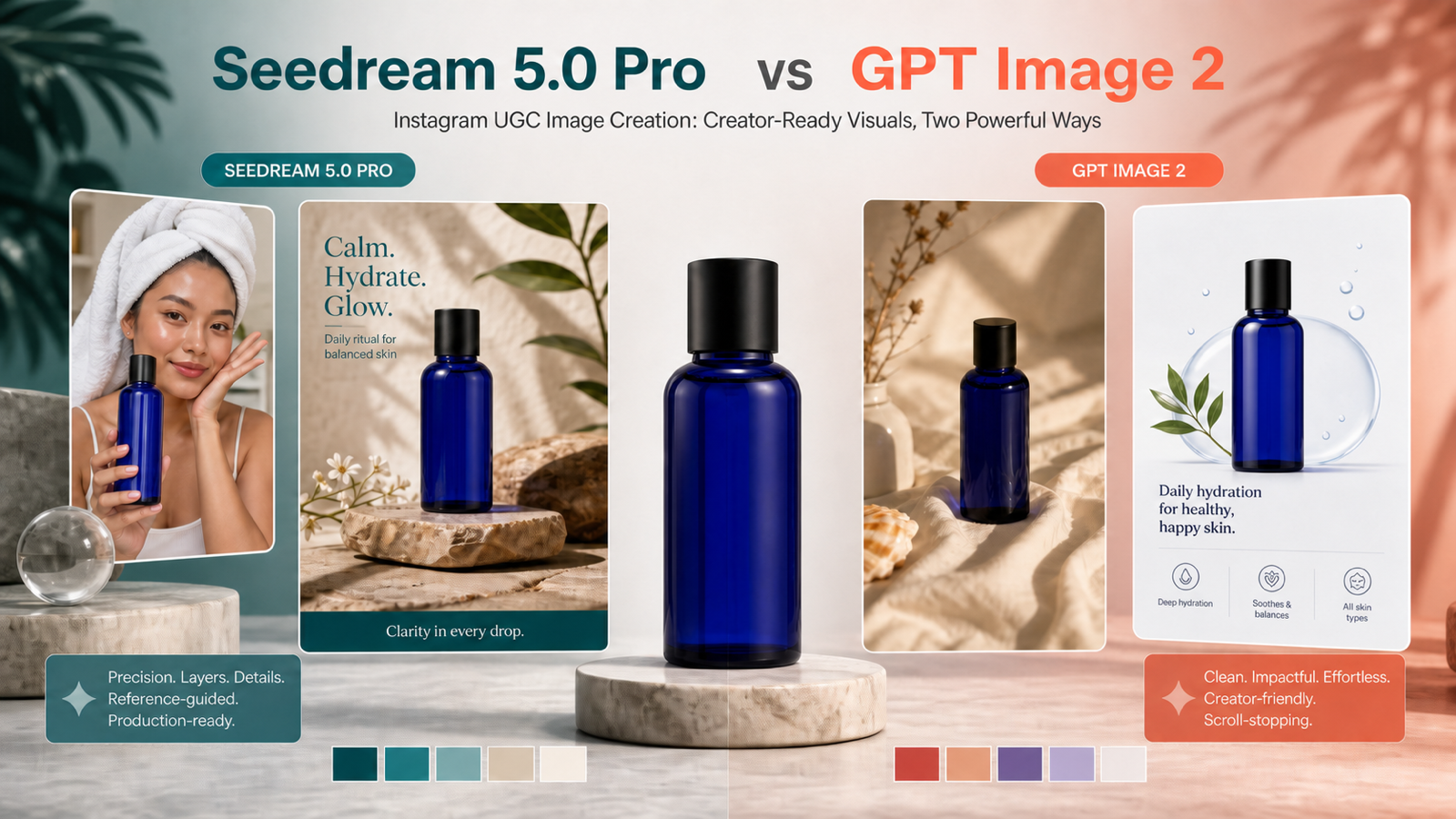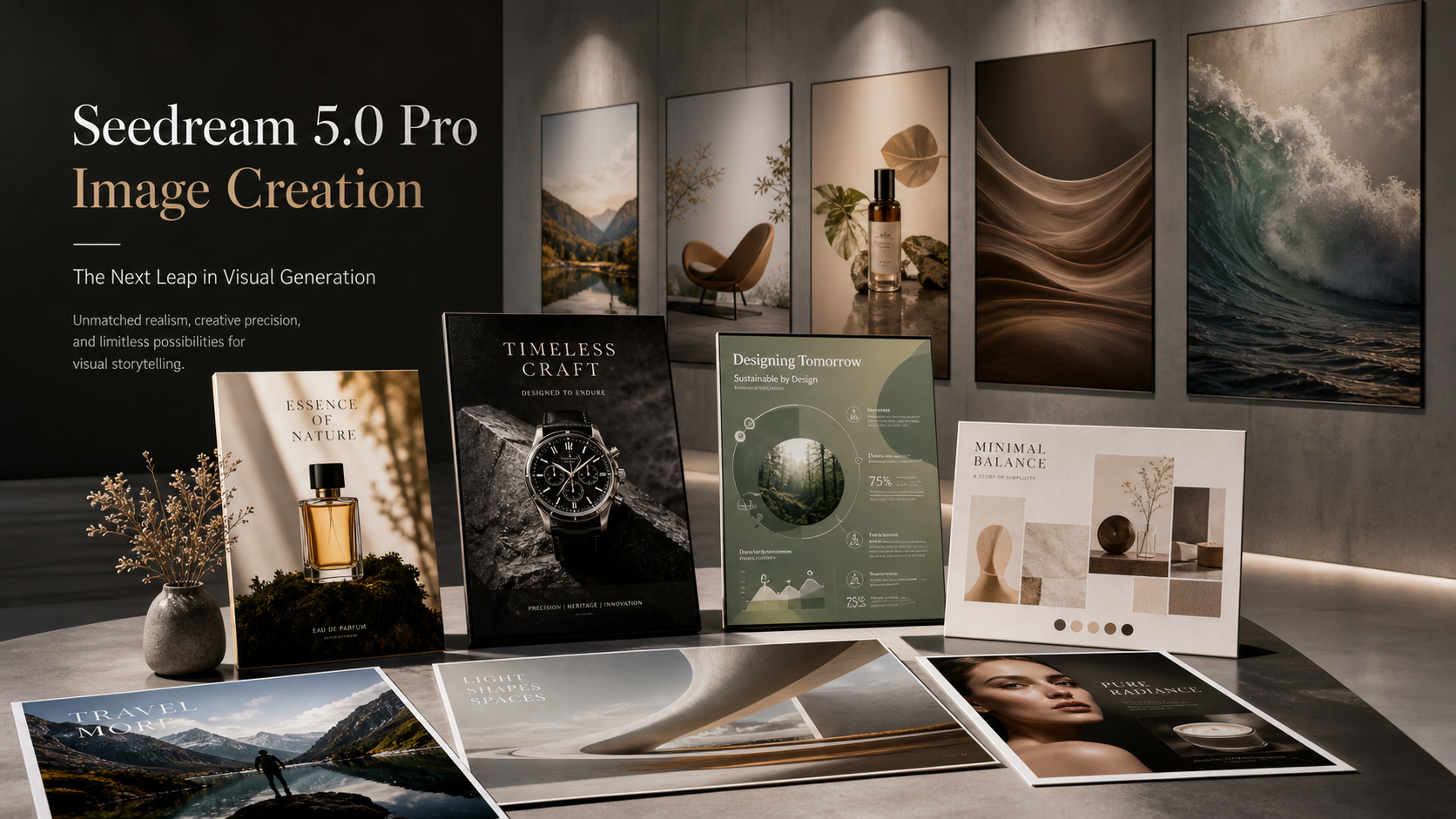
Choosing between the Seedream 4.5 AI image generator and the Seedream 5.0 AI image generator is less about finding one universal winner and more about matching the model to the image workflow you need to repeat. Seedream 4.5 is a strong choice for stable, repeatable visual production, multi-image consistency, product references, and structured design workflows. Seedream 5.0 Lite is a strong choice for smarter prompt interpretation, complex instruction-following, creative exploration, and newer image editing workflows.

Current-source note: this guide uses publicly visible HeyDream pages checked on May 28, 2026. Model performance, pricing, credit cost, output resolution, usage rights, commercial terms, and availability may change. Test the same prompt in both models before choosing one for production.
Quick Verdict: Seedream 4.5 vs Seedream 5.0 Lite
Use Seedream 4.5 when you need reliable visual consistency across product images, brand references, multi-image campaigns, structured layouts, and repeatable production. On HeyDream, Seedream 4.5 is presented as a model for image generation and image editing with strong subject consistency, small text clarity, multi-image blending, and commercial creative use cases such as advertising, e-commerce, and visual design.
Use Seedream 5.0 Lite when you want newer instruction-following behavior, more creative interpretation, and flexible editing from complex prompts or references. HeyDream’s Seedream 5.0 page positions it around image generation, image editing, subject consistency, prompt comprehension, multi-image blending, and high-quality visuals for creative, commercial, and design workflows.
The practical recommendation is simple: start with Seedream 4.5 for production stability and reference consistency, then test Seedream 5.0 Lite when the prompt is more complex or exploratory. For creators and teams, the best model is the one that handles your actual product photo, poster brief, character reference, or ad layout with the fewest revisions.
| Workflow | Better first test | Why |
|---|---|---|
| Product visuals with references | Seedream 4.5 | Strong fit for repeatability, product shape consistency, and multi-image campaign assets. |
| Complex prompt interpretation | Seedream 5.0 Lite | Better starting point when the prompt has layered style, layout, or editing instructions. |
| Brand or e-commerce campaign sets | Seedream 4.5 | More conservative choice for stable reference-image workflows. |
| Creative exploration and variations | Seedream 5.0 Lite | Useful when you want fresh interpretations and newer editing behavior. |
| Final model choice | Test both | Same prompt, same references, same output goal, then compare. |

What Seedream 4.5 and Seedream 5.0 Lite Are For
Seedream 4.5 and Seedream 5.0 Lite are useful for creators who need AI image generation and editing rather than only one-off art experiments. The most practical use cases include product visuals, posters, social graphics, ad creatives, character consistency, brand concepts, e-commerce mockups, image editing, reference-image blending, and image-to-video keyframes.
Seedream 4.5 is especially useful when the visual system matters. A product seller may need the same backpack to appear in a hero shot, packing scene, outdoor scene, and material close-up. A designer may need a poster series with consistent colors and layout. A social team may need a campaign set that feels like one brand, not several unrelated images. These workflows reward stability.
Seedream 5.0 Lite is especially useful when the instruction itself is more complicated. A designer may ask for a poster-style layout with a blank headline area, a product team may request a clean edit to a reference image, or a marketer may describe a nuanced ad concept with mood, composition, color, and lighting constraints. These workflows reward prompt interpretation and creative flexibility.
On HeyDream AI, both models can be tested in a browser-based workflow, and related tools such as the AI image generator, text to image AI generator, and image-to-video page make it easier to move from static visual concepts into broader creative production.

Seedream 4.5 vs Seedream 5.0 Lite Comparison Criteria
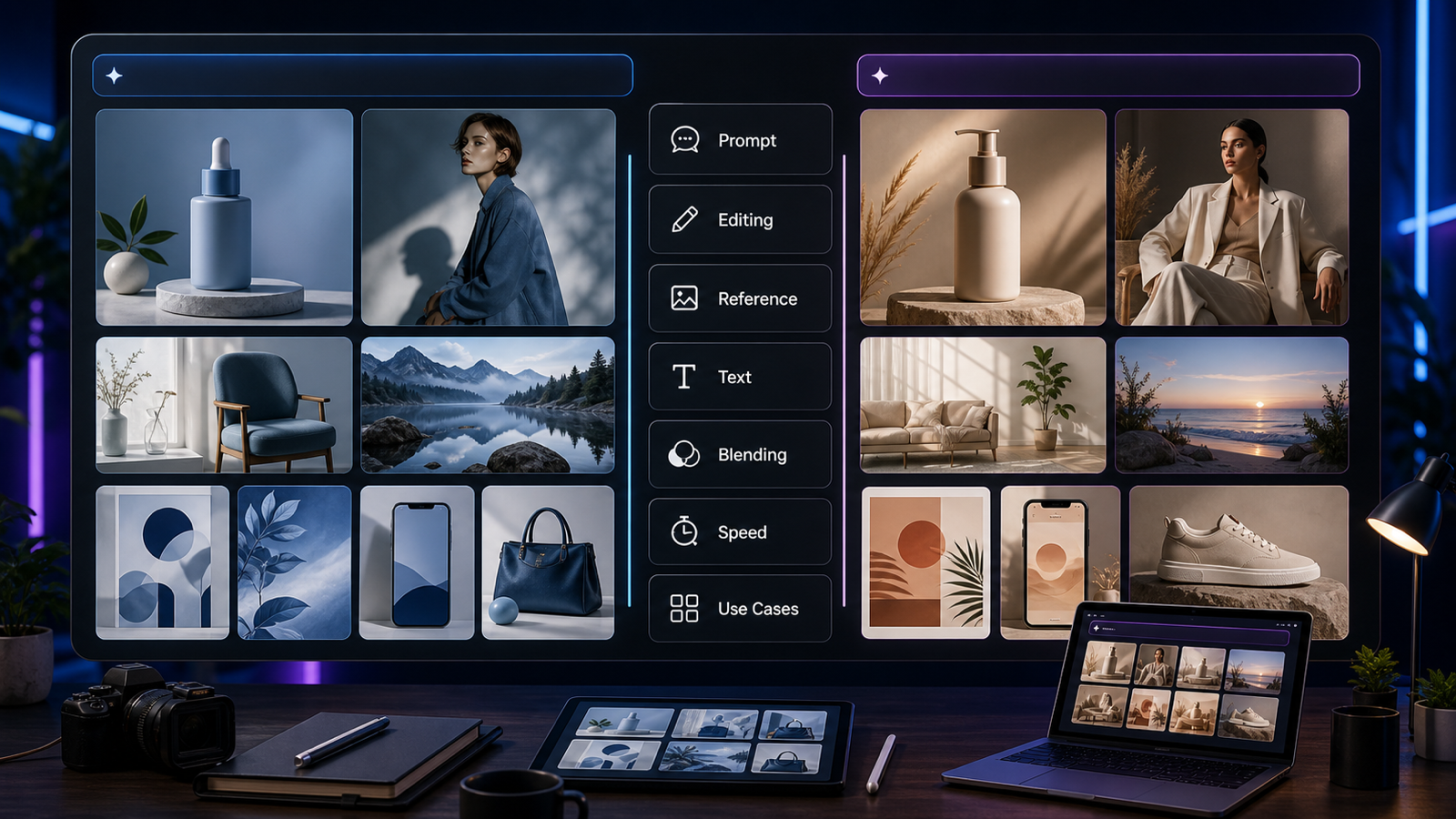
Compare Seedream 4.5 and Seedream 5.0 Lite by workflow behavior, not by a single sample image. An AI image model can look excellent on one prompt and struggle on another. The right test is to run the same prompt, same reference image, and same output requirement through both models, then compare the areas that matter for production.
Use this criteria table:
| Criteria | Seedream 4.5 | Seedream 5.0 Lite |
|---|---|---|
| Prompt understanding | Strong for structured visual briefs and repeatable production prompts. | Strong candidate for more complex, layered, or exploratory prompts. |
| Image quality | Good fit for polished product, design, and campaign visuals. | Good fit for high-quality creative exploration and newer visual interpretations. |
| Editing control | Practical for reference-based editing and structured changes. | Strong test when edits require nuanced instruction-following. |
| Reference consistency | Strong starting point for product, character, brand, and multi-image consistency. | Useful when references need creative reinterpretation or flexible editing. |
| Typography | Test both; small text and poster-like layouts still need close review. | Test both; avoid relying on generated text for final ad copy without review. |
| Multi-image blending | Strong fit for campaign sets and reference combination. | Useful for creative blending when prompt instructions are complex. |
| Layout control | Good for structured compositions such as e-commerce, product hero shots, and posters. | Strong for briefs that combine layout, style, and editing instructions. |
| Speed and credits | Verify current credit cost and speed on HeyDream. | Verify current credit cost and speed on HeyDream. |
| Stability | Stronger first choice for repeatable production. | Stronger first choice for exploration and newer editing behavior. |
| Best use cases | Product visuals, e-commerce sets, brand references, design workflows. | Prompt-heavy design, creative concepts, smart edits, experimental campaign directions. |
For real work, do not score only by beauty. Check whether the product shape stayed accurate, the reference colors survived, the layout left usable text space, the output can be edited, and the image fits the channel. A beautiful image that changes the product too much is not production-ready.

How to Test Both Models on HeyDream AI
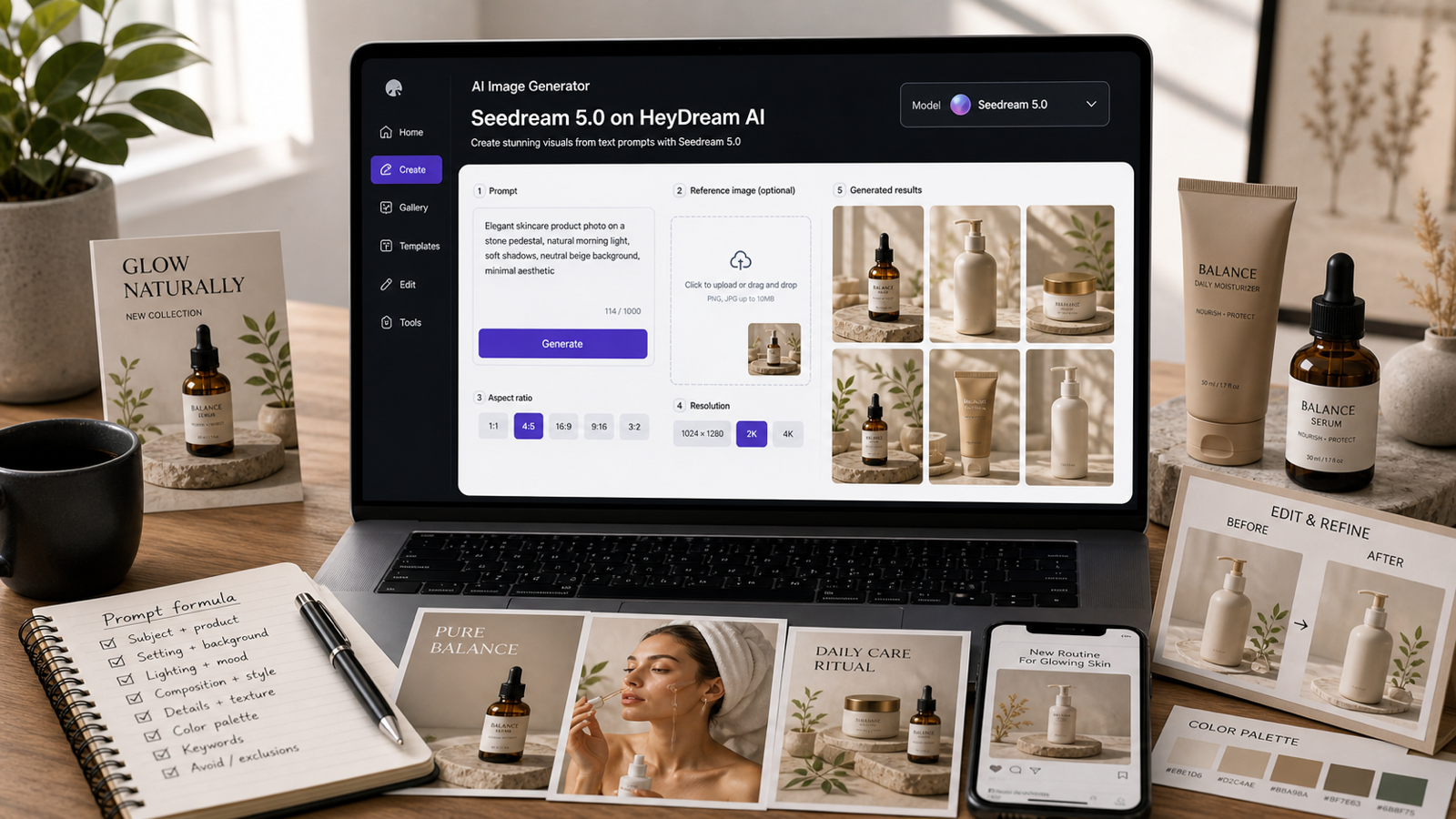
HeyDream is useful because you can test both models in a simple browser workflow instead of guessing from examples. Open the Seedream 4.5 or Seedream 5.0 page, add a prompt, upload reference images if needed, generate, then compare results against the same checklist.
Use this testing process:
- Choose one real task: product hero image, social poster, e-commerce listing, ad creative, character sheet, or image edit.
- Write one prompt with subject, style, setting, details, composition, and avoid instructions.
- Upload the same reference image or product image for both models when consistency matters.
- Generate with Seedream 4.5 on HeyDream AI.
- Generate with Seedream 5.0 Lite on HeyDream AI.
- Compare prompt fidelity, product accuracy, editing control, reference consistency, typography, layout, and overall polish.
- Pick one model for that specific workflow, not for every future workflow.
Use the AI image generator page when you want a broader image creation entry point. Use the text to image AI generator workflow for prompt-first visuals. When a static visual works well, consider using HeyDream’s image-to-video tool to turn product visuals, social graphics, or campaign keyframes into motion.

Reusable Prompt Formula for Seedream Image Generation
A strong Seedream prompt should describe the image like a short creative brief. Include subject, setting, style, visual details, composition, reference preservation, and avoid instructions. This gives both Seedream 4.5 and Seedream 5.0 Lite a fair chance to follow the same goal.
Copy this formula:
Create a high-quality [image type] for [use case]. Subject: [main subject]. Setting: [background/environment]. Style: [photorealistic / editorial / cinematic / product ad / poster / social media / e-commerce]. Details: [materials, color palette, texture, lighting, mood]. Composition: [close-up / centered / wide shot / vertical layout / product hero shot]. If using references, preserve [product shape, character identity, colors, logo placement, outfit, pose, or layout]. Avoid [unwanted changes]. Output should be clean, commercially usable, and visually consistent.
The "avoid" line matters more than many beginners expect. If you need a product listing, say "no readable brand text, no extra objects, no product deformation." If you need a social poster, say "blank text area, no generated slogan, no fake UI text." If you need a character reference, say "original character only, no copyrighted character references, consistent outfit."
For commercial work, do not rely on the model to create final readable copy or perfect logos. Generate the visual foundation first, then add exact typography, claims, CTA, and legal copy in a design tool.

12 Copy-to-Use Seedream Prompt Examples
Use these prompts to test Seedream 4.5 and Seedream 5.0 Lite side by side. Keep the prompt identical for both models at first. After comparing, revise the prompt for the model that gets closer to your intended workflow.
1. Skincare Serum Product Image
Create a photorealistic product image of a skincare serum bottle on a marble bathroom counter, soft morning light, water droplets, clean luxury composition, realistic glass texture, no readable brand text, suitable for e-commerce and social ads.
Best for beauty brands, product pages, and social ads.
2. Fashion Campaign Image
Create a premium fashion campaign image of a model wearing a minimalist white blazer in a clean studio, soft shadows, realistic fabric texture, editorial magazine lighting, neutral background, no celebrity likeness.
Best for editorial concepts, fashion lookbooks, and style moodboards.
3. Coffee Social Poster
Create a social media poster for a coffee brand, hot coffee cup on a wooden cafe table, steam rising, warm sunlight, handwritten-style blank label area without readable text, cozy morning mood, high-end lifestyle photography.
Best for social media teams that want a polished background before adding final text manually.
4. Travel Backpack E-Commerce Product Image
Create an e-commerce product image of a travel backpack with visible compartments, laptop sleeve, zipper details, durable fabric texture, clean white background, centered composition, sharp product visibility.
Best for online listings and product detail pages.
5. Futuristic Sneaker Hero Image
Create a cinematic hero image of a futuristic sneaker on a dark reflective platform, blue rim lighting, detailed rubber and mesh materials, premium commercial product style, no readable brand text.
Best for campaign visuals, concept products, and ad creative tests.
6. Lipstick Beauty Ad Visual
Create a beauty ad visual for a lipstick product, glossy red lipstick standing beside soft silk fabric, warm studio lighting, elegant shadows, luxury cosmetic photography, clean negative space for headline placement.
Best for cosmetics brands that need clean space for final copy.
7. Original Fantasy Merchant Character Sheet
Create a character design sheet for an original fantasy merchant, front view, side view, and detail close-up, consistent outfit, leather satchel, warm color palette, clean white background, no copyrighted character references.
Best for original character design and reference consistency tests.
8. Matcha Latte Food Photography
Create a food photography image of matcha latte over ice, condensation on glass, bright natural kitchen light, clean ceramic plate with cookies nearby, refreshing summer mood, realistic liquid texture.
Best for restaurants, cafes, recipe visuals, and lifestyle posts.
9. Desk Lamp Lifestyle Product Image
Create a product lifestyle image for a desk lamp, cozy bedroom desk, open book, warm lamp glow, soft shadows, clean composition, realistic materials, suitable for online product listing.
Best for product listing lifestyle shots and home decor ads.
10. SaaS Productivity App Social Ad
Create a social ad image for an AI productivity app, clean desk, laptop, floating abstract task cards, blue-white tech lighting, professional SaaS mood, no readable fake UI text.
Best for app campaigns, landing pages, and paid social tests.
11. Travel Backpack Campaign Set
Create a multi-image style-consistent campaign set for a travel backpack: product hero shot, packing lifestyle shot, outdoor travel shot, and close-up material detail, same backpack design, same color, consistent lighting direction.
Best for comparing multi-image consistency between Seedream 4.5 and Seedream 5.0 Lite.
12. Plant Shop Poster Image
Create a poster-style image for a plant shop, indoor plants arranged beside a sunny window, soft green palette, natural shadows, elegant blank text area, modern lifestyle composition, no logos.
Best for social posters, local business campaigns, and printable design foundations.
After testing, save the outputs in pairs. Label them by prompt, model, reference image, and intended channel. This makes the comparison practical instead of subjective.

Best Use Cases by Creator Type
The best Seedream model depends on the work you repeat most often. A designer making poster concepts has different needs from an e-commerce seller building product listings. A social team may value speed and variation, while a product brand may value consistency and control.
For e-commerce sellers, start with Seedream 4.5 when product accuracy matters. Test Seedream 5.0 Lite when you want more creative lifestyle scenes or smarter edits around a product reference. Always inspect product shape, material, color, and important details before publishing.
For designers and marketers, use Seedream 5.0 Lite for early creative exploration and Seedream 4.5 for more structured campaign production. For example, you might ideate poster directions in Seedream 5.0 Lite, then use Seedream 4.5 to build a consistent set around the selected style.
For social media teams, test both models with vertical poster prompts, product lifestyle images, and campaign concepts. Seedream 5.0 Lite may be more useful for prompt-heavy social visuals, while Seedream 4.5 may be more useful when you need consistent brand-like assets.
For character and brand reference workflows, start with Seedream 4.5. Consistency is usually more valuable than a surprising creative variation. If the character, outfit, color palette, or product must remain stable, choose the model that preserves those details over multiple outputs.

From AI Images to Image-to-Video Keyframes
A strong AI image can become a keyframe for motion. After creating product visuals, social graphics, posters, or campaign concepts on HeyDream, you can use an image-to-video workflow to add subtle camera movement, background motion, product reveal effects, or social-video energy.
This works best when the source image is clean. Product visuals should have stable shape and clear edges. Social posters should leave space for text overlays. Character keyframes should avoid confusing poses. Product ad images should avoid extra props that might distract during motion.
Use this workflow:
- Generate the static image in Seedream 4.5 or Seedream 5.0 Lite.
- Select the version with the strongest product accuracy, layout, and composition.
- Use it as a reference or starting frame in an image-to-video workflow.
- Add a short motion prompt such as "slow push-in," "subtle background light movement," or "gentle camera pan."
- Review whether motion changes product shape, layout, text space, or character identity.
For production, treat the static image as the source of truth. If the image-to-video output changes the product too much, return to a simpler motion prompt.

Pricing, Rights, Resolution, and Production Cautions
Do not choose a model only from example images. Pricing, credit cost, output resolution, usage rights, commercial terms, and availability can change. HeyDream may update model access, generation cost, quality settings, public/private behavior, and supported workflows over time.
Before using either model for production, check:
- Current credit cost for Seedream 4.5 and Seedream 5.0 Lite.
- Whether reference-image uploads are allowed for your use case.
- Whether free or trial outputs include watermarks or public visibility.
- Commercial usage terms for ads, e-commerce, client work, and social campaigns.
- Output resolution and whether it is high enough for your placement.
- Whether generated text, logos, product claims, and packaging details need manual correction.
- Rights to uploaded product photos, model images, brand assets, and reference materials.
- Whether image-to-video outputs carry separate terms or credit costs.
The safest workflow is to test first, document results, and keep human review in the loop. Neither Seedream 4.5 nor Seedream 5.0 Lite should be treated as always better for every project.

Recommended Articles for More HeyDream Image and Video Workflows
Use these related reads when you want broader model comparisons, text-to-image workflows, image-to-video workflows, or creative production ideas on HeyDream.
Related articles:
- Nano Banana 2 vs Qwen Image 2.0 vs Seedream 5.0: Which HeyDream Model Fits Your Workflow?
- HeyDream AI Image Generator Guide: Best Models for Text-to-Image and Image-to-Image
- HeyDream AI Website Updates: A New Creative Launchpad for Images, Videos, and 3D
- How to Create TikTok Videos with HeyDream AI That Actually Feel Native to the Feed
- How to Use HeyDream AI's Text-to-Video Generator: Model Comparison, Prompting Tips, and Workflows
- Image to 3D on HeyDream AI: A Practical Tripo 3D Step-by-Step Guide
People also read:
- Seedream 5.0 Lite vs Seedream 4.5: What's Different, and Which One Should You Use?
- Seedream 5.0 Lite Guide: Faster AI Image Generation and Editing
- The Seedream 5.0 AI Image-to-Image Analysis Guide 2026
- Seedream 4.5 Is Here: ByteDance's Biggest Leap in AI Image Editing Yet
- Seedream 4.0 and 4.5 Guide: Best AI Image Workflow for Creators
- Best 10 Prompts for the Seedream 4.5 AI Image Generator
Use these articles as context, then run your own prompt tests on HeyDream. Your product, design style, reference images, and publishing channel will matter more than a generic model ranking.

FAQ: Seedream 4.5 vs Seedream 5.0 Lite on HeyDream
Which is better, Seedream 4.5 or Seedream 5.0 Lite?
Neither model is always better. Seedream 4.5 is a strong first choice for stable, repeatable visuals and reference consistency. Seedream 5.0 Lite is a strong first choice for smarter prompt interpretation, creative exploration, and newer editing workflows.
Should I use Seedream 4.5 for product visuals?
Yes, Seedream 4.5 is a practical starting point for product visuals, e-commerce images, brand references, and multi-image consistency. Still compare it with Seedream 5.0 Lite when you need more creative lifestyle scenes or complex edits.
Is Seedream 5.0 Lite good for designers?
Seedream 5.0 Lite is worth testing for designers because it can be useful for complex prompts, poster-style ideas, creative edits, and exploratory visual directions. Review typography, layout, and final copy carefully before publishing.
Can I use HeyDream as a text to image AI generator?
Yes. HeyDream includes a text to image AI generator workflow that is useful for prompt-first images such as posters, product visuals, ad concepts, social graphics, and creative campaign ideas.
Can I turn Seedream images into videos?
Yes, you can create static visuals first and then use HeyDream's image-to-video workflow when you want motion. Use clean product images, stable keyframes, and simple camera prompts for the best chance of preserving the original visual.

Conclusion: Test Both Seedream Models Before Production
The best Seedream 4.5 vs Seedream 5.0 Lite decision is based on your own prompt, reference image, and production goal. Use Seedream 4.5 when stability, reference consistency, and repeatable campaign assets matter most. Use Seedream 5.0 Lite when prompt interpretation, creative exploration, and newer editing behavior matter more.
HeyDream AI is the easiest place to compare both models in a browser-based workflow. Start with one prompt, run it in both models, review the output against your real criteria, and then choose the model that fits that workflow. For teams making product visuals, posters, social graphics, ads, and image-to-video keyframes, that side-by-side habit is more useful than assuming one model is always better.