這篇 Tripo 3D 指南 說明如何在 HeyDream AI 上使用 Tripo 3D 2.5 進行以圖生 3D 的創作流程,從挑選乾淨的參考圖到檢視生成的模型草稿。本文為 3D 新手、遊戲設計師、電商團隊、產品設計師、玩具設計師、AR/VR 創作者、教育工作者、行銷人員與概念藝術家而寫,適合想要更快取得 3D 起始點、但又不想省略讓模型可用的檢視工作的人。

Tripo 3D 指南:Tripo 3D 2.5 在 HeyDream AI 上能做什麼
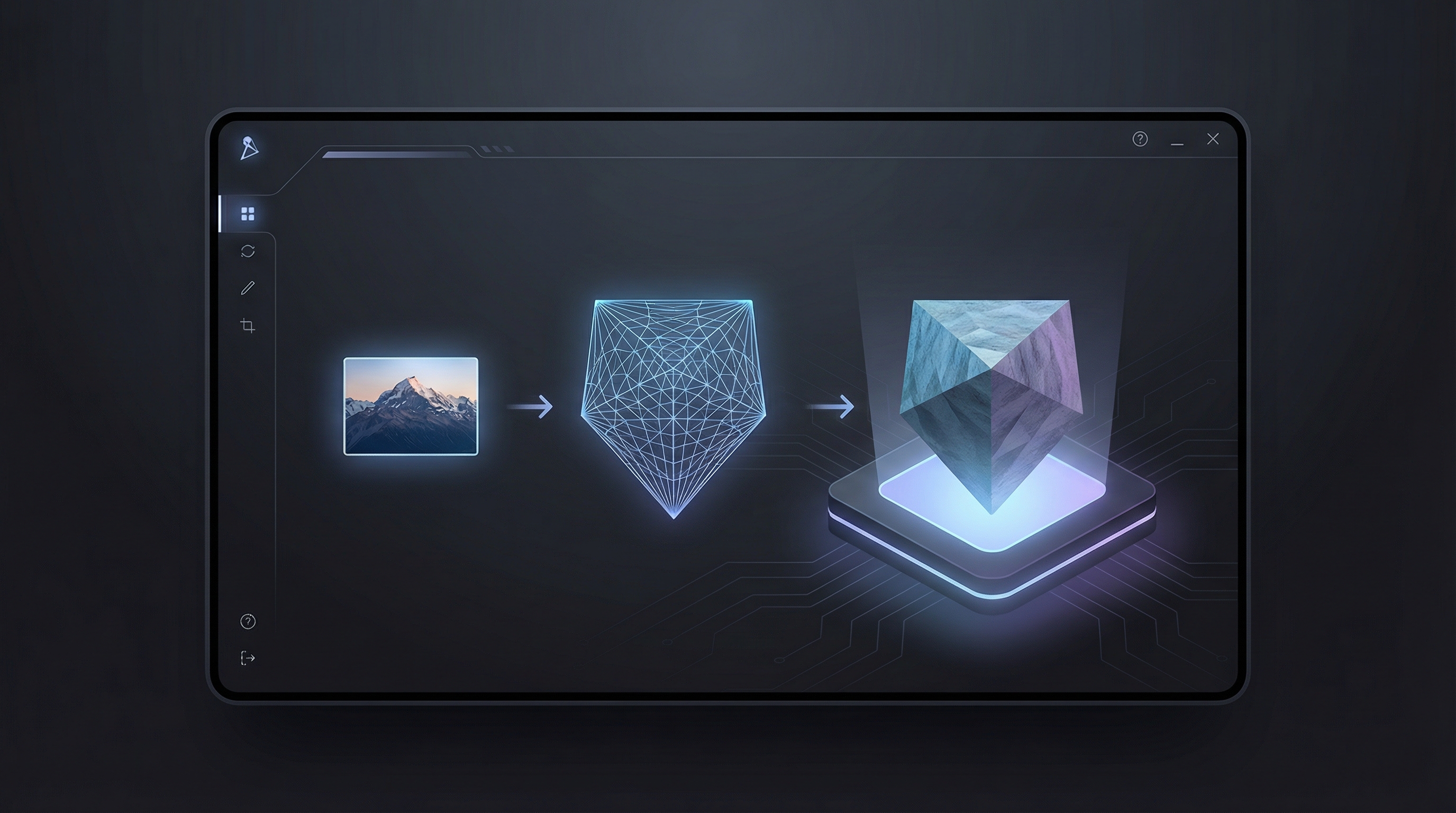
當你需要從產品圖片、道具草圖、家具照片、角色概念或視覺參考快速產出 3D 模型草稿時,HeyDream AI 上的 Tripo 3D 2.5 就很有用。你不必從一個空白的 3D 場景開始,而是從來源圖片出發,使用 AI 3D 模型生成器 的工作流程,建立可預覽的 3D 資產。
實際價值在於速度。行銷人員可以快速測試產品 mockup,遊戲設計師可以先把道具 block out,教育者可以把視覺想法變成課堂模型,AR 創作者也能先確認物件是否具備足夠的視覺結構可用於 3D 預覽。其結果最適合作為「模型草稿」:用於探索、檢視、概念提案與早期製作規劃都很實用。
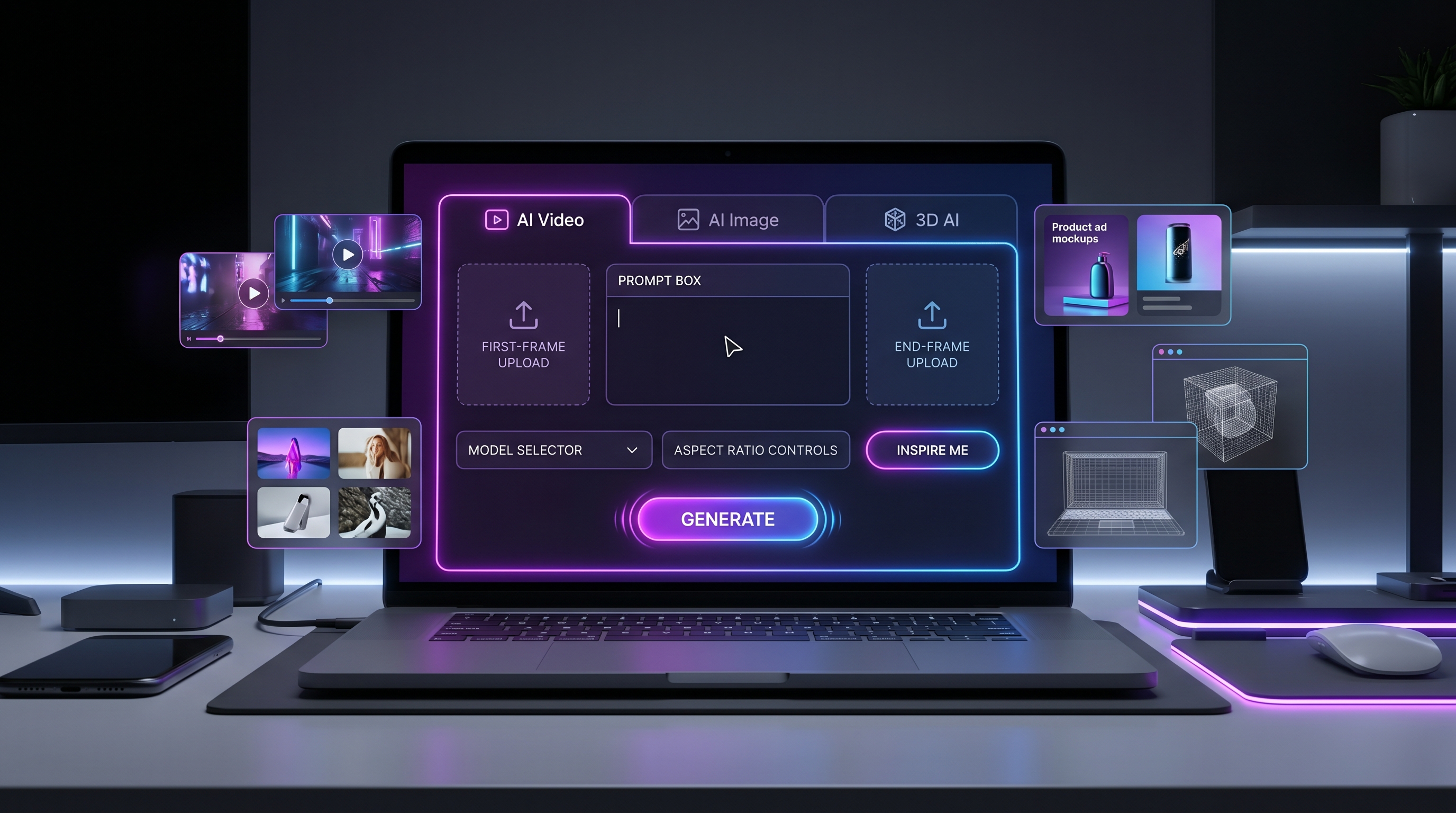
HeyDream AI 是個不錯的起點,因為它把 Tripo 3D 2.5 的模型頁面,與更完整的創作工作流程串在一起,包括 Image to 3D、AI Image Generator、Text to Image、Image to Image、AI Video Generator、Image to Video,以及 Text to Video。這讓你更容易從影像概念走到 3D 模型草稿,接著在資產方向明確後,再延伸成視覺預覽或影片概念。
為了得到最佳結果,請把 Tripo 3D 當成快速的視覺建模夥伴,而不是取代最終製作管線的方案。你的來源圖片、提示詞與檢視流程越好,生成的草稿就越有用。

如何為 Image to 3D AI 準備來源圖片
來源圖片是 image to 3D AI 工作流程的基礎。清晰的圖片能提供模型更強的線索:輪廓、深度、材質、顏色與物體辨識;雜亂的圖片則會讓模型需要猜測太多。
請使用乾淨的參考圖,內容是你想轉成 3D 模型的物件、產品、角色或道具。主體應置中、完整可見、光線充足,並與背景分離。避免動態模糊、過重陰影、邊緣被裁切、反光眩光、複雜重疊的物件,以及難以辨識的細小細節。目標是得到適用於遊戲原型、產品 mockup、AR 預覽、概念圖、3D 列印準備或動畫草稿的 3D 模型。
做產品相關工作時,請選擇能清楚呈現物體形狀的圖片。鞋子的照片最好能看出鞋底厚度、鞋頭形狀、材質對比與側面輪廓。椅子的照片應能看出座面、椅腳、背靠與比例線索。包裝照片則應清楚呈現正面尺寸與材質方向,而不是依賴極小的印刷文字。
對角色或玩具概念而言,建議簡化參考。大輪廓、清楚的四肢、可讀的配件,以及明確的色塊,通常比堆滿小飾品的繁複服裝更好。如果後續會交由 3D 美術清理,請優先確保最重要的形體:頭部形狀、身體比例、姿勢與配件。
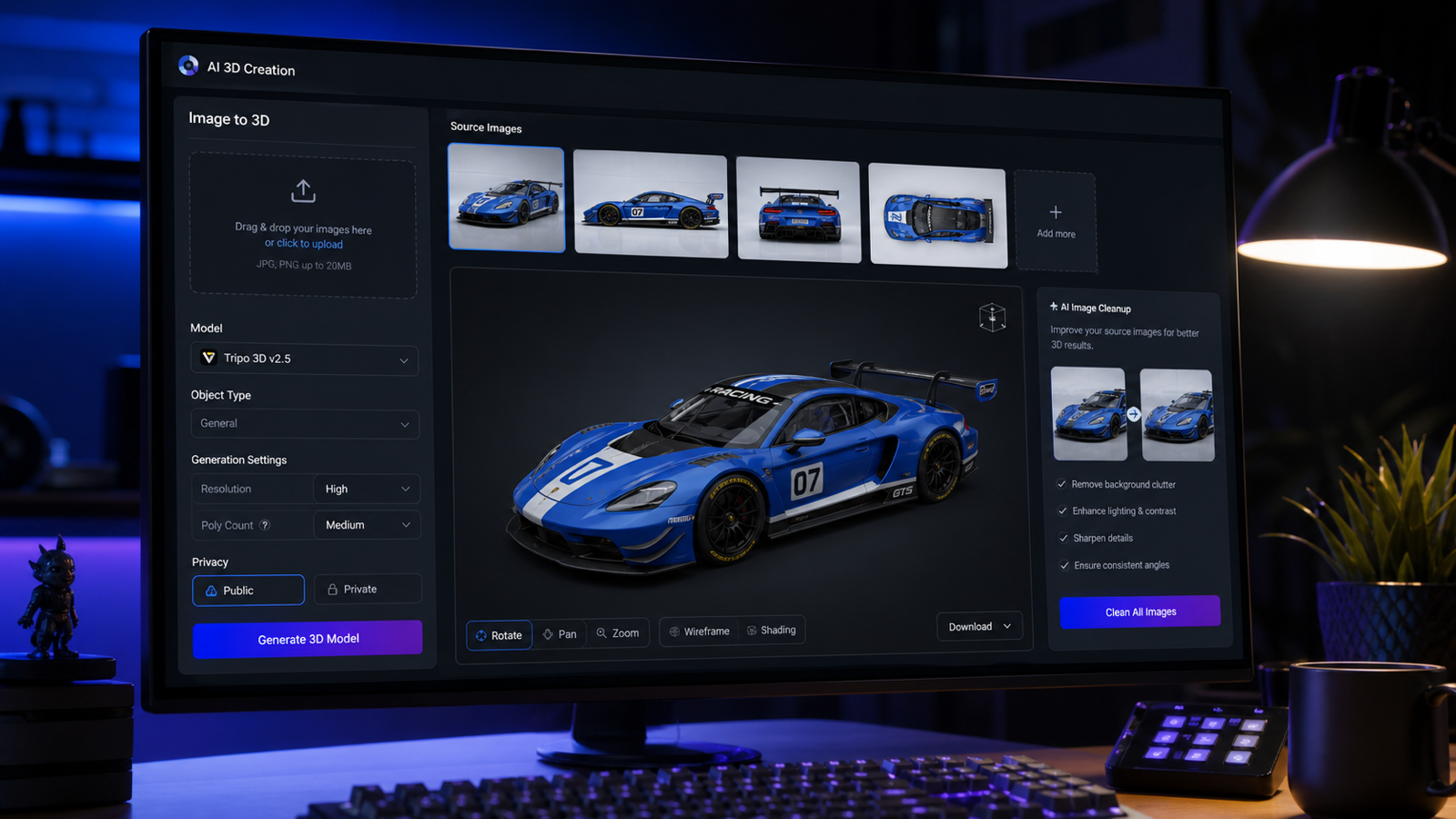
當主體需要更可信的深度時,多圖參考特別有用。請使用同一主體的多張參考圖:正面、側面、背面與 3/4 角度。各視角需保持一致的物體辨識、比例、輪廓、材質方向與色彩配置。這樣更能生成具有可用幾何、可辨識的貼圖方向與清楚物體結構的乾淨 3D 模型草稿。

如何在 HeyDream AI 上一步步使用 Tripo 3D 2.5
基本的 HeyDream AI 3D 模型生成器 流程很簡單:進入 Tripo 3D 2.5 頁面、提供來源圖片或參考方向、生成 3D 模型草稿,然後在決定下一步前先檢視結果。重點不只是生成一次,而是要檢視、修正,並保存最適合下游用途的版本。
- 開啟 HeyDream AI 上的 Tripo 3D 2.5。
- 當模型需要保留產品、道具、家具、角色或物件設計時,上傳乾淨的來源圖片。
- 當你需要更強的深度引導時使用多視角,尤其是產品、家具、遊戲道具與玩具。
- 若工作流程支援,加入簡短提示詞。描述物件類型、材質、風格、尺度與用途。
- 選擇頁面上可見的生成設定,包括可用時的隱私或公開設定。
- 生成模型並等待預覽。
- 旋轉預覽並檢查輪廓、背面細節、表面瑕疵、缺漏部位與貼圖對齊。
- 決定是否用更好的來源圖重新生成、用草稿做概念預覽,或送進 3D 清理管線。
當頁面或專案流程允許提示詞引導時,可使用這個文字提示詞支援公式:
Create a 3D model of [object/character/prop/product] with [shape], [material], [style], [scale], and [main details]. The model should be suitable for [game asset / product visualization / AR preview / toy concept / animation prop]. Keep the silhouette clear, avoid tiny fragile details, and prioritize readable form from all angles.
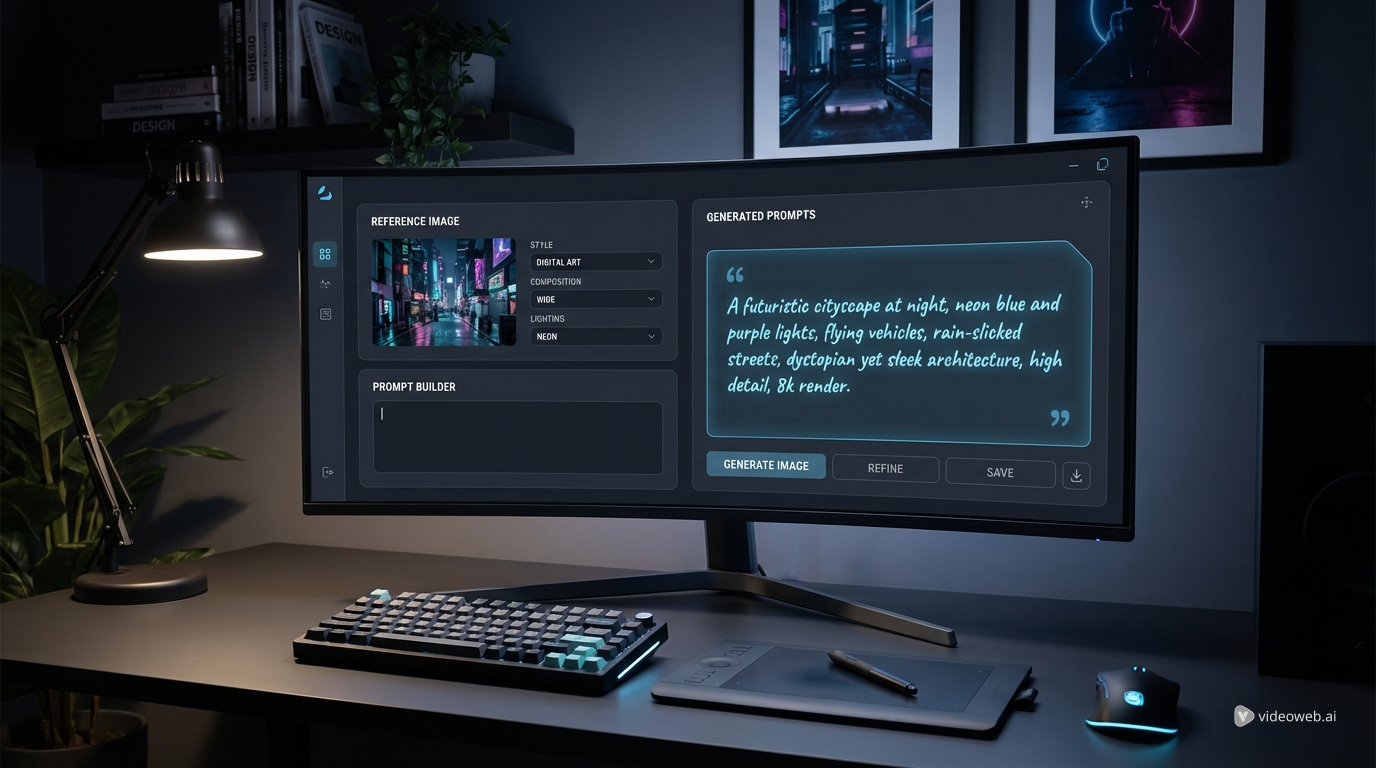
對 HeyDream 使用者而言,一個實用的流程是先用 Text to Image 或 Image to Image 先建立或改善參考圖片,再把更乾淨的參考送入 Image to 3D 工作流程。這能讓視覺概念與 3D 草稿維持一致性。

提示詞公式與 12 個 Tripo 3D 模型 AI 創建示例
好的提示詞能縮小模型需要做的判斷範圍。對於 Tripo 3D 模型 AI 創建,避免嘗試描述整個電影場景;請描述資產本身、形狀、材質、風格、尺度與用途。
使用這個可重複使用的 image-to-3D 準備公式:
Use a clean reference image of [object/product/character/prop]. The subject should be centered, fully visible, well-lit, and separated from the background. Avoid motion blur, heavy shadows, cropped edges, reflective glare, complex overlapping objects, and unreadable tiny details. The goal is a 3D model suitable for [game prototype / product mockup / AR preview / concept art / 3D printing preparation / animation draft].
使用這個多圖參考公式:
Use multiple reference images of the same subject: front view, side view, back view, and 3/4 angle. Preserve the same object identity, proportions, silhouette, material direction, and color palette across all views. Generate a clean 3D model draft with usable geometry, recognizable texture direction, and clear object structure.
測試 Tripo 3D 2.5 或相關 photo to 3D model generator 工作流程時,可直接複製使用以下提示詞範例:
- Turn this product photo into a clean 3D model draft. Preserve the product shape, rounded edges, material texture, and main proportions. Keep the model suitable for ecommerce visualization and AR preview.
- Use these front, side, and back images as references. Generate a 3D model of the same object with consistent proportions, clean silhouette, realistic texture direction, and no extra decorative parts.
- Create a 3D model of a small wooden chair with curved legs, smooth oak material, simple seat cushion, clean geometry, and game-ready draft style.
- Turn this toy sketch into a 3D model concept. Preserve the cute silhouette, large head, short limbs, and simple accessories. Make the result suitable for toy design preview.
- Create a 3D model of a fantasy lantern prop with brass frame, frosted glass, small handle, warm glowing center, readable silhouette, and clean low-detail structure.
- Use this sneaker image as the reference. Preserve the shoe proportions, sole thickness, material contrast, and color placement. Generate a 3D draft for product visualization.
- Create a stylized game prop: a worn leather backpack with straps, buckles, side pockets, soft fabric folds, and clear readable form from all sides.
- Turn this furniture image into a 3D model. Keep the table shape, leg placement, wood grain direction, and clean scale. Avoid extra objects from the background.
- Create a 3D model of a ceramic coffee mug with a smooth handle, glossy surface, simple shape, and subtle handmade texture, suitable for a product mockup.
- Generate a 3D character prop from this concept image. Preserve outfit silhouette, main color blocks, hairstyle shape, and accessory placement, but keep the model simple enough for cleanup.
- Create a 3D model of a sci-fi crate with beveled edges, panel seams, metal material, a blank label area, and clean geometry for a game prototype.
- Turn this food package image into a 3D product model draft. Preserve the box dimensions, front-panel layout, and material feel, while avoiding fake readable brand text.
最強的提示詞通常是能明確指出「哪些一定要保持可辨識」的那一種。如果來源圖包含雜亂背景,請直接講清楚:保留主體、忽略背景、不要添加無關部件。

檢視幾何、貼圖、尺度、匯出與真實創作者使用情境
最有用的 3D 草稿,是在你把它拿去專案使用前,已經被仔細檢視過的那一個。請旋轉模型,從正面、側面、背面、頂視與 3/4 角度檢查。觀察是否有清楚的輪廓、乾淨的主要形體、可信的貼圖方向,以及仍與來源圖片一致的物體辨識。
使用這個品質檢視公式:
Inspect the generated 3D model for silhouette accuracy, geometry cleanliness, texture alignment, surface artifacts, missing back details, scale, holes, floating parts, and export usability. Decide whether it is ready for preview, needs a new source image, or should be cleaned in 3D software.
對遊戲原型而言,確認網格在遊玩距離是否仍可讀。對電商與產品視覺化,確認產品尺寸感、材質印象與正面輪廓仍準確。對 AR 或教育用途,儘早確認尺度與朝向。對 3D 列印準備,請規劃在專業 3D 工具中進行網格清理、壁厚檢查、支撐結構與格式測試。
若用於客戶或商業用途,請再加上一個最終交付檢查:商業使用條款、來源圖片授權、隱私設定、匯出選項、下載規則、貼圖品質、多邊形品質,以及 HeyDream 與 Tripo 頁面上顯示的任何授權限制。這些細節可能會變動,因此建議放進專案檢查清單,而不是寫死在創意簡報中。
HeyDream AI 在創作者工作流程中的定位
HeyDream AI 很適合作為瀏覽器端的創作中樞,把影像想法推進到 3D 草稿。概念藝術家可以先生成參考圖、再生成 3D 模型草稿,接著用 Image to Video 或 AI Video Generator 做視覺預覽。電商團隊可以先生成多個產品圖變體,再測試哪一張能產出最乾淨的 3D 模型。玩具設計師可以比較多個輪廓版本,再把其中一個模型交給專家清理。
當你需要 Tripo 的官方資訊時,請使用 Tripo AI 與 Tripo Platform Documentation,尤其是支援模式、API 工作流程、text-to-3D 細節、下載或平台特定使用條款。若要掌握實作導向的創作者流程與當前瀏覽器體驗,則以 HeyDream 頁面為主。
相關文章
- Tripo 3D Model AI Creation: How to Turn Images into 3D Models with HeyDream AI
- Image to 3D on HeyDream AI: A Practical Tripo 3D Step-by-Step Guide
- HeyDream AI Website Updates: A New Creative Launchpad for Images, Videos, and 3D
- HeyDream AI Image Generator Guide & Model Comparison
- How to Turn Images Into Better AI Prompts with HeyDream AI
- How to Turn Real Photos into Anime Art with HeyDream AI
其他人也會讀
- Free Online 3D Viewer: Open and Inspect 3D Models in Your Browser
- Text to 3D Generator with Meshy 3D: Create Better AI 3D Models from Prompts
- Meshy AI vs Tripo 3D AI Review: Which AI 3D Generator Fits Your Workflow?
- Tripo 3D H3.1 Upgrade Guide: What Changed and How to Create Better AI 3D Models
- Best AI 3D Model Generator in April 2026? A Review of Meshy 6
- 3D AI Studio Review: Features, Pricing, and How It Handles Image-to-3D Modeling
- Canva AI 3D Model Generator Review: What It Does Well and What It Doesn’t
- HexaGen Image-to-3D Review: What It Does Well & What Still Feels Unclear
常見問題(FAQ)
Tripo 3D 能把任何圖片變成可直接上線的成品模型嗎?
它可以協助快速產出 3D 模型草稿;是否能用於正式製作,取決於模型品質、清理需求、來源授權、匯出設定,以及最終專案標準。
我應該用一張圖片還是多張圖片?
簡單物件用一張乾淨圖片即可;若是產品、家具、玩具、角色與道具,且背面或側面結構很重要,請使用多視角。
生成後我該檢查什麼?
檢查輪廓、幾何、貼圖對齊、尺度、破洞、漂浮零件、背面細節,以及模型是否能匯出或能否清理以符合你的用途。
我可以在 Tripo 3D 生成前先用 HeyDream AI 嗎?
可以。你可以先用 HeyDream AI 的影像工具做出更乾淨的參考,再用 Tripo 3D 2.5 或 Image to 3D 工作流程測試模型草稿。
結論
一篇實用的 Tripo 3D 指南,重點不在一鍵生成,而在可重複的判斷流程:挑選乾淨來源圖、給模型清晰聚焦的指令、從各角度檢視結果,並決定下一個製作步驟。在 HeyDream AI 上,Tripo 3D 2.5 是一個方便的方法,能把以圖生 3D 的草稿測試,與影像、影片及整體創作工具一起使用,特別適合想快速從想法走到預覽的人。